New Trade Zone
Trade Zone is now live
Use the new Trade Zone for auctions and instant-price trades so Pokemon and item offers are easy to find.

Starvos
Registered User
-
Joined
-
Last visited
-
pokemon revolution online trades are heavily focused at trading with pokedollars.while this is ok i think it would be cool to add a new feature just like in the actual games, the gts.players will have the ability to trade a pokemon with a pokemon of their choice.the user will send out a pokemon and ask for example a garchomp with 24+ attack and 27+ speed rest 15+ adamant or jolly nature, sand veil ability.if another user has a pokemon that meets the criteria he could do the trade even when the other person is offline.we could even add more than one pokemon.i want to encourage pokemon for pokemon transactions this way. let me know what you think and pls dont hate, it is just an idea of mine.thx for reading and sorry if my english are bad.
-
released my conkeldurr by mistake pls help i am on silver server

-
1. What's your Player name (IGN)? starvosgr10 2. Number of hours played? 1258 3. What's your favorite Pokemon? rotom 4. What country are you from? greece 5. How old are you? 20 6. When's your Birthday? 23/03/1999
-
-
-
sold you can lock it
-
bo 200k instant 500k ends in 22 hours
-
i sell it when i am happy with the offer
-
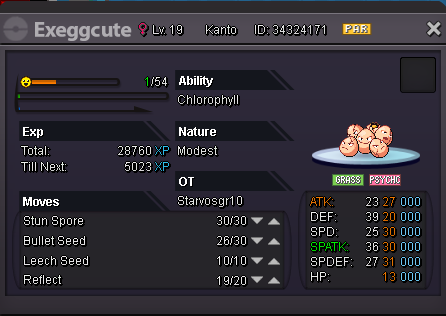
pm me ign starvosGR10
-
Re: excagod, azumarill, and h.a cacturne <t>wtb azumarill</t>
-
-
are the red servers down?