New Trade Zone
Trade Zone is now live
Use the new Trade Zone for auctions and instant-price trades so Pokemon and item offers are easy to find.

Keja
Suspended
-
Joined
-
Last visited
Everything posted by Keja
-
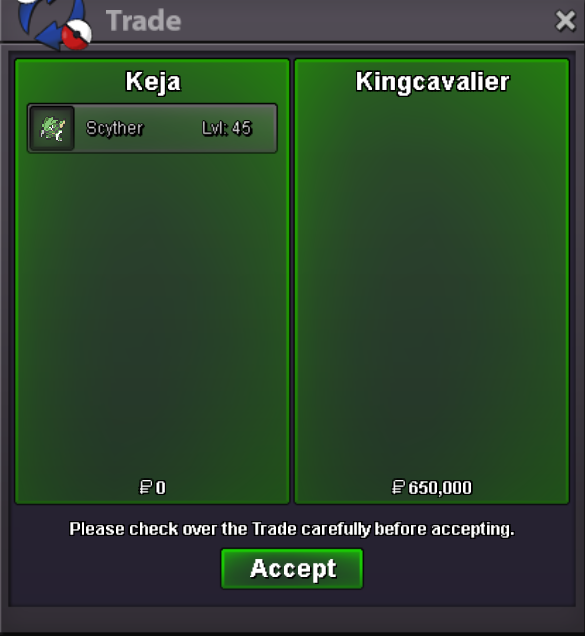
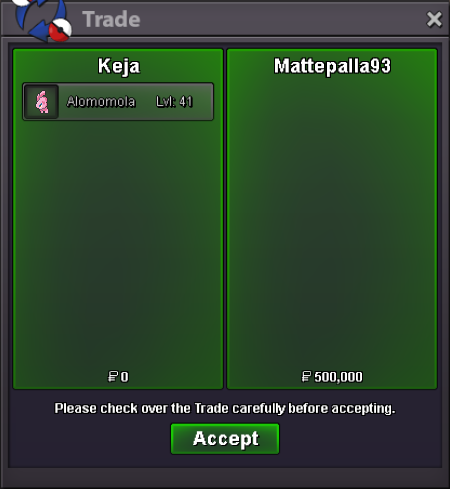
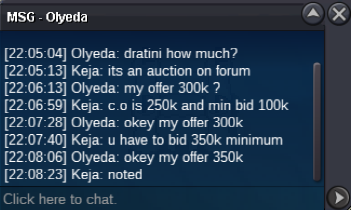
Auction Details: Start Price: 250k Min bid: 50k Auction end: 24 hours after first bid Insta: none Accepted Items: CC: 450k IV RR: 650K
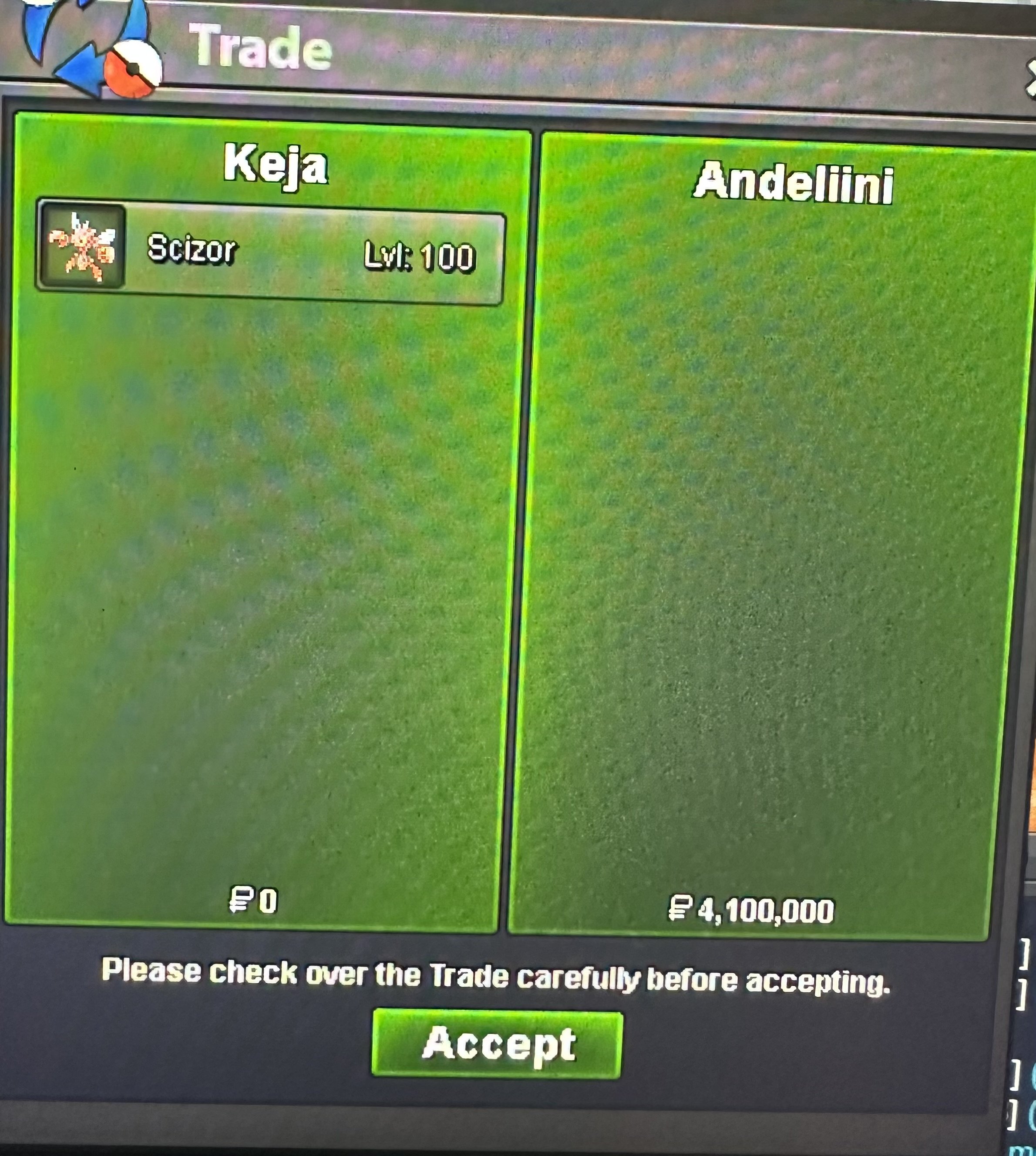
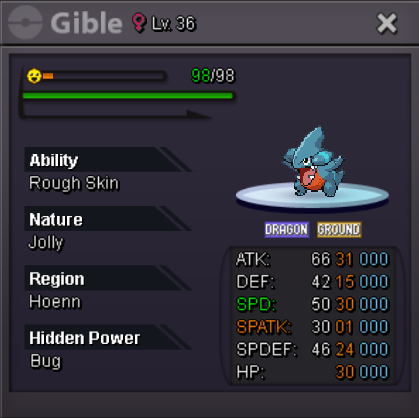 Auction Details: Start Price: 100k Min bid: 50k Auction end: 24 hours after first bid Insta: none Accepted Items: CC: 450k IV RR: 650K
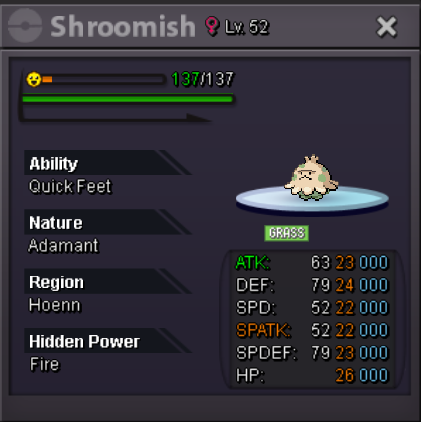 Auction Details: Start Price: 250k Min bid: 50k Auction end: 48hours after first bid Insta: none Accepted Items: CC: 450k IV RR: 650K
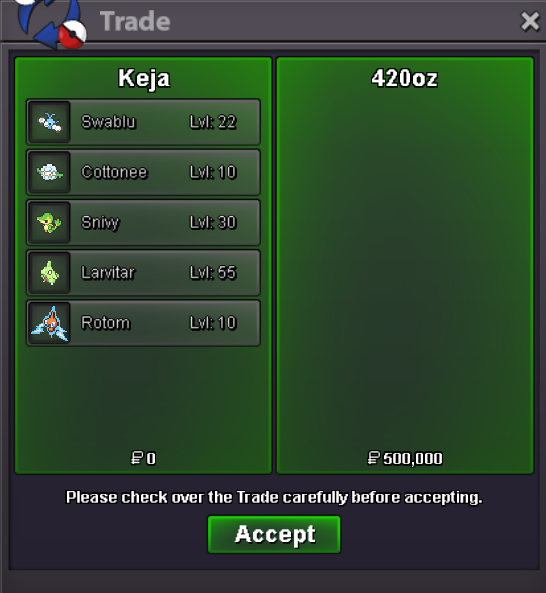
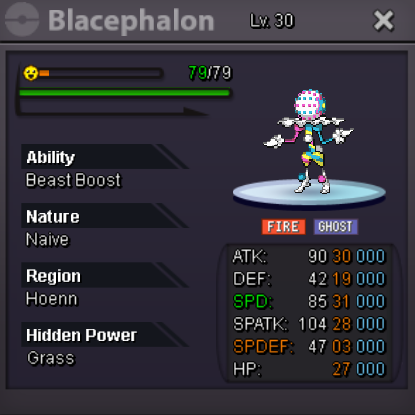 Auction Details: It is not a bundle! Start Price: 100k each Min bid: 50k each Auction end: 24hours after first bid Insta: none Accepted Items: CC: 450k IV RR: 650K Pasted as rich text. Paste as plain text instead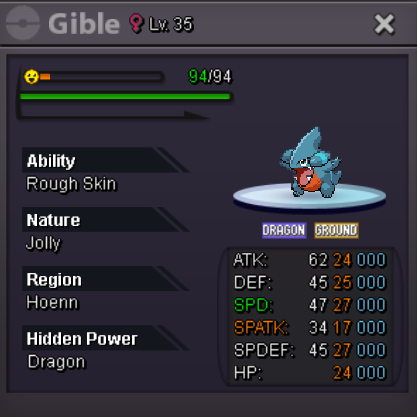
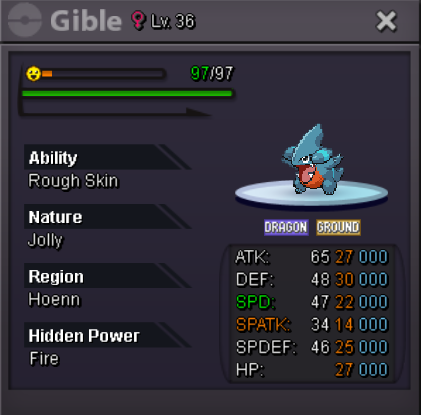 Auction Details: Start Price: 100k Min bid: 50k Auction end: 24hours after first bid Insta: none Accepted Items: CC: 450k IV RR: 650K
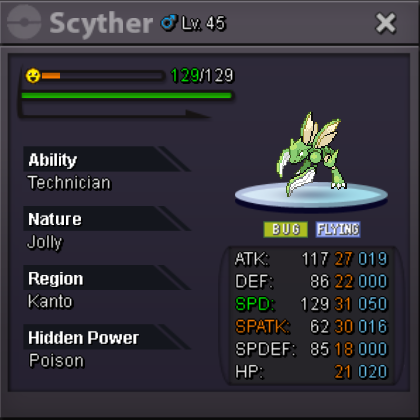 Thank you for all of your work and love you put into the game and the community. I wish you all the best for your health recovery, Keita.Auction Details: Start Price: 1m Min bid: 100k Auction end: 72hours after first bid Insta: none Accepted Items: CC: 450k IV RR: 650K
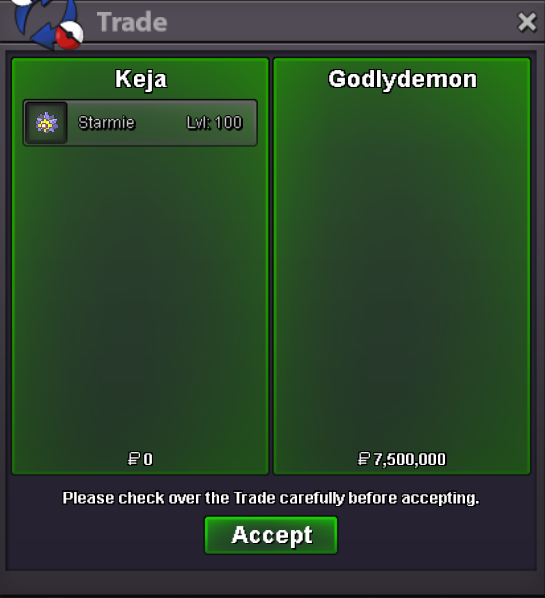
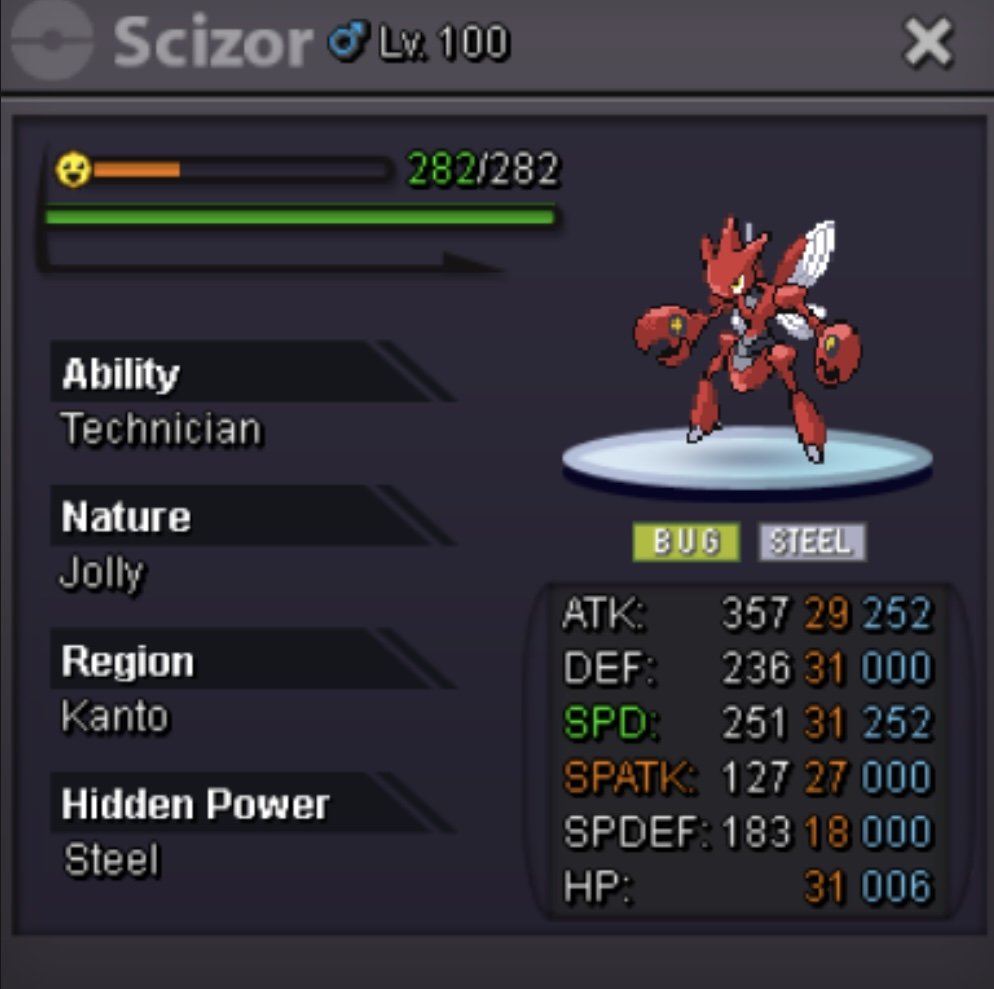 Auction Details: Start Price: 1m Min bid: 100k Auction end: 72hours after first bid Insta: none Accepted Items: CC: 450k IV RR: 650KThis auction is already over and Godlyd3mon won with his 7.5m bid.Auction Details: Start Price: 1m Min bid: 100k Auction end: 24hours after first bid Insta: none Accepted Items: CC: 450k IV RR: 650K Hidden Power: Ground
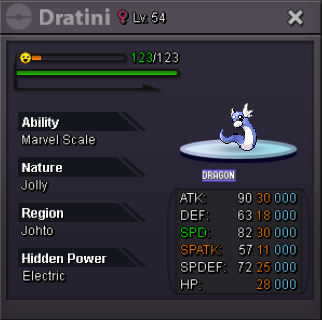
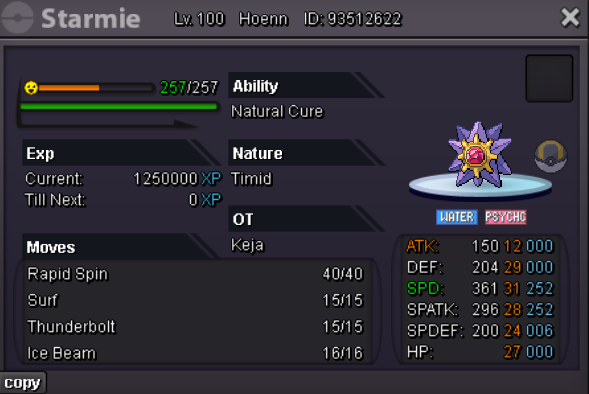 This is not a bundle auction. Auction Details: Start Offer: 250k each End: 24 hours after first bid Insta: / Minimum Raise: 100k each Accepted Items: CC: 450k IV RR: 650K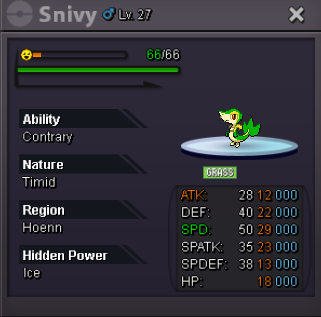
Account
Navigation
Search
Configure browser push notifications
Chrome (Android)
- Tap the lock icon next to the address bar.
- Tap Permissions → Notifications.
- Adjust your preference.
Chrome (Desktop)
- Click the padlock icon in the address bar.
- Select Site settings.
- Find Notifications and adjust your preference.
Safari (iOS 16.4+)
- Ensure the site is installed via Add to Home Screen.
- Open Settings App → Notifications.
- Find your app name and adjust your preference.
Safari (macOS)
- Go to Safari → Preferences.
- Click the Websites tab.
- Select Notifications in the sidebar.
- Find this website and adjust your preference.
Edge (Android)
- Tap the lock icon next to the address bar.
- Tap Permissions.
- Find Notifications and adjust your preference.
Edge (Desktop)
- Click the padlock icon in the address bar.
- Click Permissions for this site.
- Find Notifications and adjust your preference.
Firefox (Android)
- Go to Settings → Site permissions.
- Tap Notifications.
- Find this site in the list and adjust your preference.
Firefox (Desktop)
- Open Firefox Settings.
- Search for Notifications.
- Find this site in the list and adjust your preference.