New Trade Zone
Trade Zone is now live
Use the new Trade Zone for auctions and instant-price trades so Pokemon and item offers are easy to find.

Calithz
Registered User
-
Joined
-
Last visited
Everything posted by Calithz
-
I'm actually Online
-
I just created a new character on silver server, but i cant move from the start , everything seems reset except my time played, but i'm stuck now.
-
Hi ^^ You can reset my account, it will be better for me to start again from scratch. Thanks for your help and dont need to apologies ❤️
-
Hi, Like i said, i had nothing : no item, no pokemon , pokedex empty , only had 1339 pokedollar. But i found the bellsprout in the viridian maze and found berry on the road to the starter village.
-
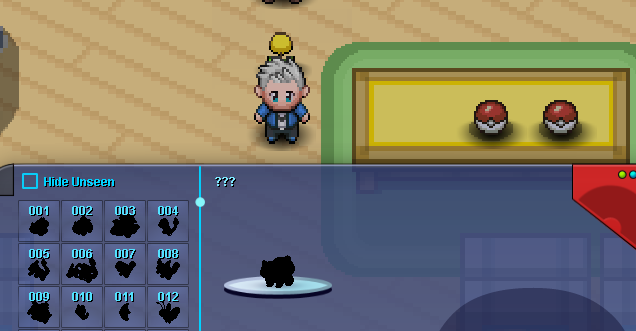
Hi, Just came back to PRO and after change my password , i merged my old red character to be able to use it on silver server. But when i logged in, i was in the viridian maze with no pokemon, no items, nothing !! I found a bellsprout on the ground then I asked for some help on the discord and someone helped me to go out the maze with a friendly battle. I checked the PC and there was no pokemon my pokedex was empty too. I came back to the Konoha village for a new starter but seems the Akatsuki stole my bulbasaur. So, i just ask if it's possible to delete my silver character so i can make a new one and start from scratch ? (I know i can make a new one on gold server but ...) Thanks for you help and sorry for my poor english xD