Skip to content
View in the app

A better way to browse. Learn more.

Pokemon Revolution Online

A full-screen app on your home screen with push notifications, badges and more.

To install this app on iOS and iPadOS
  1. Tap the Share icon in Safari
  2. Scroll the menu and tap Add to Home Screen.
  3. Tap Add in the top-right corner.
To install this app on Android
  1. Tap the 3-dot menu (⋮) in the top-right corner of the browser.
  2. Tap Add to Home screen or Install app.
  3. Confirm by tapping Install.
New Trade Zone
Trade Zone is now live
Use the new Trade Zone for auctions and instant-price trades so Pokemon and item offers are easy to find.

Open Trade Zone

Grabarz23

Registered User
  • Joined

  • Last visited

Everything posted by Grabarz23

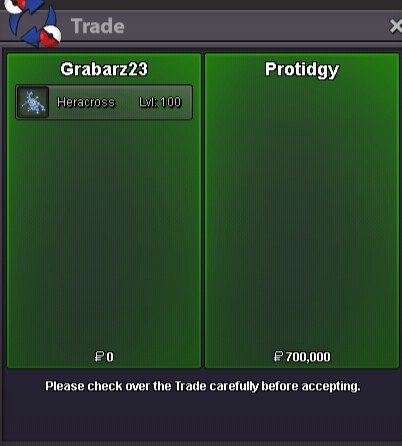
  1. Aegislash HP Ice 26+ sold
  2. Tyranitar 31 spd 20+ sold
  3. Salamence 31 spd 21+/ Hydreigon 20+ sold
  4. 1. I dont sell CC i only accept them as payment method which means other players can buy my pokemons from the shop with cc at the price of 450k. THAT MEANS I DONT SELL CC !!! 2. I do not sell low level pvpable pokes, all the pokes in my shop are over lvl 95 and ev trained ( unless i forgot and put wrong pokemon in the shop by mistake) hope that clarify some stuff for you
  5. @Subhransugudi i cant be online anymore i will be available in around 10-12 hours
  6. let me know what you want to buy and i will log in to the game
  7. it seems ive forgotten to edit my shop and take down the hawlucha as it was sold on march 16th i apologise for the inconvenience ive created by not deleting the poke from the shop
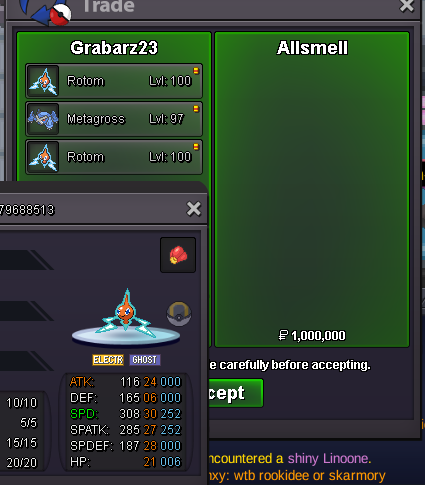
  8. Kommo-o/ Mantine/ Rotom sold
  9. Houndoom 24+ sold with discount as it was untrained
  10. Charizard jolly 31 spd 20+/ Charizard timid 31spd 20+ and Rotom Hp fire 30 spd 21+ sold

Account

Navigation

Search

Search

Configure browser push notifications

Chrome (Android)
  1. Tap the lock icon next to the address bar.
  2. Tap Permissions → Notifications.
  3. Adjust your preference.
Chrome (Desktop)
  1. Click the padlock icon in the address bar.
  2. Select Site settings.
  3. Find Notifications and adjust your preference.