




New Trade Zone
Trade Zone is now live
Use the new Trade Zone for auctions and instant-price trades so Pokemon and item offers are easy to find.

Kakashi7
Registered User
-
Joined
-
Last visited
-
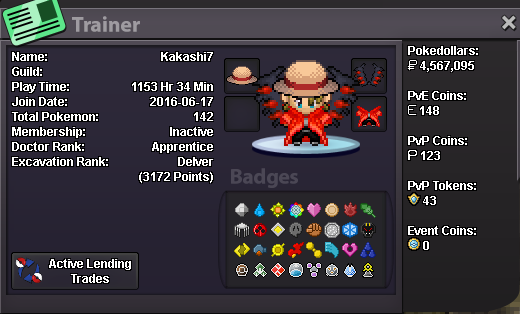
Hello my name is Vasilis (in game name is Kakashi7). I am 25 years old and i am from Greece. My discord name is mitaraki , and i am online every day. I played the game for 2-3 years and then i used to play the events, then i quitted for my university duties and now i am back and i am interested in events and pvp.
-
-
Re: ∞ BlaZe ∞ ⎪Red Server⎪First Guild Of PRO's 3 servers⎪ (PvP tournament semi-finals) <t>1. Kakashi7<br/> 2. Charizard because it's my favorite pokemon from my childhood and i LOVE the fire type pokemon . Also i like this pokemon because he carry Ash on the anime and he is the strongest pokemon of Ash of all regions ( Ash always need Charizard to move forward <3 ) . In addition he is my first pokemon in this game ( charmander ) . Also i like this pokemon because he is very badass !!!<br/> 3. i want to complete the pokedex and to become the pokemon master<br/> 4. 208 HR and 58 Min<br/> 5. 18<br/> 6. i dont have a pvp team. I will create one in the future !!!</t>Re: Akatsuki ☁ {RED SERVER} <t>1. 80 hours<br/> 2. Complete Kanto and Johto<br/> 3. yes<br/> <br/> <br/> 1. kakashi7<br/> 2. yes exept the first rule about hours<br/> 3. of course</t>hi ... i am kakashi7 .. i am new


