New Trade Zone
Trade Zone is now live
Use the new Trade Zone for auctions and instant-price trades so Pokemon and item offers are easy to find.

Jessbalta
Registered User
-
Joined
-
Last visited
Everything posted by Jessbalta
-
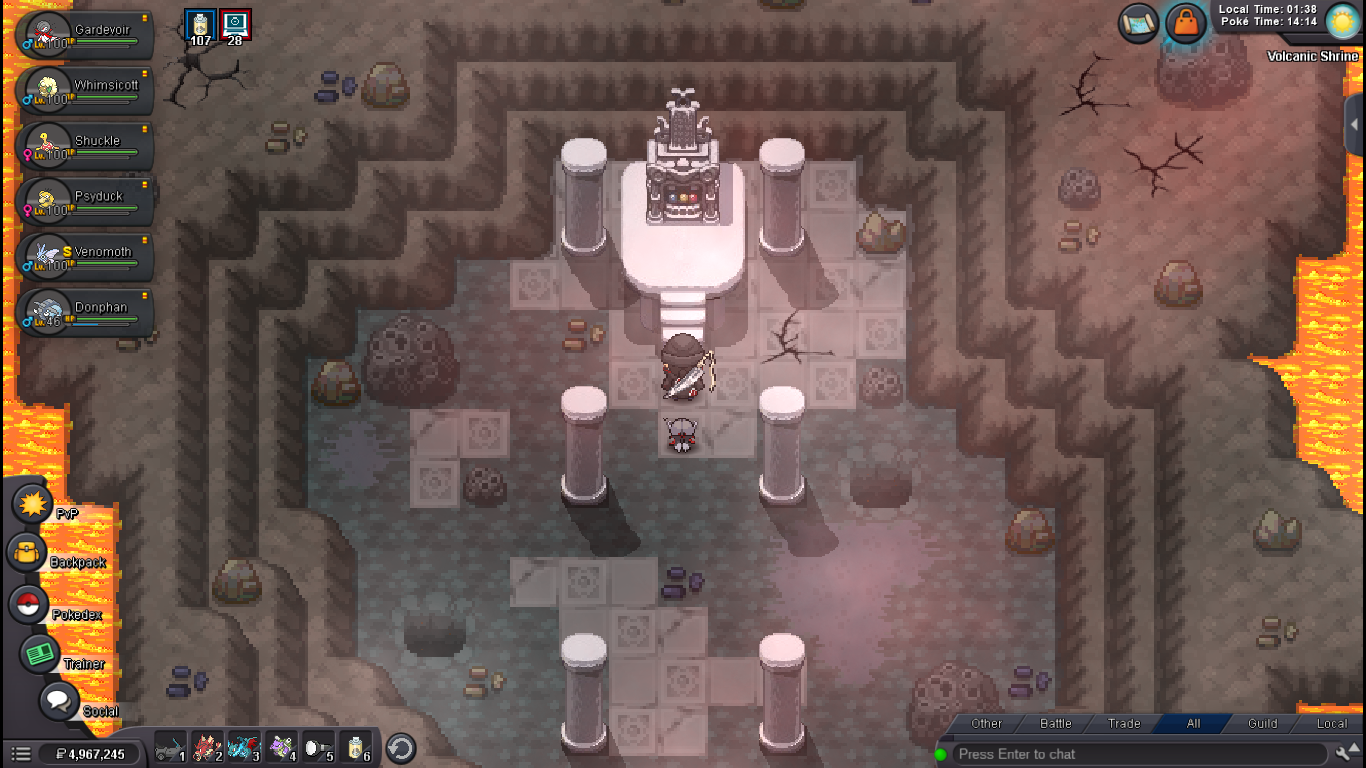
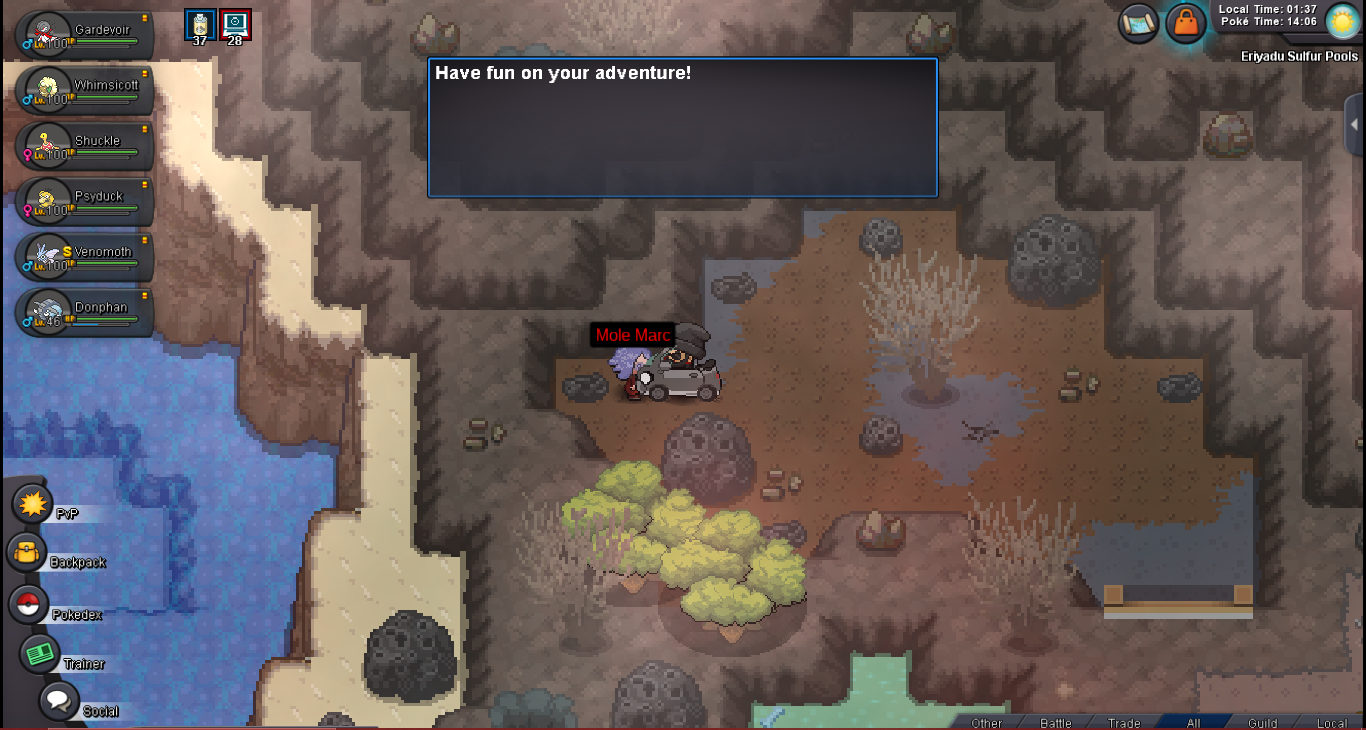
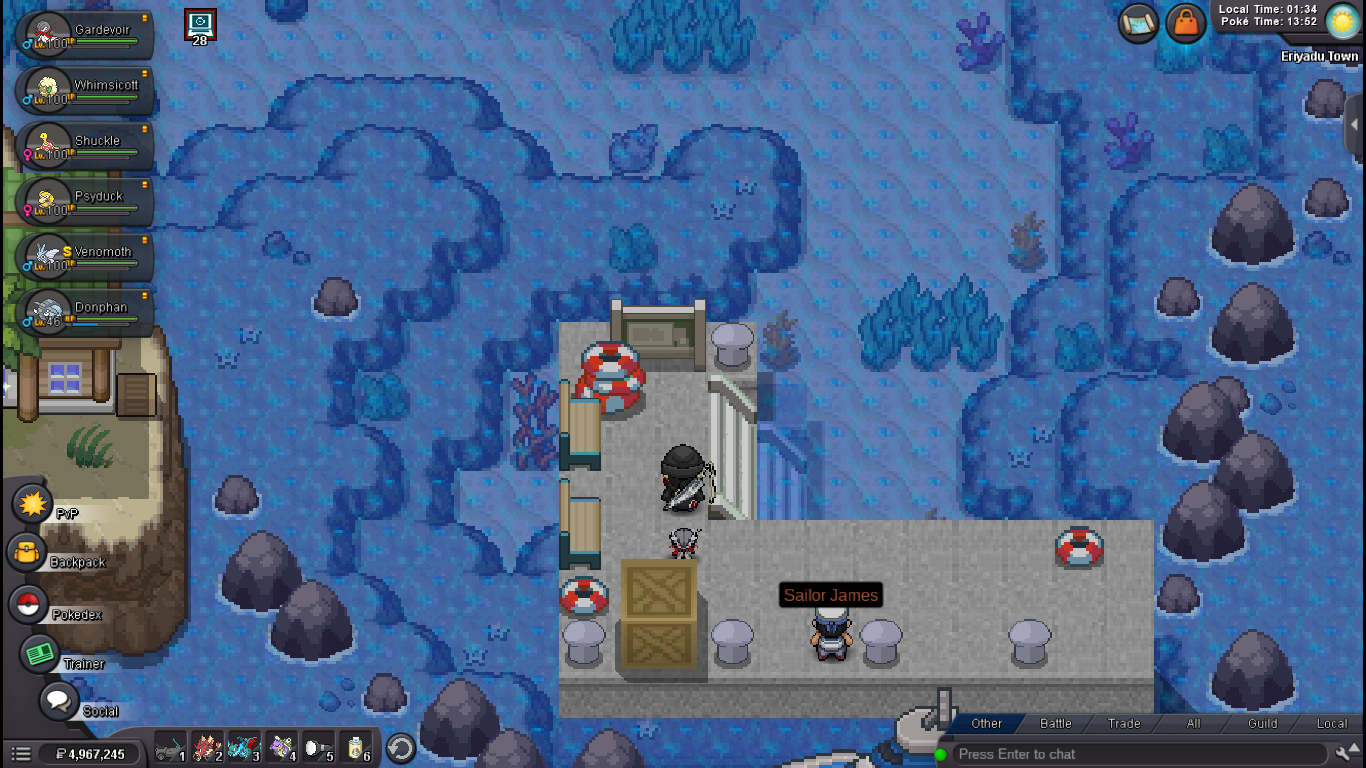
the direct screenshots:

-
https://imgur.com/oic0irQ https://imgur.com/OsnqTHp https://imgur.com/fRYvYoK https://imgur.com/f2qh8BA
-
Hi, I never start the volcanion quest before but when I come to Eriyadu Town the quest never starts, dosent appear the npc when I go to the house he say that I need the Items But when I go to the firt one the boss dosen't start the figth and the cave is open without the item I just want to get the normal quest to catch the poke, pls!
-
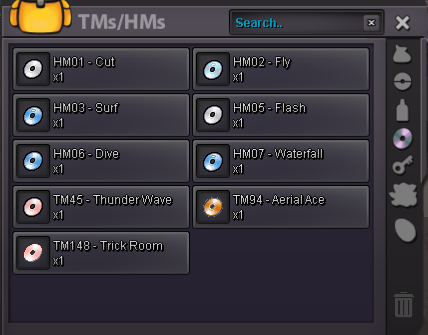
as soon as I finish the quest, I went to see my backpack, when I realized I had lost almost all my items, I only had the ones I had found in the quest, I literally lost hundreds or maybe thousands of healing items, rare candies and other objects like leftovers and pvp items and all my Tms, I don't know exactly how many objects I loss, cause are objects that I have collected for years... the key objects and customizations look complete, but the others not. I relog many times, but still the same, I really hope someone can help me get my items back.