




New Trade Zone
Trade Zone is now live
Use the new Trade Zone for auctions and instant-price trades so Pokemon and item offers are easy to find.

Rkiriakos
Registered User
-
Joined
-
Last visited
Everything posted by Rkiriakos
-
update insta last Day! Gl
-
Thanks for offer GL
-
-
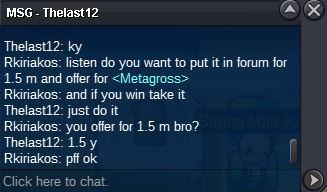
I tell i want insta 2 m but i can accept a offer close to my insta,50 % down isnt close,but realy thanks for that offer!
-
-
hi i want to buy roggerola 120 k i pay more and febbas 200k i pay more pm in game rkiriakos or in discord TutanRes #4931.... Thanks
-
-
-
-
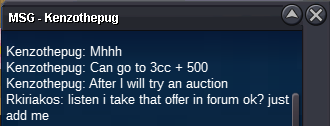
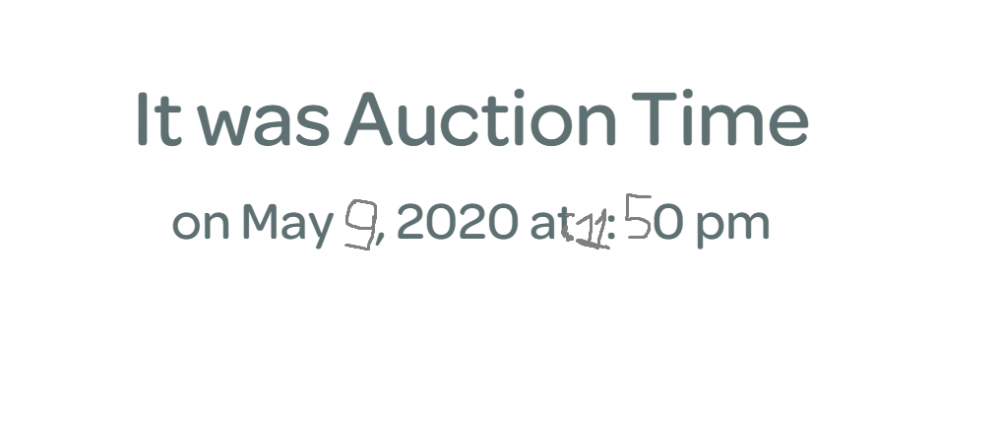
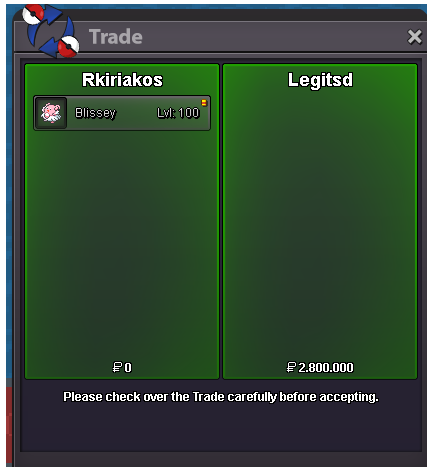
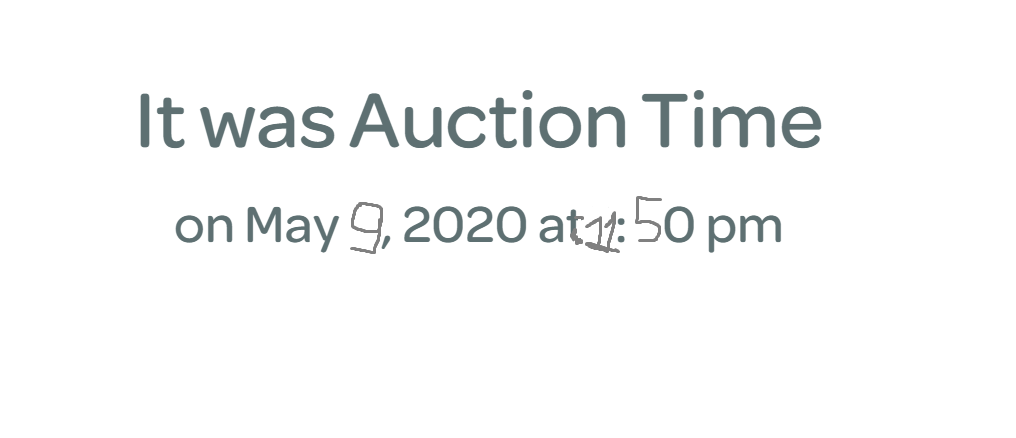
3 cc and 500 k by Kenzothepug for blissey start the time now but for 2 days!!! GL
-
-
C.o is 350k if you want.Ofc I don't accept,thanks!
-
I guess you mean 350 k bro? Let me know to start the auction plz. thanks
-
-
gliscor bold solt out
-
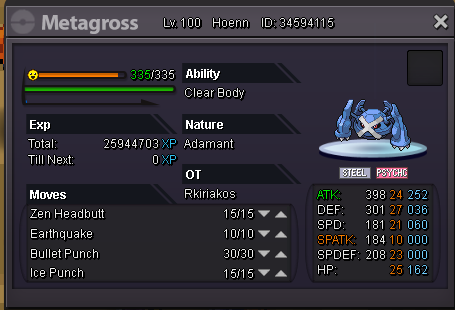
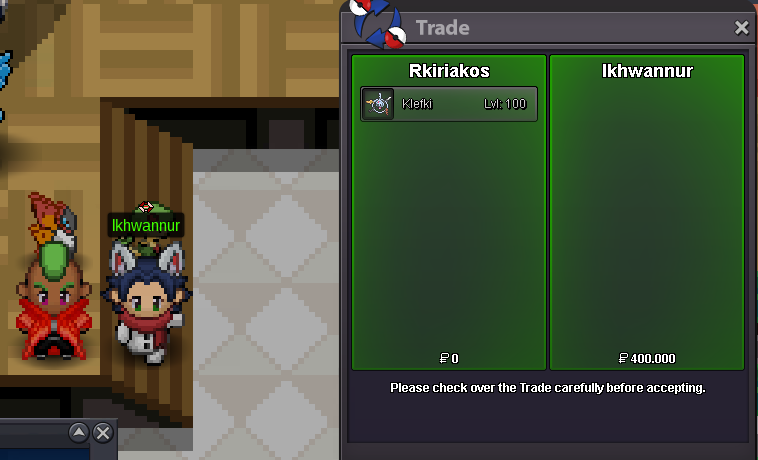
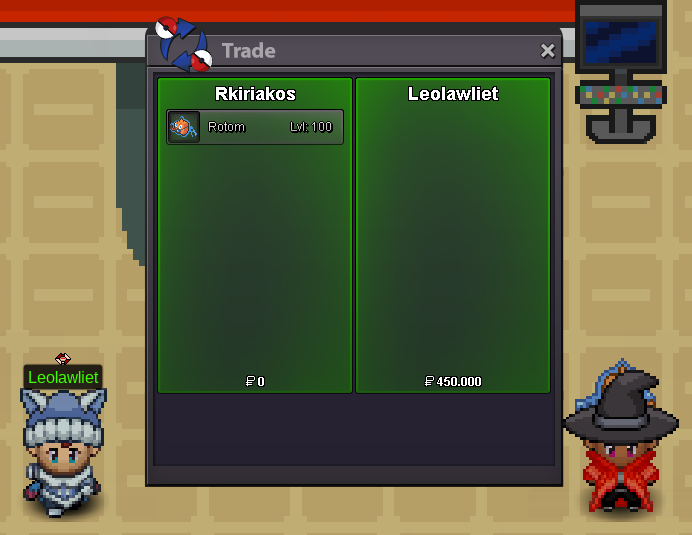
Gliscor carefull sold out 475 k!!!KABOOM!!! I STAY FOR INSTA :pupbeldum and evolutions adamant Geodude-Alola and evolutions magnet pull adamant Ninetales-Alola snow warning (IF hiden power fire beter) TIMID Sandslash-Alola slush rush adamantGuys i exlain that,i dont post it for him,if some players are complex idc!!!I just dont accept the offer is he payed only with cc.I try to comunication with him and he dont answer me for a reason and idc realy.I dont have problem with him but maybe he is complex and he has the problem....I said again i dont post that for him i post that for players who is disrespect for my pokemon.


Account
Navigation
Search
Configure browser push notifications
Chrome (Android)
- Tap the lock icon next to the address bar.
- Tap Permissions → Notifications.
- Adjust your preference.
Chrome (Desktop)
- Click the padlock icon in the address bar.
- Select Site settings.
- Find Notifications and adjust your preference.
Safari (iOS 16.4+)
- Ensure the site is installed via Add to Home Screen.
- Open Settings App → Notifications.
- Find your app name and adjust your preference.
Safari (macOS)
- Go to Safari → Preferences.
- Click the Websites tab.
- Select Notifications in the sidebar.
- Find this website and adjust your preference.
Edge (Android)
- Tap the lock icon next to the address bar.
- Tap Permissions.
- Find Notifications and adjust your preference.
Edge (Desktop)
- Click the padlock icon in the address bar.
- Click Permissions for this site.
- Find Notifications and adjust your preference.
Firefox (Android)
- Go to Settings → Site permissions.
- Tap Notifications.
- Find this site in the list and adjust your preference.
Firefox (Desktop)
- Open Firefox Settings.
- Search for Notifications.
- Find this site in the list and adjust your preference.