New Trade Zone
Trade Zone is now live
Use the new Trade Zone for auctions and instant-price trades so Pokemon and item offers are easy to find.

Srkhan
Registered User
-
Joined
-
Last visited
Everything posted by Srkhan
-
Whenever We Encounter A Shiny or Form , We See A Pop up For 10 Seconds Which Is Great But Sometime People Play While Doing Some Other Work and 10 Seconds Pass In An Instant So They Run Away or Kill It By Mistake. Can We Get An Option To Increase Or Decrease Encounter Pop up Time . So People Can Set It By Their Choice From 5 Seconds to Upto 1 Min Max.
-
Sorry Sir/Ma'am, This Is My First Auction , I didn't knew much about rules. I want to Apologise For The Mistakes I Did and I will Never Do The Same Mistake Again. I Have A Question if Saying Noted After Every Bid Is Allowed or I Should Avoid That Too?
-
Auction Ended , Trade Done. Can be Closed
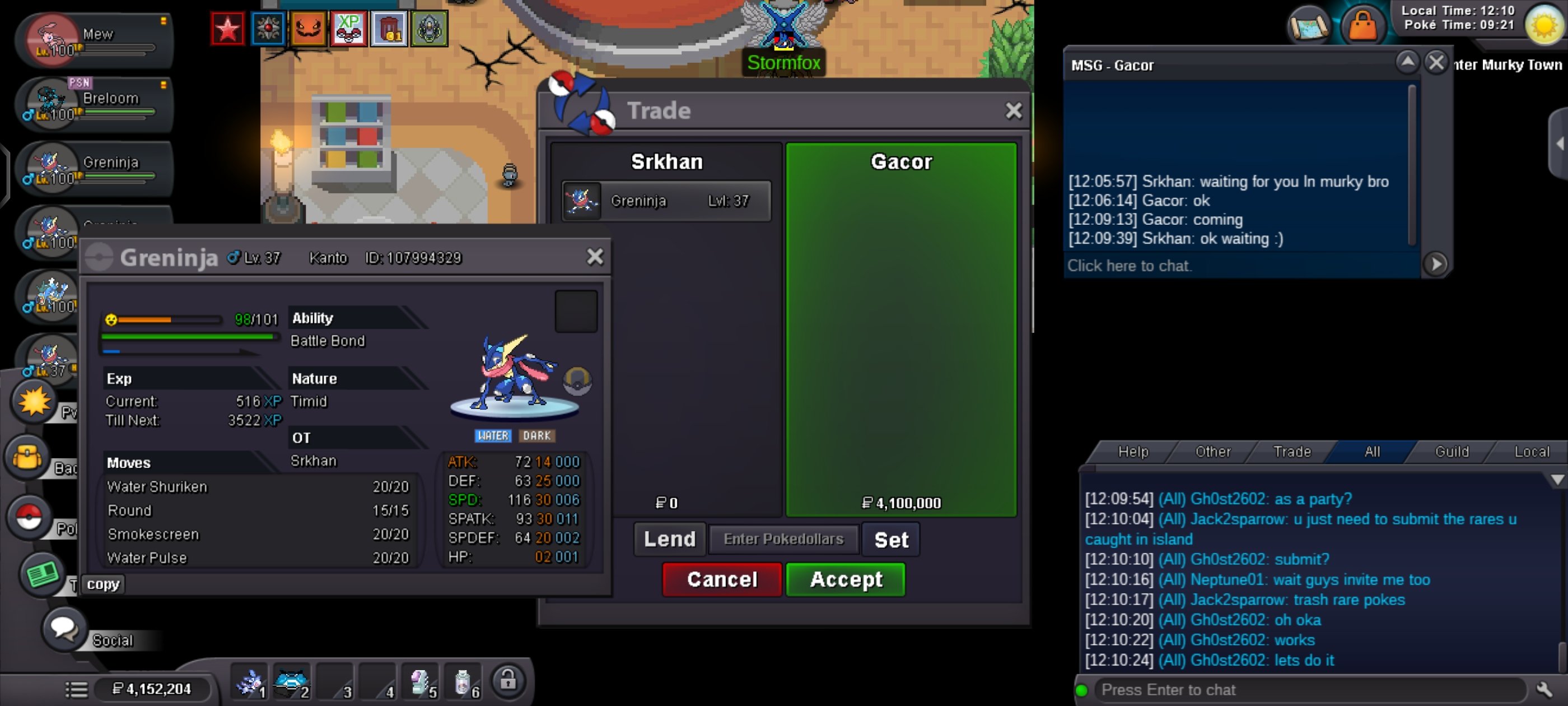
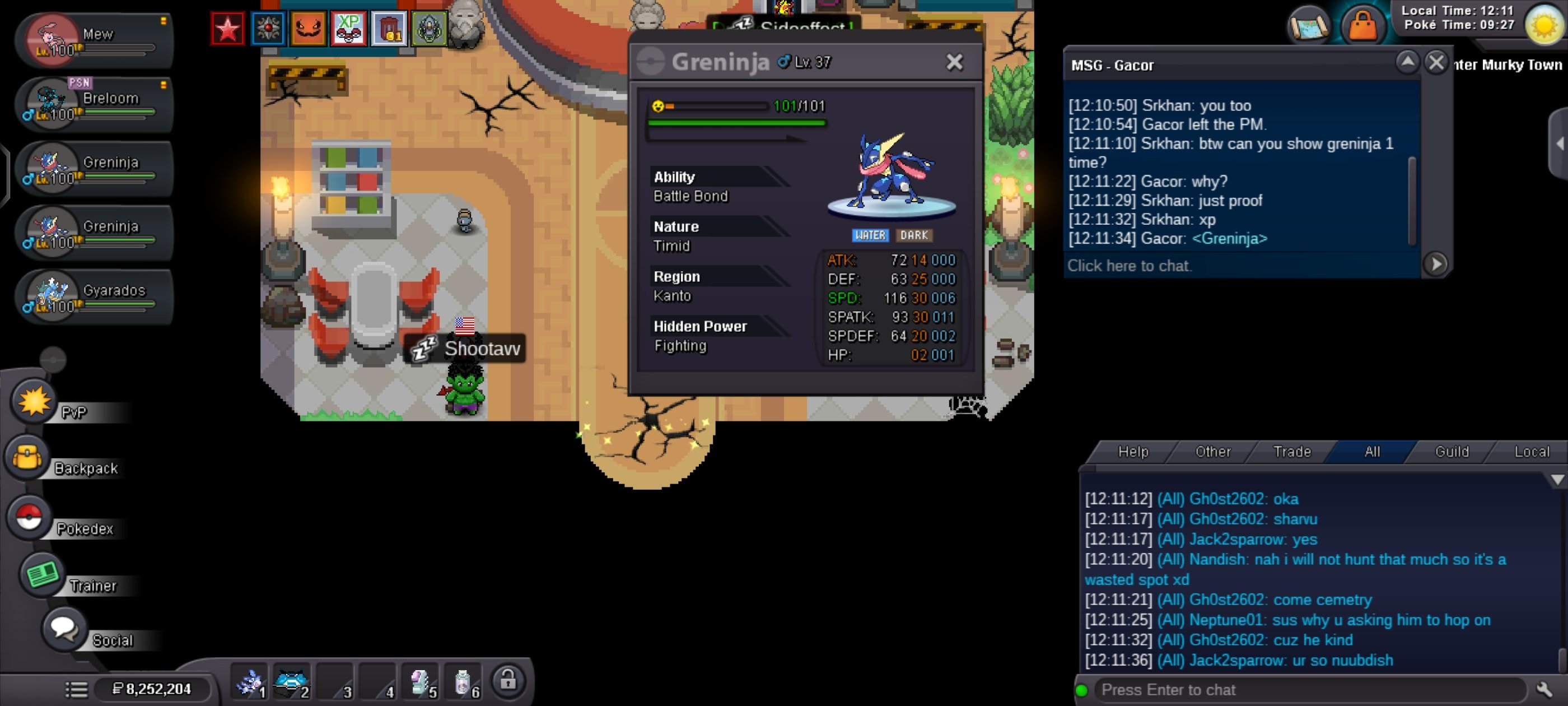
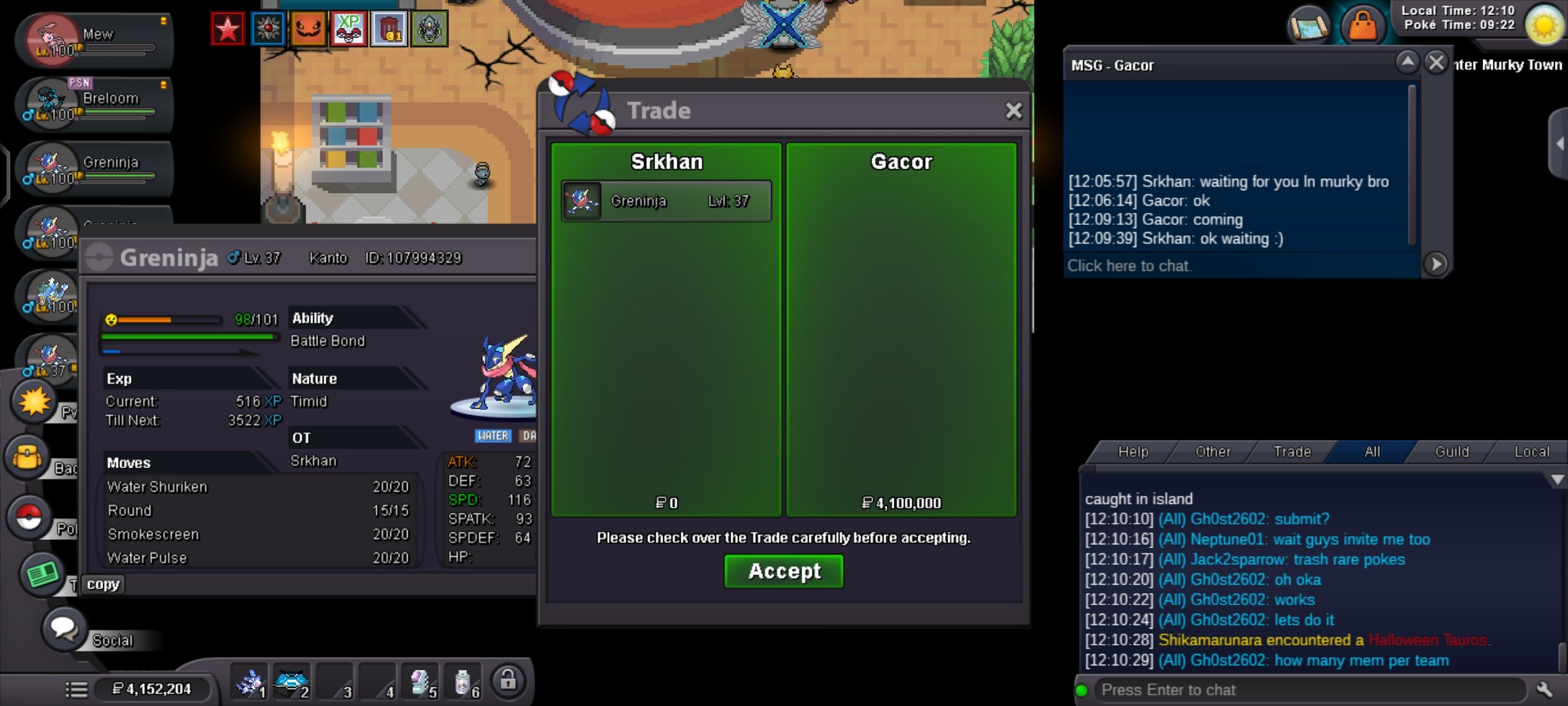 auction ended @GacorBro Won With 4.1M BidAuction ends in 57 minAuction Ends in 3 hour . Bid For This Handsome Greninja 🙂NotedAuction Ends in 5 HourNotedNotedNotedNoted2.9m by Abuser bro
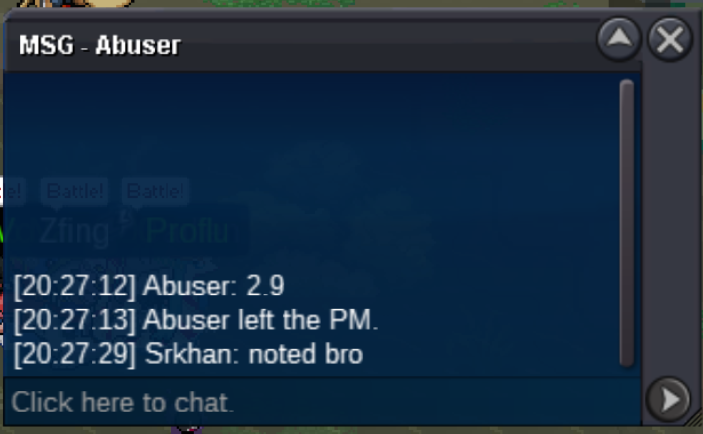 Noted2.5m by Abuser bro
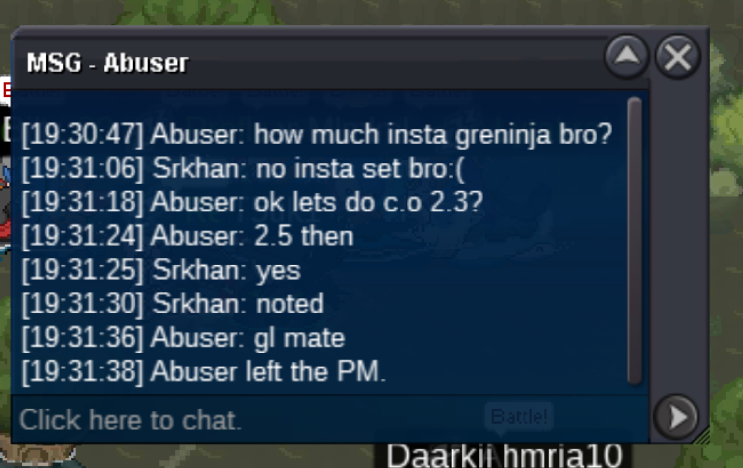 Noted2.1m by Void10000
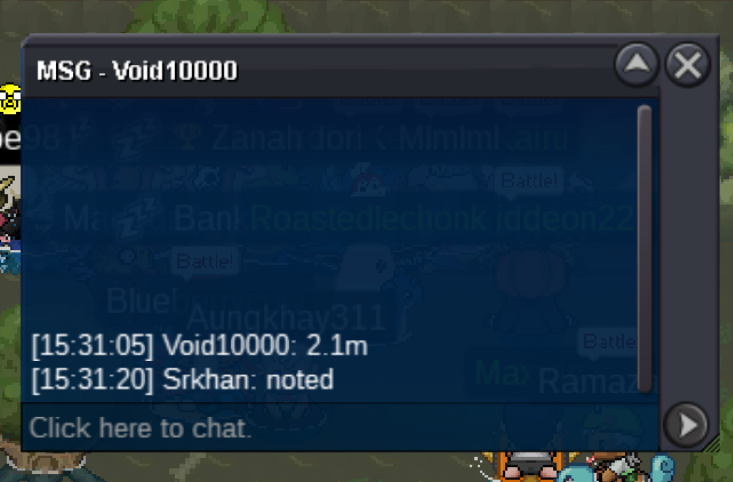 UpNotedBump.1.7m by jonaleen
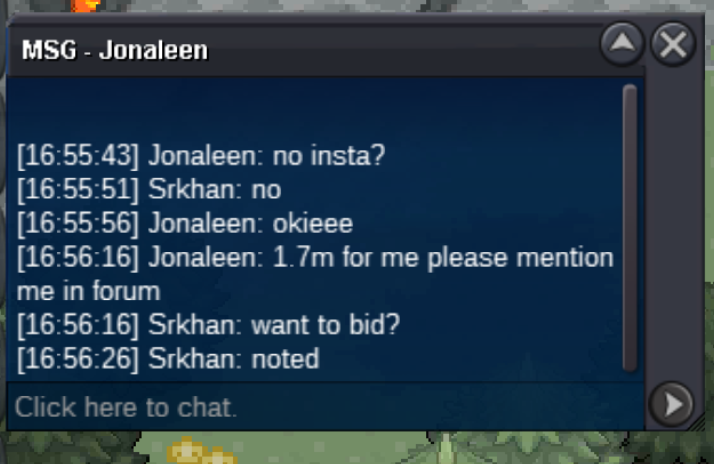 1.5m by ayuzh
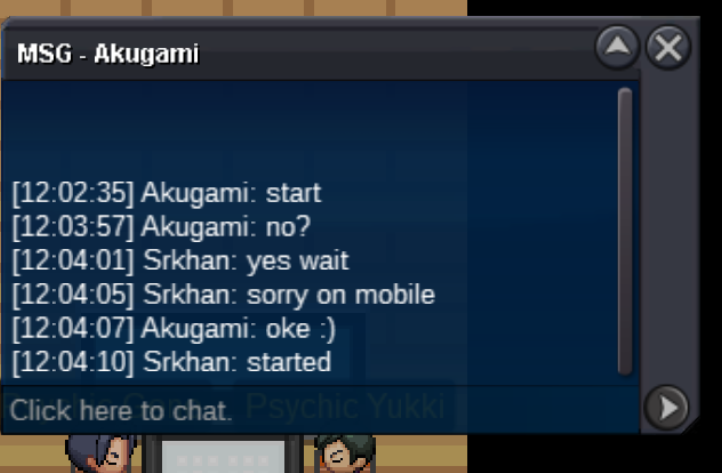
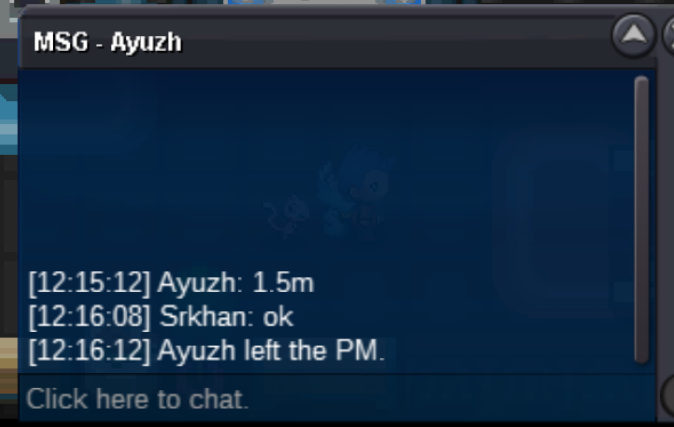 Started
 +1 . I want everyone name to be shown .