Skip to content
View in the app

A better way to browse. Learn more.

Pokemon Revolution Online

A full-screen app on your home screen with push notifications, badges and more.

To install this app on iOS and iPadOS
  1. Tap the Share icon in Safari
  2. Scroll the menu and tap Add to Home Screen.
  3. Tap Add in the top-right corner.
To install this app on Android
  1. Tap the 3-dot menu (⋮) in the top-right corner of the browser.
  2. Tap Add to Home screen or Install app.
  3. Confirm by tapping Install.

Renjoee

Suspended
  • Joined

  • Last visited

  1. 1. What do i want to ask from Santa this Christmas? World peace :) Ign: Renjoee Server: Silver
  2. please help me restore my gliscor, i accidentally released it awhile ago. blue server ign: renjoee
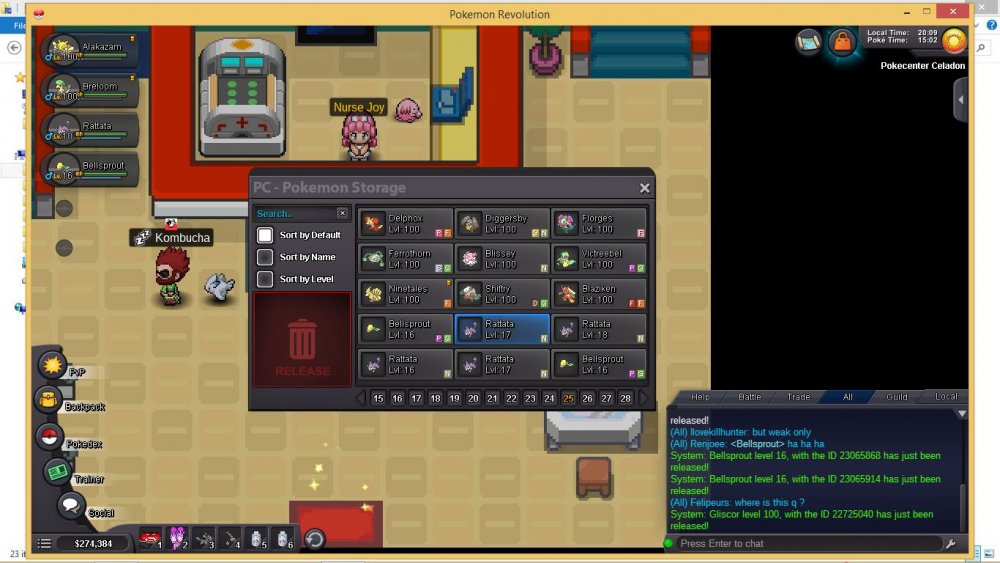
  3. sir shamac, its not yet in my pc or last slot poke, pls help, blue server florges
  4. accidentally released poke, help me pls. :( <r><URL url="https://postimg.org/image/42wj5ojlhn/"><s></s><IMG src="https://s1.postimg.org/42wj5ojlhn/Screenshot_2017-10-26-18-15-05-66.png"><s></e></IMG><e></e></URL></r>
  5. up help pls

Account

Navigation

Search

Search

Configure browser push notifications

Chrome (Android)
  1. Tap the lock icon next to the address bar.
  2. Tap Permissions → Notifications.
  3. Adjust your preference.
Chrome (Desktop)
  1. Click the padlock icon in the address bar.
  2. Select Site settings.
  3. Find Notifications and adjust your preference.