




New Trade Zone
Trade Zone is now live
Use the new Trade Zone for auctions and instant-price trades so Pokemon and item offers are easy to find.

Precipitous
Registered User
-
Joined
-
Last visited
Everything posted by Precipitous
-
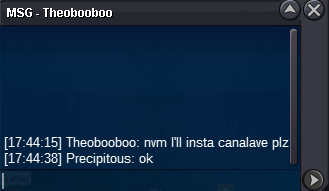
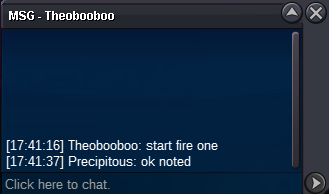
start:300k min bid:100k no insta start:100k min bid:50k insta:500k start:100k min bid :50k insta:500k start:200k min bid:100k insta:600k all auctions will end 23:59 (GMT+03) 24th february around 31 hours from now on accept cc 400k reroll:700k
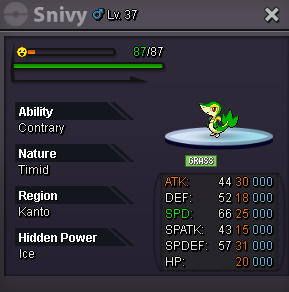
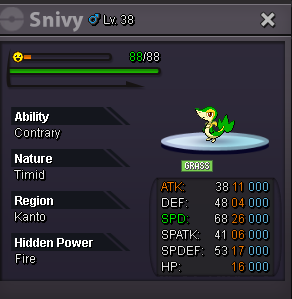
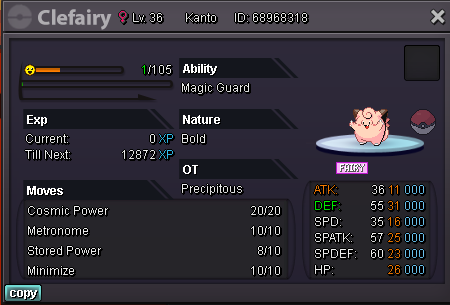
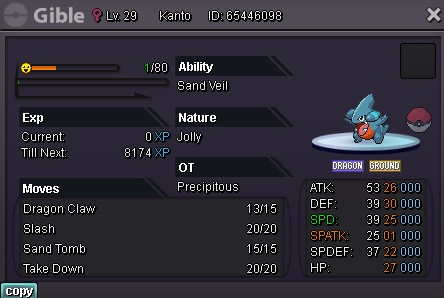 we can trade when ur available , pm me on discord Precipitous#2667b.o 2.7m by manhwaston
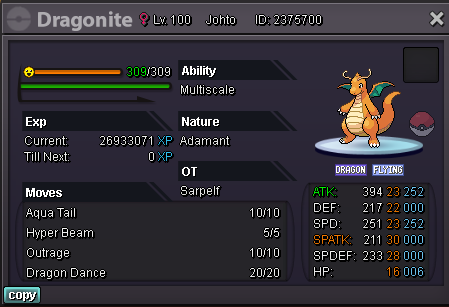
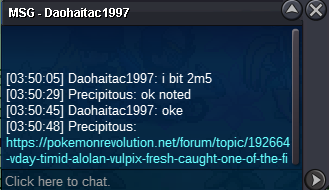
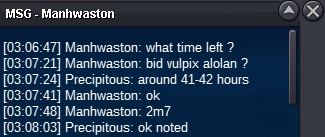 BumpBump B.o 2.5m by Daohaitac1997start:2m min bid:200k insta:8m auction will end 72 hours after first offer Accept cc:400k reroll:700k
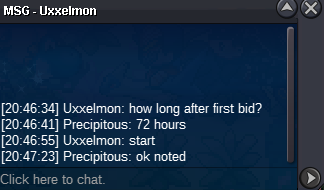
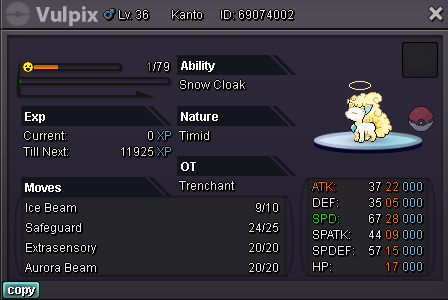 sry i uploaded them by mistake i ll remove them but dragonite is already on auction on selling pokemon silver i can take ur offer for others u can pm me on discordbumpauctions will end 72 hours after first offer accept cc:400k reroll:700k Start:800k insta:1.5m min bid:100k start:1.2m insta:2m min bid:100k start:1m insta:1.5m min bid:100k start:1.2m insta:2m min bid:100k start:1m min bid:100k insta:1.5m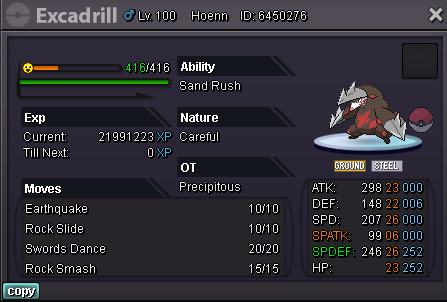
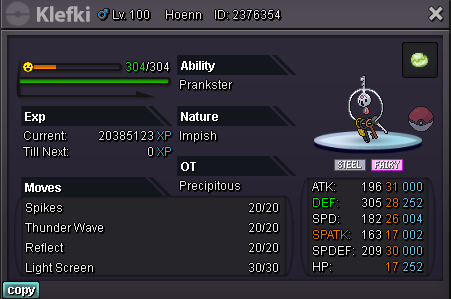
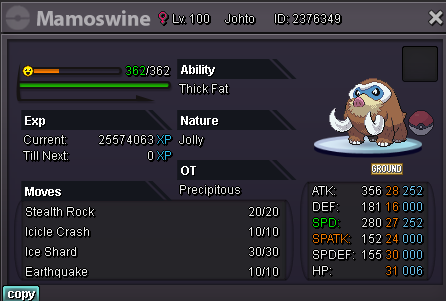
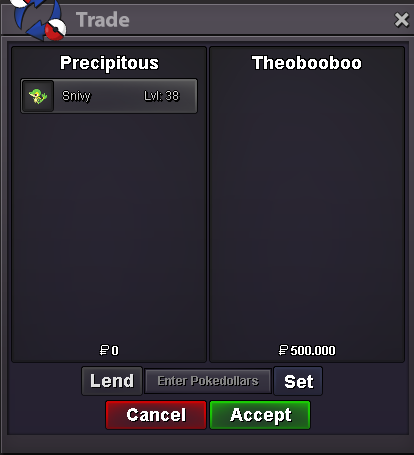
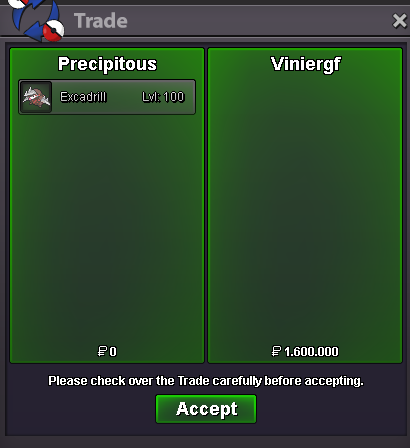
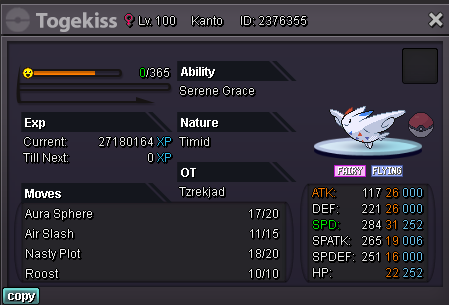 Big update on shopBumpI have a problem for last 2 patches when u change resolution or windowed/ full screen options game asks if u want to keep that resolution settings for 15 second window even if u click yes it will go back to old settings after that 15 seconds same problem happened in 2 different pcs of mine i tried to reinstall game and update drivers but nothing changedPm here or discord Precipitous#2667waiting for 15 min bid rule for exca


Account
Navigation
Search
Configure browser push notifications
Chrome (Android)
- Tap the lock icon next to the address bar.
- Tap Permissions → Notifications.
- Adjust your preference.
Chrome (Desktop)
- Click the padlock icon in the address bar.
- Select Site settings.
- Find Notifications and adjust your preference.
Safari (iOS 16.4+)
- Ensure the site is installed via Add to Home Screen.
- Open Settings App → Notifications.
- Find your app name and adjust your preference.
Safari (macOS)
- Go to Safari → Preferences.
- Click the Websites tab.
- Select Notifications in the sidebar.
- Find this website and adjust your preference.
Edge (Android)
- Tap the lock icon next to the address bar.
- Tap Permissions.
- Find Notifications and adjust your preference.
Edge (Desktop)
- Click the padlock icon in the address bar.
- Click Permissions for this site.
- Find Notifications and adjust your preference.
Firefox (Android)
- Go to Settings → Site permissions.
- Tap Notifications.
- Find this site in the list and adjust your preference.
Firefox (Desktop)
- Open Firefox Settings.
- Search for Notifications.
- Find this site in the list and adjust your preference.