New Trade Zone
Trade Zone is now live
Use the new Trade Zone for auctions and instant-price trades so Pokemon and item offers are easy to find.

Precipitous
Registered User
-
Joined
-
Last visited
Everything posted by Precipitous
-
Just use report button they can help
-
What is the duration when does it end can u Post it as gmt+0 or any timezone also the start should not be counted since u dont have ss according to forum rules u can ask a trade mod for help
-
Can u Post exact duration and end point and ss of the offer u Got , u need to post ss of the offer I can offer after u Post the details
-
I made the offer at exact time 11:16 am gmt+0 does it take some time to post reply so it is registered at 11:20 ? I started timer when i started auction offer was at last min i guess it didnt register in time @Monteria thx for ur attention.anyways i ll respect what trade mod said congratz for winner
-
it didnt end @Refandra u closed auction 1 min earlier ,i m the one started and i have the timer i offered at last min can a trade mod check ?
-
-
up
-
bump
-
start wingull
-
-
Hi i posted a problem i m having for a long time in general support yesterday and i Just realised my Post is deleted without any explanation an answer would be nice thx
-
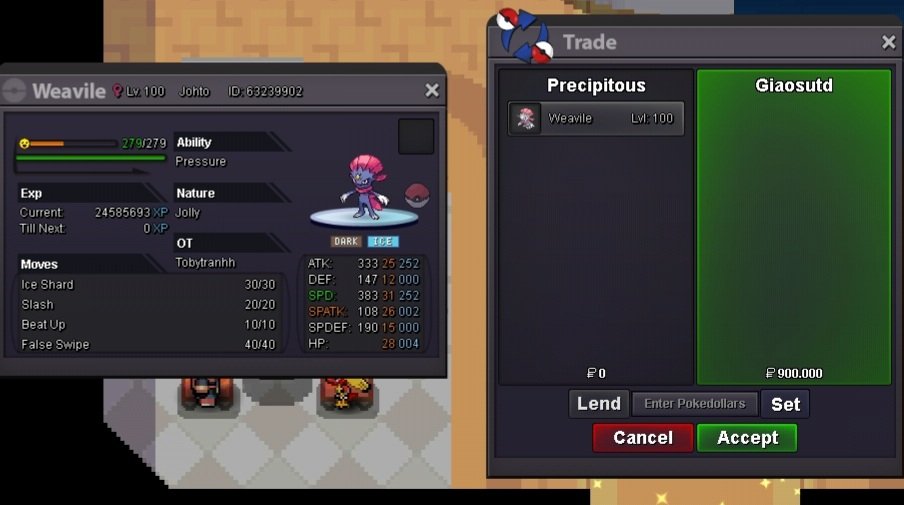
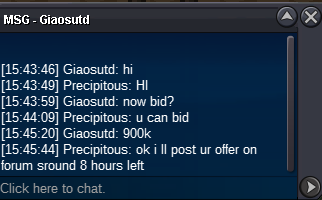
@GiaoSuTD u won the auction i ll sleep now we can trade tomorrow when you are availablebumpbumpc.o 900k by giasutd
 started by dawnbr3aker
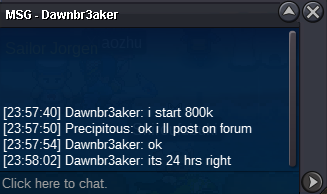 Thank you @Hawluchaa i did it to protect himupupupi can buy 8m if u are interestedupupi think @Piproom won it with 15 min rule i was busy at work couldnt offer at last congratz