




New Trade Zone
Trade Zone is now live
Use the new Trade Zone for auctions and instant-price trades so Pokemon and item offers are easy to find.

Precipitous
Registered User
-
Joined
-
Last visited
Everything posted by Precipitous
-
Name:synch tool We need a QoL change for Synchable boss reward pokemons if we have a synch tool all problems would be non existent. Make it a coin Shop item either low price like 40 coin for every different synch or a high price item contains all natures that lets us choose the synch we wanted and can be changed whenever we want for a price like 600 coins.all the tools replaces something a poke does and synch is something that poke does so it makes sense How to obtain:coin shop
-
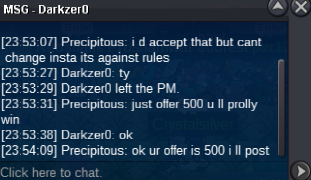
start:1m min bid:100k insta:2m start:1.2m min bid:100k insta:2m start:1m min bid:100k insta:1.5m start:800k min bid:100k insta:1.5m start:800k min bid:100k insta:1.2m all auctions will end 48 hours after first offer accept cc:400k reroll:700k
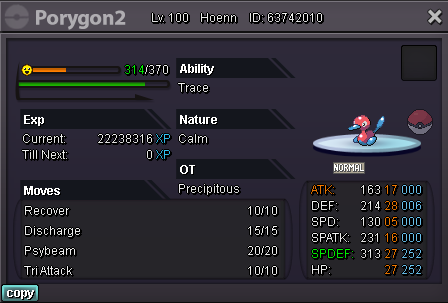
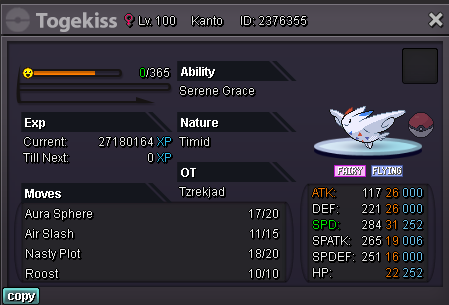
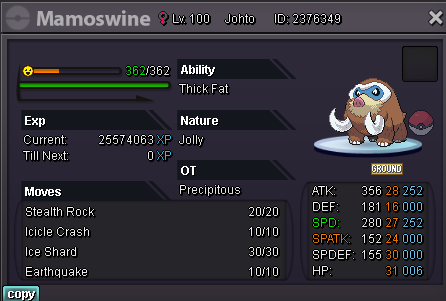
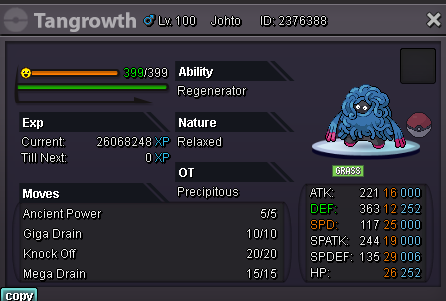
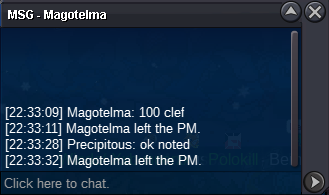
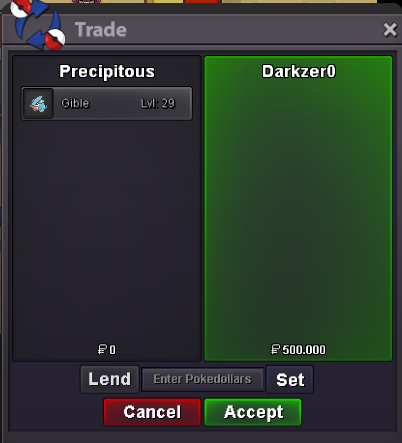
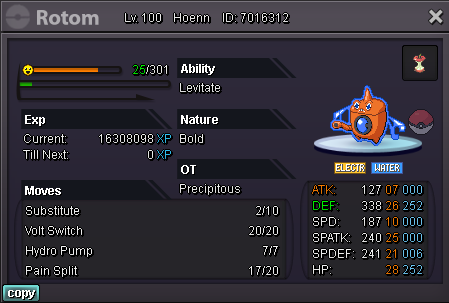 traded clef but forgot to take ss, waiting for @Darkzer0 @kejnedar
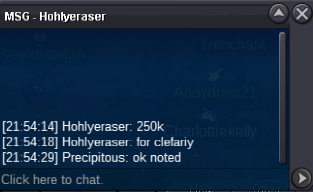
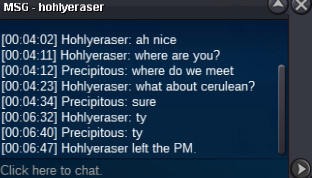 winner may be a fake offer i talked with haruyukio but he is offline now can any tmod helpclef b.o:250k
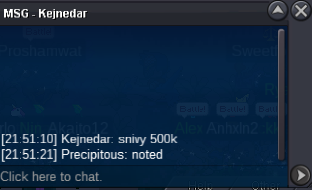
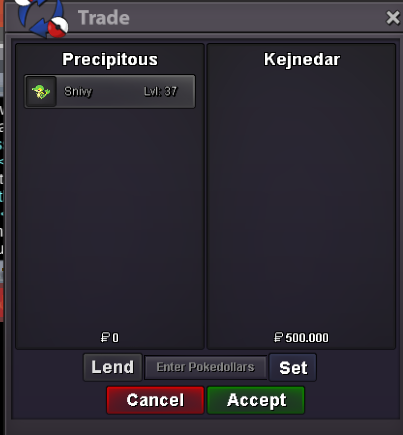
 sniyi bo:500k by kejnedar
 @Pvpmaster69 u won the auction pm me here , ingame or discord@haruyukio have a problem can u help me i pm ed u57 mins left !b.o:5m by pvpmaster69
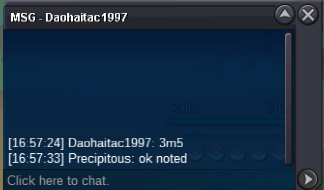
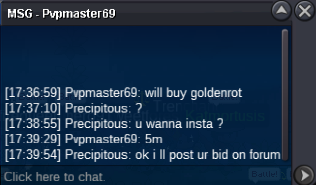 b.o 3.5m by daohaitac1997
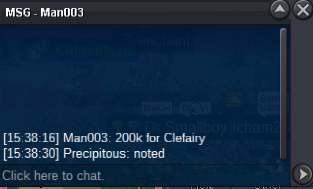
 clef b.o:200k
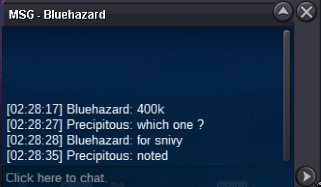
 i m available now u can pm me on discord when u r rdyI ll be online in 30 minssnivy hp ice b.o:400k
 clef started
 bumpbump almost 22 hours leftgible started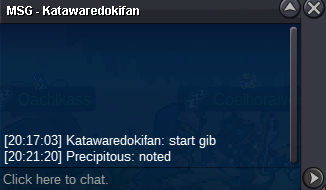

Account
Navigation
Search
Configure browser push notifications
Chrome (Android)
- Tap the lock icon next to the address bar.
- Tap Permissions → Notifications.
- Adjust your preference.
Chrome (Desktop)
- Click the padlock icon in the address bar.
- Select Site settings.
- Find Notifications and adjust your preference.
Safari (iOS 16.4+)
- Ensure the site is installed via Add to Home Screen.
- Open Settings App → Notifications.
- Find your app name and adjust your preference.
Safari (macOS)
- Go to Safari → Preferences.
- Click the Websites tab.
- Select Notifications in the sidebar.
- Find this website and adjust your preference.
Edge (Android)
- Tap the lock icon next to the address bar.
- Tap Permissions.
- Find Notifications and adjust your preference.
Edge (Desktop)
- Click the padlock icon in the address bar.
- Click Permissions for this site.
- Find Notifications and adjust your preference.
Firefox (Android)
- Go to Settings → Site permissions.
- Tap Notifications.
- Find this site in the list and adjust your preference.
Firefox (Desktop)
- Open Firefox Settings.
- Search for Notifications.
- Find this site in the list and adjust your preference.