




New Trade Zone
Trade Zone is now live
Use the new Trade Zone for auctions and instant-price trades so Pokemon and item offers are easy to find.

Souoca123
Registered User
-
Joined
-
Last visited
Everything posted by Souoca123
-
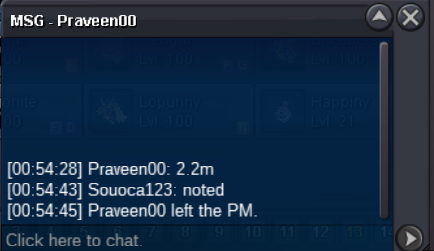
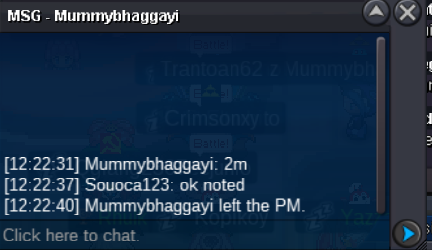
11m500k
-
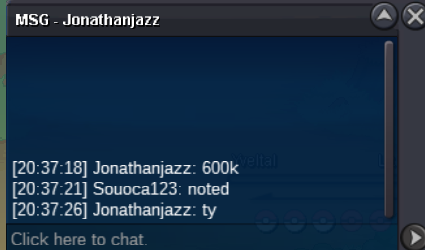
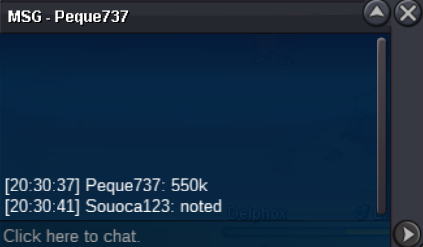
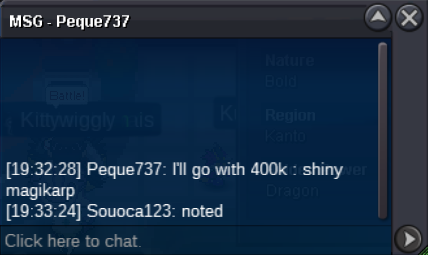
@Jonathanjazz You Win AuctionStarter 200k Bid 50k Duration: 24 hours after the auction starts https://relogioonline.com.br/temporizador/#countdown=24:00:00&date=2025-07-11T21:37:23&title=Magikarp&sound=rooster&loop=1
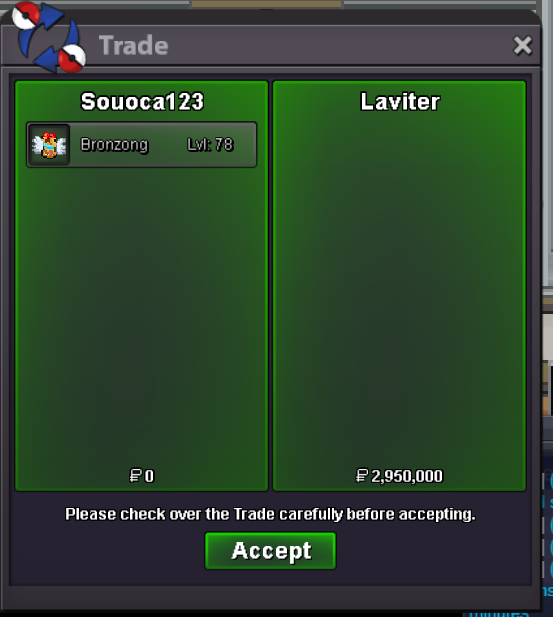
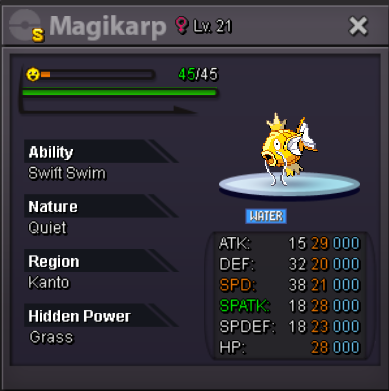 Congratulations to Laviterauction endedreset 15 minutereset 15 minuteReset 15 minute15 minute reset
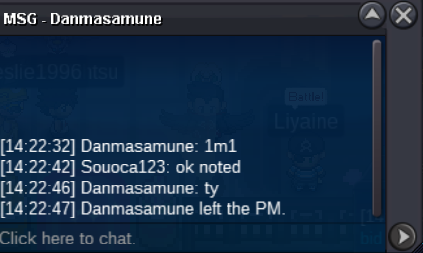
 the time has been reset by the following offers there are still 10 minutesso as not to keep repeating the message about the 15 minutes, if there are offers, the time will be reset after the offer is made, if there is a print or an offer here I will automatically reset the time to 15 minuteswith 7 minutes left to signal the bid of 2.3 million above, then the auction will be reset in 15 minutes as per the rulesAt the time I received this offer the page had not yet been updated, so I ask that you disregard this offer, thank you.
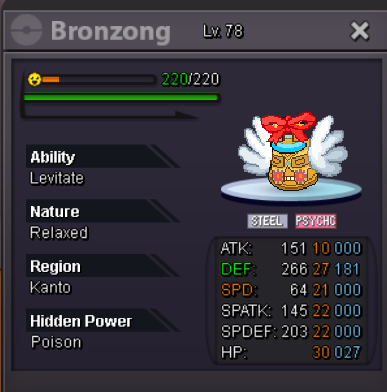
 Auction Starter 1m Bid 100k Duration 36Hours
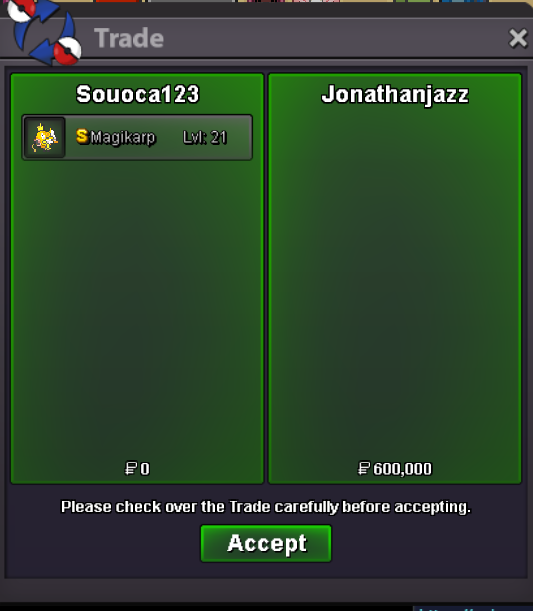
 Auction Finish in 18:31 (GMT-3)


Account
Navigation
Search
Configure browser push notifications
Chrome (Android)
- Tap the lock icon next to the address bar.
- Tap Permissions → Notifications.
- Adjust your preference.
Chrome (Desktop)
- Click the padlock icon in the address bar.
- Select Site settings.
- Find Notifications and adjust your preference.
Safari (iOS 16.4+)
- Ensure the site is installed via Add to Home Screen.
- Open Settings App → Notifications.
- Find your app name and adjust your preference.
Safari (macOS)
- Go to Safari → Preferences.
- Click the Websites tab.
- Select Notifications in the sidebar.
- Find this website and adjust your preference.
Edge (Android)
- Tap the lock icon next to the address bar.
- Tap Permissions.
- Find Notifications and adjust your preference.
Edge (Desktop)
- Click the padlock icon in the address bar.
- Click Permissions for this site.
- Find Notifications and adjust your preference.
Firefox (Android)
- Go to Settings → Site permissions.
- Tap Notifications.
- Find this site in the list and adjust your preference.
Firefox (Desktop)
- Open Firefox Settings.
- Search for Notifications.
- Find this site in the list and adjust your preference.