




New Trade Zone
Trade Zone is now live
Use the new Trade Zone for auctions and instant-price trades so Pokemon and item offers are easy to find.

Souoca123
Registered User
-
Joined
-
Last visited
Everything posted by Souoca123
-
Lick 500k
-
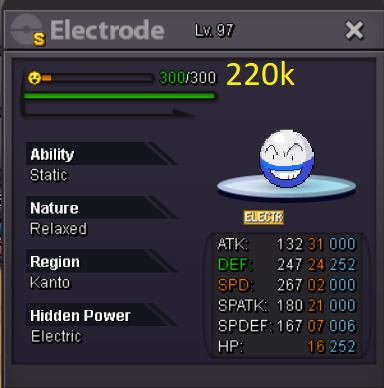
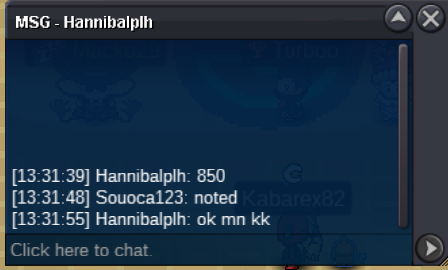
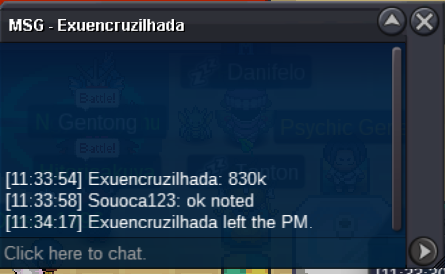
135k
-
131k
-
101k
-
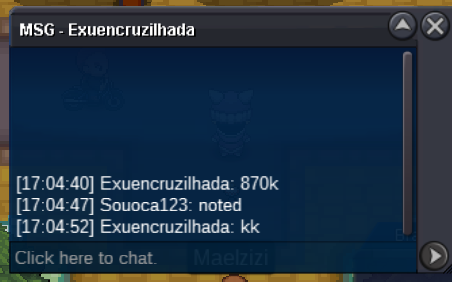
250k
-
230k
-
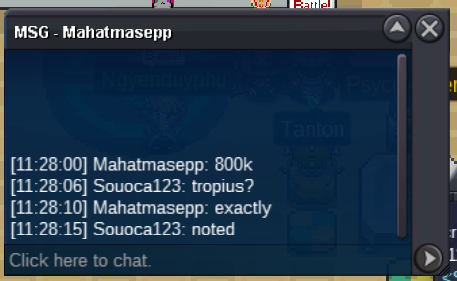
150k girafarig
-
61k
-
I'm currently online, my nickname is soca 123
-
I'm currently online, my nickname is soca 123
-
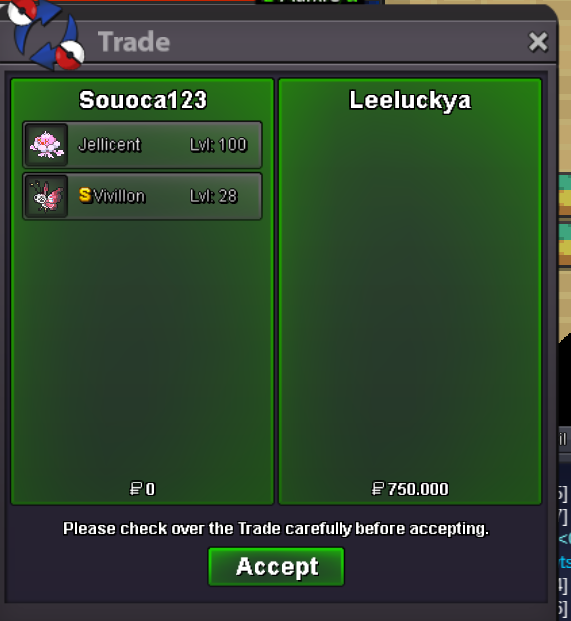
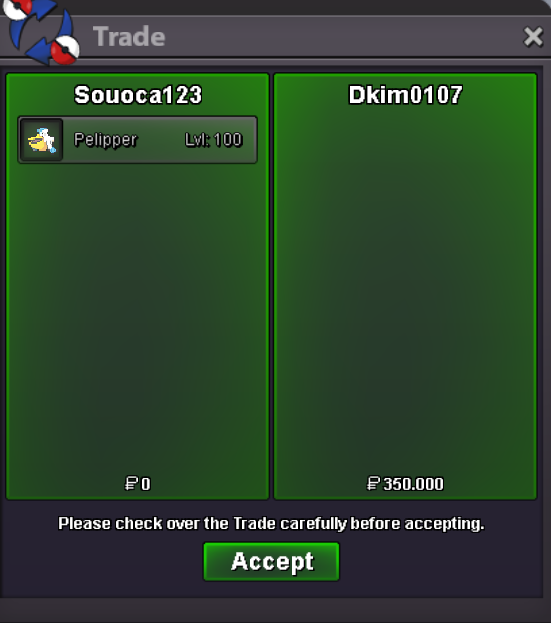
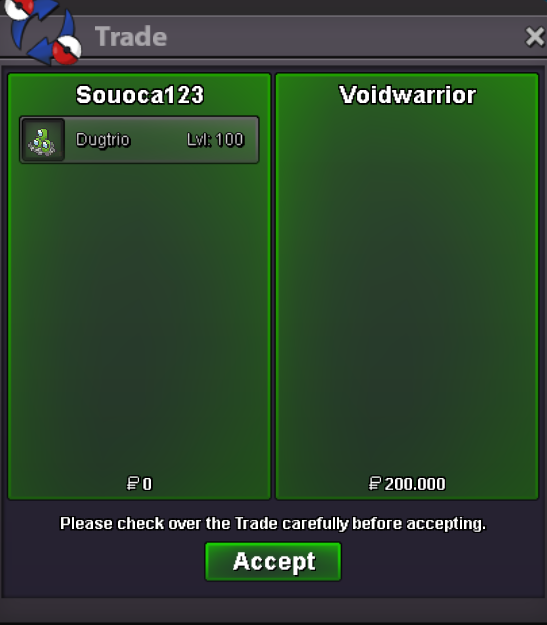
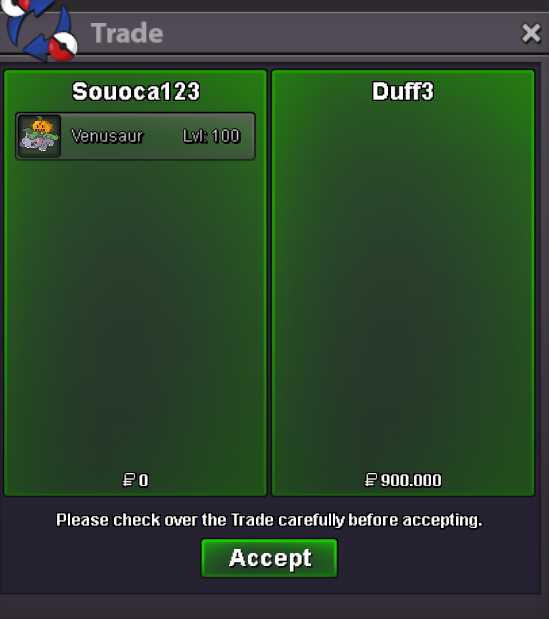
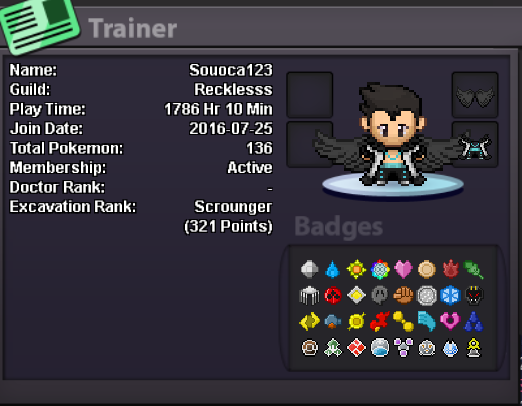
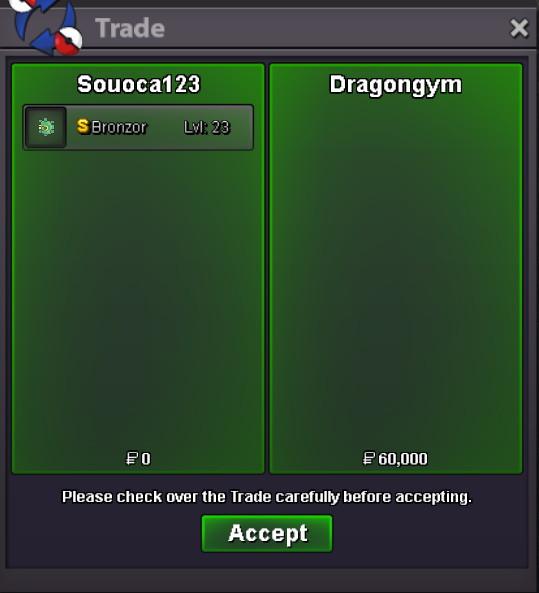
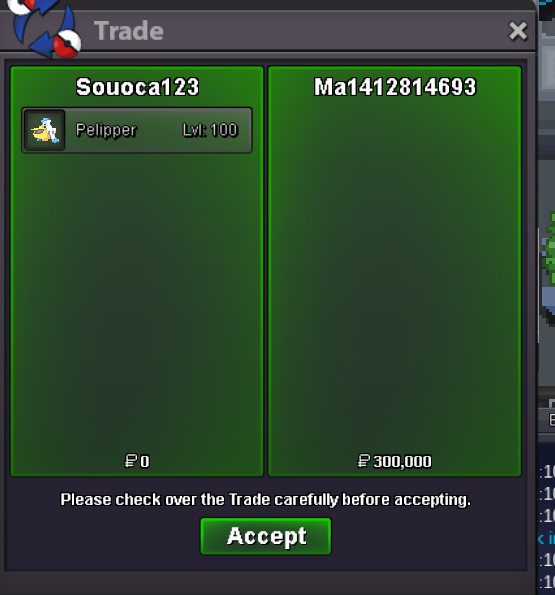
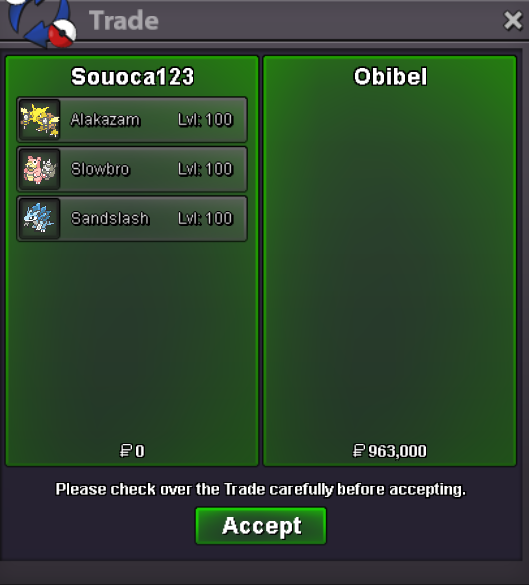
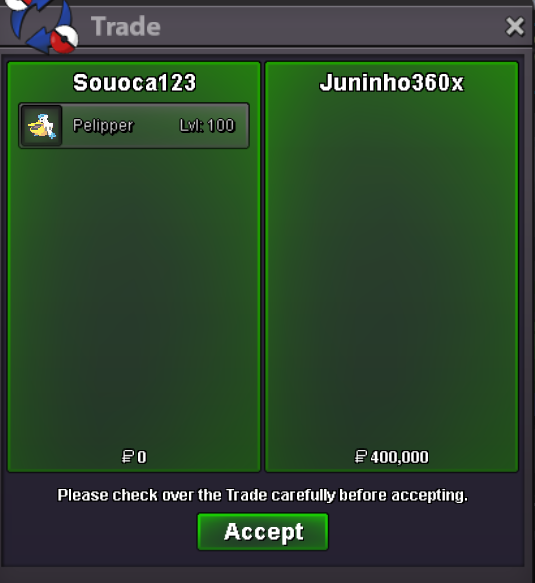
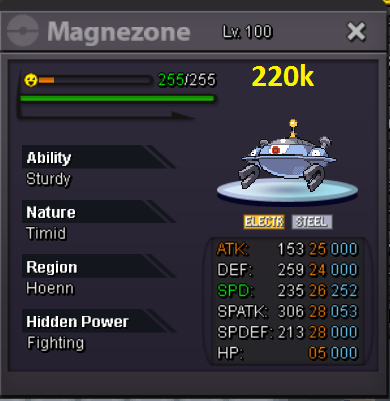
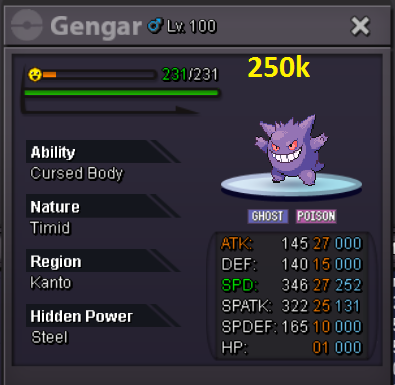
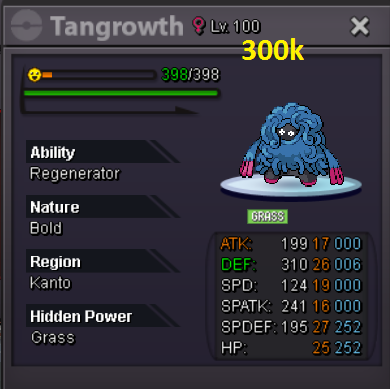
SOUOCA SHOP Hello everyone, welcome to my humble little shop accepted payments Coin Capsule: 400k Rare Candy: 6k Contacts: Souoca123 Event Pokemons Shiny Pokemons Trained Pokemons (Souoca) Mounts Sold Pokemons squirtle is happy when you buy pokemons in my store, come make the squirtle happy





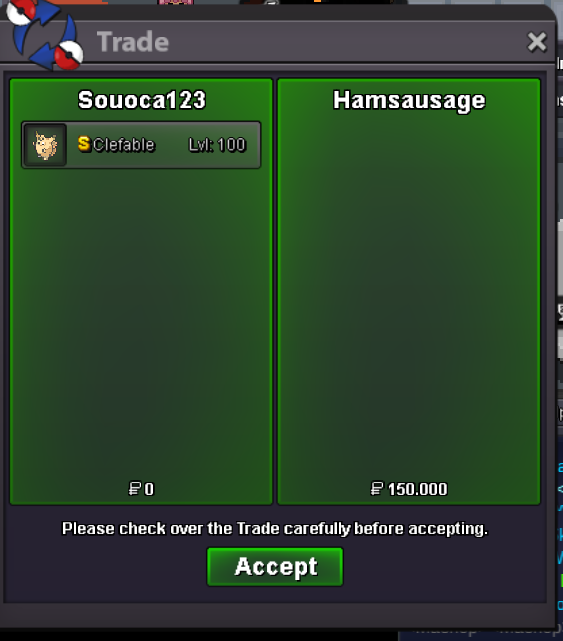
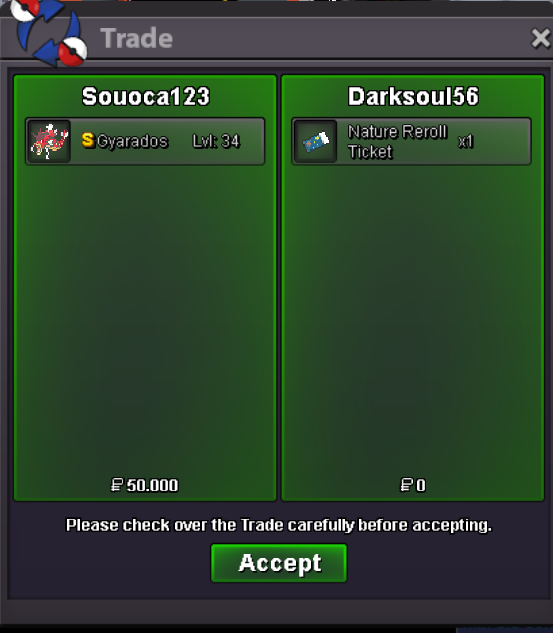


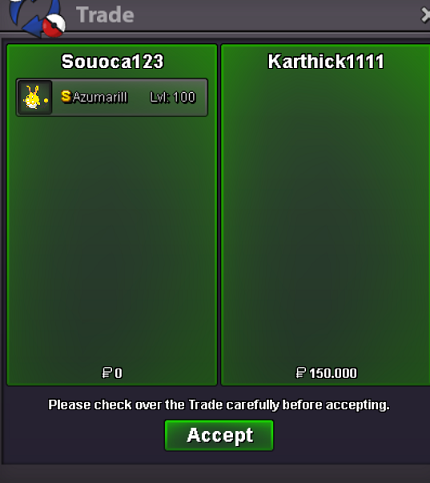
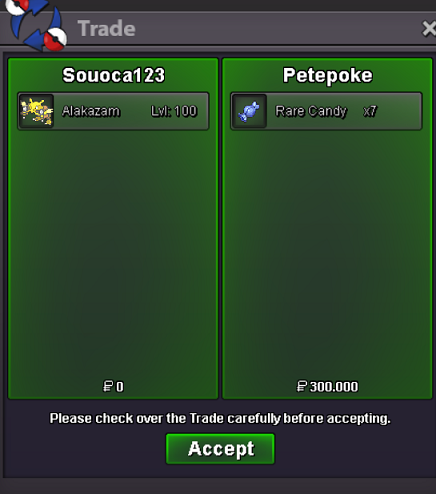
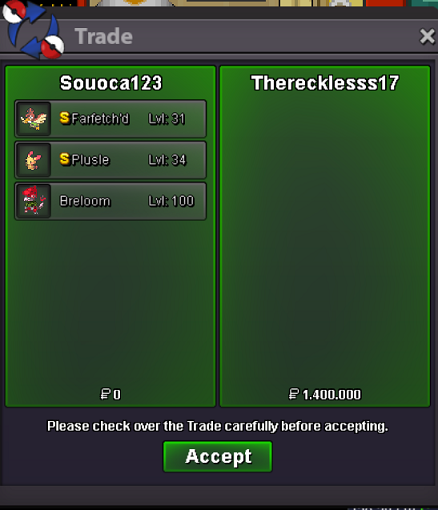
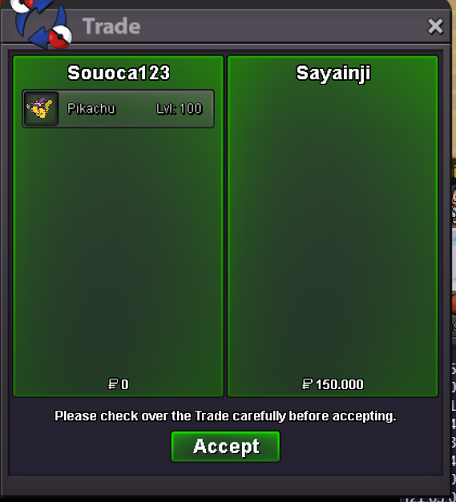
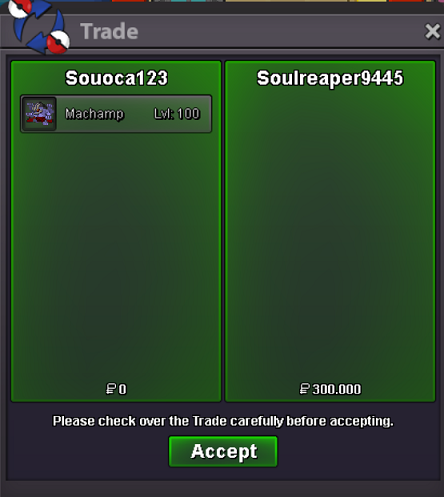
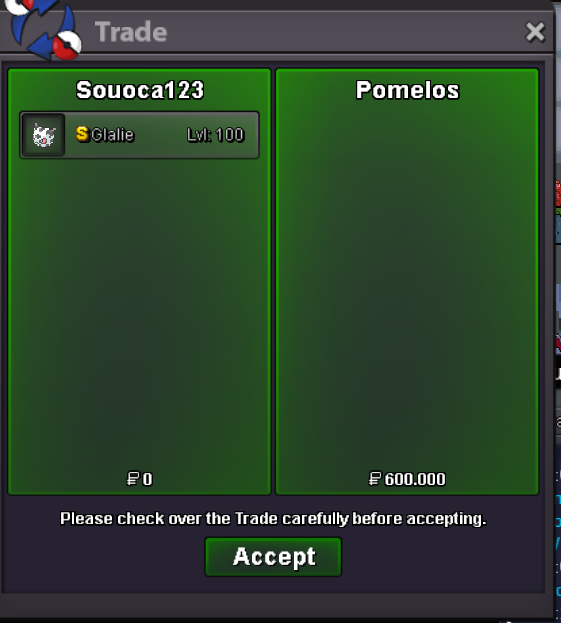


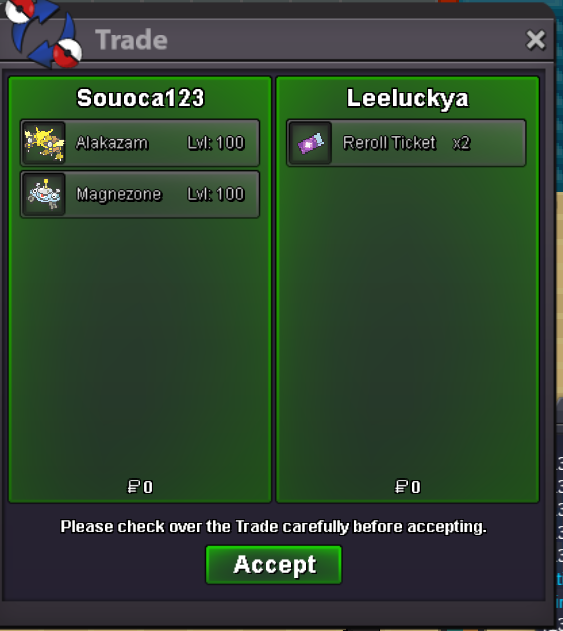
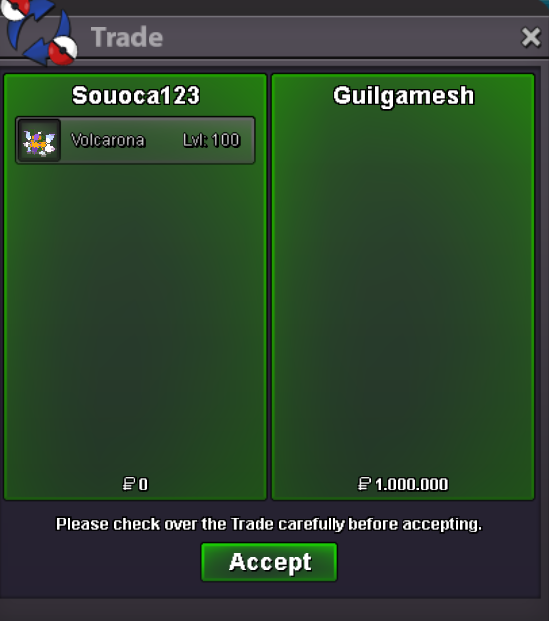


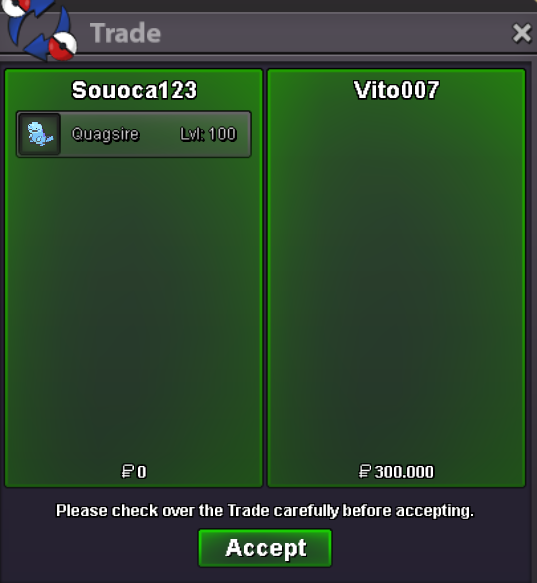
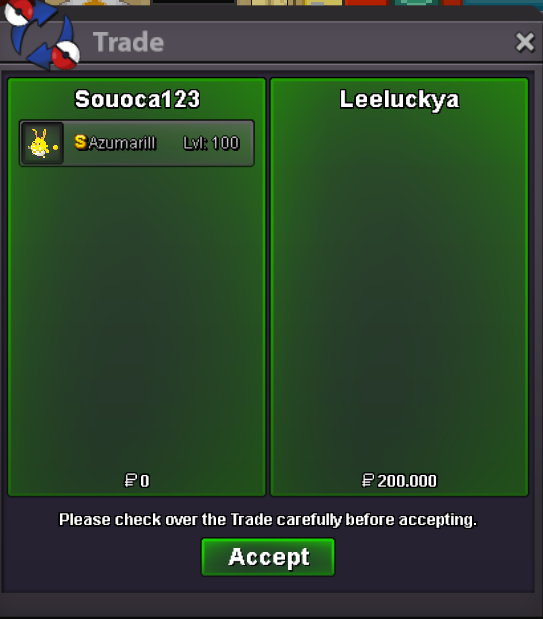

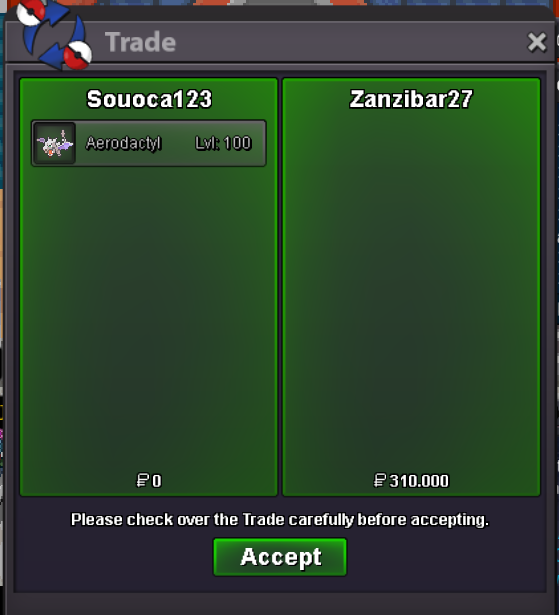
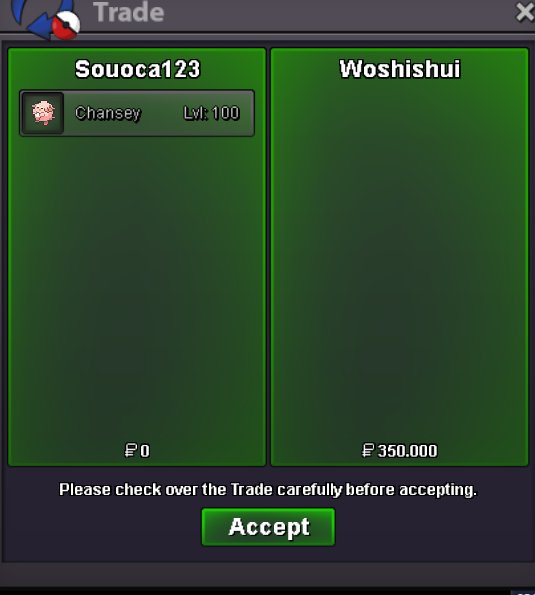
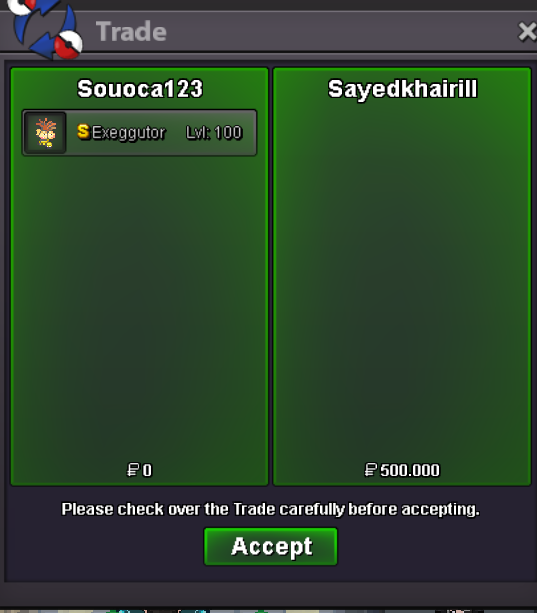

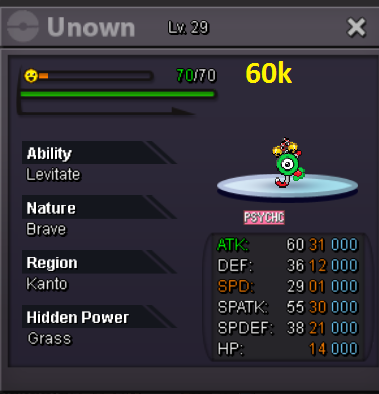


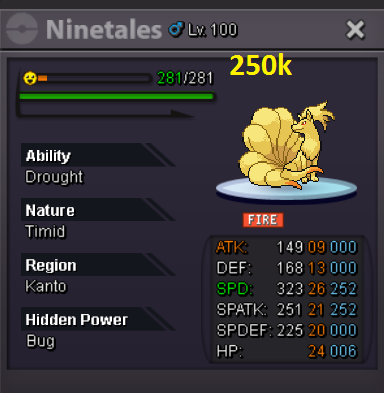
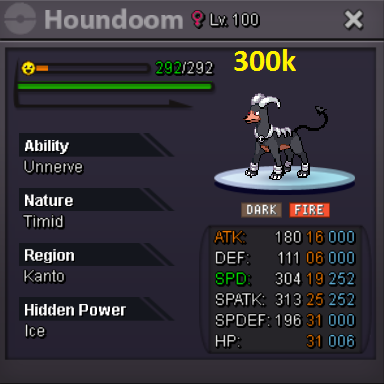
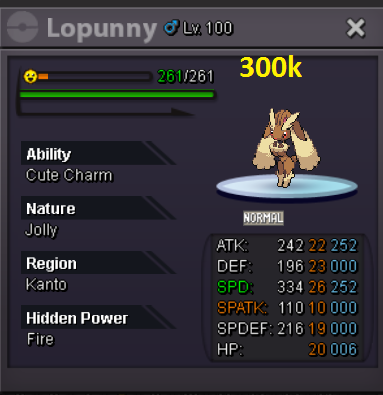
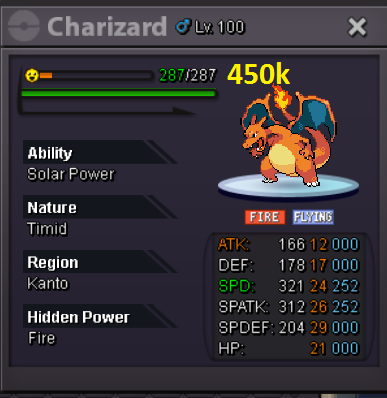

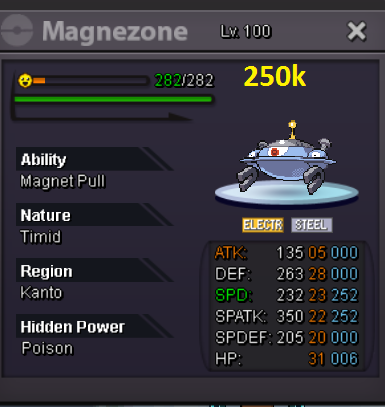


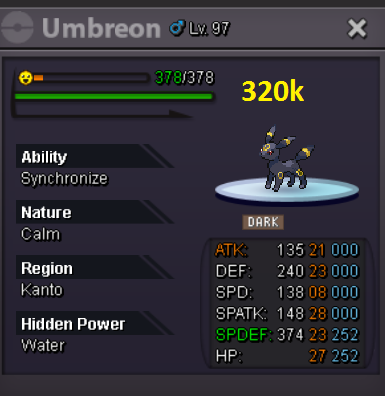
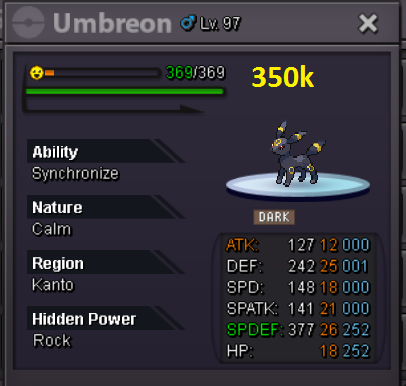



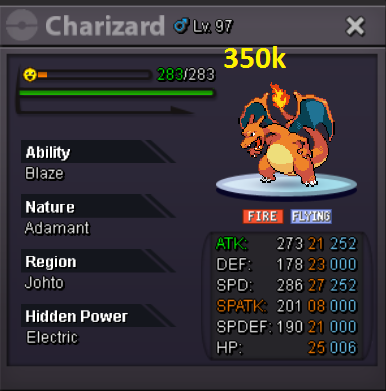

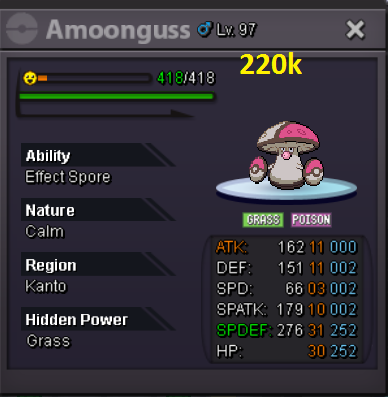
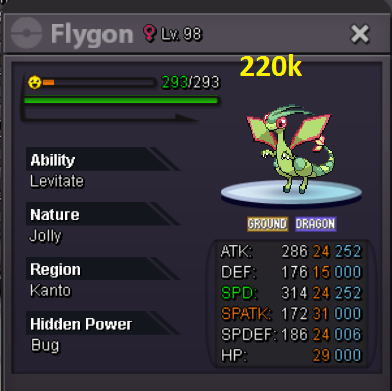
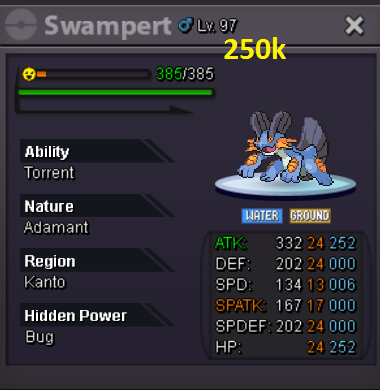
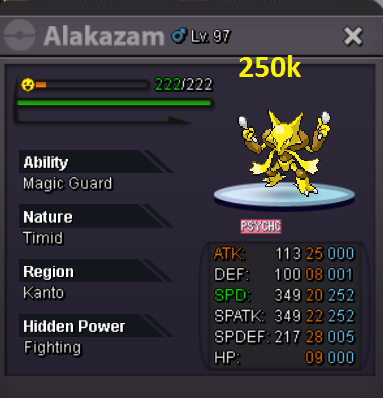
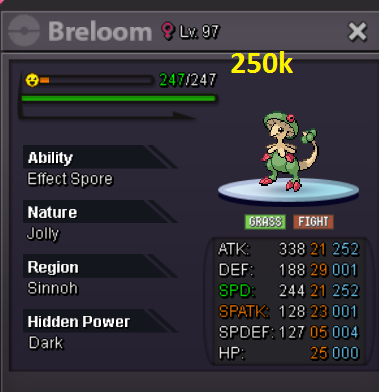

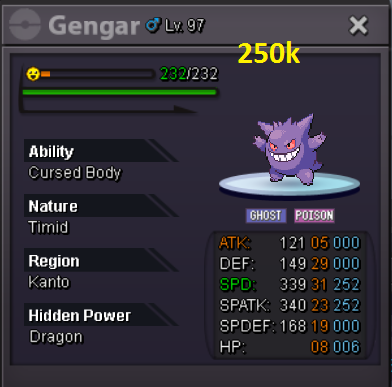
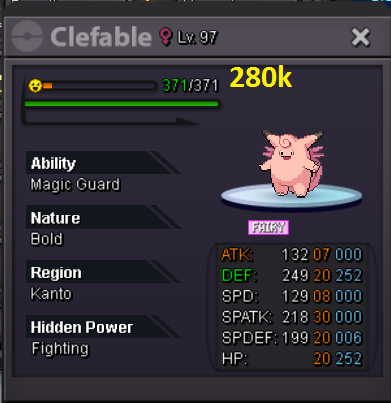
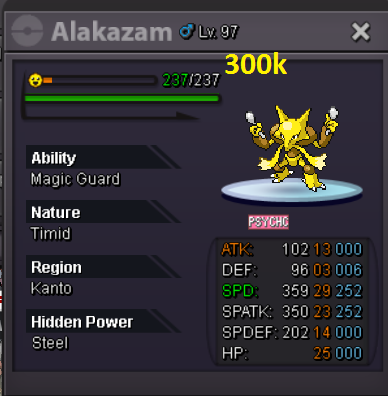
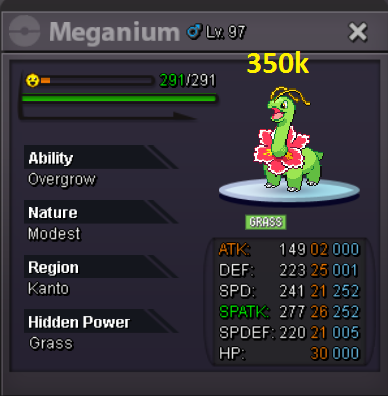
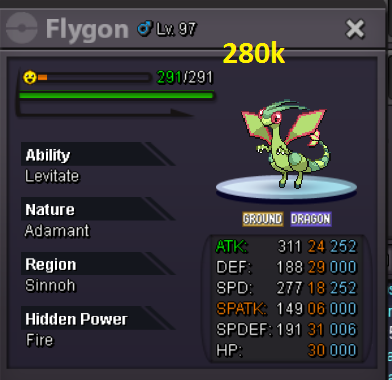
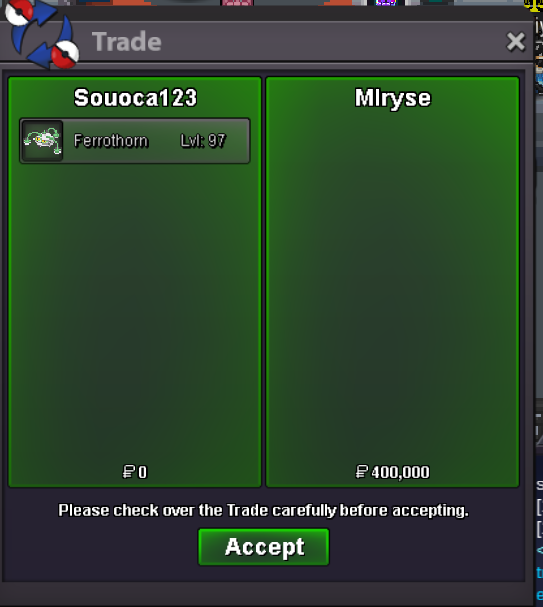
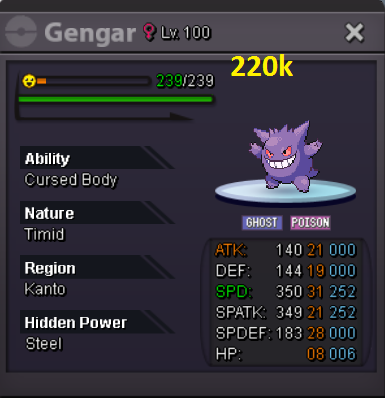
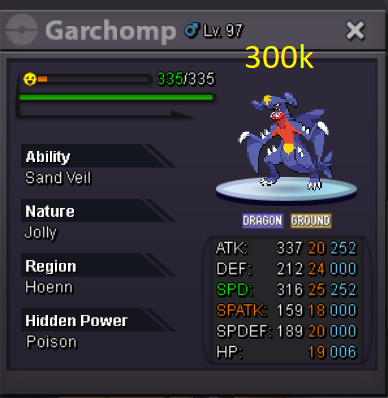
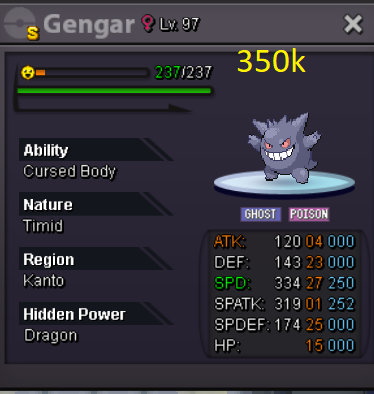
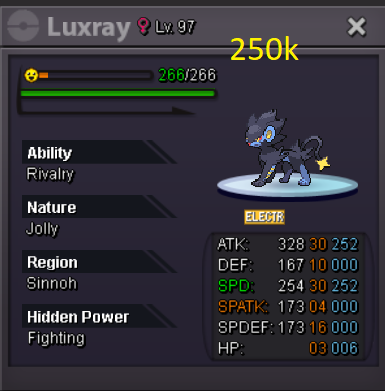
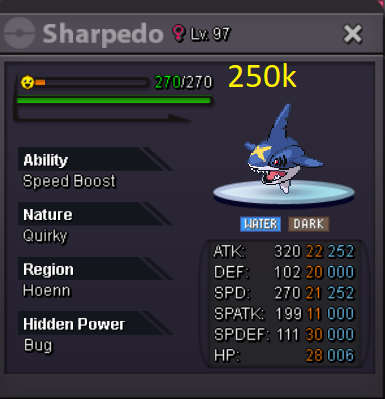
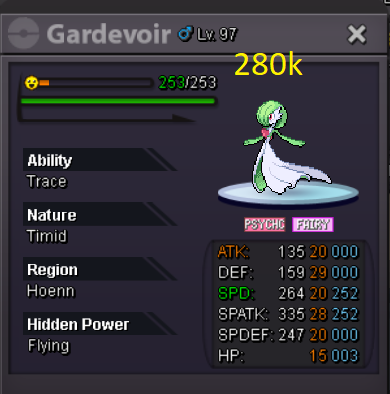
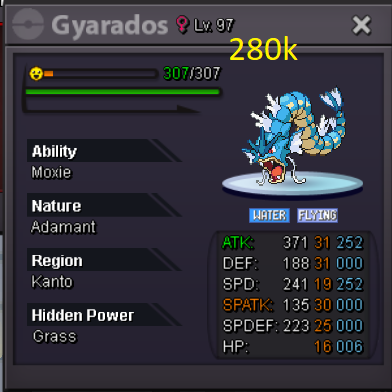
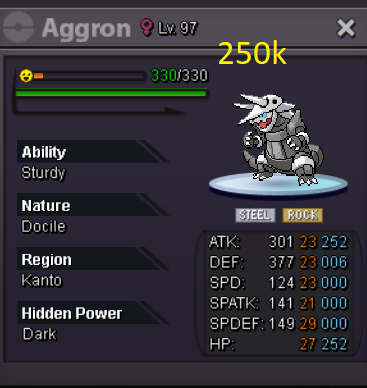
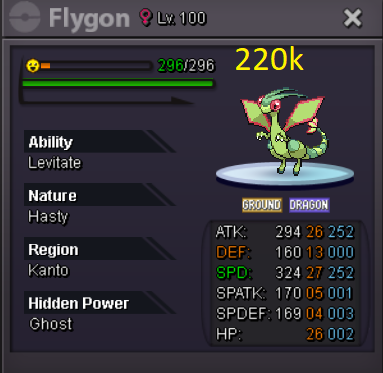
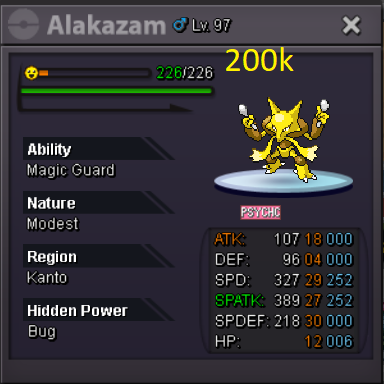
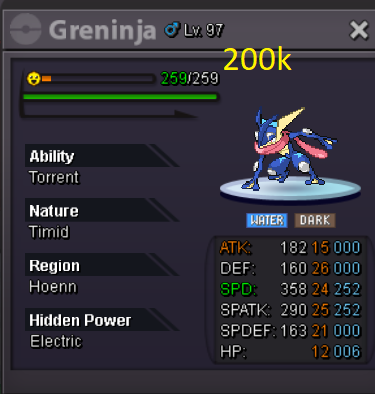
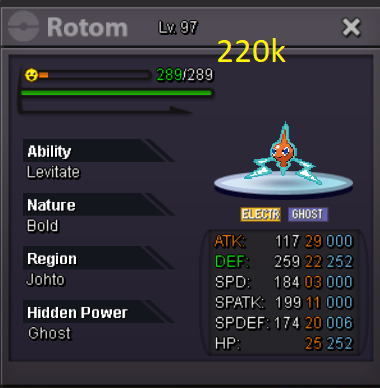
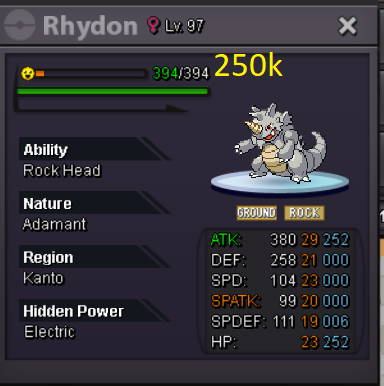
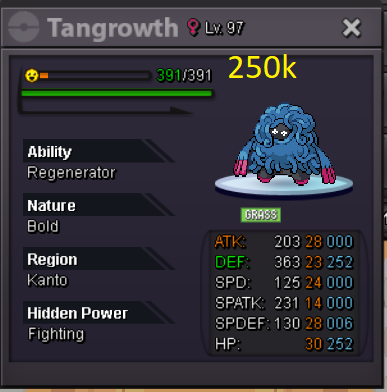
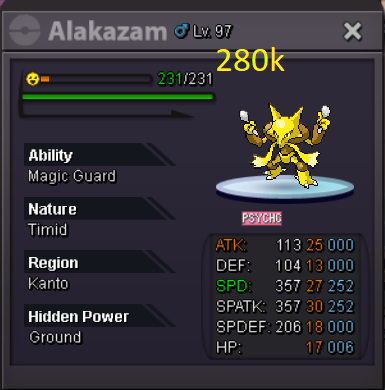
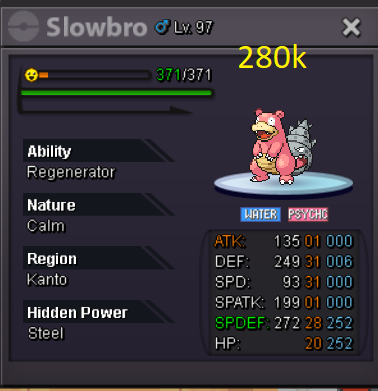
-
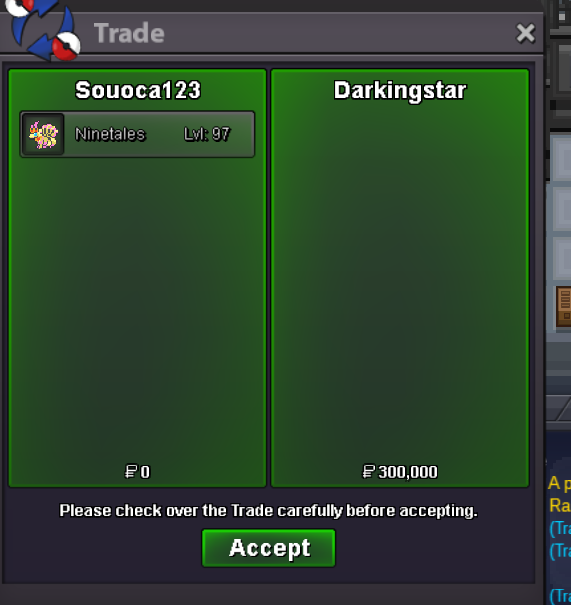
Finishby the rules of the auction the time goes back to 15 minutesby the rules of the auction the time goes back to 15 minuteslarvitar 600kstarter 400k bid 20k duration 48 hours "duration time starts after starter"
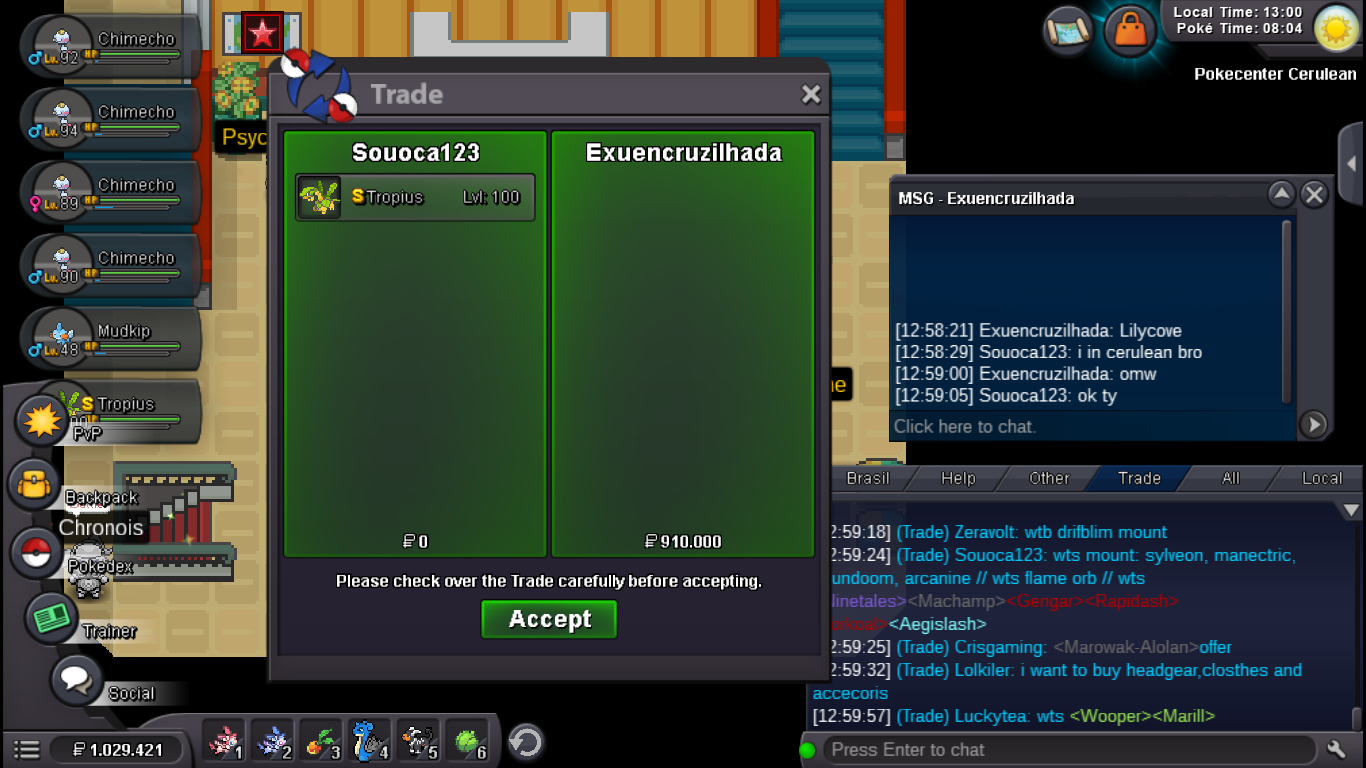
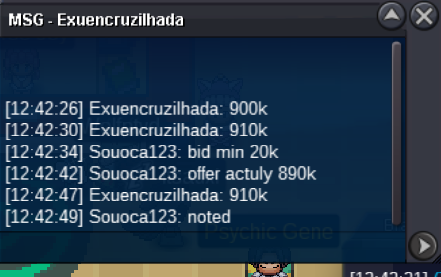
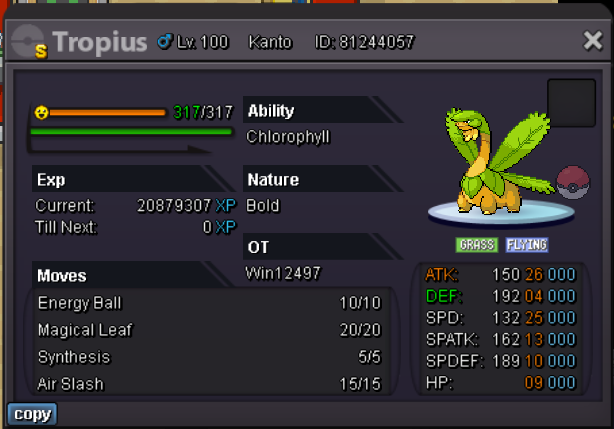 ok tyaipom 320k


Account
Navigation
Search
Configure browser push notifications
Chrome (Android)
- Tap the lock icon next to the address bar.
- Tap Permissions → Notifications.
- Adjust your preference.
Chrome (Desktop)
- Click the padlock icon in the address bar.
- Select Site settings.
- Find Notifications and adjust your preference.
Safari (iOS 16.4+)
- Ensure the site is installed via Add to Home Screen.
- Open Settings App → Notifications.
- Find your app name and adjust your preference.
Safari (macOS)
- Go to Safari → Preferences.
- Click the Websites tab.
- Select Notifications in the sidebar.
- Find this website and adjust your preference.
Edge (Android)
- Tap the lock icon next to the address bar.
- Tap Permissions.
- Find Notifications and adjust your preference.
Edge (Desktop)
- Click the padlock icon in the address bar.
- Click Permissions for this site.
- Find Notifications and adjust your preference.
Firefox (Android)
- Go to Settings → Site permissions.
- Tap Notifications.
- Find this site in the list and adjust your preference.
Firefox (Desktop)
- Open Firefox Settings.
- Search for Notifications.
- Find this site in the list and adjust your preference.