New Trade Zone
Trade Zone is now live
Use the new Trade Zone for auctions and instant-price trades so Pokemon and item offers are easy to find.

Niiko
Registered User
-
Joined
-
Last visited
-
-
-
I've denied a 2m offer yesterday. Sorry.
-
~ I am willing to listen to offers from interested people ~

-
Nice shop! Good luck with your trades. =)
-
I see... :P It was nice! Congratulations to the winner!! o/
-
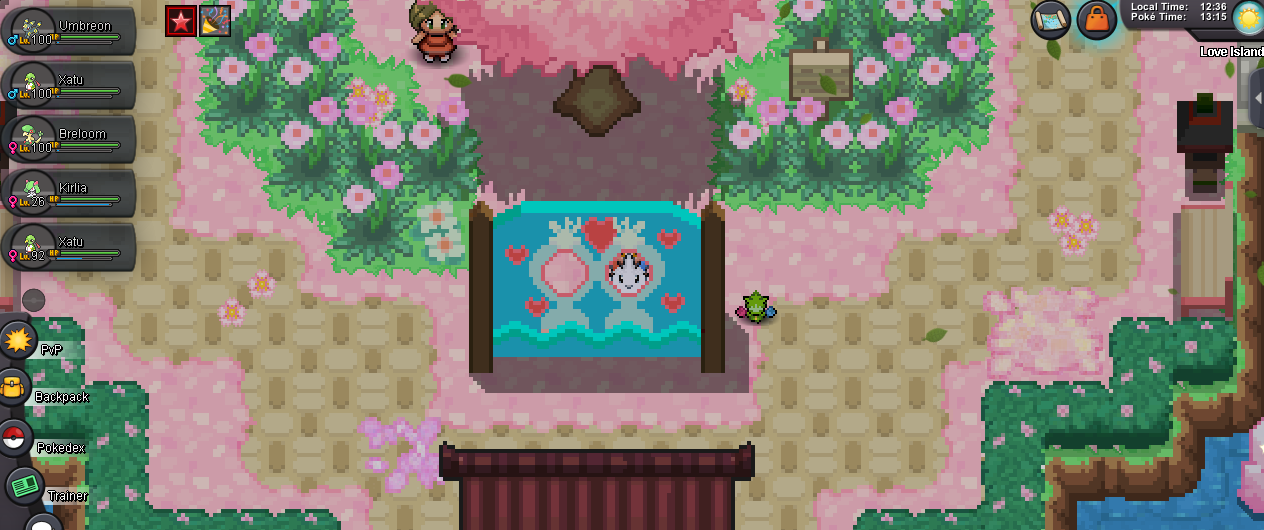
The quest begins in Love Island. What is Shaui playing times two? DID I WIN?!!!! *_*!!!
-
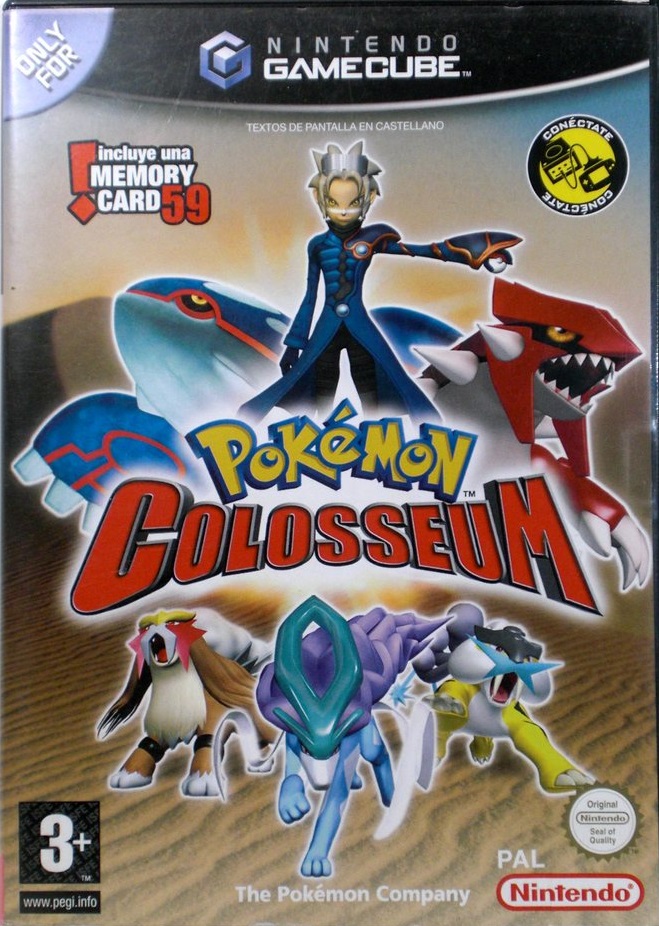
Last try: The console after the Nintendo64 (Times Two?) was the GameCube; so...probably Shui is playing Pokémon Collosseum Pokémon: Groudon Place: Love Island House 1 - Console

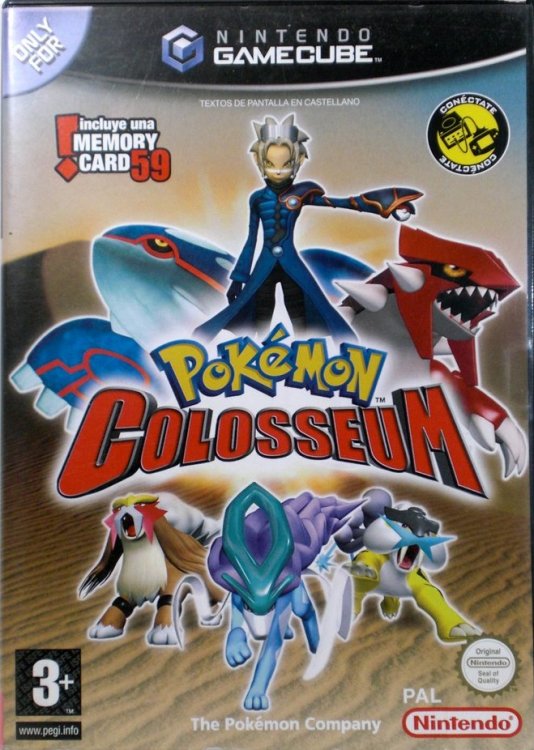
-
sixty-four times two = hundred twenty eight (64 x 2 = 128) #128 Dex. TAUROS Place: Love Island House 1 - Console

-
Pokémon: Espeon Place: Console

-
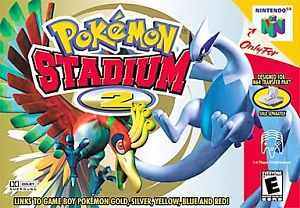
Pokémon: Lugia {On Pkmn. Stadium 2} Place: Love Island House 1
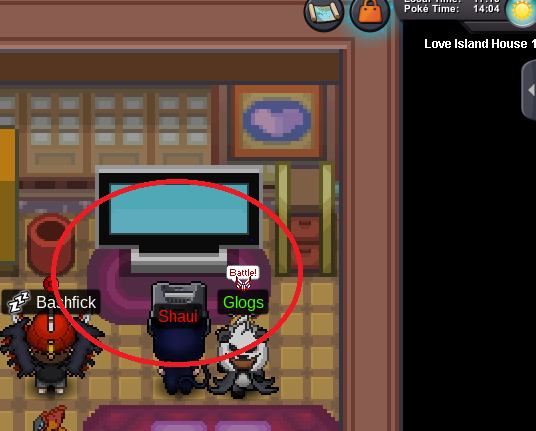
-
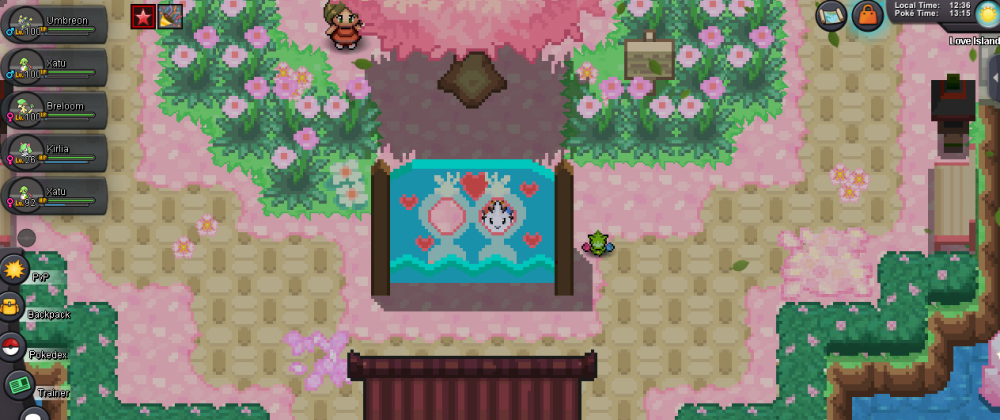
Frillish in Love Island?
-
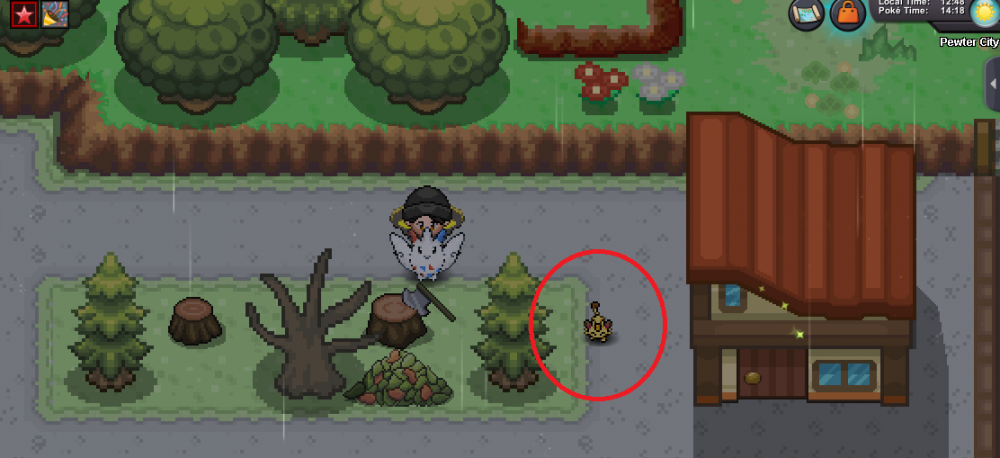
RAMBLINGS OF NIIKO: Well..."the quest begins in Love Island. What is Shaui playing times two?" 1.- I went to love island and speak to Shaui, who said tha was preparing tacos and something about Shamac. 2.- Cuz I didn't think that tacos were a clue, I go to Pweter City and speak with Shamac. 3.- Shamac said: "Go outside and find a tree" ---------------------------------------------------------------------------------------------------------------------------- so....Thats what I did, and here is the result: * Pokémon: Meowth * Place: Pweter City [spoiler=Images]
-
o/ Winn!
-
Pokémon: Venusaur Place: Love Island House - Game