




New Trade Zone
Trade Zone is now live
Use the new Trade Zone for auctions and instant-price trades so Pokemon and item offers are easy to find.

Ijiero
Registered User
-
Joined
-
Last visited
Everything posted by Ijiero
-
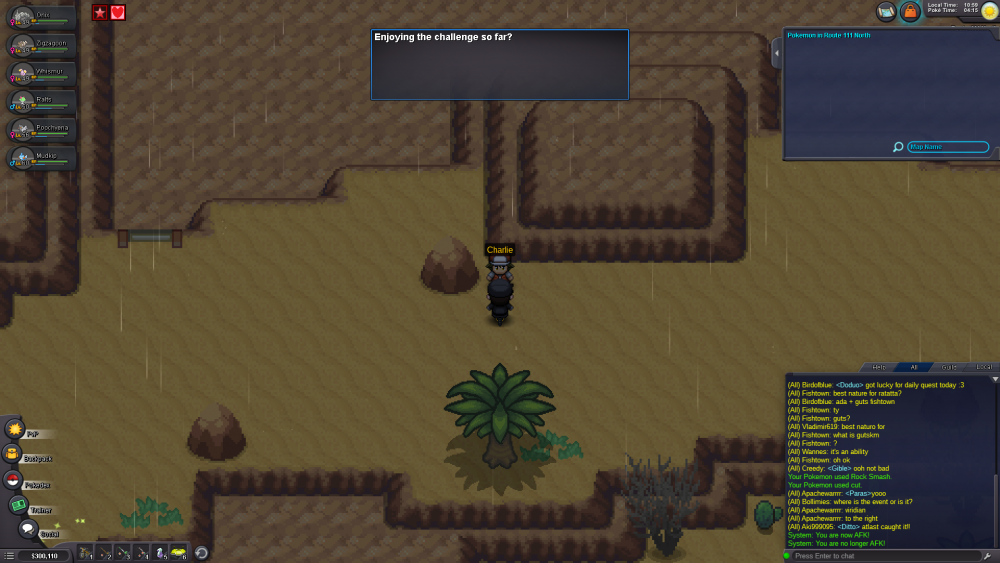
Hello! Charlie was here for me:
-
I prefer Titan. It's lighter and easier on the eyes in my opinion.
-
- Why do you want to join Eternity?: Cause you asked me. - IGN & Real Name?: ign: Ijiero /irl: none of your business - Current Age: 29 - Country of Origin and Languages Spoken: Belgium/ dutch, french, english, rusty russian, flemish sign language - Picture of your Trainer Card: In discord. - Your PRO Goals: 1. Finish story/ 2. Get all abra syncs with roleplay/ 3.???/ 4. Profit!!!
-
You think you're unlucky? I had just been waiting in the queu for 25 minutes. Nearly in, and server down. :p
-
The queu's went down to 150-200 in the last few weeks. The clones have increased this to 600. I assume it'll go down yet again when the event is over.
-
Quite right Liquidsnake. Switching out pokemon as Victor is suggesting is one of the things that will never happen. Here: https://pokemonrevolution.net/forum/viewtopic.php?f=7&t=35832 The second part I can agree with. But it's only a minor inconvenience.
-
Ok, thanks. Is there a list of known bugs somewhere? Guess this thread can be removed then.
-
Sorry if this was posted before, but didn't find another thread about this. Was in a trainer battle and both my Kakuna and Metapod leveled to 10. The game asked if I wanted my Kakuna to evolve, but did not do the same for my Metapod. I'm assuming this will happen anytime two PkMn reach the right level at the same time.
