New Trade Zone
Trade Zone is now live
Use the new Trade Zone for auctions and instant-price trades so Pokemon and item offers are easy to find.

Davidperezll
Registered User
-
Joined
-
Last visited
Everything posted by Davidperezll
-
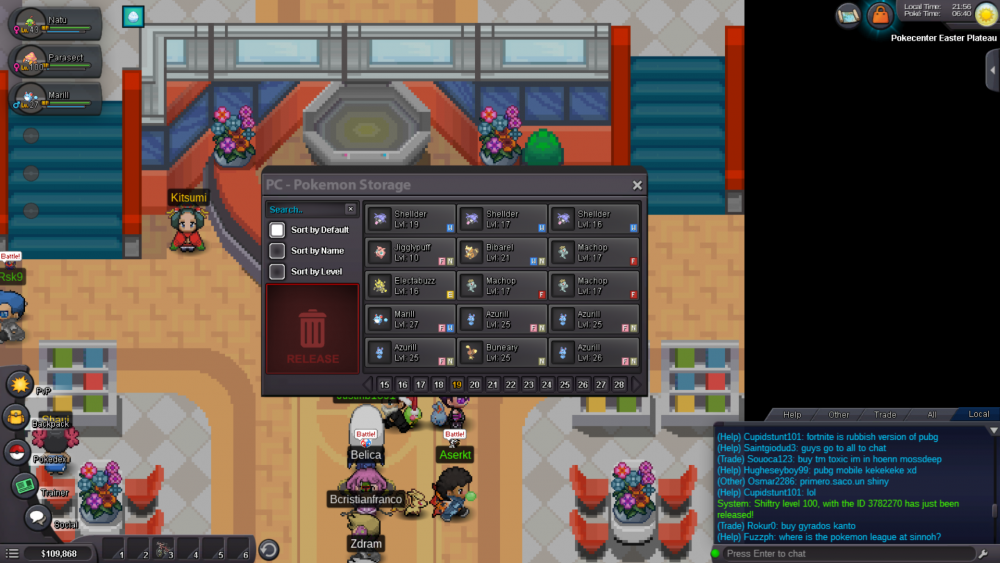
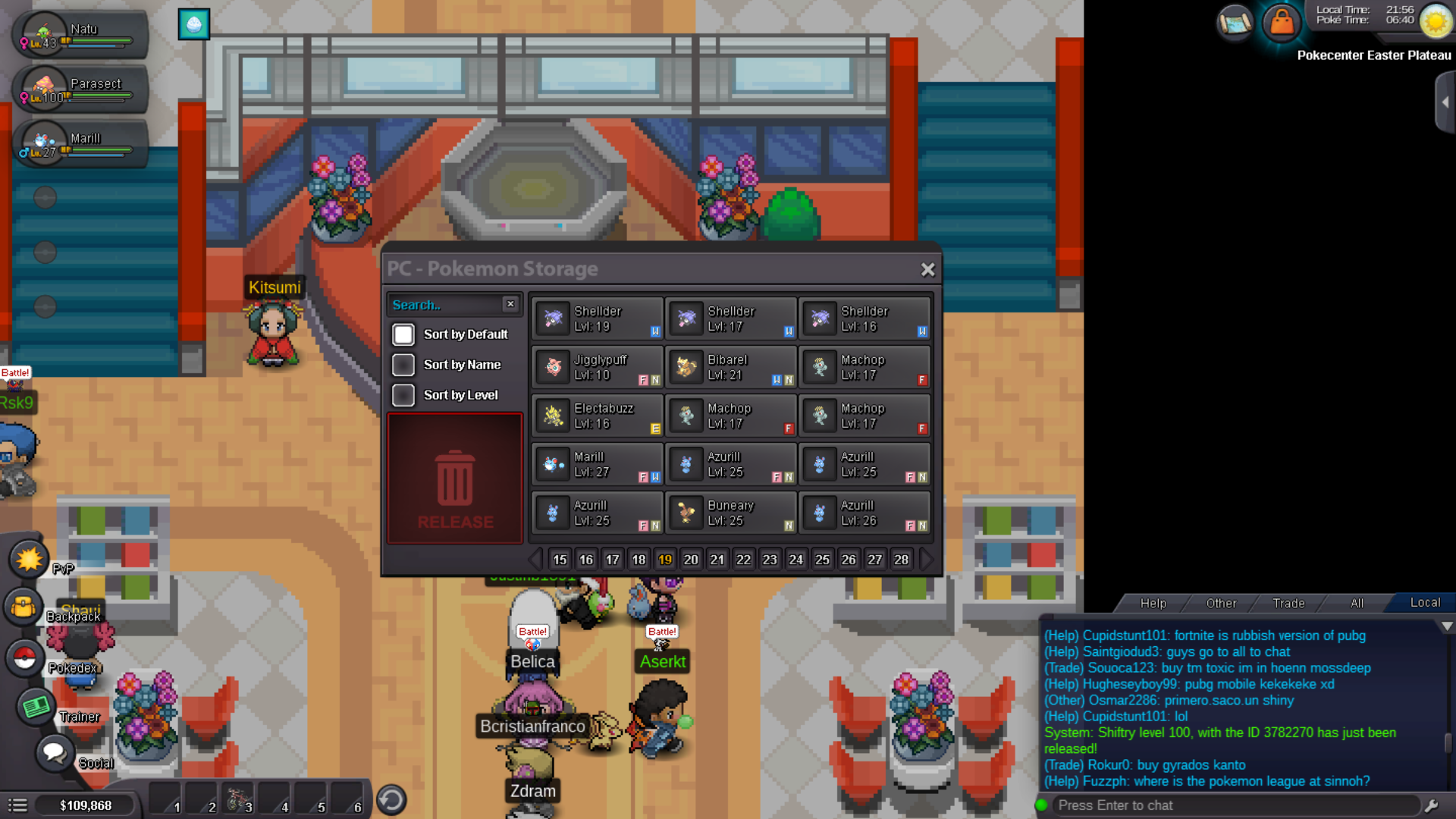
Fill up the following information: [u]ID Screenshot: Server:[/u] What do I need to do after my post? You only need to wait, an Administrator will reply after the Pokemon is successfully restored. What if I don't have any screenshot, or if I don't remember ID? In this case unfortunately, we can't do anything for you. Administrators need evidence to be able to restore your Pokemon. I accidentally released my Pokemon three months ago, can I get it back? Only recently released Pokemon can be restored. There is a cooldown for them to be restored. You need to request a restore as soon as possible. Restore pokemon please, server yellow and my tag is davidperezll