New Trade Zone
Trade Zone is now live
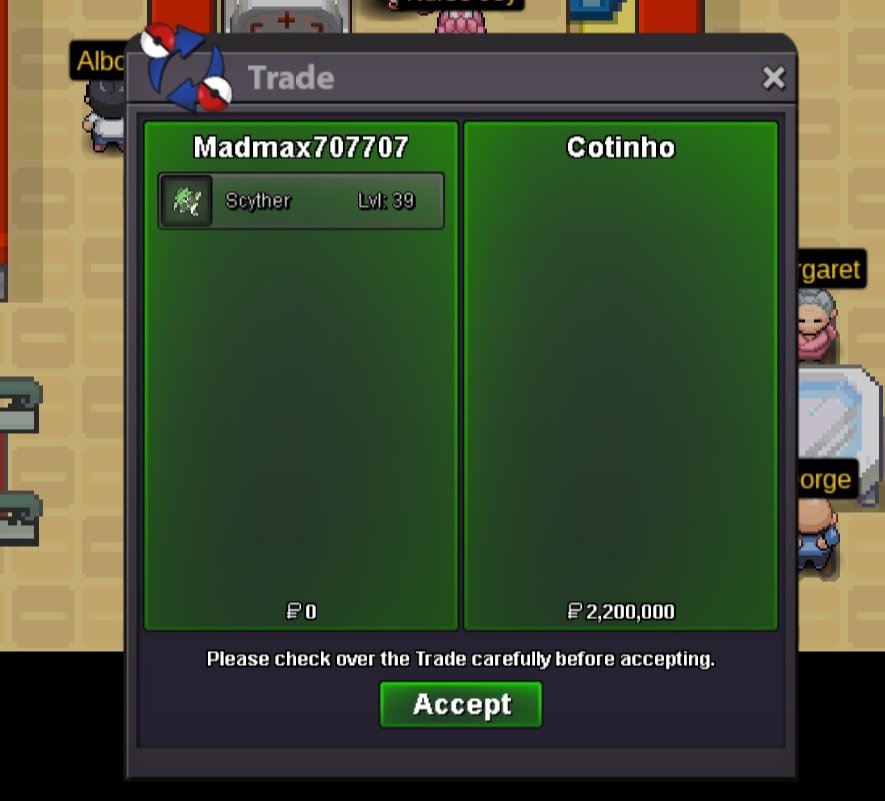
Use the new Trade Zone for auctions and instant-price trades so Pokemon and item offers are easy to find.

Madmax707707
Registered User
-
Joined
-
Last visited
-
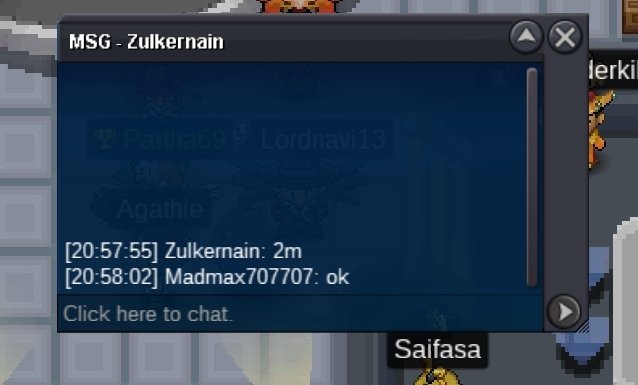
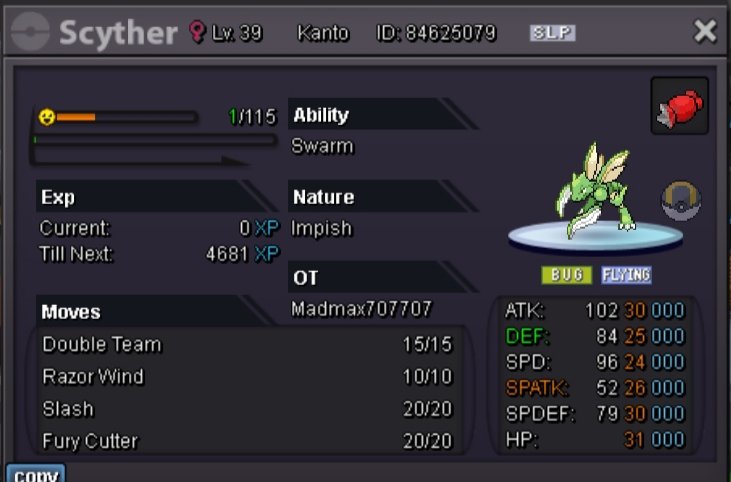
Start offer: 2m Min raise: 200k Auction Time: 2days after 1st bid No insta
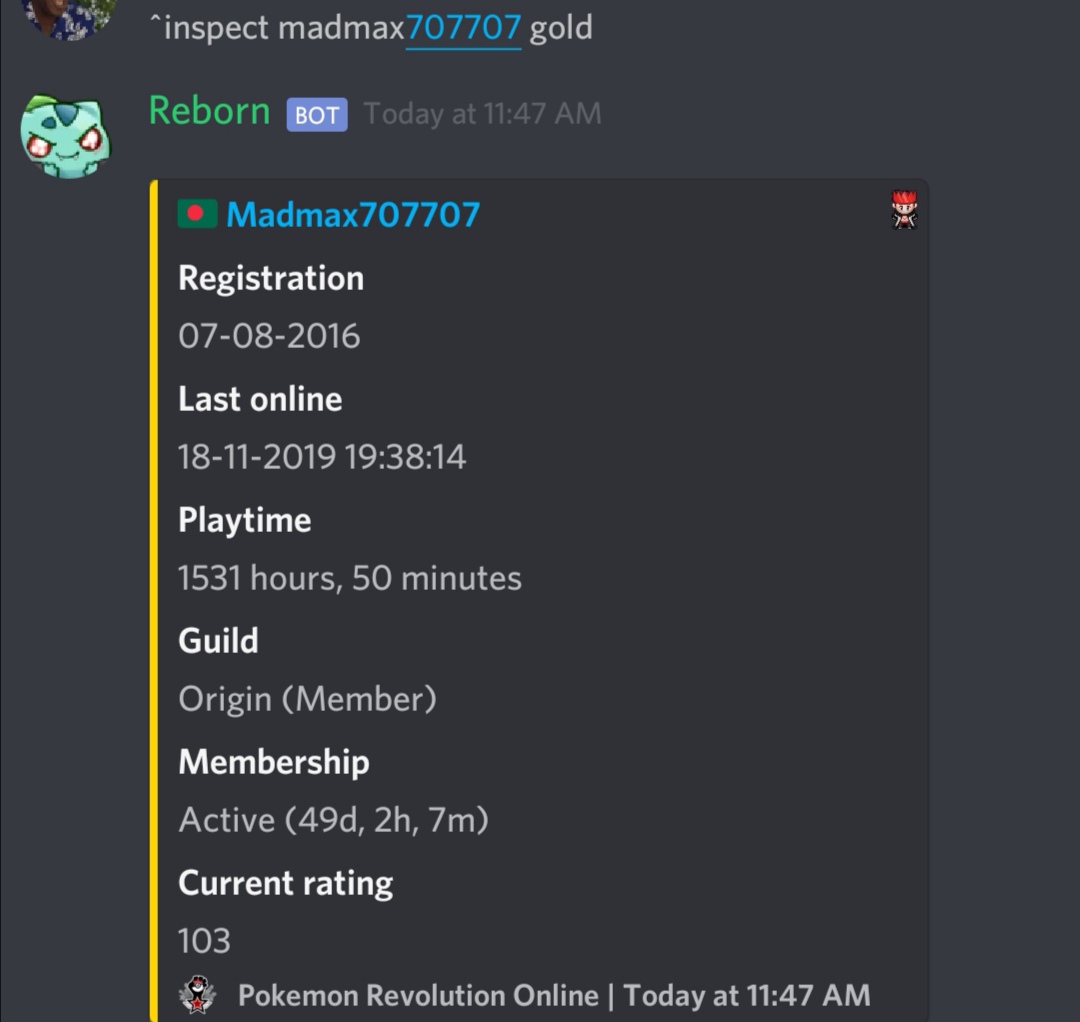
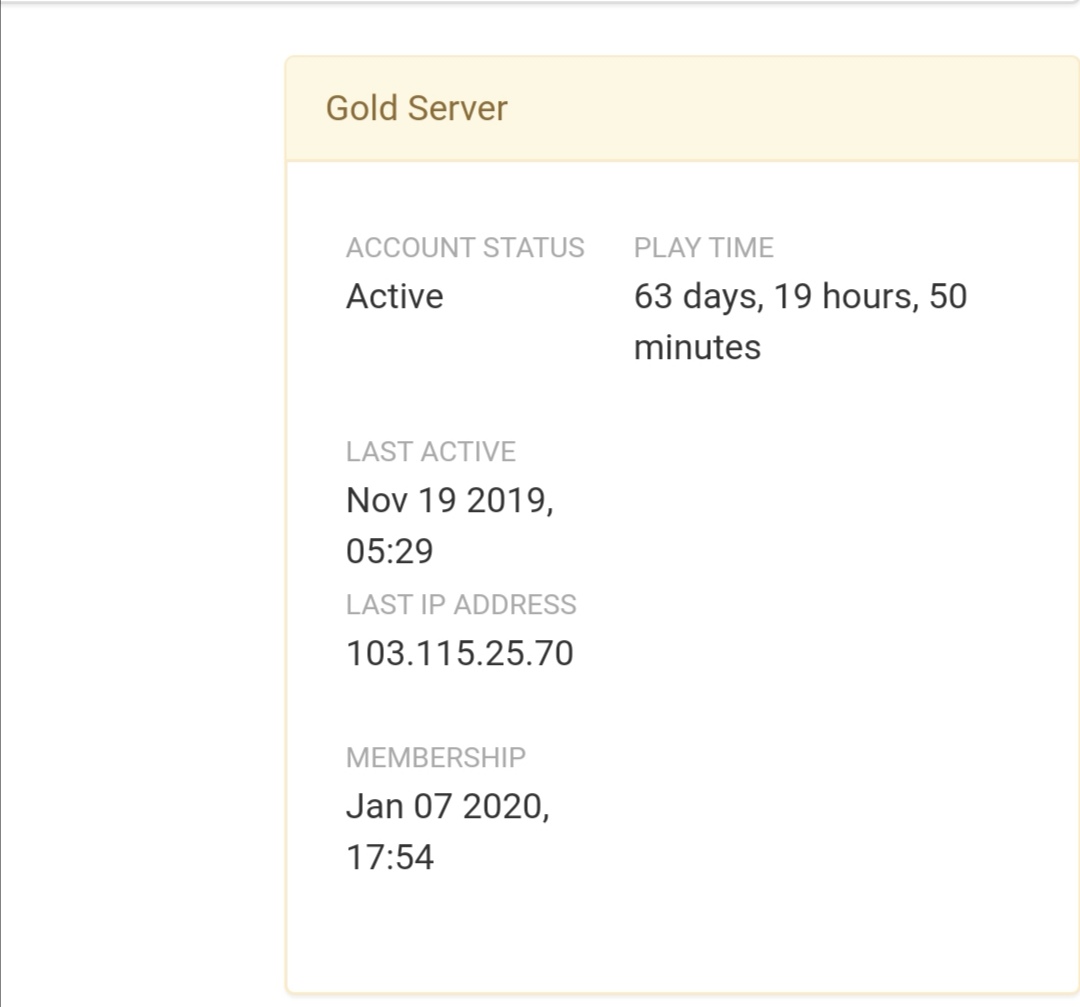
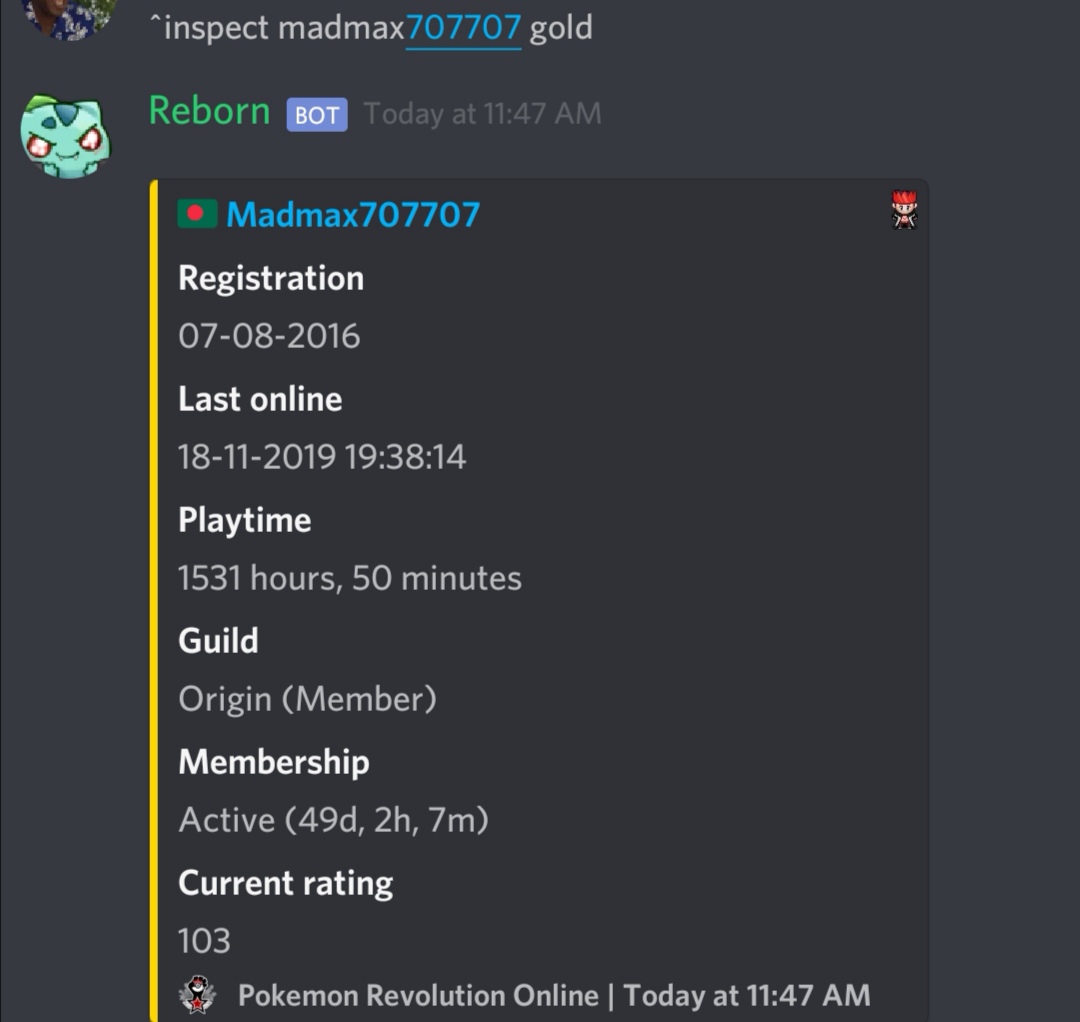
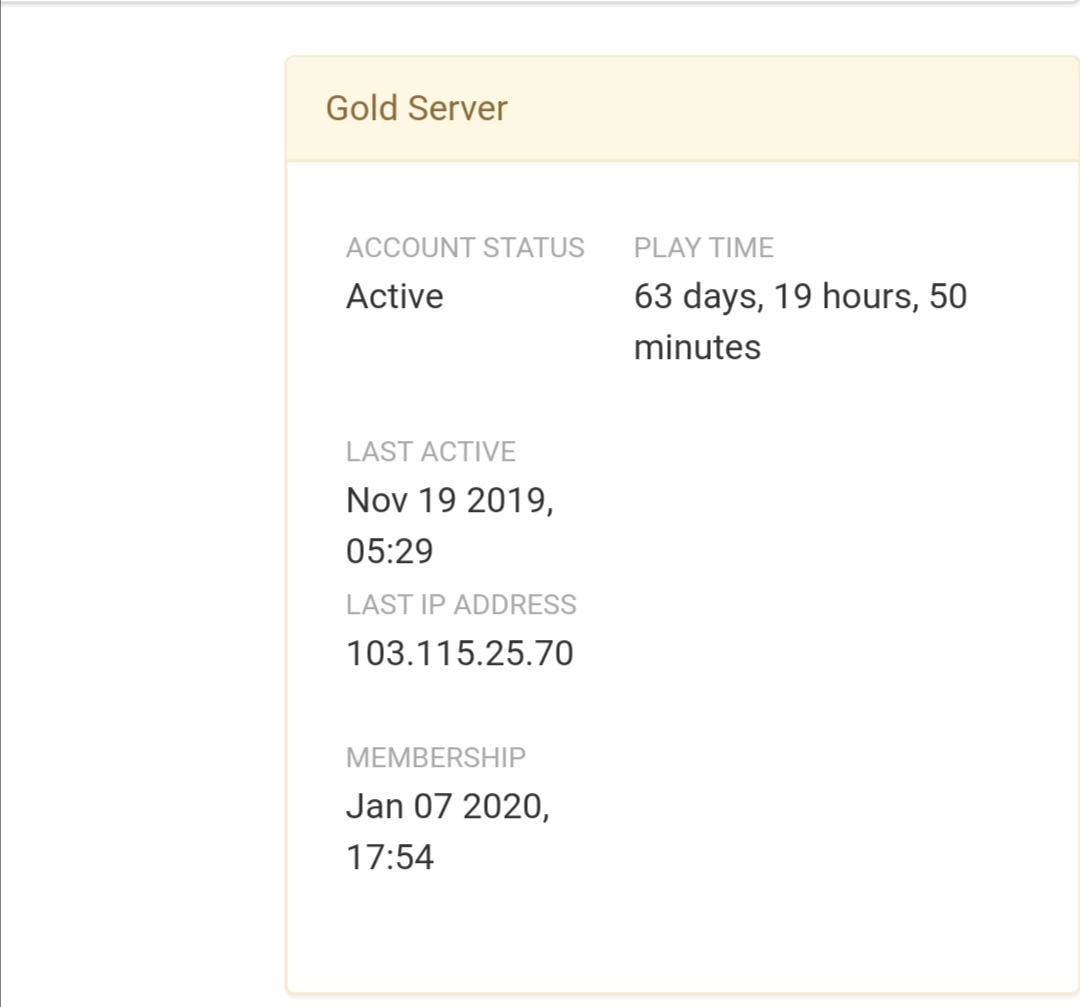
 This month i activated 30d ms and 2days ago,by mistake i activated another 60day ms; probably which would be like 80days left but in dashboard and reborn bot showing me that 30day ms is gone and 47days left. So plz fix this bug immediately, i really lost too much money for that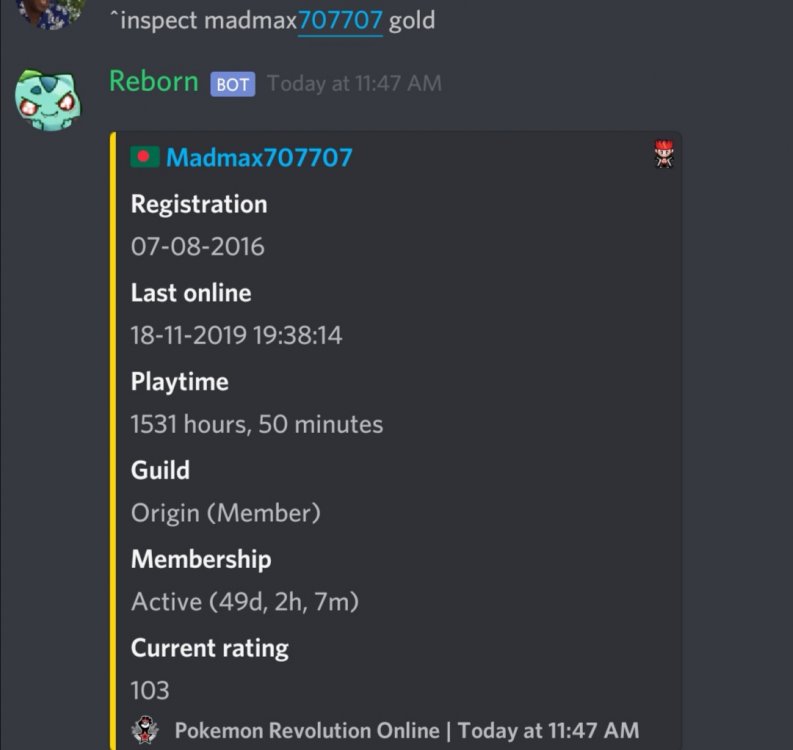
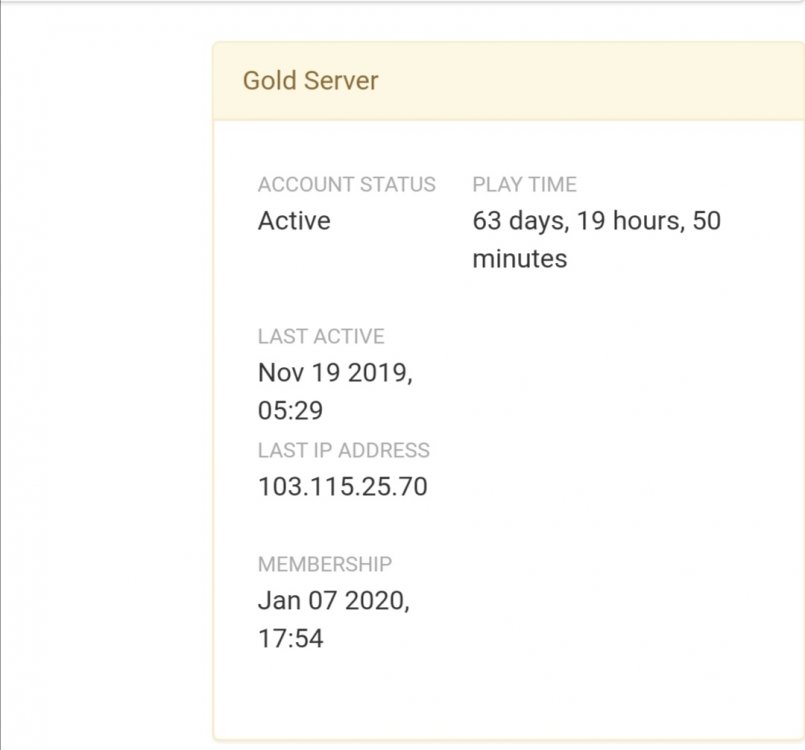 This month i activated 30d ms and now i mistakenly buy 60d ms at 11 am than i think what i will do with 60d ms soo that's why i activated my 60d ms but it didn't increase my ms date.Soo plz clear this bug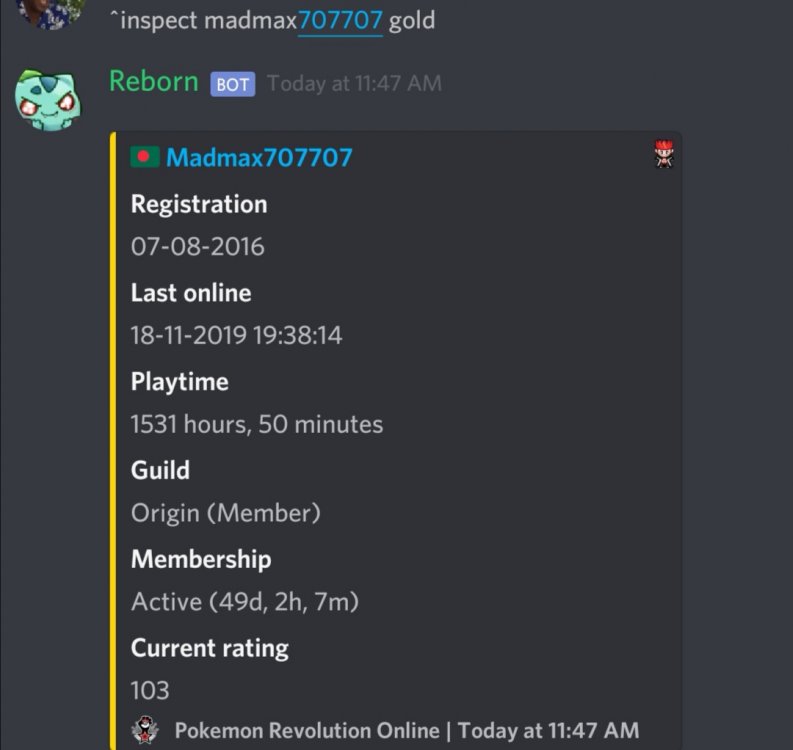
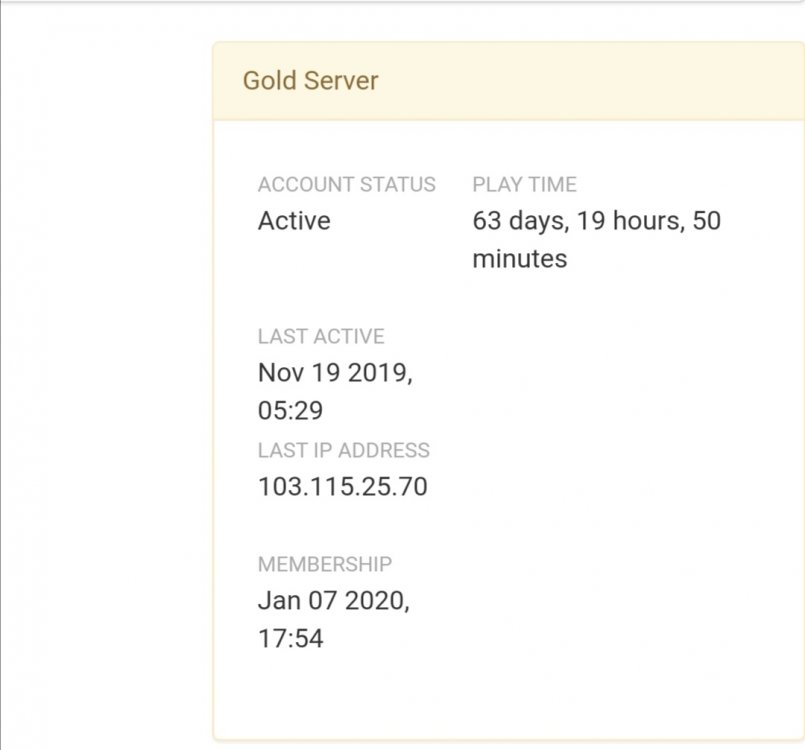 This month i activated 30d ms and now i mistakenly buy 60d ms at 11 am than i think what i will do with 60d ms soo that's why i activated my 60d ms but it didn't increase my ms date.Soo plz clear this bug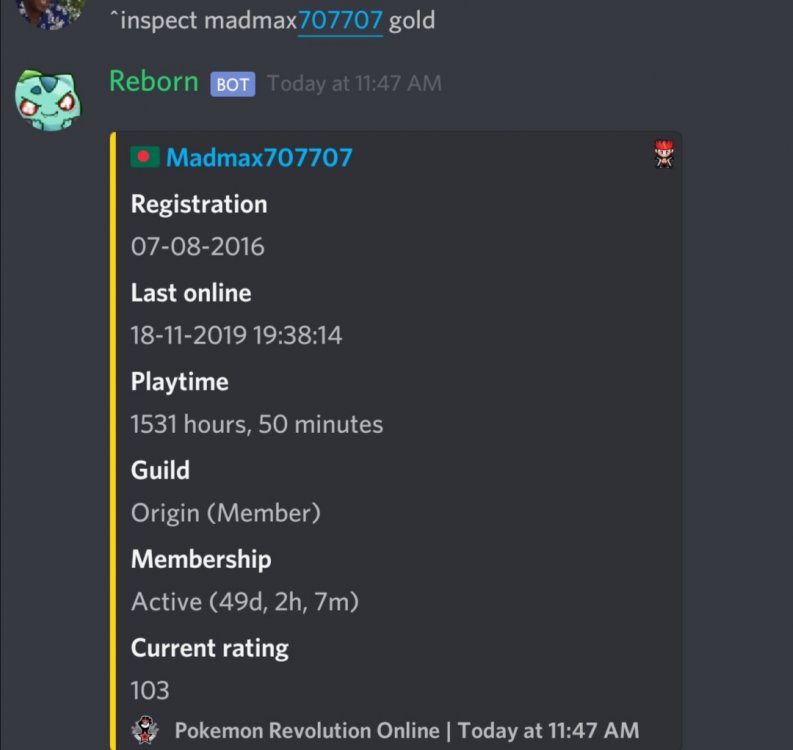
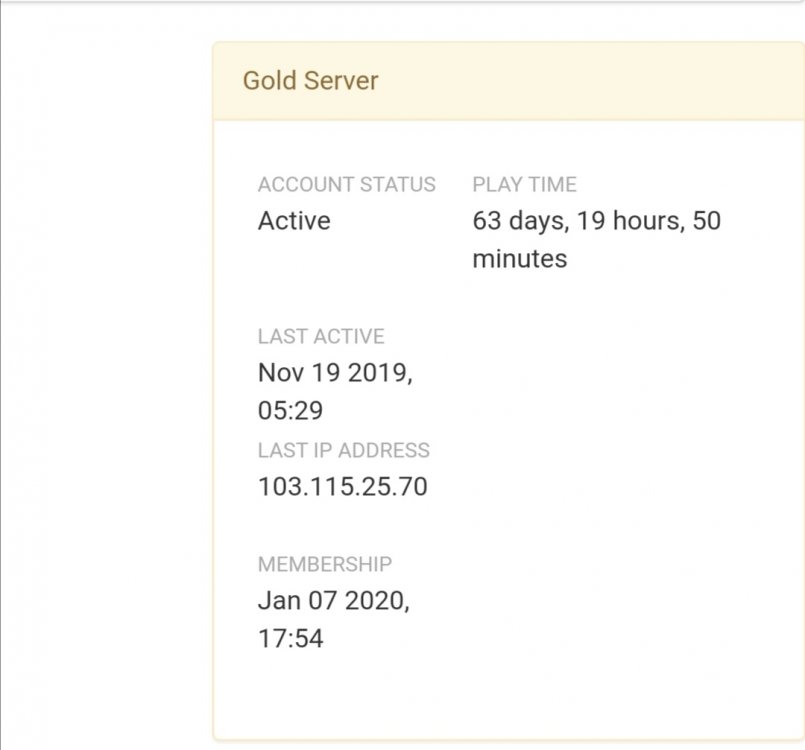 NAME CHANGE Username: Madmax707707 New Username: Psychomax Server to charge the money from: GoldNAME CHANGE Username : Madmax707707 New Username : DrMaxwell Server to charge the money from : Gold I got trade ban before,sorry for the fault,it wont happen anymoreRecently i didn't play this game for my exam, and now i see my all friend change the game server gold to silver.For this reason i feel soo lonely in this game. Soo i hope that you give a chance to change the game server gold to silver and enjoy this gameI am hunting corphish for 2day and my bms not working.I also use 1bms for hunting dratini and catch many dratini but got 4h.a soo bms not working... plz do something