




New Trade Zone
Trade Zone is now live
Use the new Trade Zone for auctions and instant-price trades so Pokemon and item offers are easy to find.

Ztlick
Registered User
-
Joined
-
Last visited
Everything posted by Ztlick
-
PLAYER CATEGORY Smartest: Chroll0 Friendliest: Jpezica12 Funniest: Hen1 Coolest: Kuanturn Comeback Player of the Year: Mumificado Most Talkative: IRespeect Most Trustworthy: Jpezica12 Most Helpful: Hen1 Most Missed: emilianet Most Influential: Chroll0 Most Intriguing: Deidaraa Most Experienced Player: Draculhao Best/Funniest Username: IRespeect Most Professional Guide Maker: Samleryt Most Professional Discord Moderator: Shaui STAFF CATEGORY Best Mapper: BerserkerOP Best Artist: YuiFelwood Best Community Coordinator: Xylos Best Moderator: Senrosia Best Trade Moderator: Logan Best Game Master: Menrva Best Admin: Shane Best Staff Username: Logan Most Professional Staff: Fluffles Most Dedicated Staff: Logan Funniest Staff: MutantSpider Friendliest Staff: Logan Most Honorable Former Staff: Shary Most Missed Former Staff: Shary
-
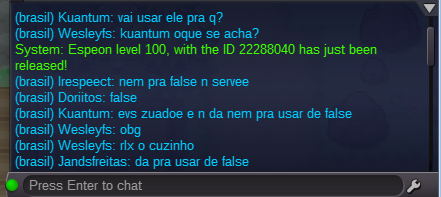
I excludes my espeon accidentally has how to recover? Sorry =/
-
-
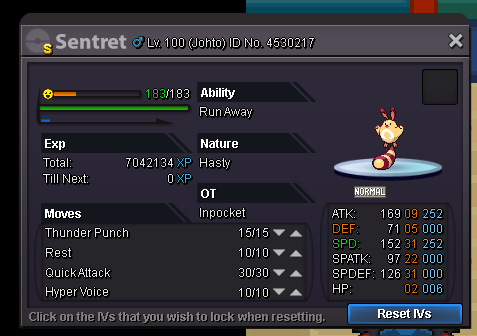
Server : Yellow -> ztlick poke to evolve : lvl100 shiny sentret Edit by Shaui: Spoke with him in game and it was resolved already :)

-
hi guys very good congratulations