




New Trade Zone
Trade Zone is now live
Use the new Trade Zone for auctions and instant-price trades so Pokemon and item offers are easy to find.

And34s
Registered User
-
Joined
-
Last visited
-
It was years ago that I did that search, when I was looking for Jirachi. I couldn't tell you exactly what year, but anyway, I honestly think I'll leave it like that until I feel like going back to all the places and taking screenshots. Thanks for the suggestions.
-
I went everywhere and didn't see him :c
-
I went back to the place to talk again with my mother and the television, and she only talks about things from my trip and that I need water, and the television says that it seems that the red Pokémon is still around.
-
Hello, good evening, yes I spoke with the television and my mother, but she didn't tell me anything, I went to the city to talk with the sailor but he didn't tell me anything related to Latias or Latios, instead he talked about a boat
-
I already have all 300 evolutions, all the Hoenn Pokémon, and I've caught Jirachi. I go to the TV and nothing happens.
-
The winner of the auction is "ERN3", to spend 24 hours without knowing the auctioneer will be canceled for false offer.
 The winner of the auction is "jaegers", to spend 24 hours without knowing the auctioneer will be canceled for false offer.
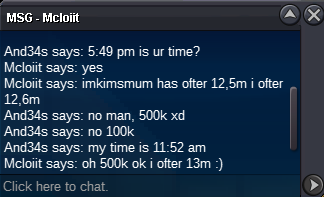
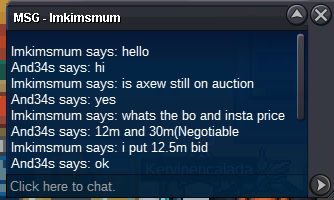
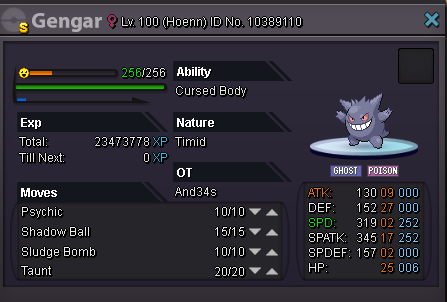 Sold [uSER=322778]ImKimsMUM[/uSER] for 15m The waiting period will be 24 hours, at the end if the purchase is not completed automatically the offer is canceled and therefore the auction for false information or absence
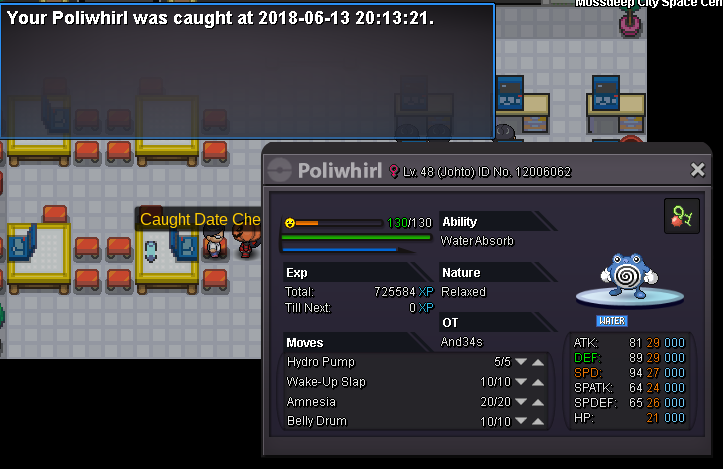
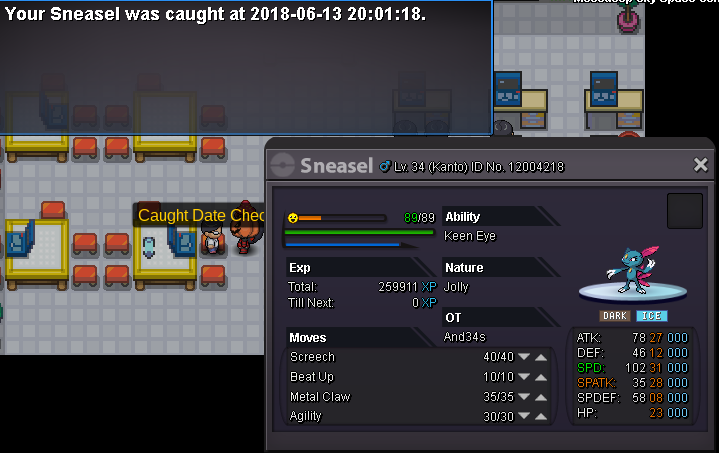
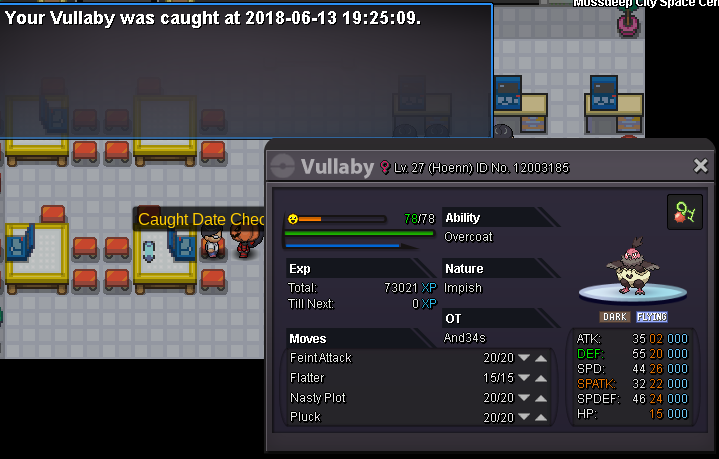
Account
Navigation
Search
Configure browser push notifications
Chrome (Android)
- Tap the lock icon next to the address bar.
- Tap Permissions → Notifications.
- Adjust your preference.
Chrome (Desktop)
- Click the padlock icon in the address bar.
- Select Site settings.
- Find Notifications and adjust your preference.
Safari (iOS 16.4+)
- Ensure the site is installed via Add to Home Screen.
- Open Settings App → Notifications.
- Find your app name and adjust your preference.
Safari (macOS)
- Go to Safari → Preferences.
- Click the Websites tab.
- Select Notifications in the sidebar.
- Find this website and adjust your preference.
Edge (Android)
- Tap the lock icon next to the address bar.
- Tap Permissions.
- Find Notifications and adjust your preference.
Edge (Desktop)
- Click the padlock icon in the address bar.
- Click Permissions for this site.
- Find Notifications and adjust your preference.
Firefox (Android)
- Go to Settings → Site permissions.
- Tap Notifications.
- Find this site in the list and adjust your preference.
Firefox (Desktop)
- Open Firefox Settings.
- Search for Notifications.
- Find this site in the list and adjust your preference.