




New Trade Zone
Trade Zone is now live
Use the new Trade Zone for auctions and instant-price trades so Pokemon and item offers are easy to find.

Xlfrostxbytelx
Registered User
-
Joined
-
Last visited
Everything posted by Xlfrostxbytelx
-
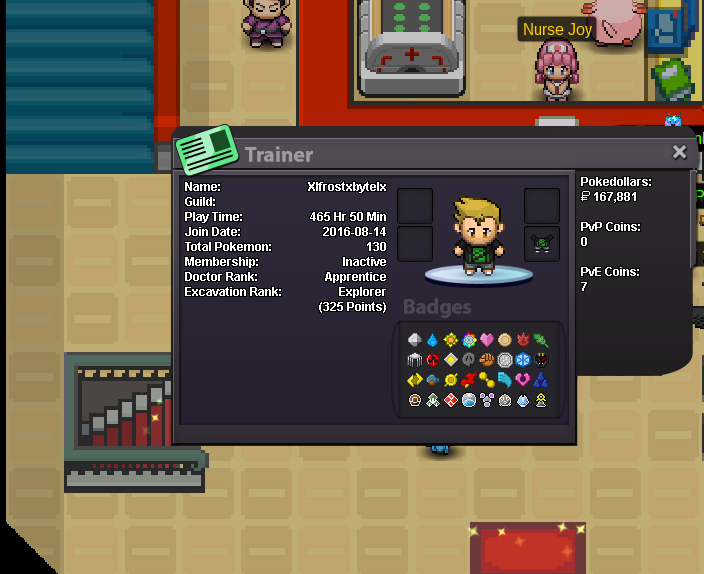
hi I'm XlFrostxBytelX my discord name is LegendaryRonin#8645 I've been playing PRO for a few years now I would like to join shield for fun and fellowship in PRO my goals are to enjoy the game and make friends I'm on almost every day in either afternoon or morning
.png.8b60f810186f5be3a0e96f26a63ca300.png)
-
hi I would like to join XlFrostxbytelX age: 27 time on red server 374 hours alakazam it was my 1st level 100 in pokemon revolution be a better overall player and to experience all the game has to offer pvp team i have one but not a good one sadly
-
calm mind, ancient power, or bulk up any knowledge would be helpful :thanks:
-
i fixed it my pc had some really bad settings that i had to fix
-
when a large amount of players are in a particular area the map itself glitches out is there anything pro is working on to fix this, also red server always says its full is there going to be a expanding of red server
-
scizor as for why should i get the headset i guess just nice to have and i didnt know there were giveaways im still getting used to this im from jackson michigan usa