New Trade Zone
Trade Zone is now live
Use the new Trade Zone for auctions and instant-price trades so Pokemon and item offers are easy to find.

Rahz
Registered User
-
Joined
-
Last visited
Everything posted by Rahz
-
@ Allsmell before i bump i asked a mod in game he told me keep bumping so i dont have to make new thread and that is not for trade if you want trade make new thread i am here to solve my probelm
-
-
i have another problem sometimes i get black screen and and i see onley the white arrow of the mouse pointer while playing the game and i cant use any key of the keyboard like windows or alt+clt to skip this black screen so to shutdown the pc and open it again i tried to reinstall the game and and download the last client but still have the probelm and pls tell if i have to make another post on forum or no
-
hi i deletd the old post cause its useless about hunting froakie ifound that its my fault and that i have bad luck sorry for wastting your time now i have another problem sometimes i get black screen and and i see onley the white arrow of the mouse pointer while playing the game and i cant use any key of the keyboard like windows or alt+clt to skip this black screen so to shutdown the pc and open it again i tried to reinstall the game and and download the last client but still have the probelm and pls tell if i have to make another post on forum or no
-
yes after i got invalid username or password messege i asked on discord the gave me a link to rest password and it worked ty and sorry for bother
-
hi i am in silver server i merged before the wrong server i was blue i choosed red i wanted to make another character in gold server with same account rahz but i cant it said invaild username or password, i just want to know in this case i cant transfer from silver to gold ? and i have a question so if i make 2 characters in each servers in same accounts rahz i couldnt server transfer one of them because there will be an empty place?

-
Bump
-
wtb 31 speed +25 atak +20 stats jolly sneasel budget 1.2m
-
hi Travok sorry for bother but i have been waiting since monday, have you spoke to one of the content scripters yet ? if no give you give me a specific time for answer
-
ok ty and sorry for bother and pls dont forget me
-
yes i merged the wrong server i was blue and choosed red and what about i havent Dialga or Palkia or even the other lake trio data
-
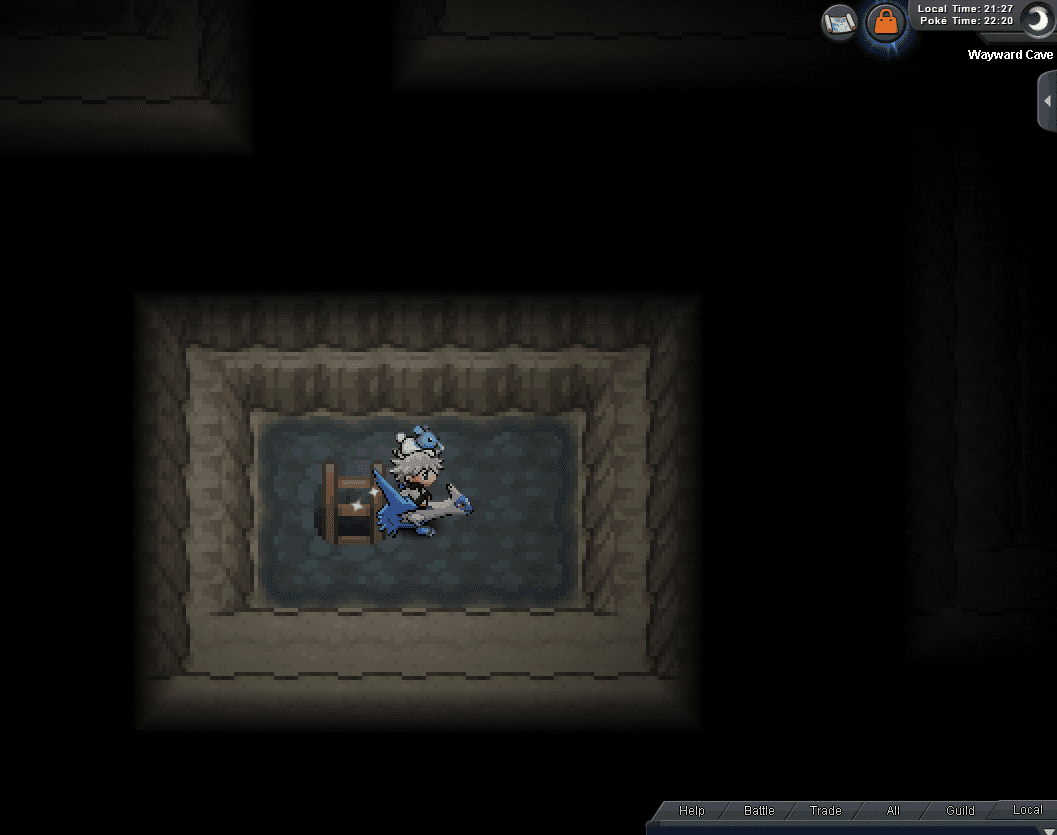
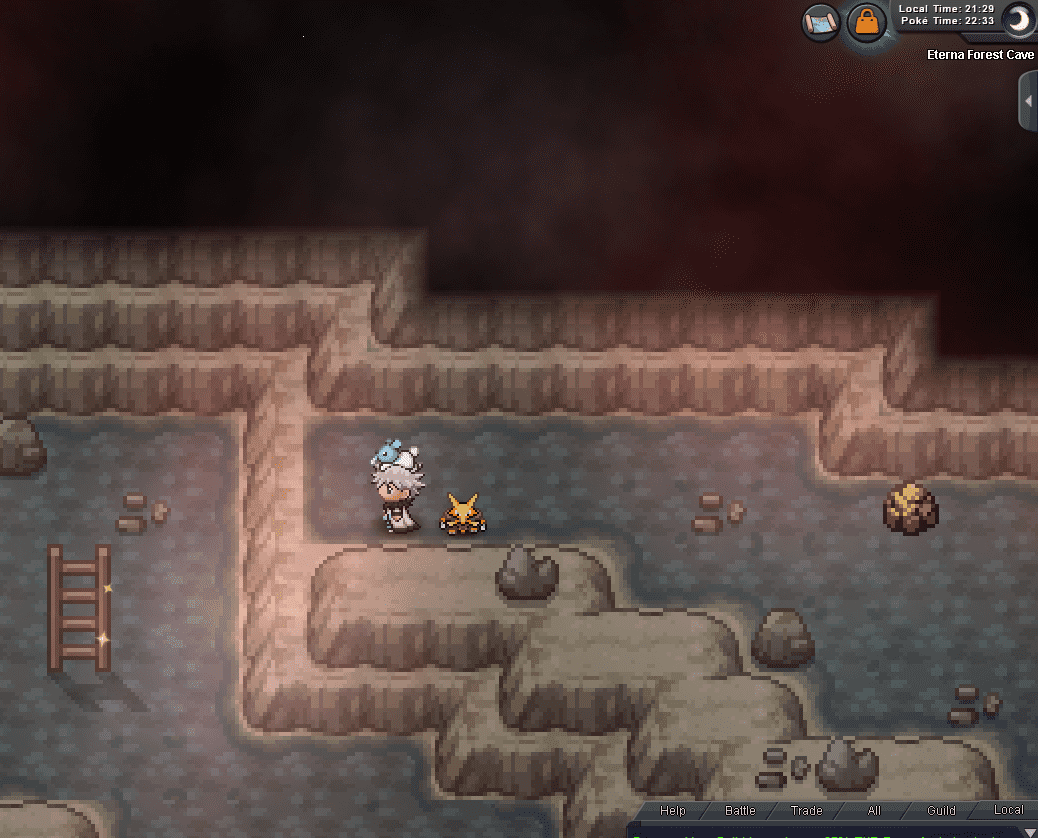
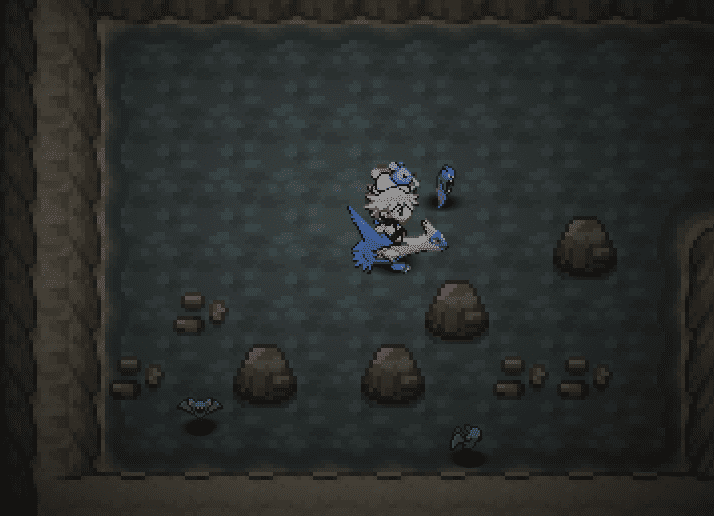
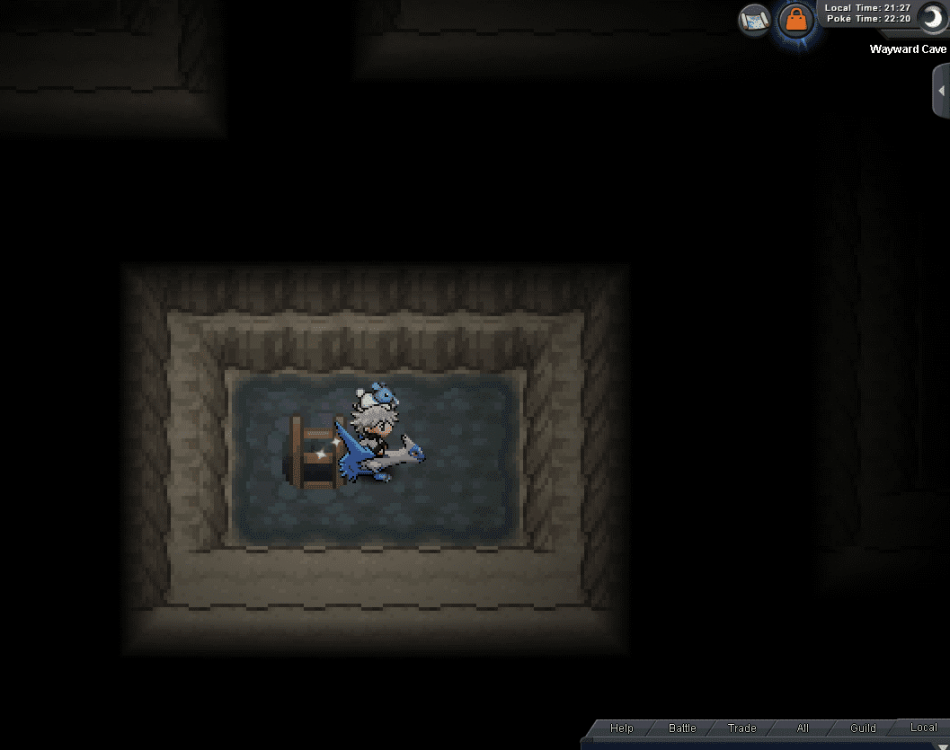
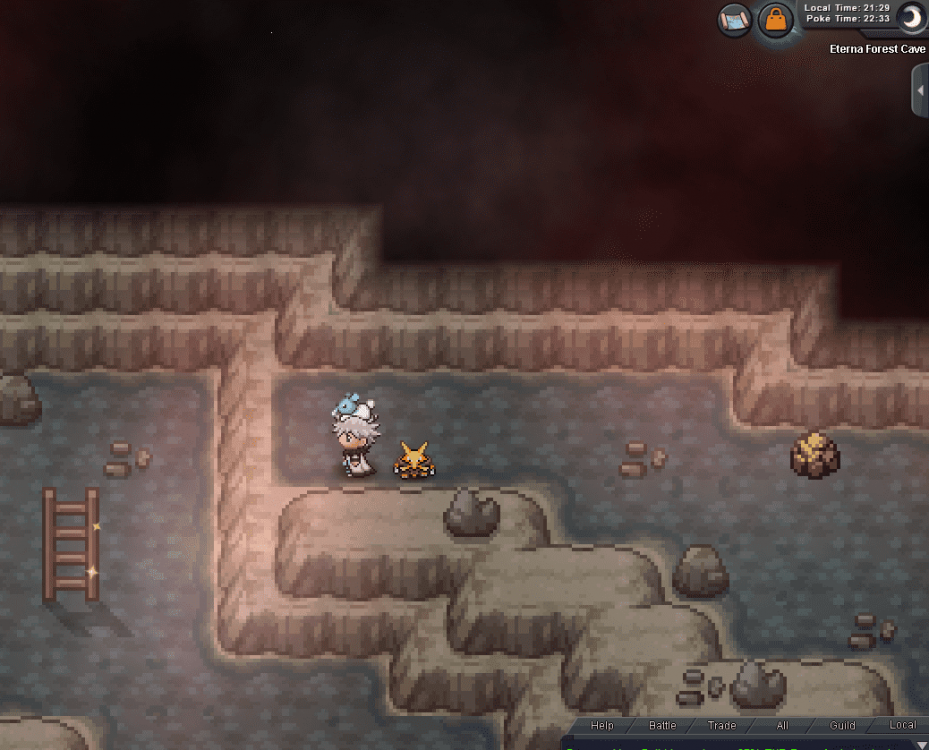
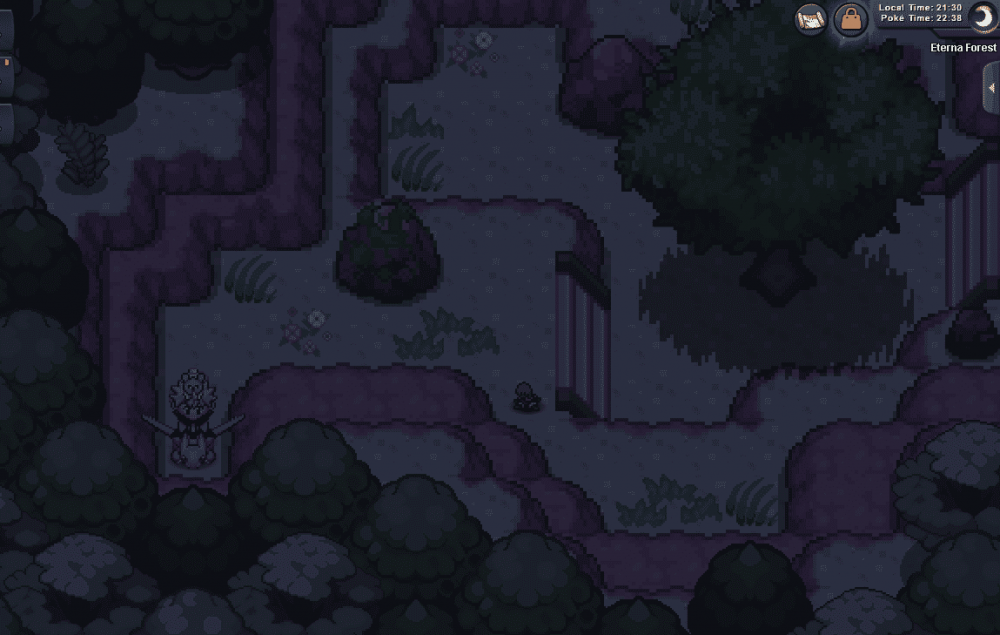
i started the quest and went to Eterna forest and Wayward Cave as in the description of the guide but didnt find the Adamant Orb or the Lustrous Orb i tried to search in my bag but i didnt find those orbs too
-
sorry i cant redo i spoke with dawn she did tell me anything she just said "congratulations for becoming sinnoh champion" and i went to home and spoke to tv and nothing happened , do i have to release my azlef?
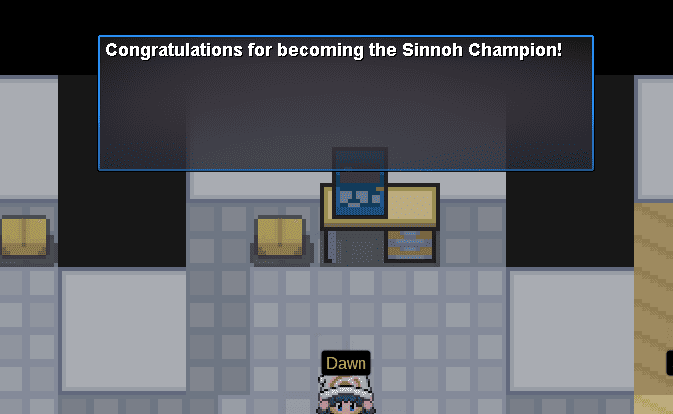

-
Hi i merged the wrong server but i had completed lake trio quest before and i got azelf so when i completed the sinnoh story at 2nd time again after merged wrong server i found that i havent Dialga or Palkia or even the other lake trio data and i tried to do the quest again but cant start it but i have azelf My question is that can i meet the other lake trio legendaries at the world quest even i havent the requirements ?
-
sold to endergirl7 ty
-
-
SOLD 1ST AND 2ND GILBLE TY
-
1st gible 200k 2nd gible 80k

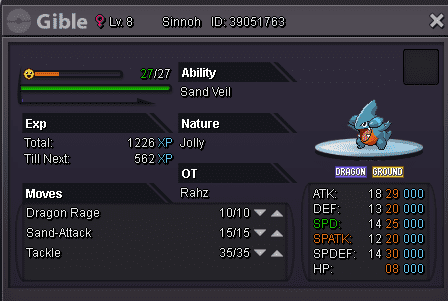
-
Sold By Nicotine
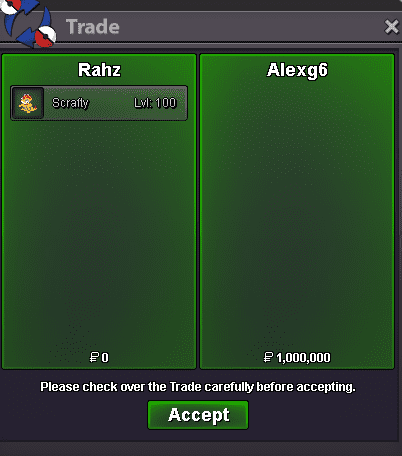
-
bump
-
Starting price : 500k Min raise: 50k Instant 1m Auction ends 2 days after first bid

-
sold to Elida

-
12 hours and 25 min left
-
450k by darachan
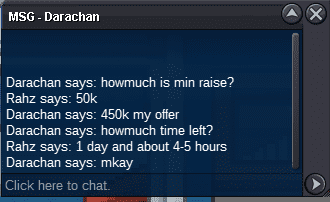
-
1 day and 6hours left