




New Trade Zone
Trade Zone is now live
Use the new Trade Zone for auctions and instant-price trades so Pokemon and item offers are easy to find.

Atm0sphere
Registered User
-
Joined
-
Last visited
Everything posted by Atm0sphere
-
200k by artemus311
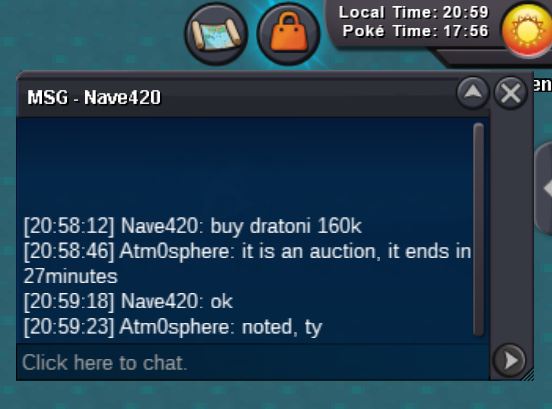
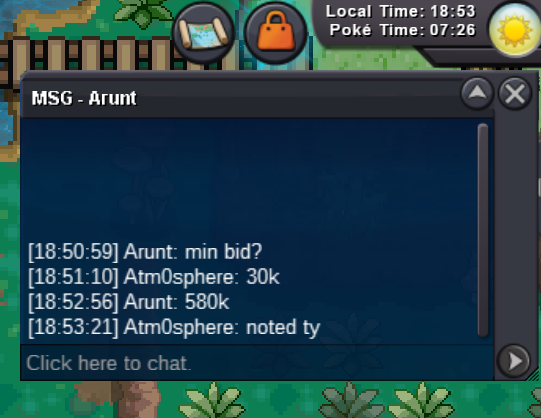
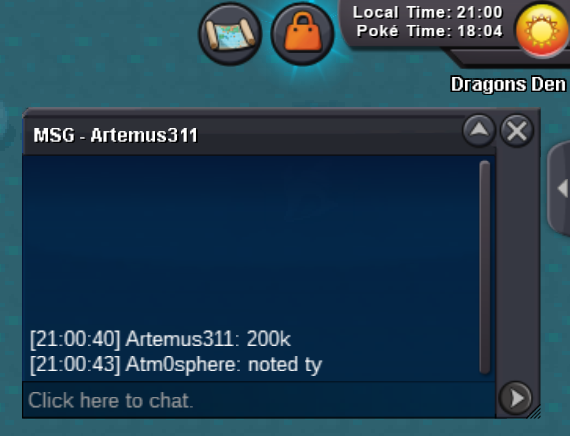 Hello! wts those Adamant Marvel Scale Dratinis s.o. 40k each minimum raise 20k no insta auction ends 24h after first bid accept: coin capsule 400k, rare candy 5k Silver server Last 15minutes rule applies as always. Good Luck everybody! IGN: Atm0sphere
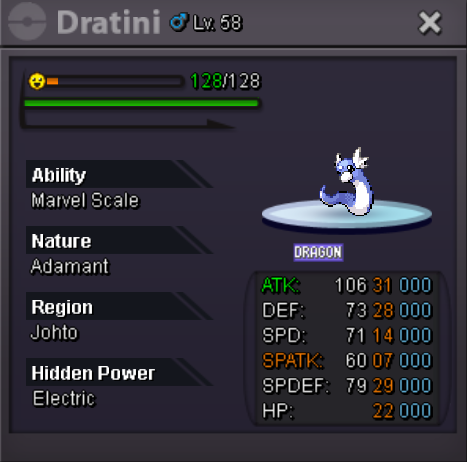
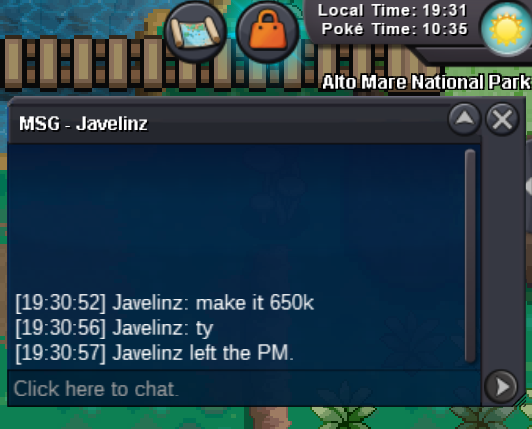
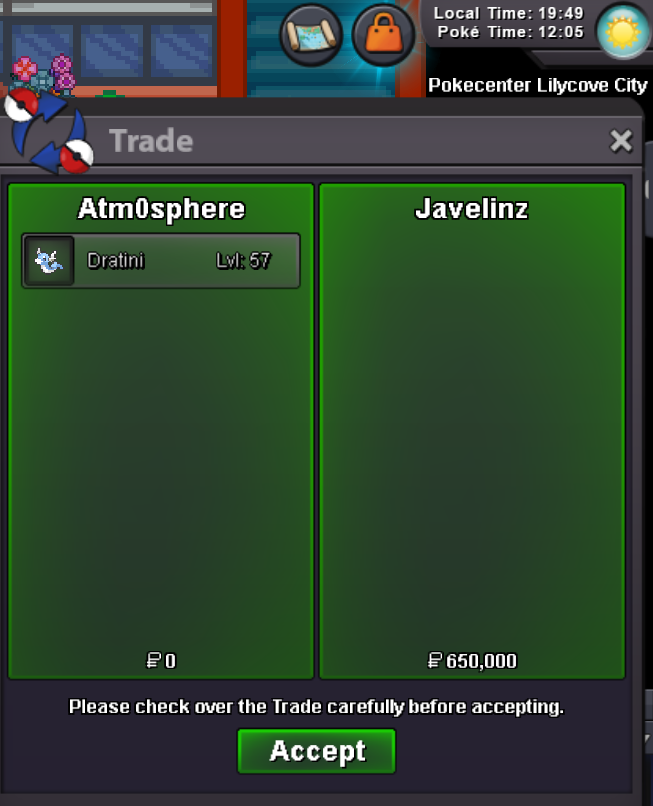
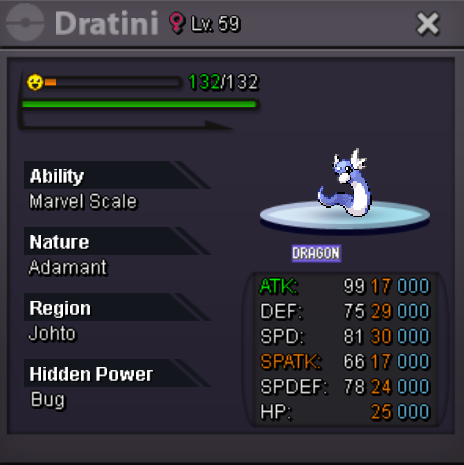 one dratini sold, for the other the auction didnt start and i will keep it. tyvm, can be closed650k by javelinz
 500k by Chienmad4
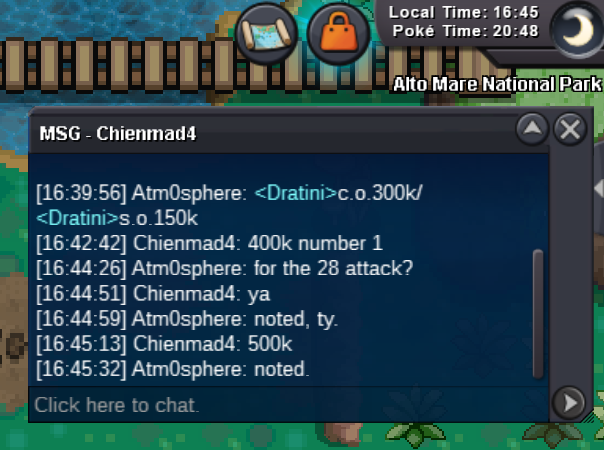 Hello! wts those Adamant Marvel Scale Dratinis s.o. 150k each minimum raise 30k no insta auction ends 18h after first bid accept: coin capsule 400k Silver server Last 15minutes rule applies as always. Good Luck everybody! IGN: Atm0sphere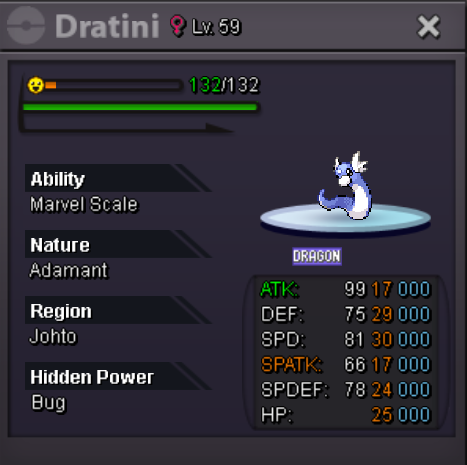
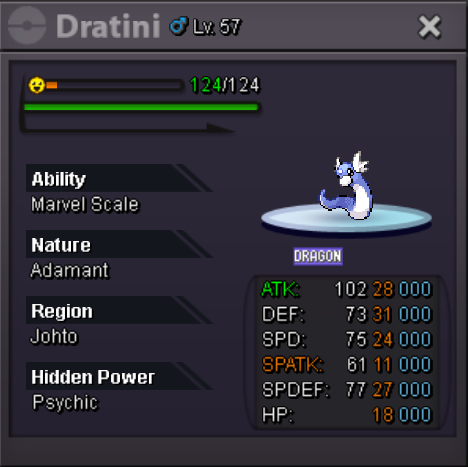 all good, ty
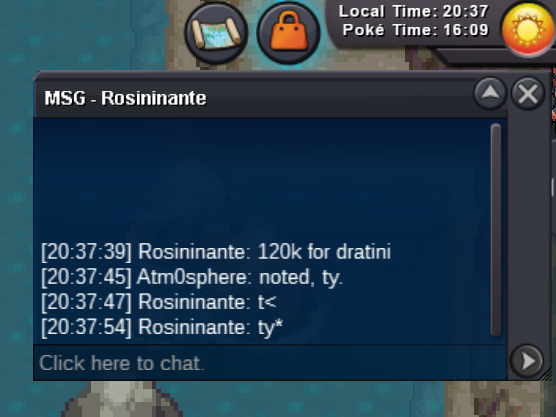
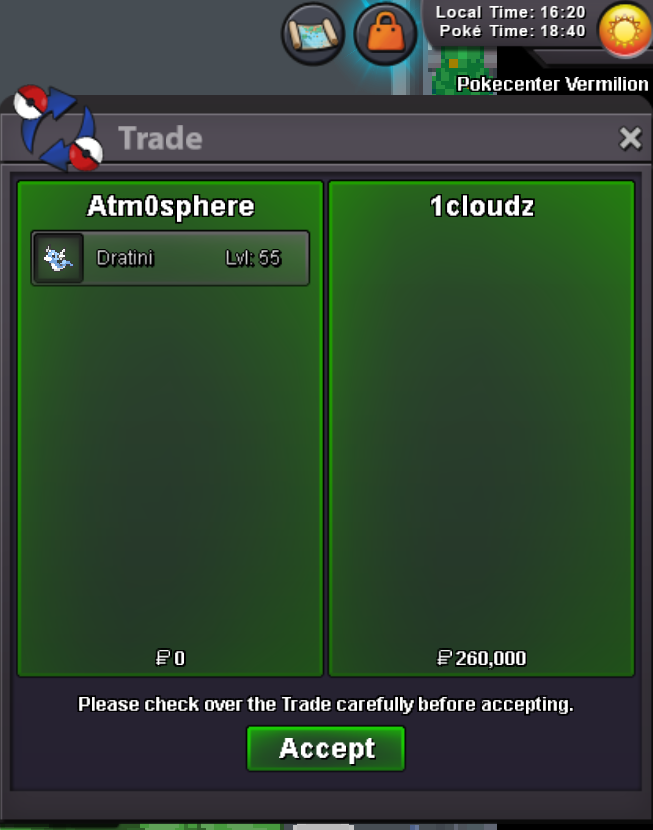 I will be in game all day today, pm me when you are available to complete the trade @1cloudz220k for the second dratini
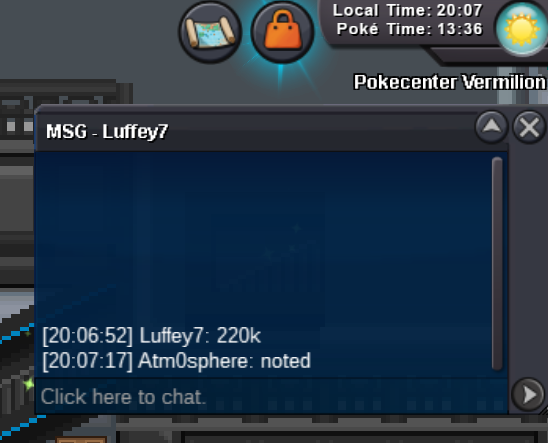 all good ty
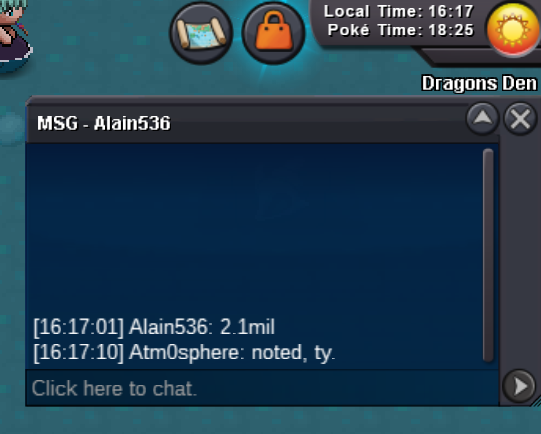
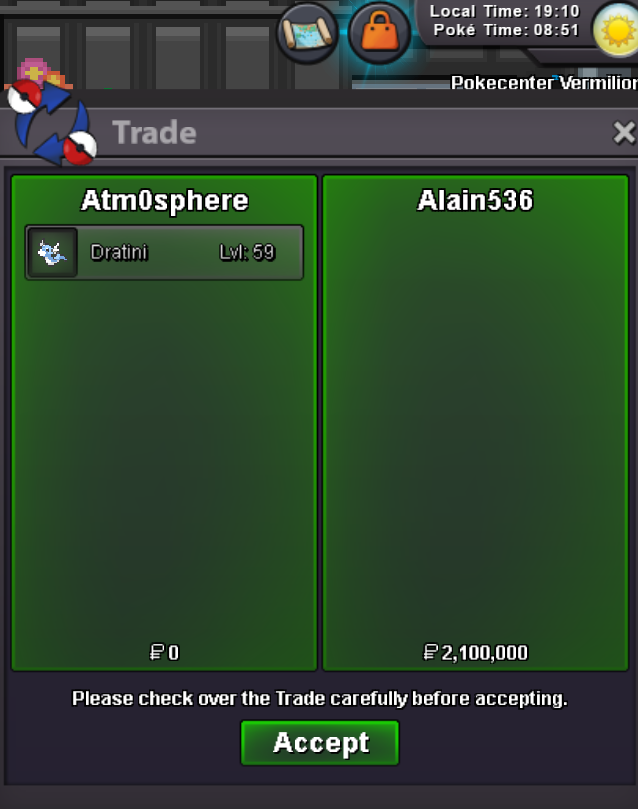 start2.1m by Alain536
 300k by Tinvn96
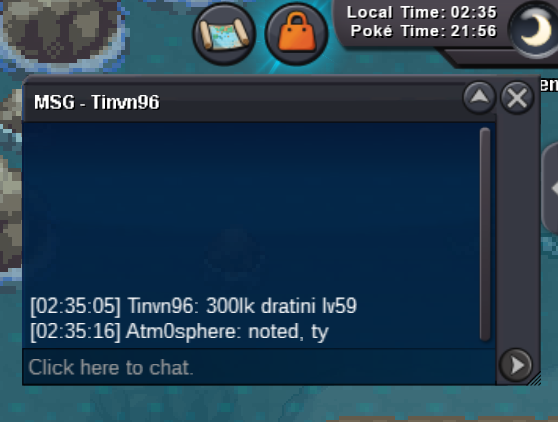 Hello! wts those Adamant Dratinis s.o. 200k each minimum raise 20k no insta auction ends 18h after first bid accept: coin capsule 400k Silver server Last 15minutes rule applies as always. Good Luck everybody! IGN: Atm0sphere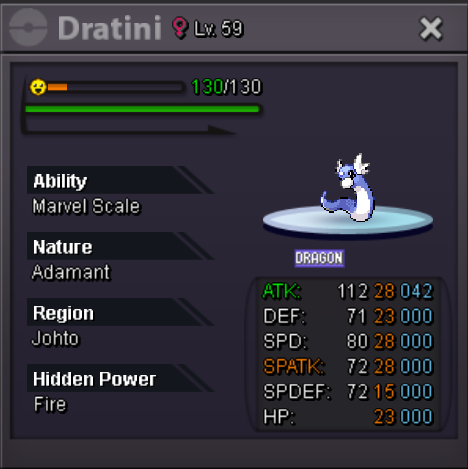
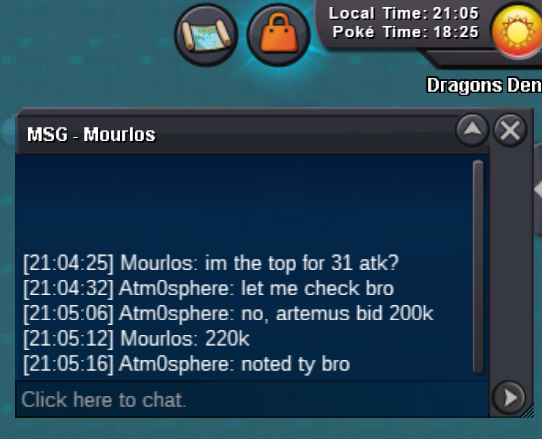
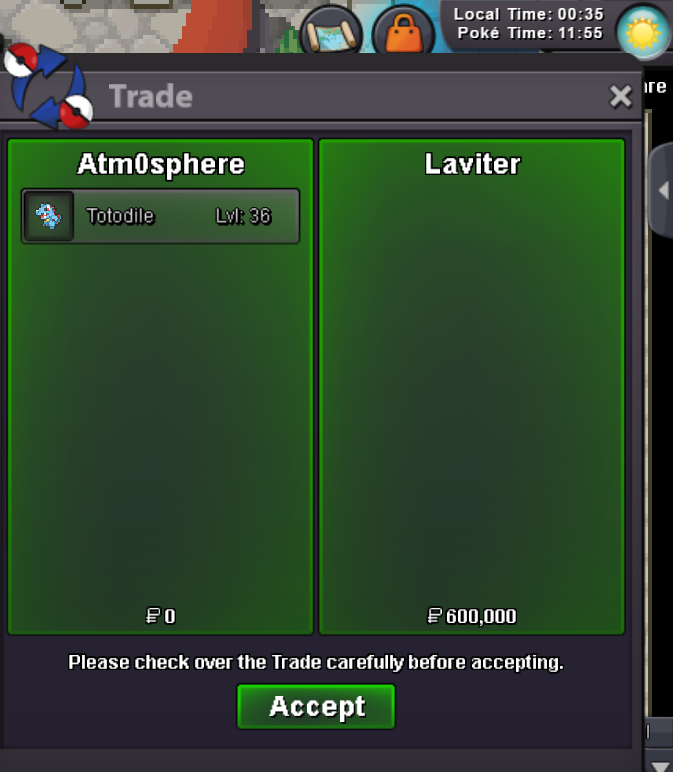
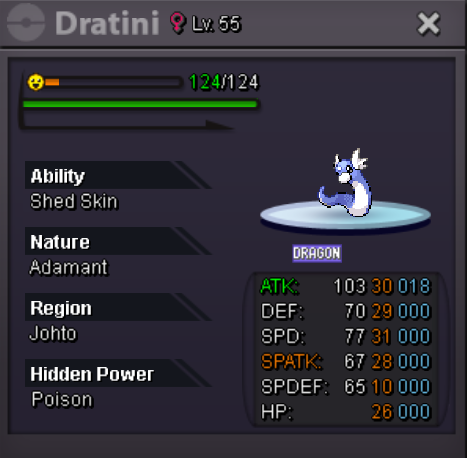 @Laviter u won, text me ingame Atm0spherebump, 23h leftbumpHello! wts my Jolly Sheer Force Totodile s.o. 500k minimum raise 100k no insta auction ends 72h after first bid accept: coin capsule 400k Silver server Last 15minutes rule applies as always. Good Luck everybody! IGN: Atm0sphere
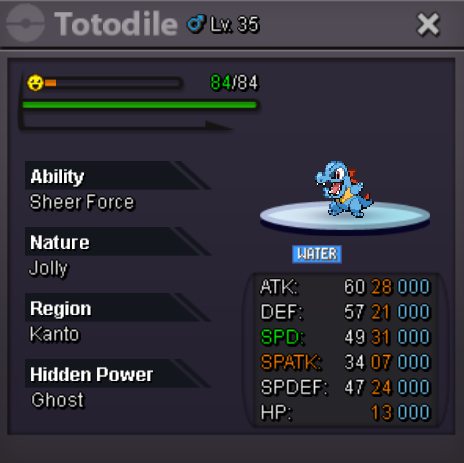 2.5m
2.5m

Account
Navigation
Search
Configure browser push notifications
Chrome (Android)
- Tap the lock icon next to the address bar.
- Tap Permissions → Notifications.
- Adjust your preference.
Chrome (Desktop)
- Click the padlock icon in the address bar.
- Select Site settings.
- Find Notifications and adjust your preference.
Safari (iOS 16.4+)
- Ensure the site is installed via Add to Home Screen.
- Open Settings App → Notifications.
- Find your app name and adjust your preference.
Safari (macOS)
- Go to Safari → Preferences.
- Click the Websites tab.
- Select Notifications in the sidebar.
- Find this website and adjust your preference.
Edge (Android)
- Tap the lock icon next to the address bar.
- Tap Permissions.
- Find Notifications and adjust your preference.
Edge (Desktop)
- Click the padlock icon in the address bar.
- Click Permissions for this site.
- Find Notifications and adjust your preference.
Firefox (Android)
- Go to Settings → Site permissions.
- Tap Notifications.
- Find this site in the list and adjust your preference.
Firefox (Desktop)
- Open Firefox Settings.
- Search for Notifications.
- Find this site in the list and adjust your preference.