




New Trade Zone
Trade Zone is now live
Use the new Trade Zone for auctions and instant-price trades so Pokemon and item offers are easy to find.

Atm0sphere
Registered User
-
Joined
-
Last visited
Everything posted by Atm0sphere
-
7.75m
-
15.5m
-
14m
-
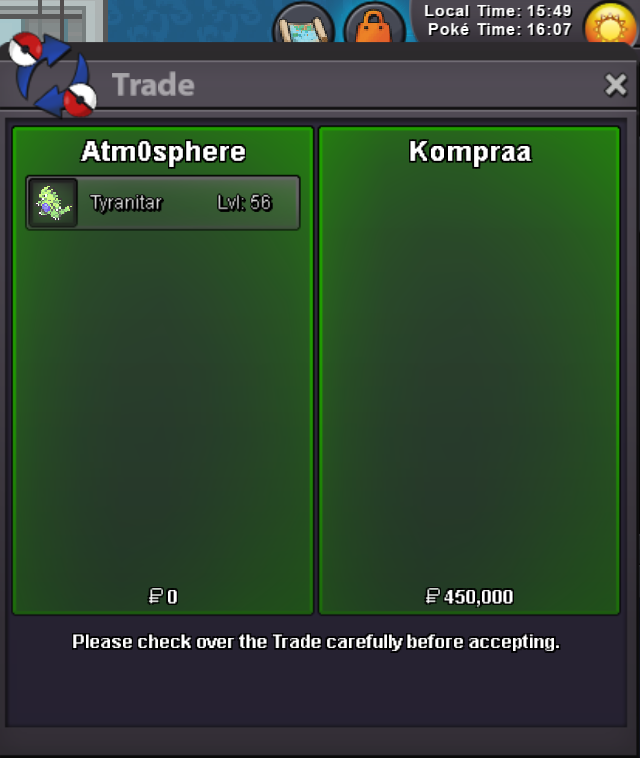
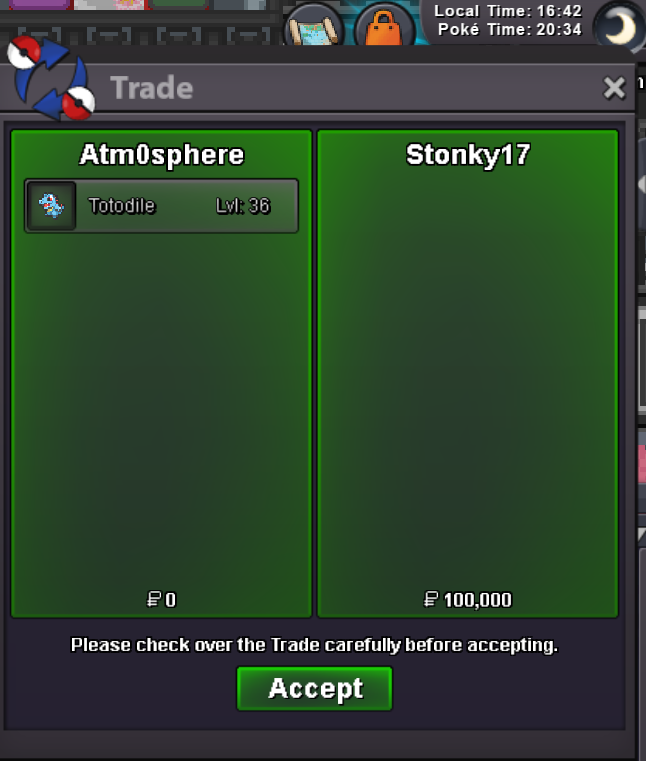
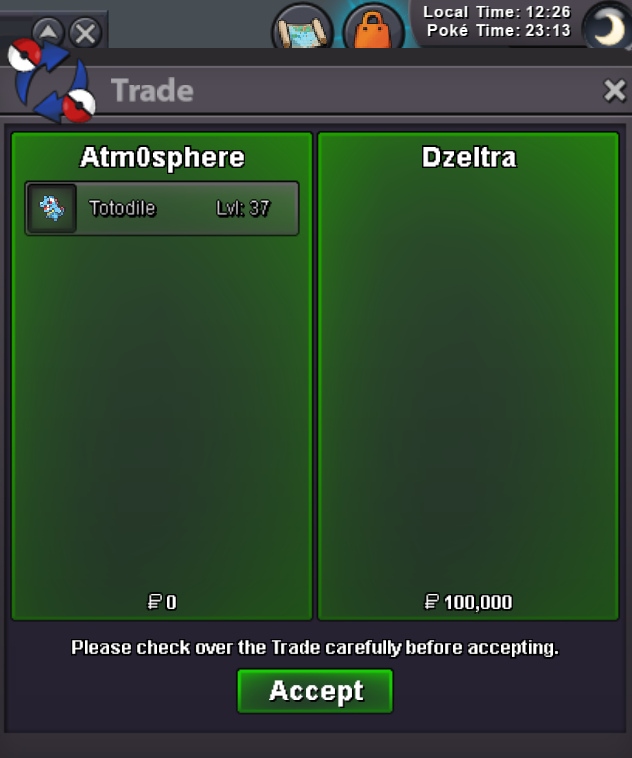
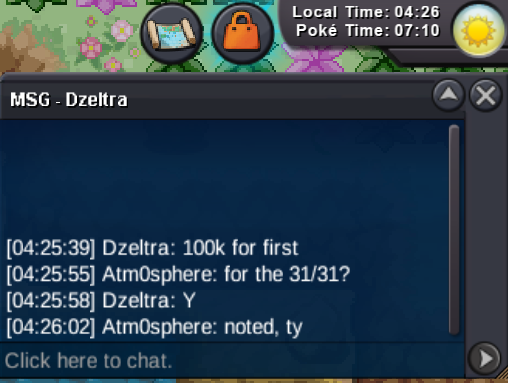
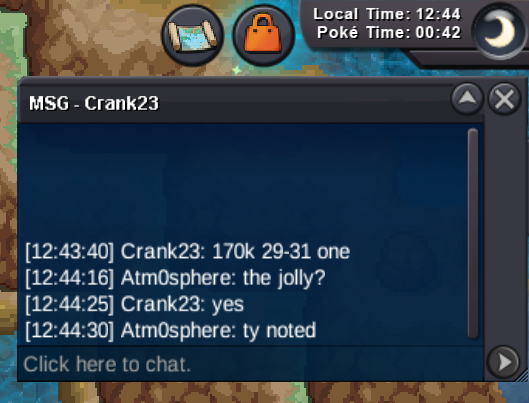
@Stonky17 I am trying to pm you when i log on and i haven't find you yet. Please try to use "/pm Atm0sphere " too. No reason to spam here. I hope that we meet soon.auction ended, talk to me ingame @Stonky17@Dzeltra, Atm0sphere.Hello! wts my Jolly Totodiles each s.o. 100k minimum raise 20k no insta auction ends 24h after first bid accept: coin capsule 500k, rare candy 6k Silver server Last 15minutes rule applies as always. Good Luck everybody! IGN: Atm0sphere
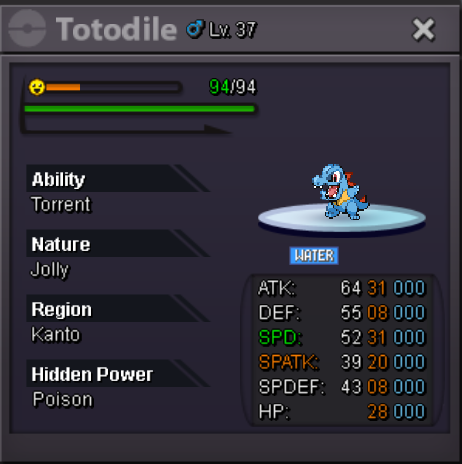
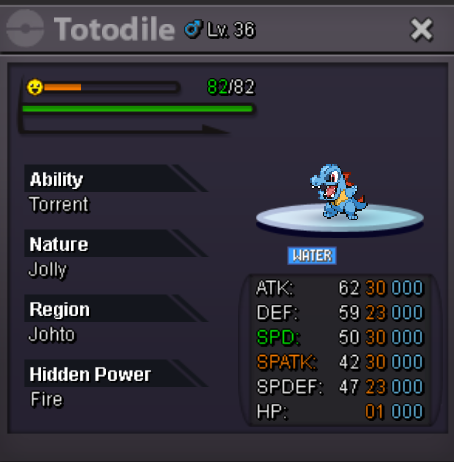 thank you all for participating!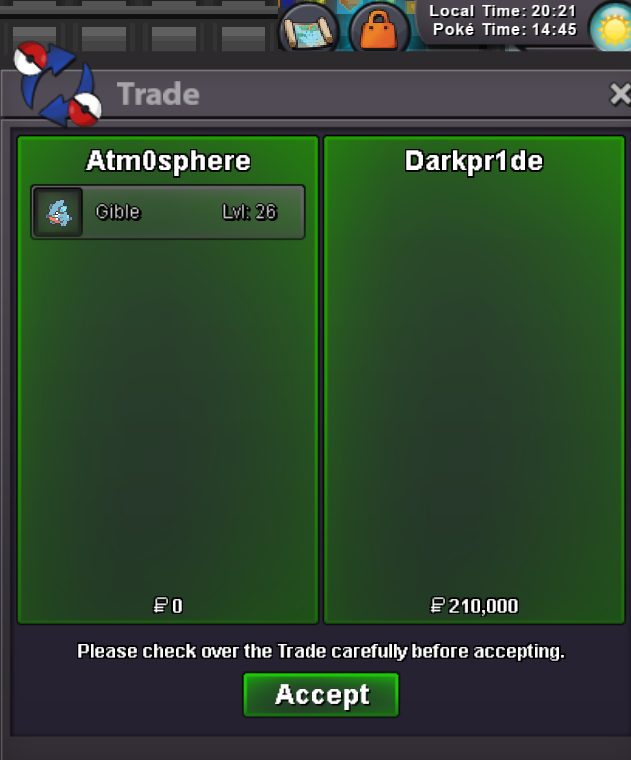
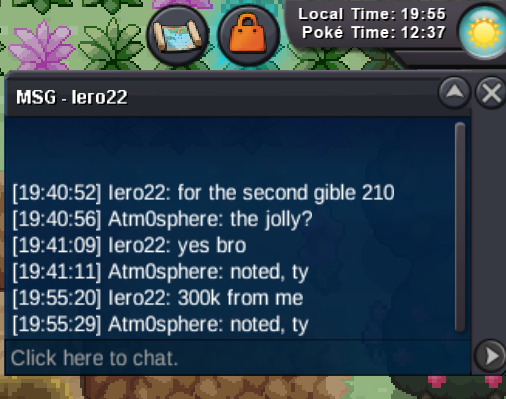
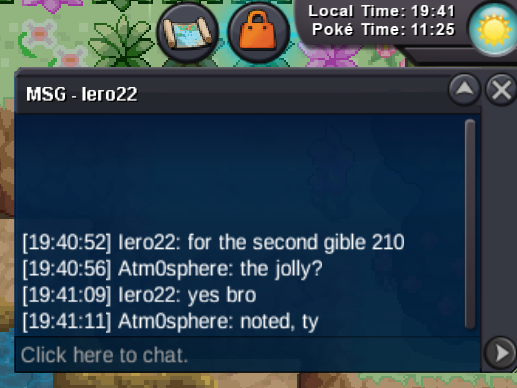
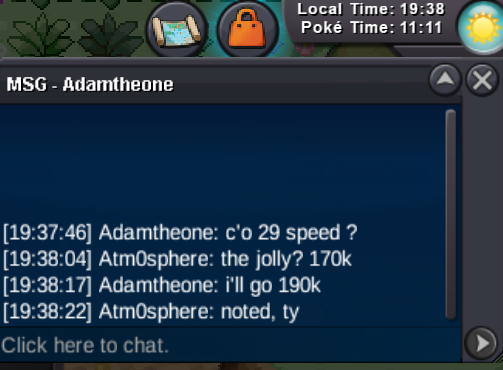
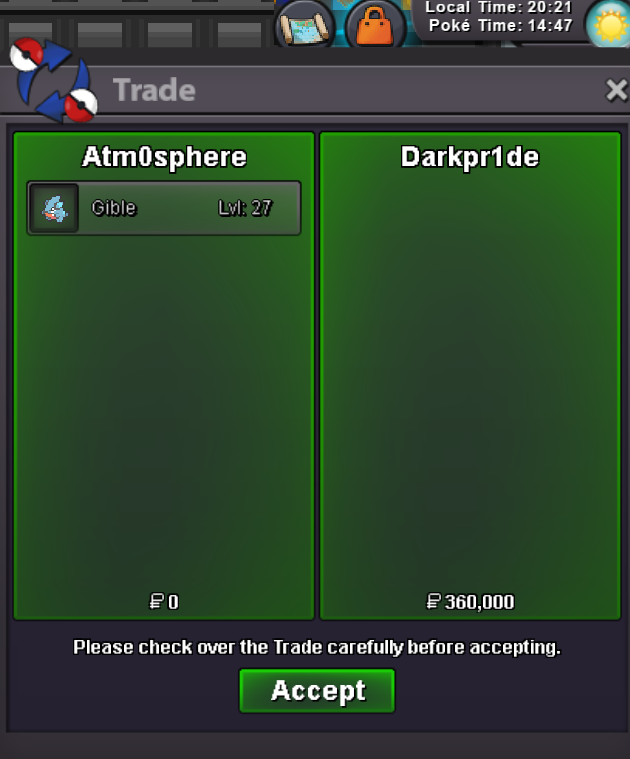 Hello! wts my Adamant and Jolly Gible each s.o. 50k minimum raise 20k no insta auction ends 24h after first bid accept: coin capsule 500k, rare candy 6k Silver server Last 15minutes rule applies as always. Good Luck everybody! IGN: Atm0sphere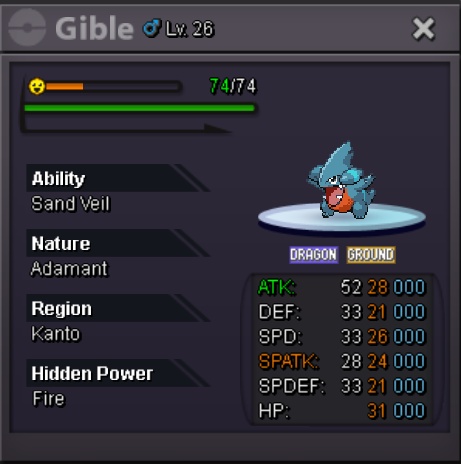
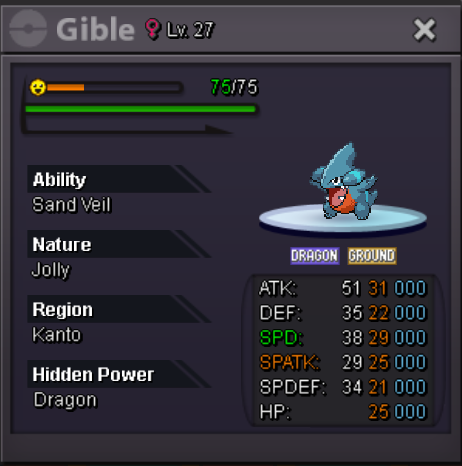 Sold, thank you all!
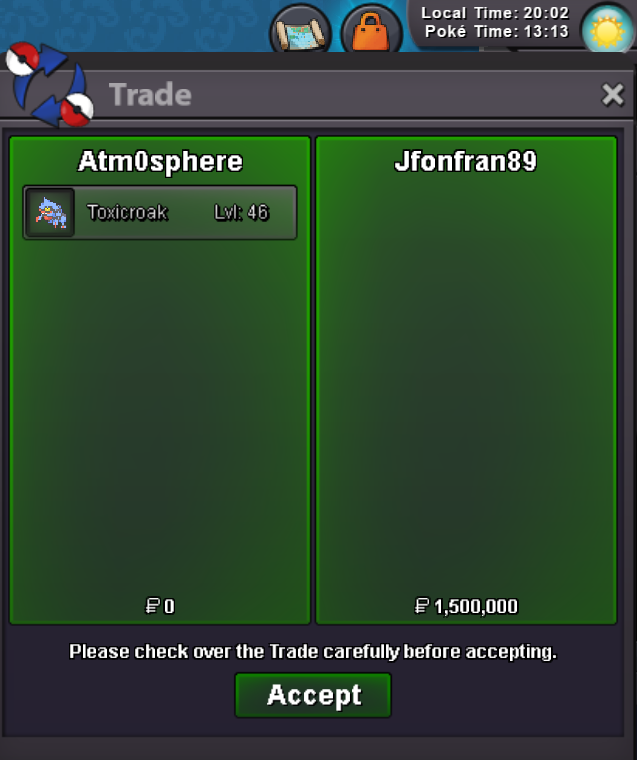 @Jfonfran89is the winner. talk to me ingame, Atm0spherebump. 15 minutes left.Hello! wts my Adamant Dry Skin Toxicroak s.o. 400k minimum raise 50k no insta auction ends 24h after first bid accept: coin capsule 500k, rare candy 6k Silver server Last 15minutes rule applies as always. Good Luck everybody! IGN: Atm0sphere
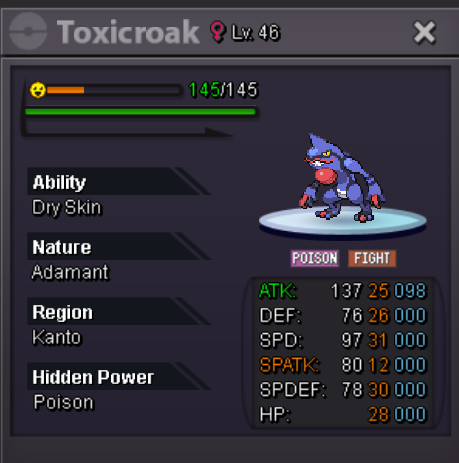 sold can be closed, thank you all!
 Start Alpha monkey


Account
Navigation
Search
Configure browser push notifications
Chrome (Android)
- Tap the lock icon next to the address bar.
- Tap Permissions → Notifications.
- Adjust your preference.
Chrome (Desktop)
- Click the padlock icon in the address bar.
- Select Site settings.
- Find Notifications and adjust your preference.
Safari (iOS 16.4+)
- Ensure the site is installed via Add to Home Screen.
- Open Settings App → Notifications.
- Find your app name and adjust your preference.
Safari (macOS)
- Go to Safari → Preferences.
- Click the Websites tab.
- Select Notifications in the sidebar.
- Find this website and adjust your preference.
Edge (Android)
- Tap the lock icon next to the address bar.
- Tap Permissions.
- Find Notifications and adjust your preference.
Edge (Desktop)
- Click the padlock icon in the address bar.
- Click Permissions for this site.
- Find Notifications and adjust your preference.
Firefox (Android)
- Go to Settings → Site permissions.
- Tap Notifications.
- Find this site in the list and adjust your preference.
Firefox (Desktop)
- Open Firefox Settings.
- Search for Notifications.
- Find this site in the list and adjust your preference.