New Trade Zone
Trade Zone is now live
Use the new Trade Zone for auctions and instant-price trades so Pokemon and item offers are easy to find.

Atm0sphere
Registered User
-
Joined
-
Last visited
Everything posted by Atm0sphere
-
again, thanks everyone for participating, see you next time!
-
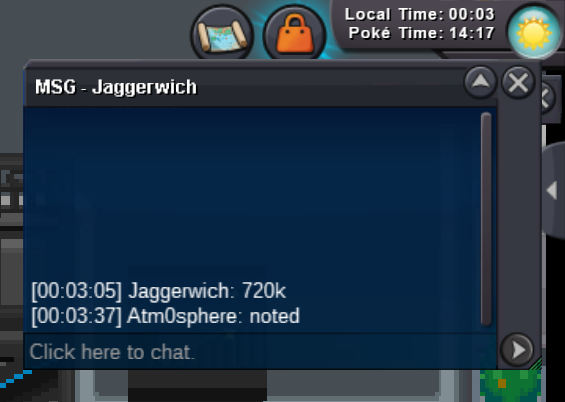
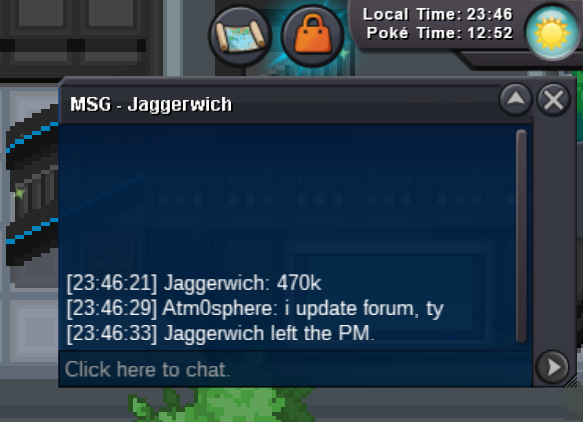
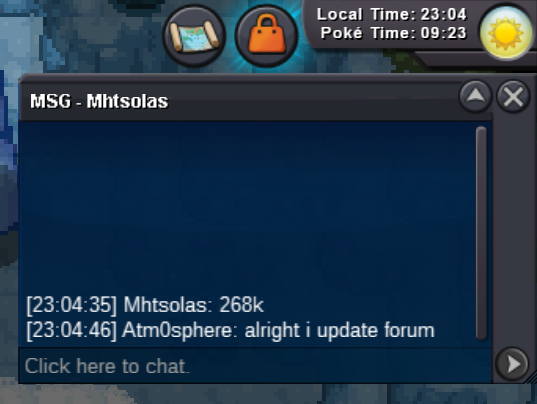
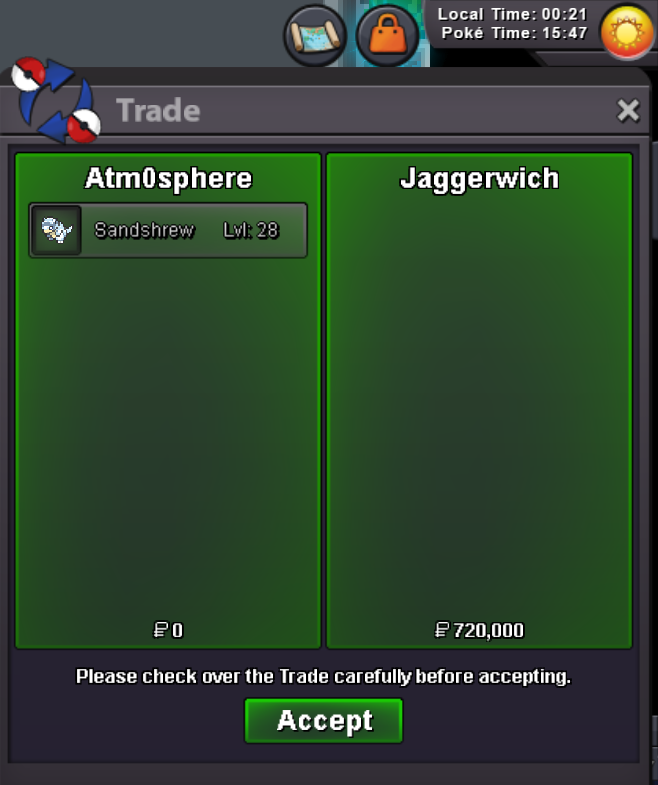
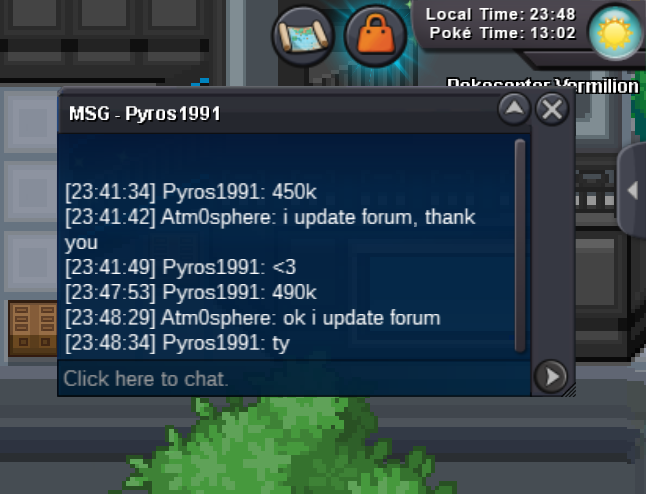
@Jaggerwichis the winner with the bid of 720k, ty everyone for participating.
-
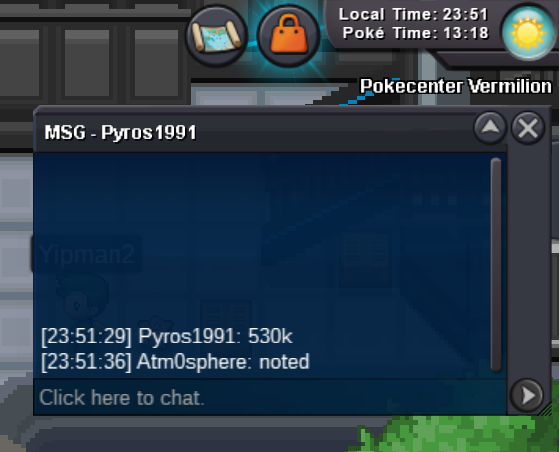
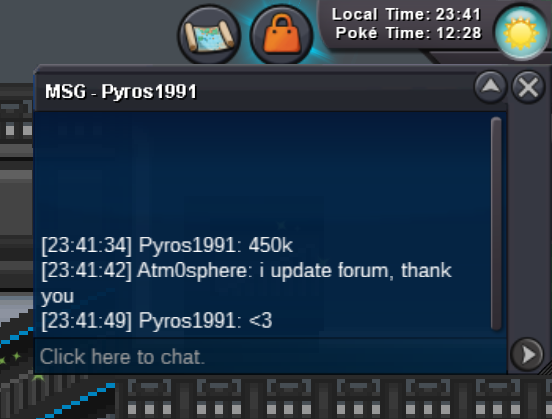
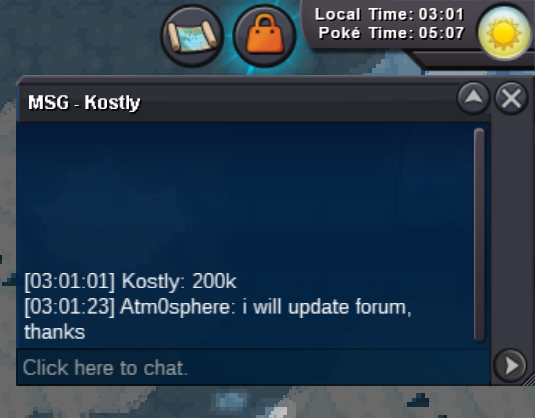
490k by pyros1991
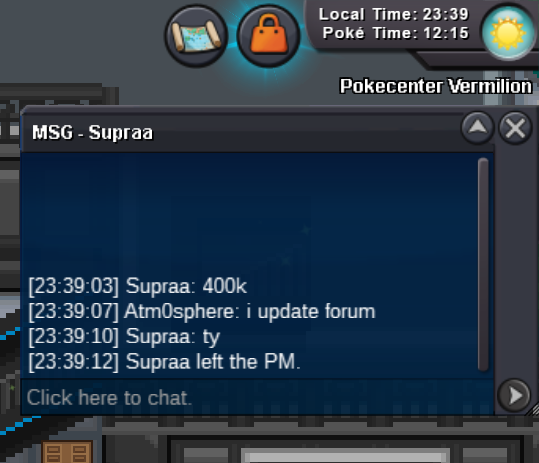
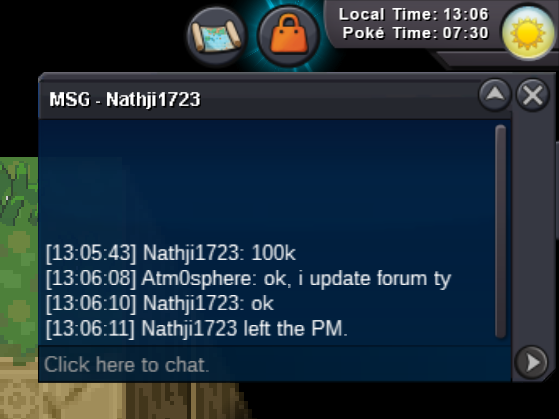
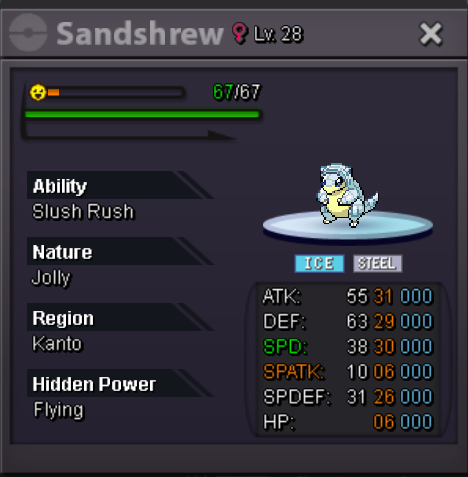
 Hello! wts my Jolly Slush Rush Sandshrew-Alolan s.o. 100k minimum raise 20k no insta auction ends 24h after first bid accept: coin capsule 400k Silver server Last 15minutes rule applies as always. Good Luck everybody! IGN: Atm0sphere
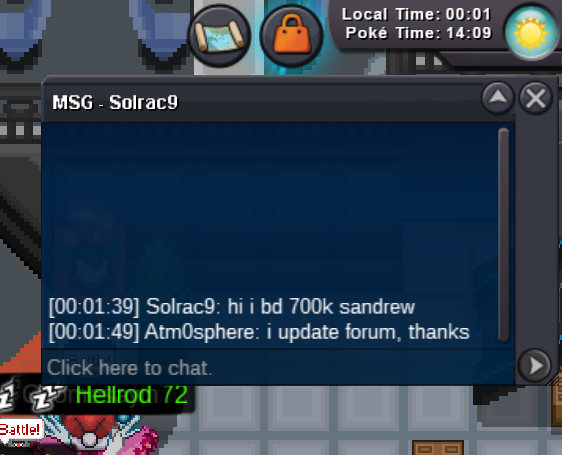
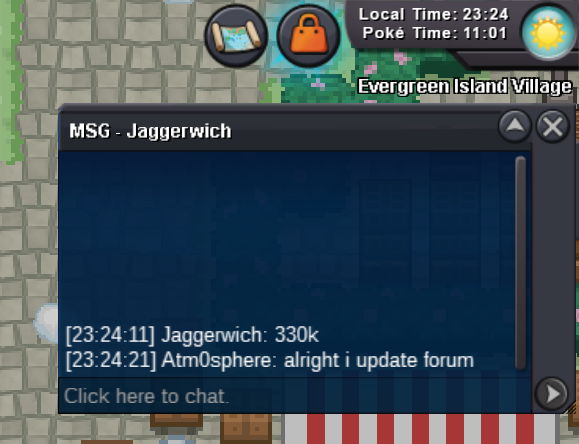
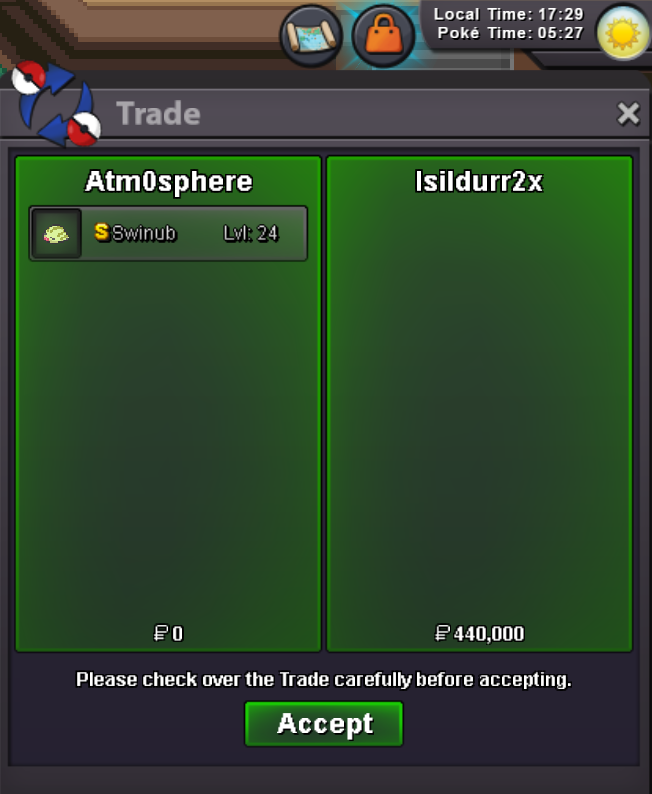
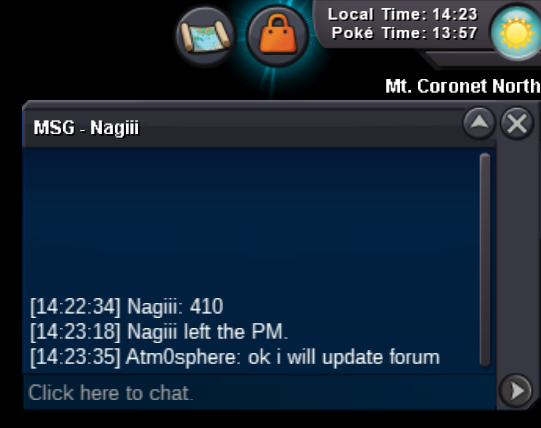
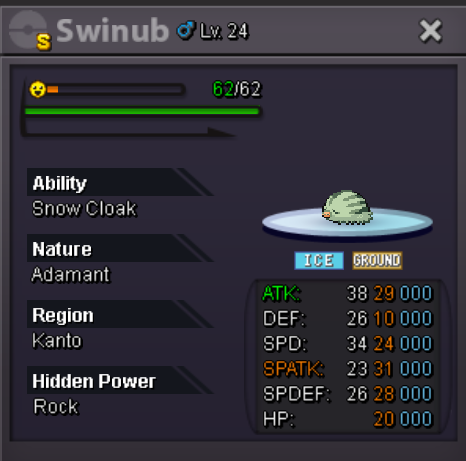
 @Isildurr2xis the winner with the bid of 440k, talk to me ingame, Atm0sphereHello! wts my Shiny Adamant Swinub s.o. 10k minimum raise 10k no insta auction ends 24h after first bid accept: coin capsule 400k Silver server Last 15minutes rule applies as always. Good Luck everybody! IGN: Atm0sphere
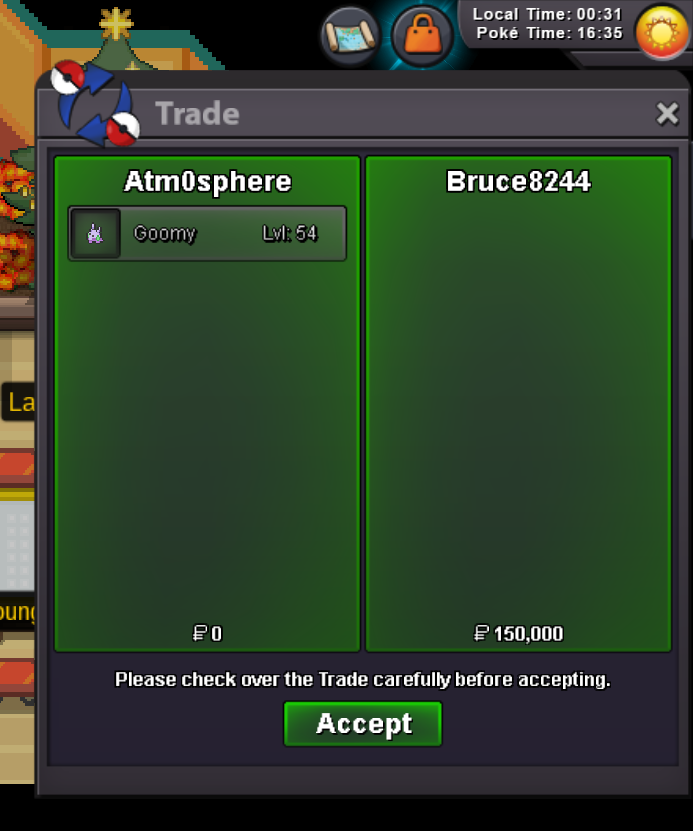
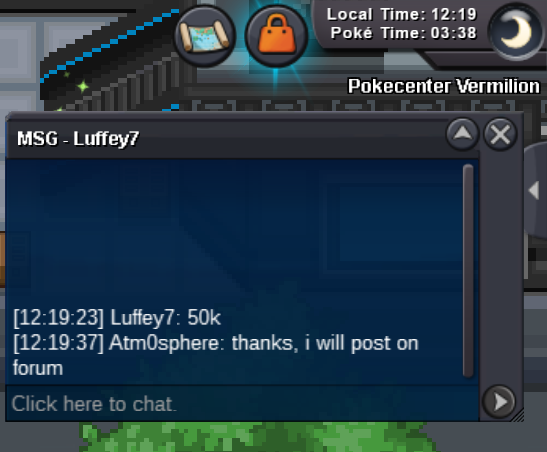
 Hello! wts my Jolly Sap Sipper Goomy s.o. 150k minimum raise 10k no insta auction ends 24h after first bid accept: coin capsule 400k Silver server Last 15minutes rule applies as always. Good Luck everybody! IGN: Atm0sphere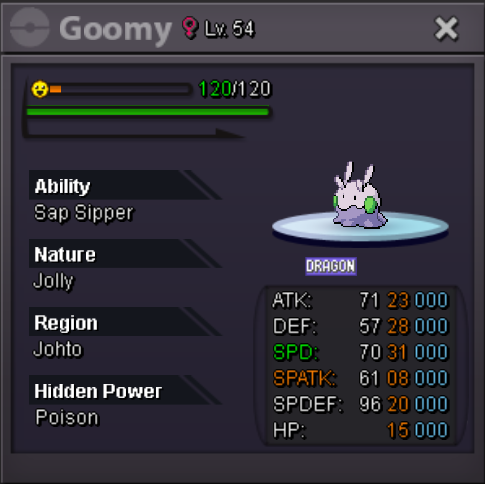
Account
Navigation
Search
Configure browser push notifications
Chrome (Android)
- Tap the lock icon next to the address bar.
- Tap Permissions → Notifications.
- Adjust your preference.
Chrome (Desktop)
- Click the padlock icon in the address bar.
- Select Site settings.
- Find Notifications and adjust your preference.
Safari (iOS 16.4+)
- Ensure the site is installed via Add to Home Screen.
- Open Settings App → Notifications.
- Find your app name and adjust your preference.
Safari (macOS)
- Go to Safari → Preferences.
- Click the Websites tab.
- Select Notifications in the sidebar.
- Find this website and adjust your preference.
Edge (Android)
- Tap the lock icon next to the address bar.
- Tap Permissions.
- Find Notifications and adjust your preference.
Edge (Desktop)
- Click the padlock icon in the address bar.
- Click Permissions for this site.
- Find Notifications and adjust your preference.
Firefox (Android)
- Go to Settings → Site permissions.
- Tap Notifications.
- Find this site in the list and adjust your preference.
Firefox (Desktop)
- Open Firefox Settings.
- Search for Notifications.
- Find this site in the list and adjust your preference.