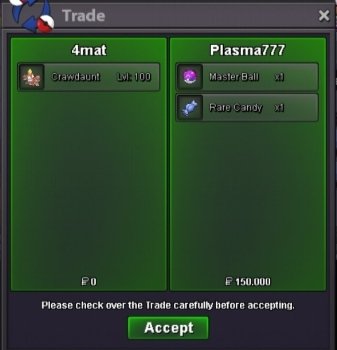
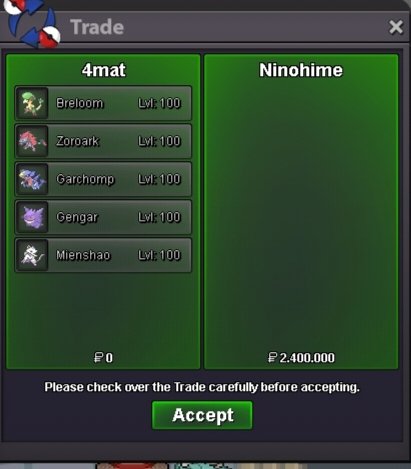
New Trade Zone
Trade Zone is now live
Use the new Trade Zone for auctions and instant-price trades so Pokemon and item offers are easy to find.

4mat
Suspended
-
Joined
-
Last visited
Everything posted by 4mat
-
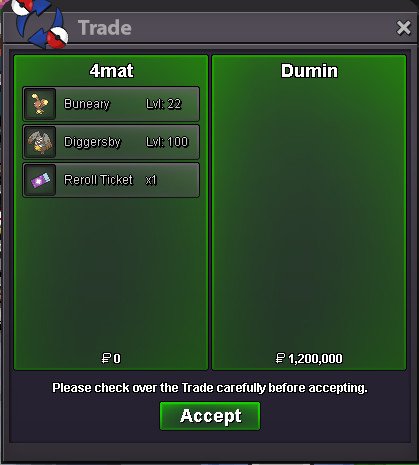
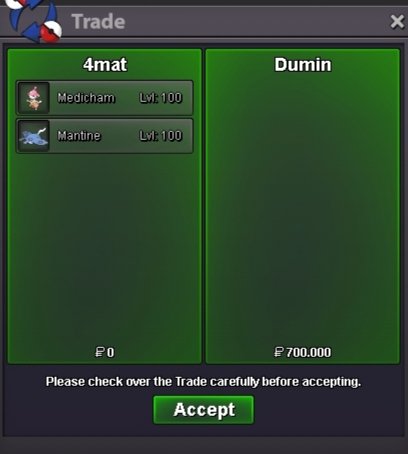
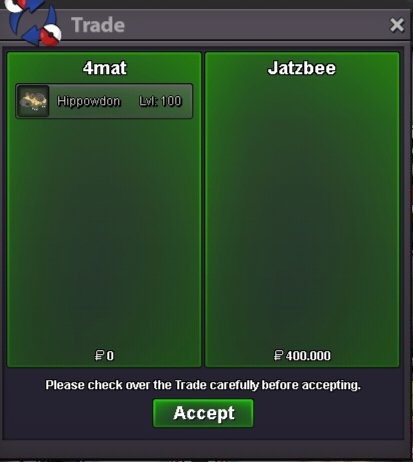
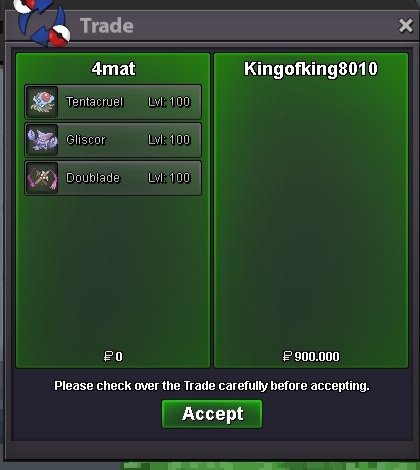
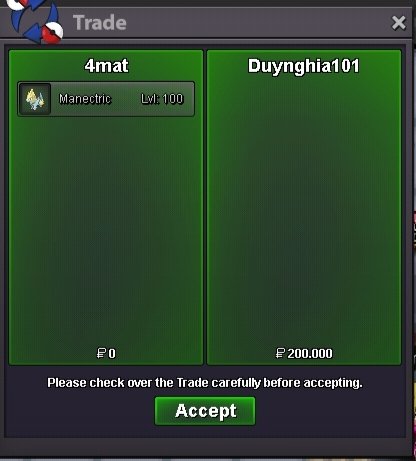
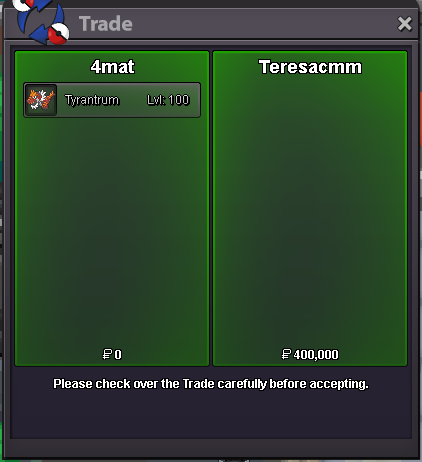
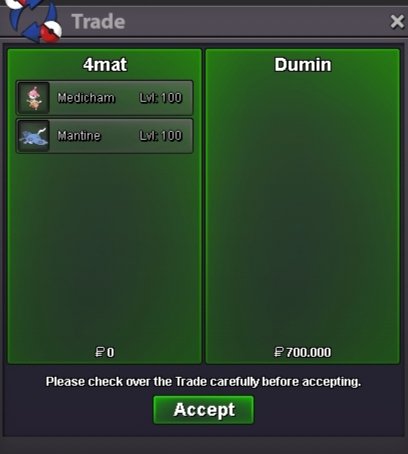
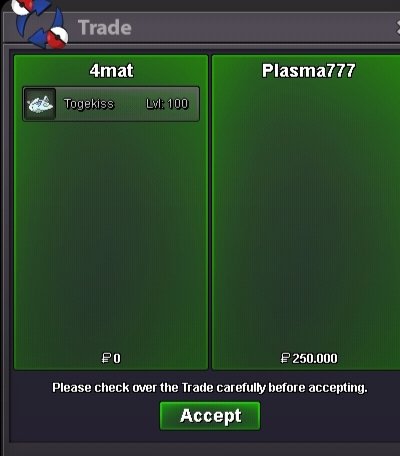
i online nowits very cheap, i think v. 1m broI online now, do you come vermi?sorry it costs 1m because it belongs to my friendnite 700k or nite 1m, which one do you want to buy?I online nowI online now, do you come vermi ?I online now, do you come vermi ?I online now, do you come vermi ?I online now, do you come vermi ?I online now🎊 Hello and welcome to 4mat Pokemon Shop 🎊 We will update this shop everyday Prices are all on the picture, you can make offer Be sure to read and respect Trade Rules 🐣🐣🐣 CONTACTS PAYMENTS TRAINED POKEMONS UNTRAINED POKEMONS THANKS FOR SHOPPING 4mat Shop🎉
 i buy it vermi trade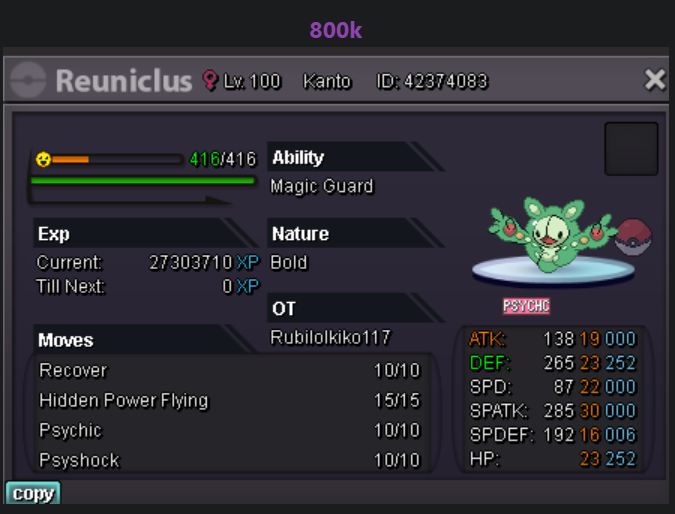
Account
Navigation
Search
Configure browser push notifications
Chrome (Android)
- Tap the lock icon next to the address bar.
- Tap Permissions → Notifications.
- Adjust your preference.
Chrome (Desktop)
- Click the padlock icon in the address bar.
- Select Site settings.
- Find Notifications and adjust your preference.
Safari (iOS 16.4+)
- Ensure the site is installed via Add to Home Screen.
- Open Settings App → Notifications.
- Find your app name and adjust your preference.
Safari (macOS)
- Go to Safari → Preferences.
- Click the Websites tab.
- Select Notifications in the sidebar.
- Find this website and adjust your preference.
Edge (Android)
- Tap the lock icon next to the address bar.
- Tap Permissions.
- Find Notifications and adjust your preference.
Edge (Desktop)
- Click the padlock icon in the address bar.
- Click Permissions for this site.
- Find Notifications and adjust your preference.
Firefox (Android)
- Go to Settings → Site permissions.
- Tap Notifications.
- Find this site in the list and adjust your preference.
Firefox (Desktop)
- Open Firefox Settings.
- Search for Notifications.
- Find this site in the list and adjust your preference.