New Trade Zone
Trade Zone is now live
Use the new Trade Zone for auctions and instant-price trades so Pokemon and item offers are easy to find.

Captainkaos420
Registered User
-
Joined
-
Last visited
-
no worries its not a big concern for me i just notifying ty for your assistance
-
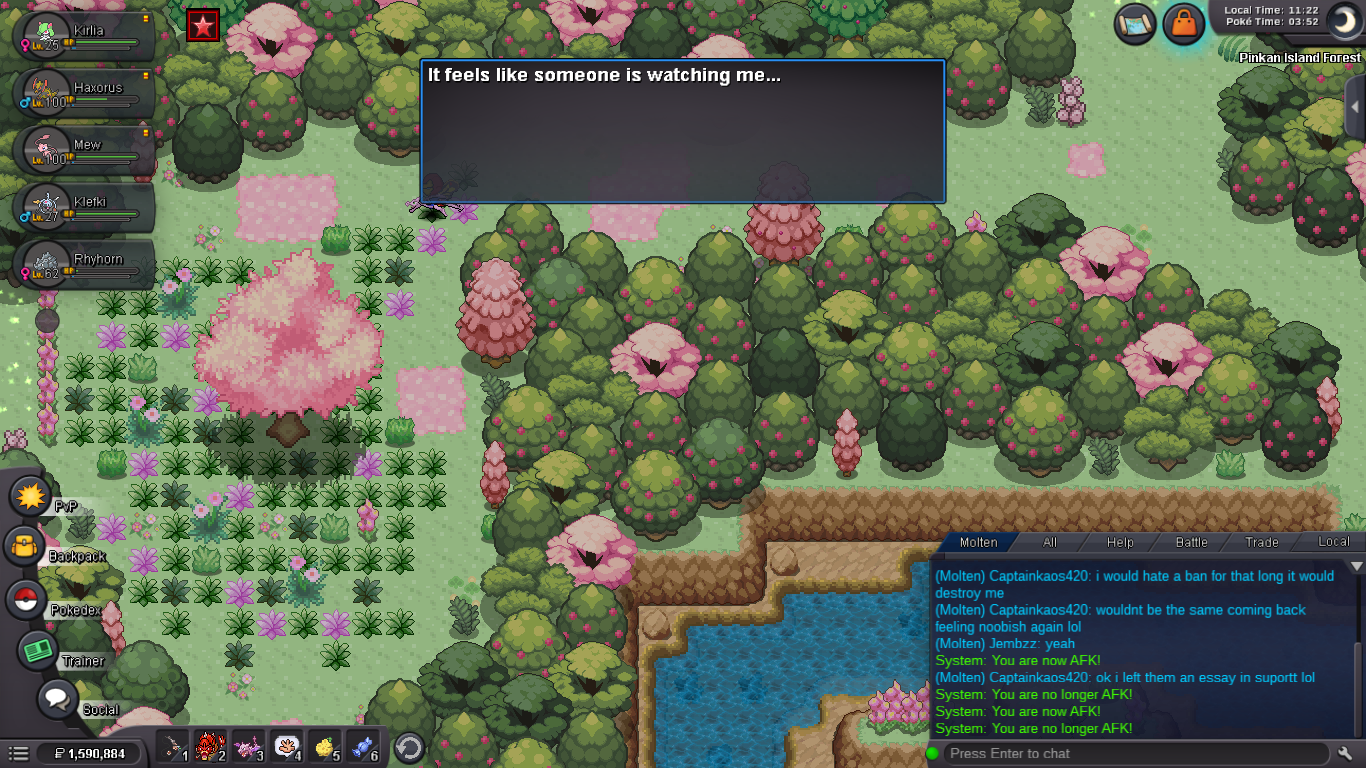
Hello i recently completed the Pinkan island quest and the 2 pokies i caught an trained to lvl 90 an made them happy returned to Pinkan island an handed them in an was allowed entry to Pinkan... i however when returning every time into Pinkan i am still prompted that there is the feeling that someones watching me which is the start of the mission again i have spoke with support an they have said that i shouldn't be still receiving these messages an i was to report it here as a glitch/bug.... i have same in game name as here in Forums
-
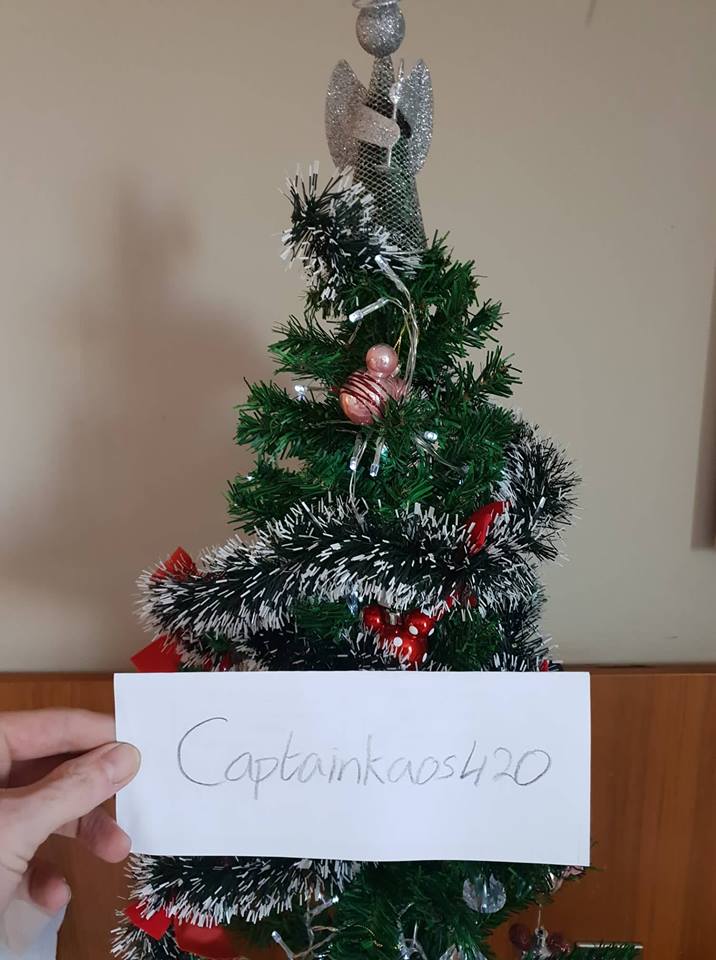
Raiders 1 and only :DIGN: Captainkao420 Server: Gold [1 TICKET] 1. What do you want to ask from Santa this Christmas?...... i would like a christmas skin treecko or vulpix :D [1 TICKET] 2. Post a picture of your Christmas Tree!
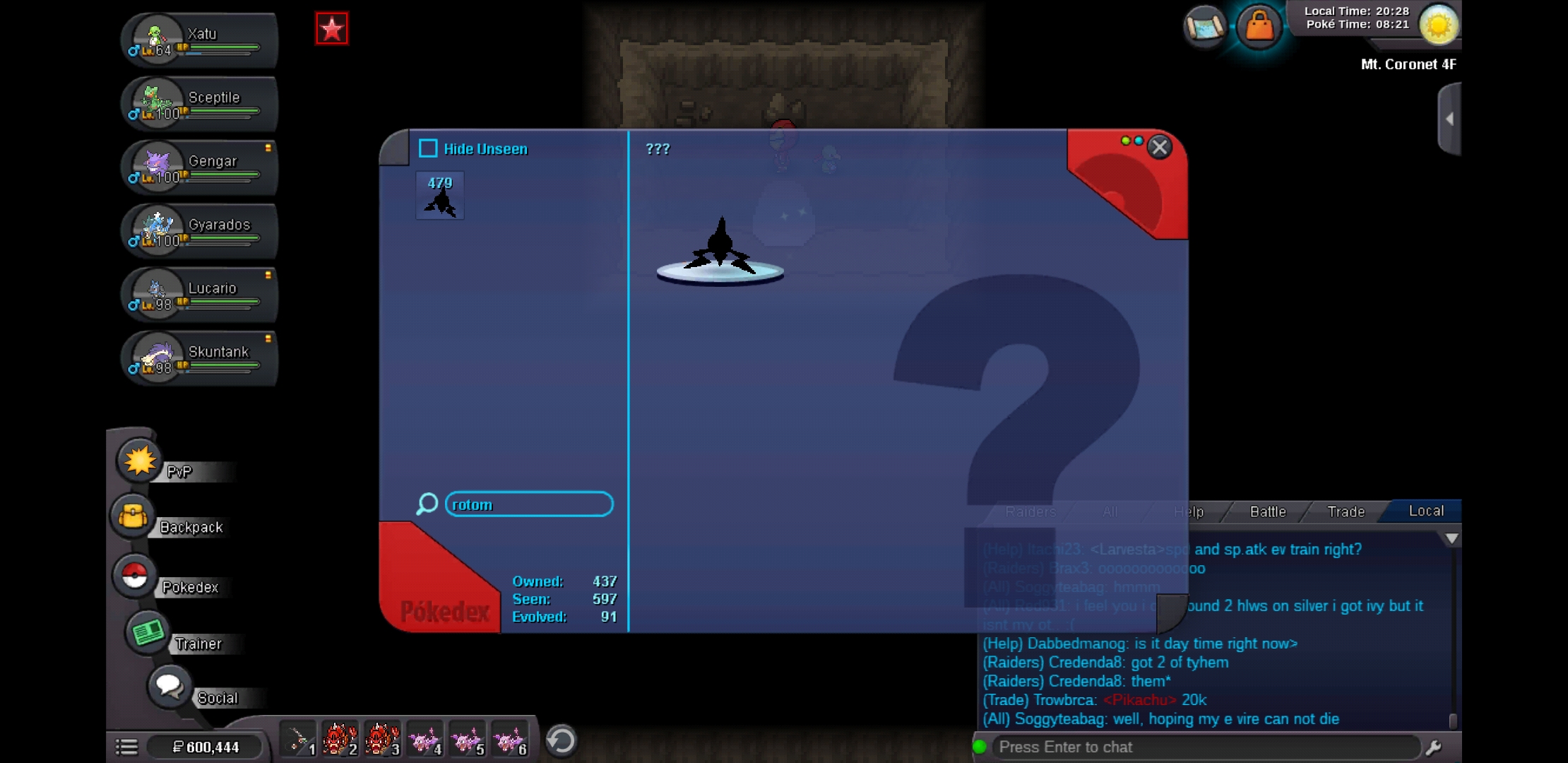
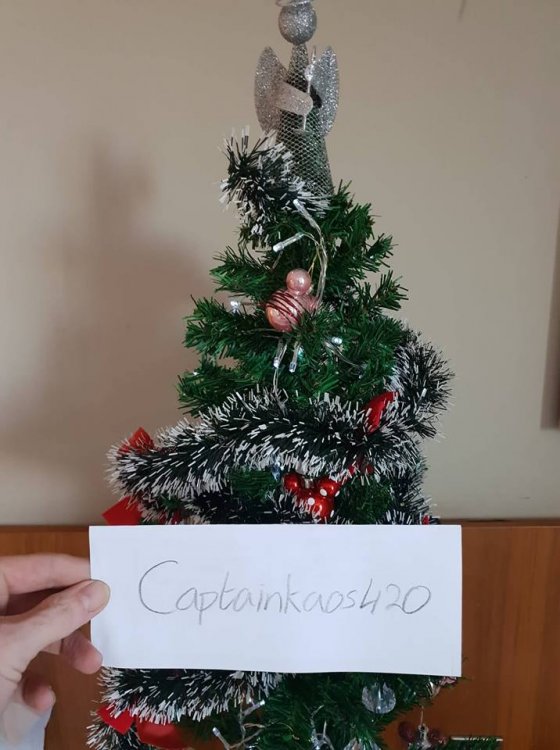 I too am looking for said item :( I have yet to see one in game so farOk no sorry I asked my friends and they didn't stipulate this thank youHello I went through my coronet and defeat all inside an went up water fall and when I interact with rock for rotom nothing happens... Picture is of.me in the room with unseen rotom in dex do i come bk later an try again or am I experiencing a bug ?