New Trade Zone
Trade Zone is now live
Use the new Trade Zone for auctions and instant-price trades so Pokemon and item offers are easy to find.

Dwight73
Registered User
-
Joined
-
Last visited
-
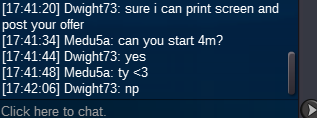
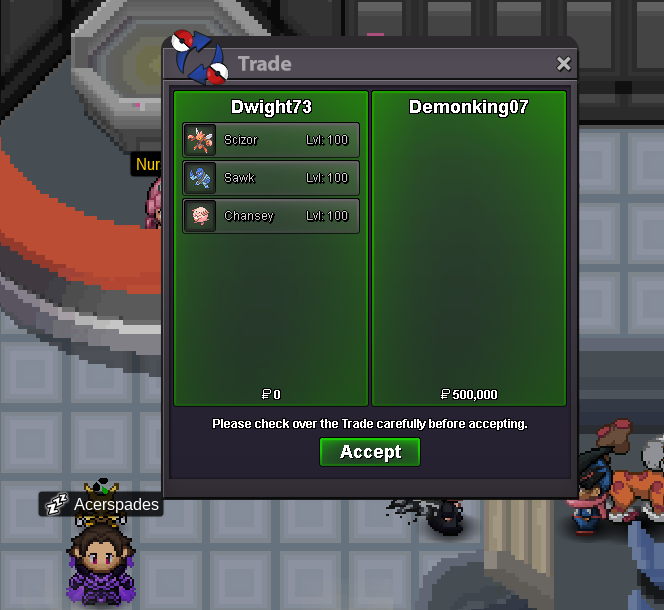
hey @Demonking07 u have won the auction let me know when your available to make the tradeSelling type: Bundle Auction (you can´t bid separate Pokemon) Auction Time: 24 hours after 1st bid Starting price: 500k Min bid: 50k Insta Price: 2m Accepted Payments: Pokedollars, Coin Capsule(500k)
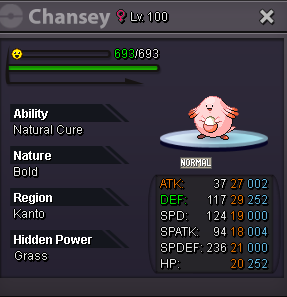
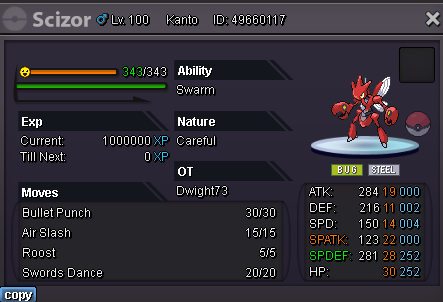
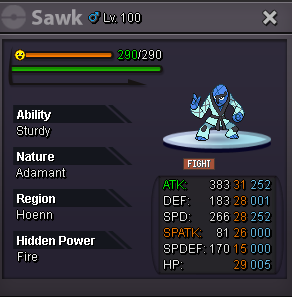 hey is dwight73 im online nowhey wtb these two pokes: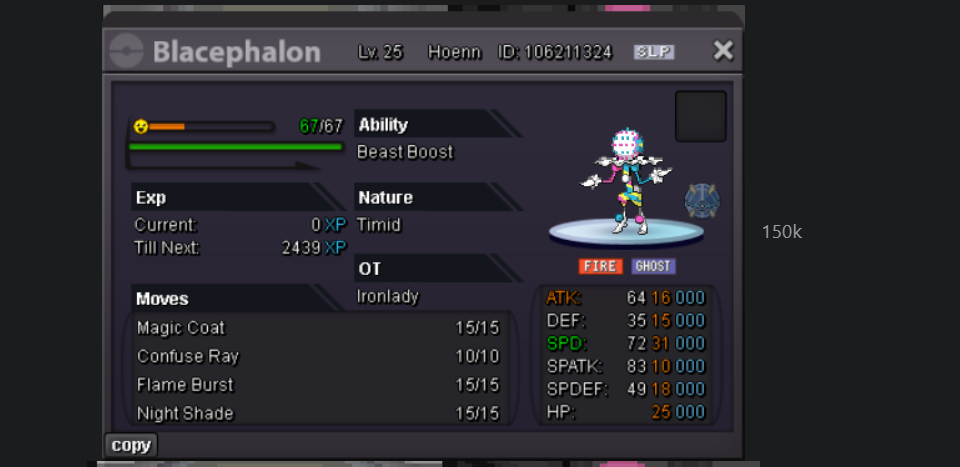
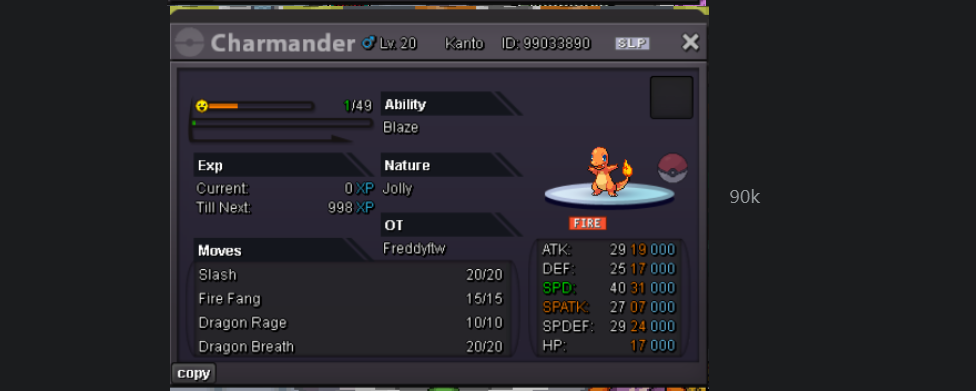 🎃3.12.62.4let me know when your available to make the trade@ligodzyt u won the auction pm in game or here to arrange the tradeco 4.8m by ligodzyt
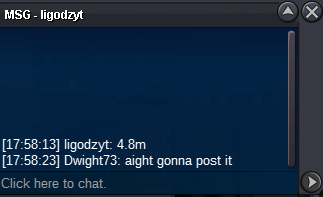 auction started last for 24h after this bid (ends at 17:41 GMT+1 07/05/2023)