New Trade Zone
Trade Zone is now live
Use the new Trade Zone for auctions and instant-price trades so Pokemon and item offers are easy to find.


Lyn1311
Registered User
-
Joined
-
Last visited
-
Hi, sorry iam not sure what you mean with sinnoh service, but if you mean story or dex service, sorry idont sell both service atm
-
1hoopa run 500k + 100k bonus Hoopa 6ring, victini, arche quest, crater quest and gyaradosite (time flute bonus) 1 run hoopa Thnx much, Glhf!
-
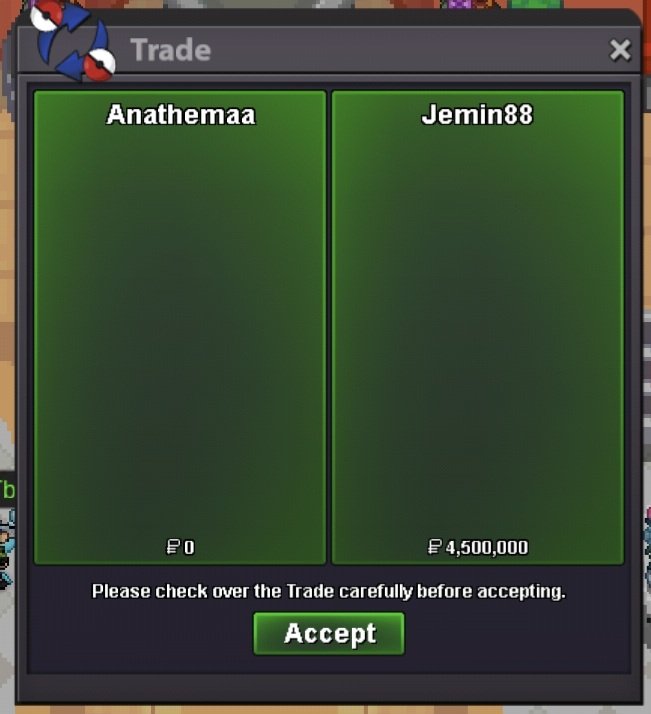
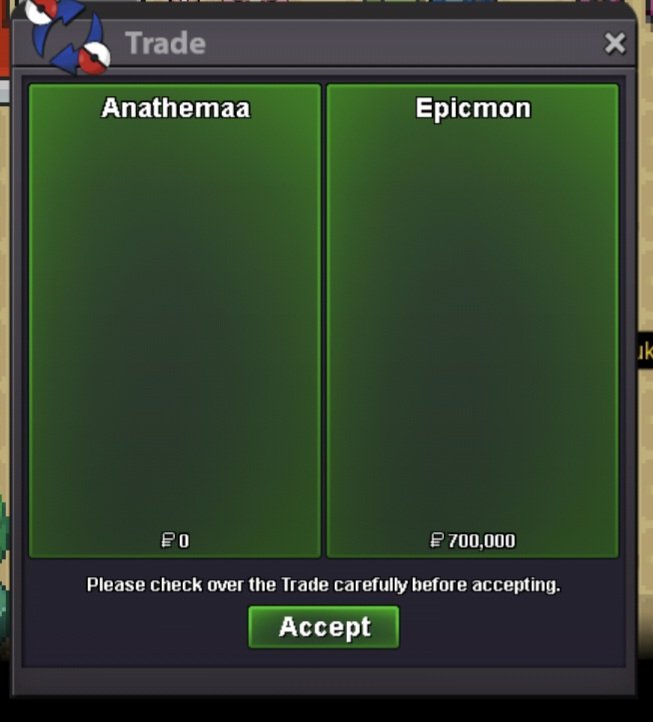
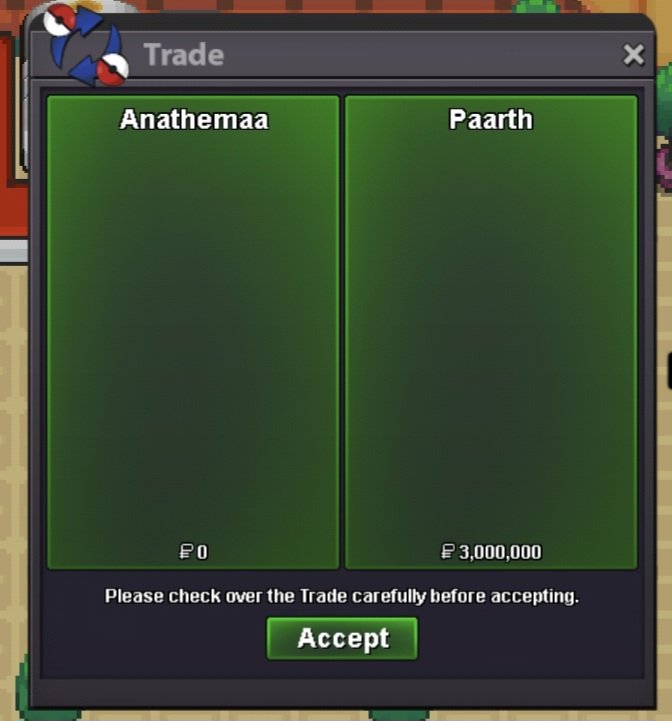
Quest service tons of legendary quest. Thnx much, glhf! Quest service manaphy and 1 hoopa dungeon. Thnx much, glhf! Quest service arche valley quest, hoopa + 6ring, gyaradosite quest. Thnx much, glhf!
-
-
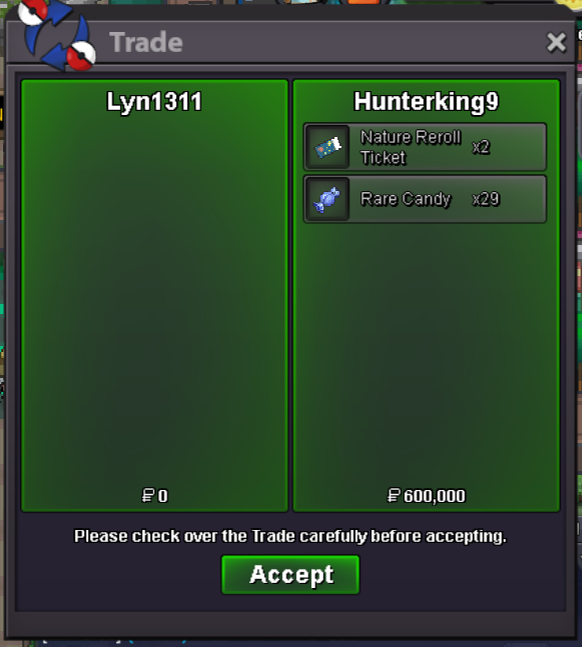
Quest service done, carrying tru victini dungeon. Thnx much, GLhf!
-
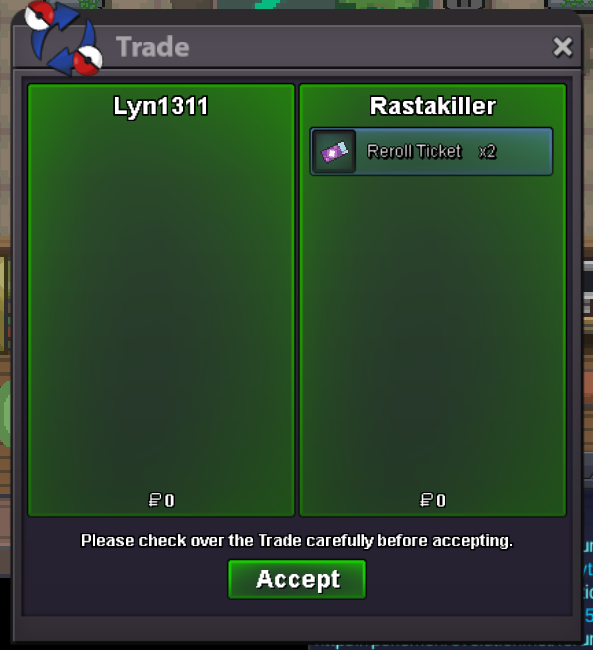
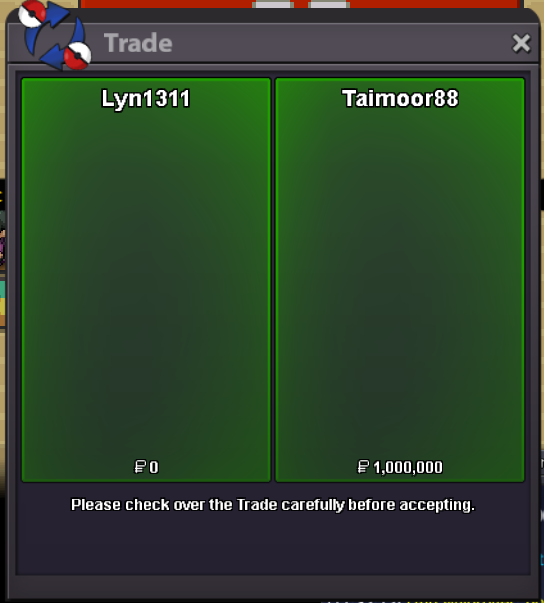
Quest service done, Victini dungeon. Thnx much, GLhf! Quest done Volcanion, Zekrom and Tornadus. Thnx much, GLhf!
-
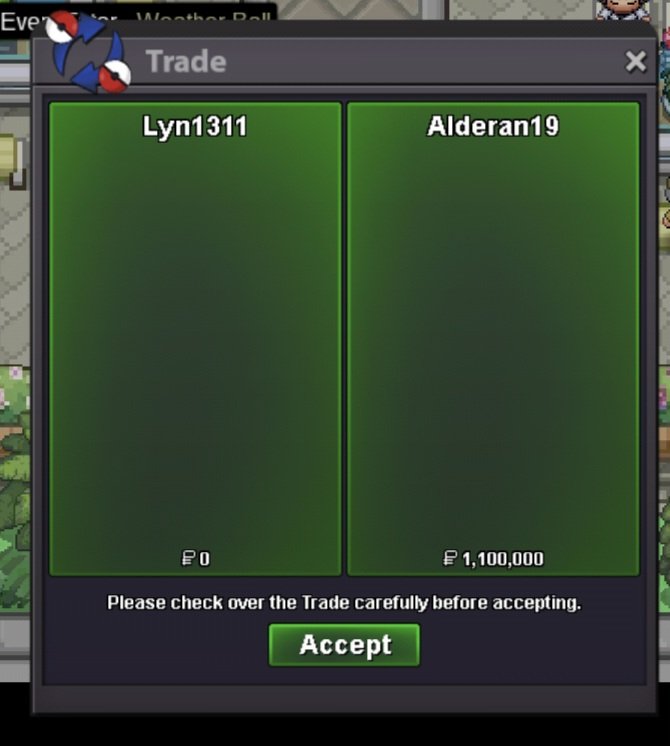
Quest done 5 minigames summer, minigamess boss and rocket hideout quest. Thnx much, Glhf!
-
ops my bad :D
-
+1 can imagine how anoying it will be when buying a poke and seller act like a prick because auction ddnt go so well. Also sometime you need to change server etc. 7 day is just too long. Most auction itself only held for 1-3 days, just funny if the trade take twice as long.
-
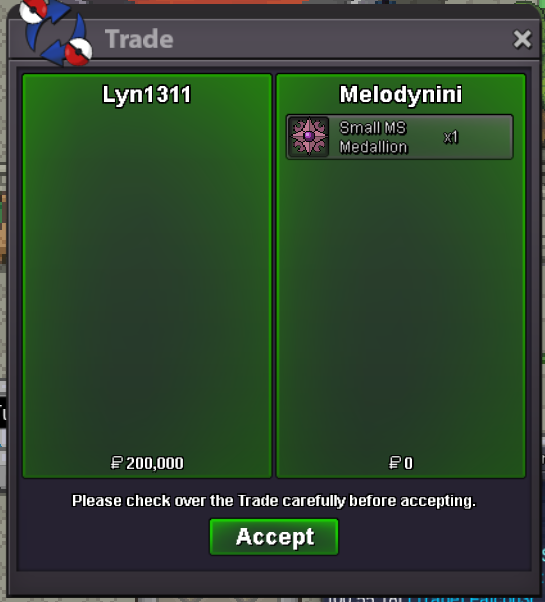
Quest service done! Finishing half Rocket hideout quest . Thnx much , GLhf!
-
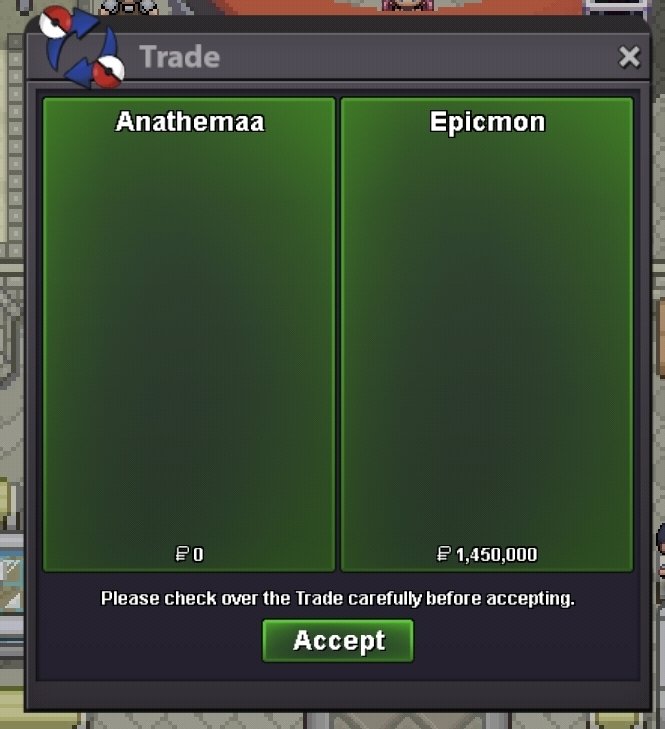
Quest service summerpart 1, minigames x8, minigames boss and rocket hideout quest. Thnx much, Glhf!
-
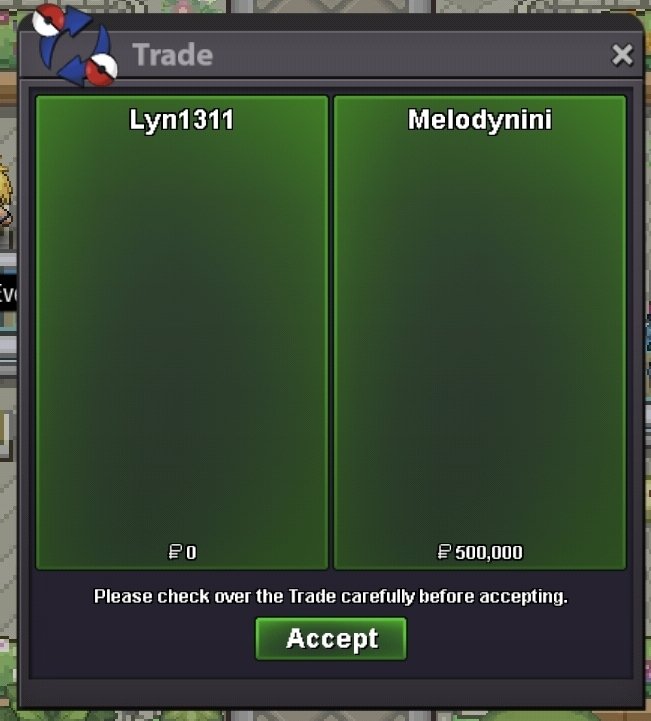
Quest service summer minigames x8. Thnx much, Glhf!
-
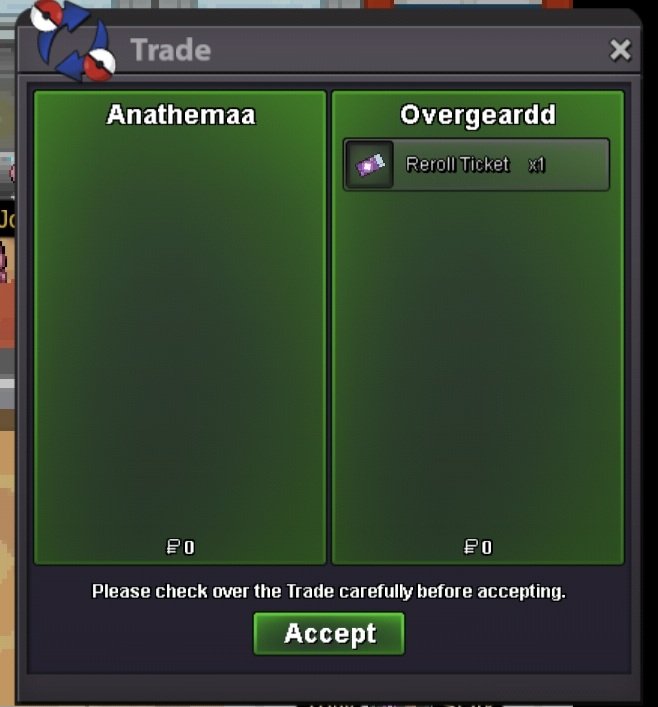
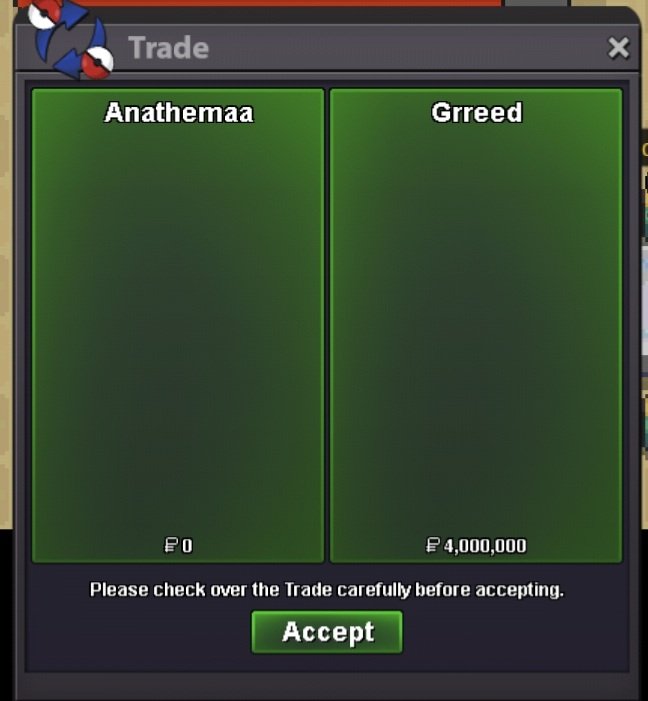
Qurst service hoopa + 6 ring. Thnx much, Glhf! Quest service kyurem, zekrom, keldeo, terrakion, kami trio, volcanion and special request hoenn story, sinnoh story, teleporter and subway. Thnx much, glhf!
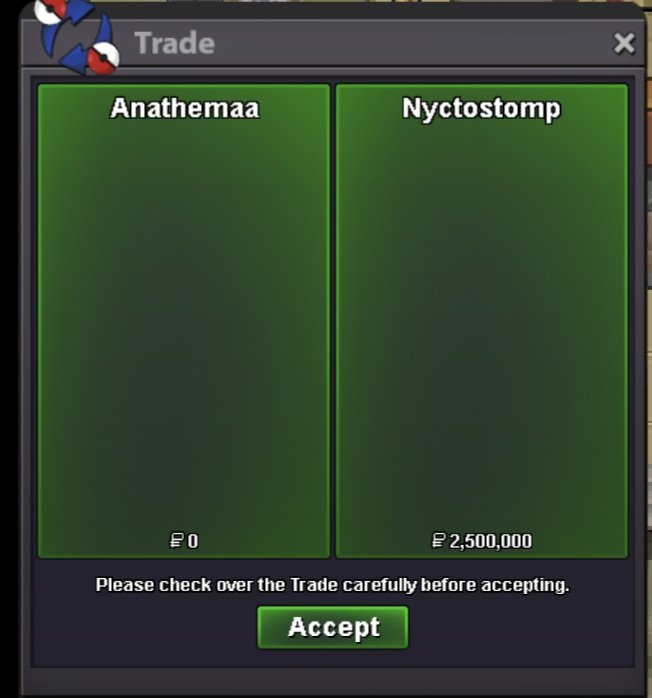
-
+1 if buyer can bid from ingame -1 if using old methods using ss and stuff, also for now, its not that hard to just login on forum
-
Quest service summer pt 1 and 2. Thnx much, GLhf!