New Trade Zone
Trade Zone is now live
Use the new Trade Zone for auctions and instant-price trades so Pokemon and item offers are easy to find.


Vibin
Registered User
-
Joined
-
Last visited
Everything posted by Vibin
-
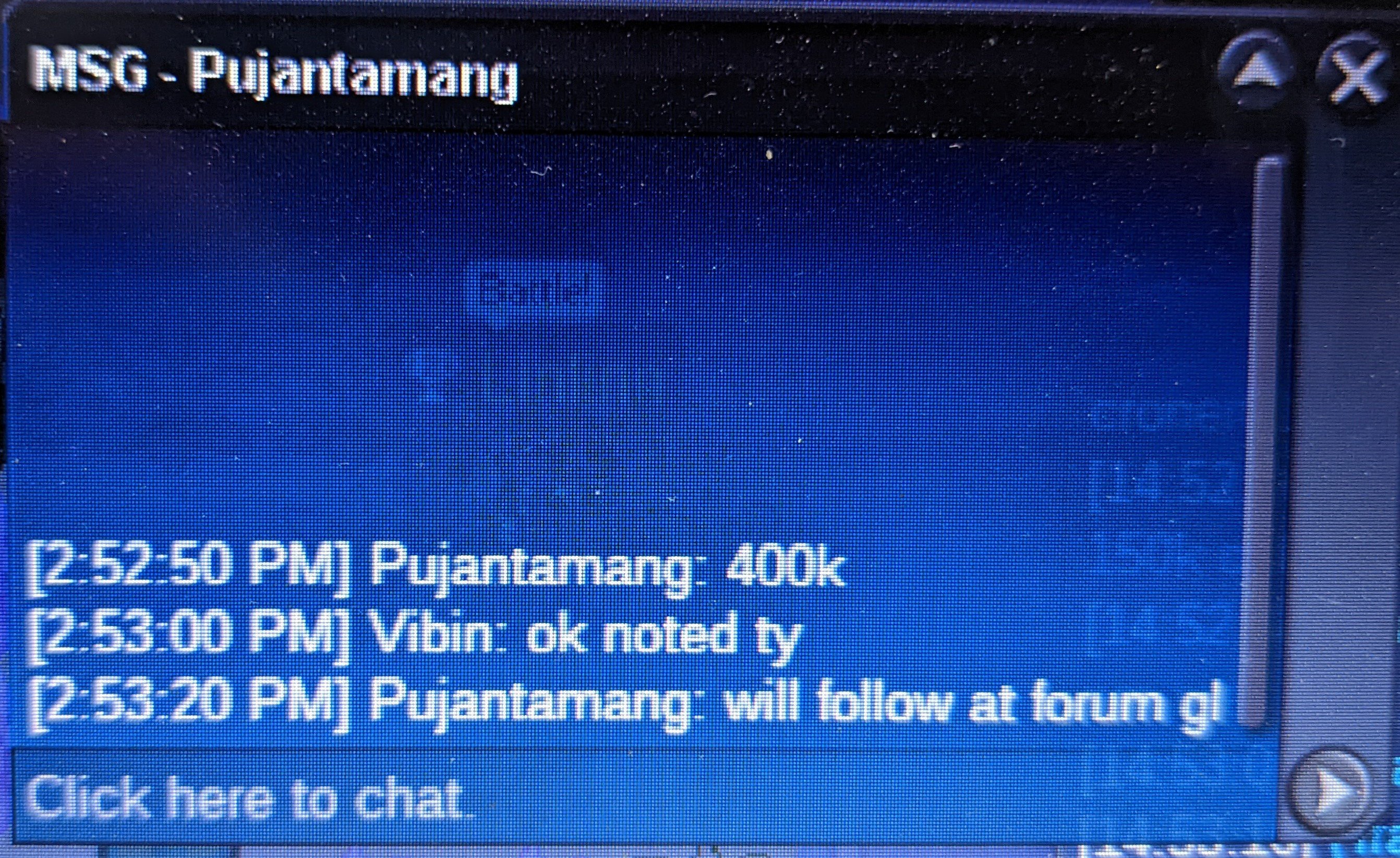
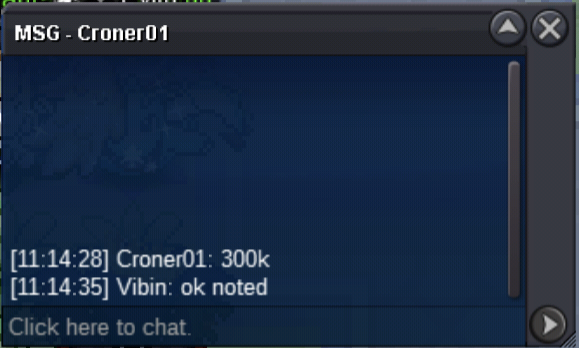
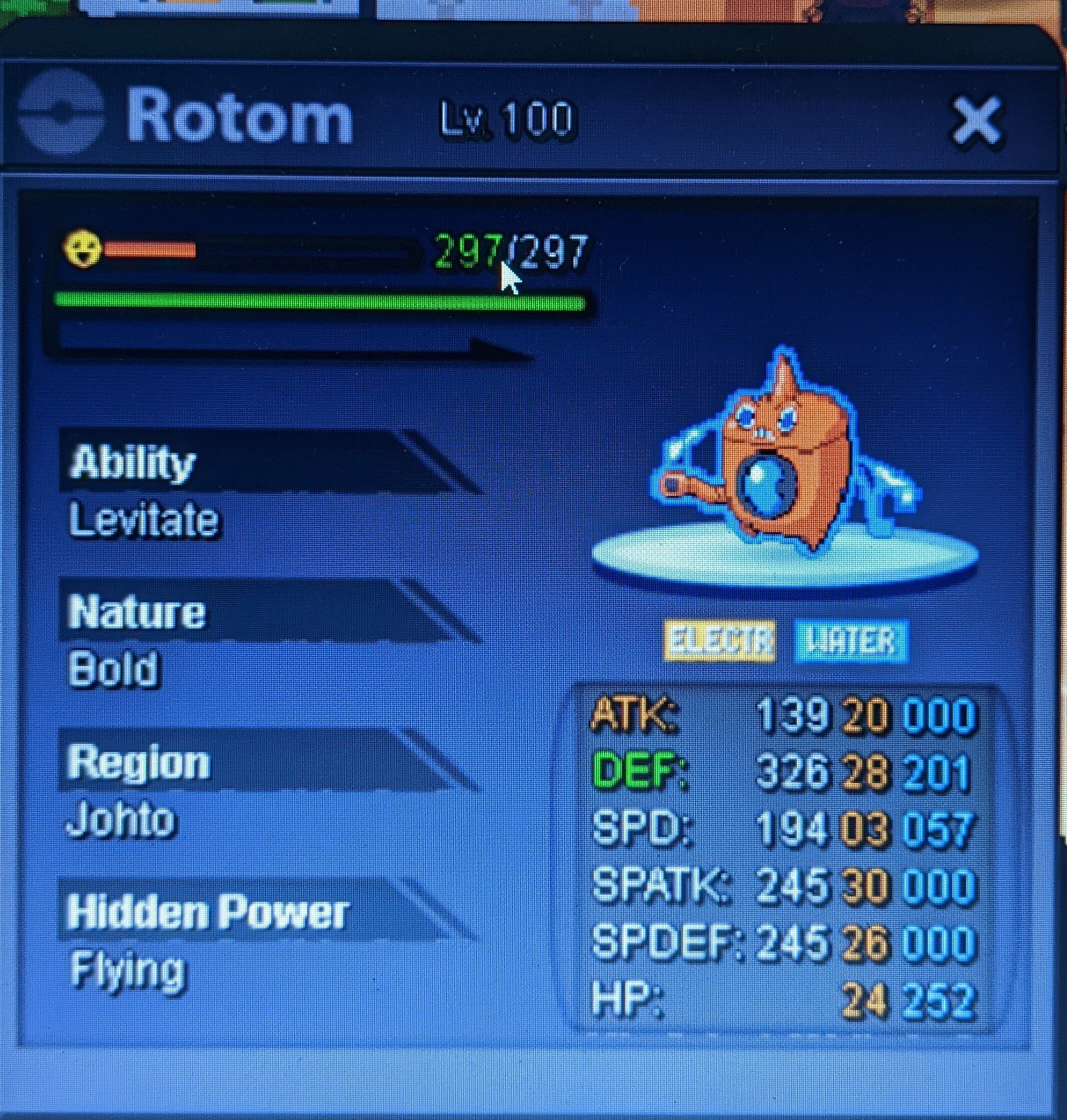
💰 Start offer : 300k 💰 Min bid : 100k ✨ Insta : 1.5m ✨ 🕐 24 hours from first offer 🕐 Accept cc 400k // Nat reroll =350k // Iv reroll = 700k
-
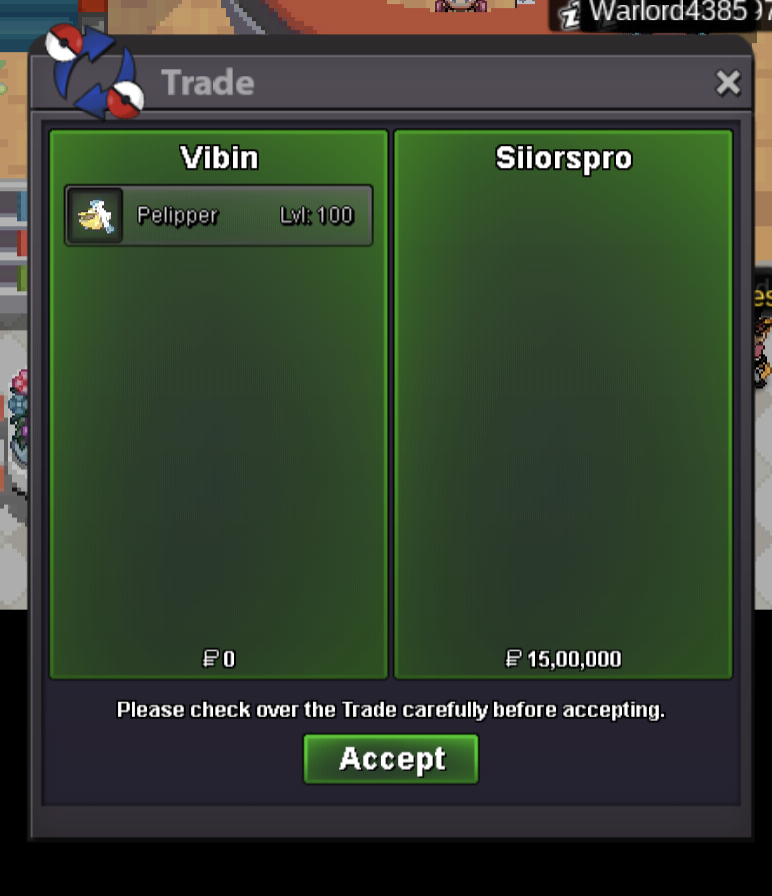
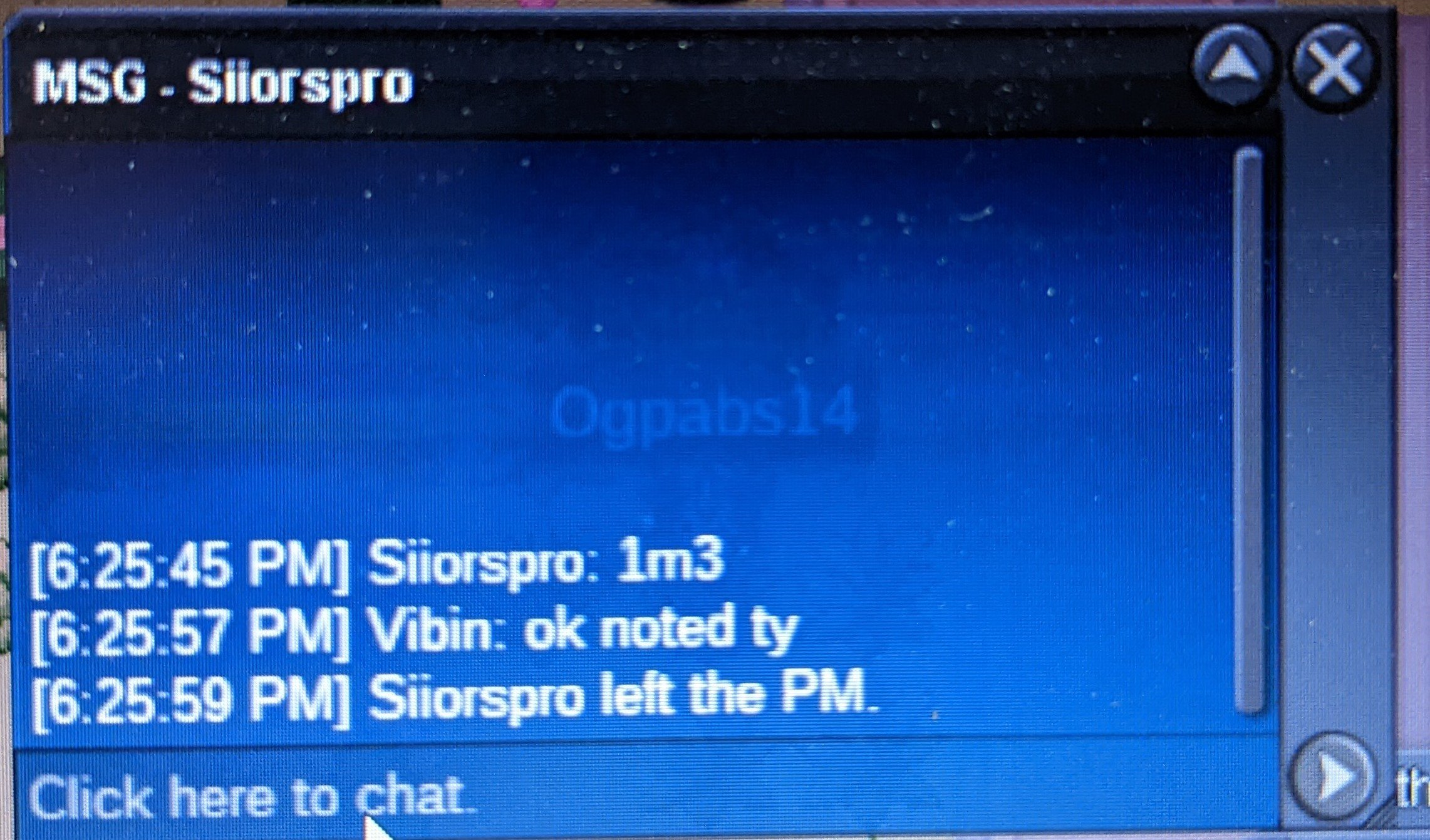
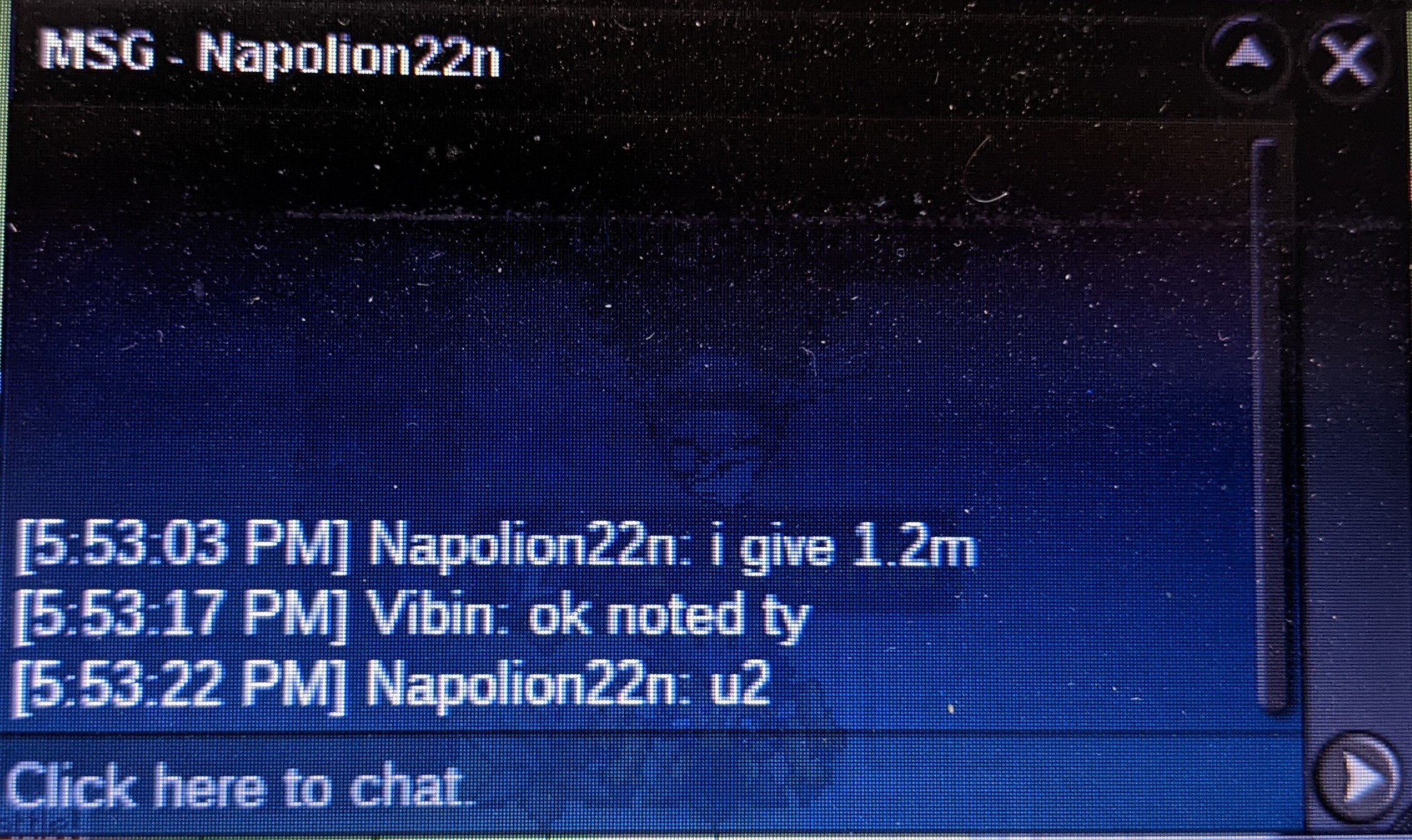
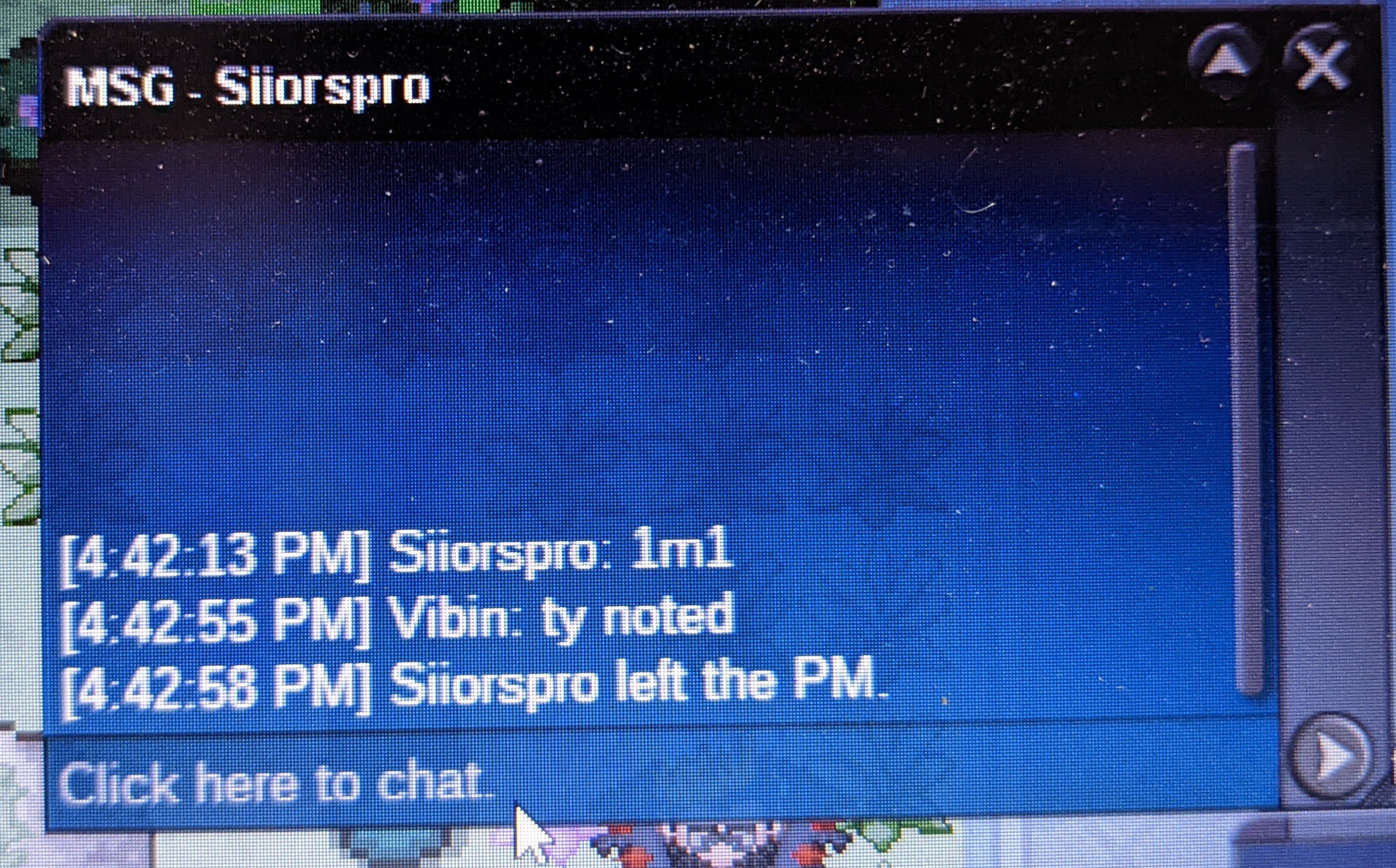
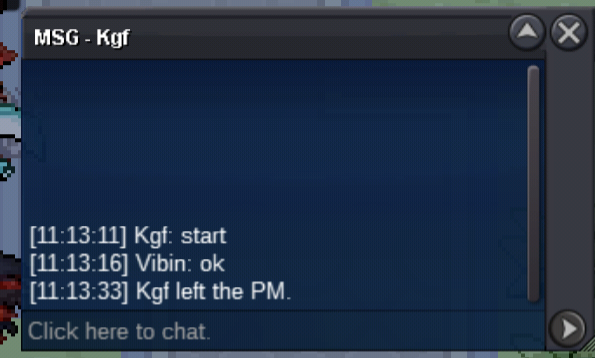
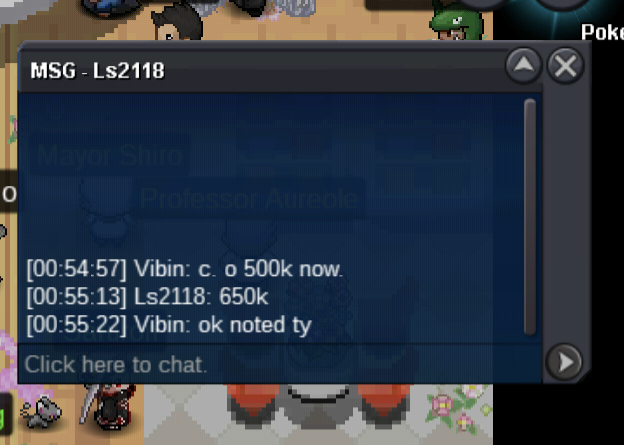
SureSiorrspro won 1.5m tyNoted ty 15minNoted tyI am sorry but to prevent spam of ig messages and to follow this rule last 30 minutes of auction will be only in forum ty 🙂
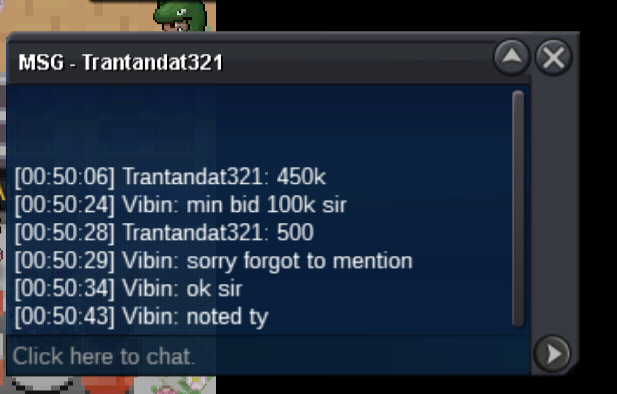
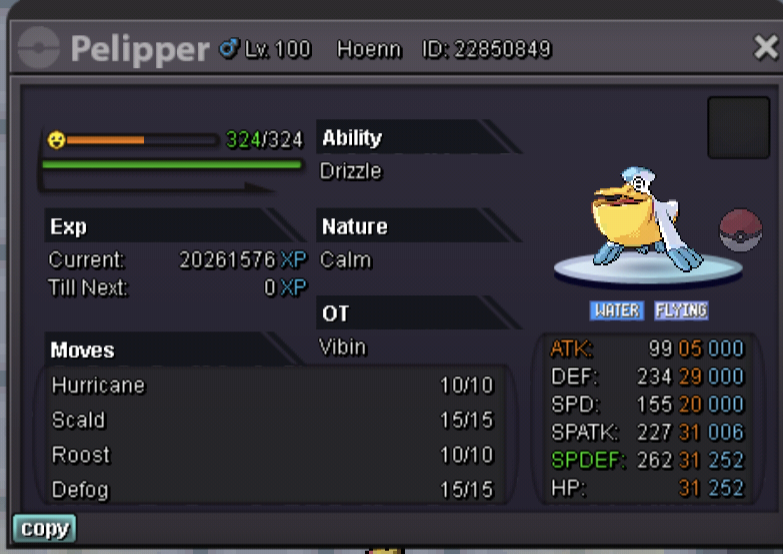
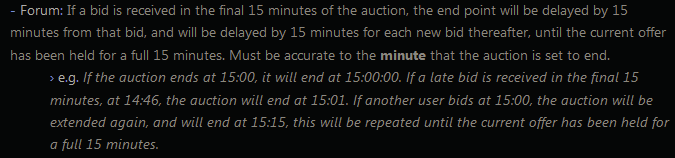 noted 🙂Noted tyNotedStart offer 200k 💰 Min raise 100k 💰 No insta 24 hour auction from first bid ⏳ Accept cc and rr Coin capsule = 400k IV reroll = 700k Nature reroll = 350k Good luck guys Peace🤞
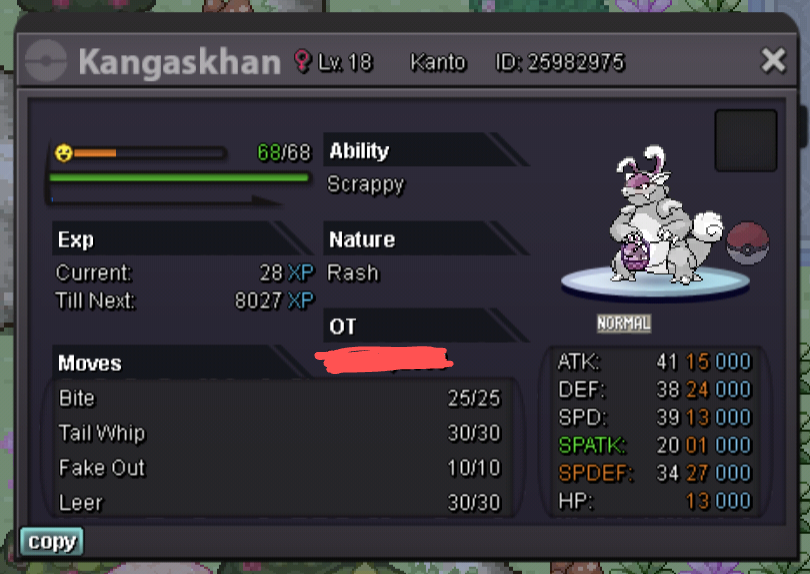
 s.o 300k min bid 100k Auction for 24 hours after 1st bid No insta CC= 400k / iv rr =700k Good luck to all who participate... 🙂
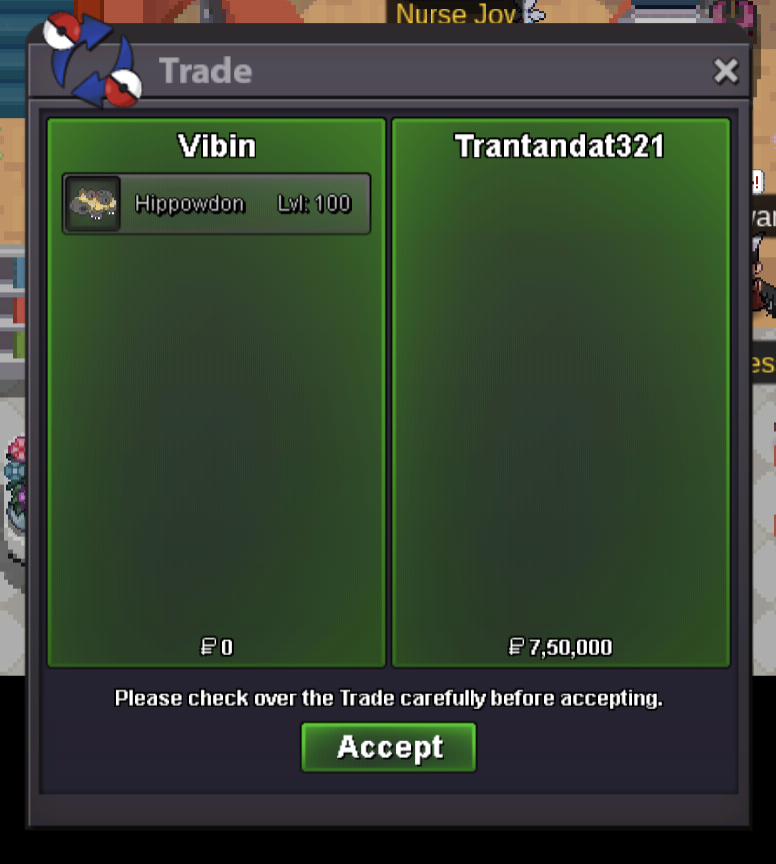
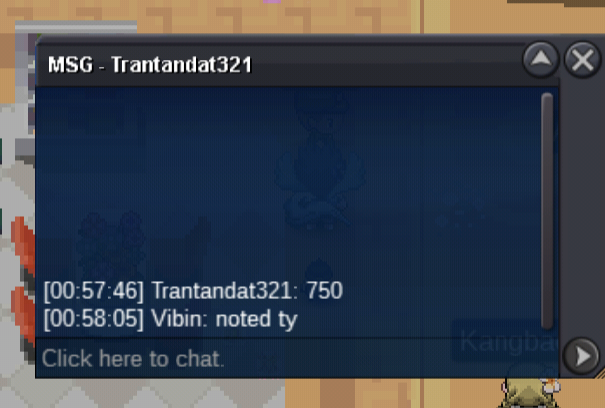
 There was a serious network issue for me.That is why I couldnt update on time. The winner is Trantantdat321 750k Will deliver when he's active Thank you for participatingStarted , 24 hours from now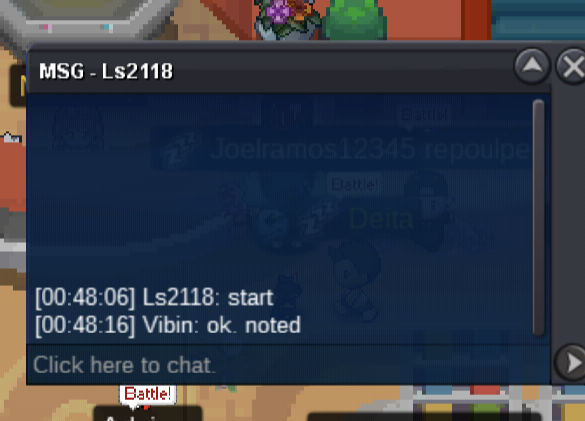
Account
Navigation
Search
Configure browser push notifications
Chrome (Android)
- Tap the lock icon next to the address bar.
- Tap Permissions → Notifications.
- Adjust your preference.
Chrome (Desktop)
- Click the padlock icon in the address bar.
- Select Site settings.
- Find Notifications and adjust your preference.
Safari (iOS 16.4+)
- Ensure the site is installed via Add to Home Screen.
- Open Settings App → Notifications.
- Find your app name and adjust your preference.
Safari (macOS)
- Go to Safari → Preferences.
- Click the Websites tab.
- Select Notifications in the sidebar.
- Find this website and adjust your preference.
Edge (Android)
- Tap the lock icon next to the address bar.
- Tap Permissions.
- Find Notifications and adjust your preference.
Edge (Desktop)
- Click the padlock icon in the address bar.
- Click Permissions for this site.
- Find Notifications and adjust your preference.
Firefox (Android)
- Go to Settings → Site permissions.
- Tap Notifications.
- Find this site in the list and adjust your preference.
Firefox (Desktop)
- Open Firefox Settings.
- Search for Notifications.
- Find this site in the list and adjust your preference.