




New Trade Zone
Trade Zone is now live
Use the new Trade Zone for auctions and instant-price trades so Pokemon and item offers are easy to find.

Vibin
Registered User
-
Joined
-
Last visited
Everything posted by Vibin
-
15min left

-
20minutes remaining
-
I'll come after few hours thank you
-
-
2.3m alopix
-
27hours remaining bump. Will not be available in game for 12 hours from now. Please use forums for bid in the meantime 🙂
-
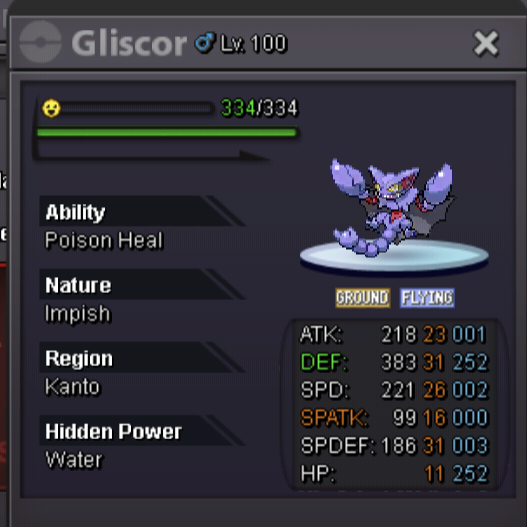
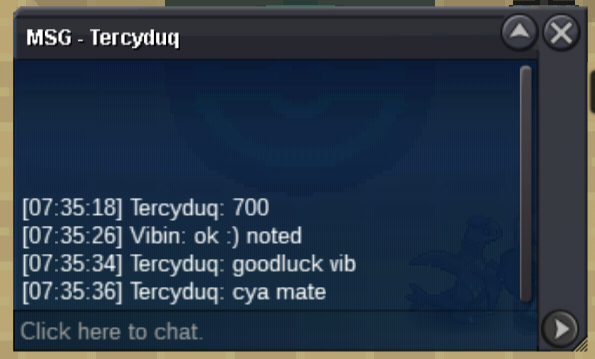
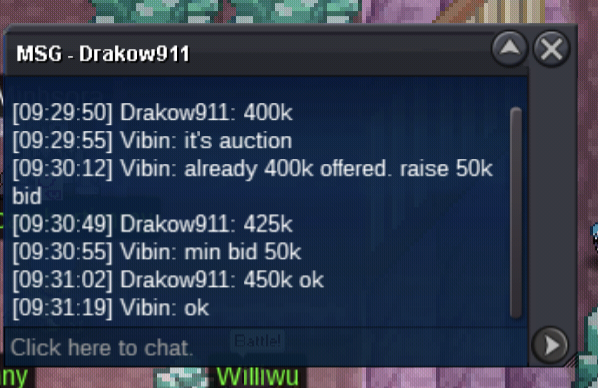
🌻 Welcome to the Auction 🌻 S.O 500k 💰 min bid 100k 💰 Sorry , there is no Insta ⏳ 48 hours from the first bid ⏳ I accept both Coin capsule - 400k 💊 IV reroll - 700k 🎟️ Peace ✌️
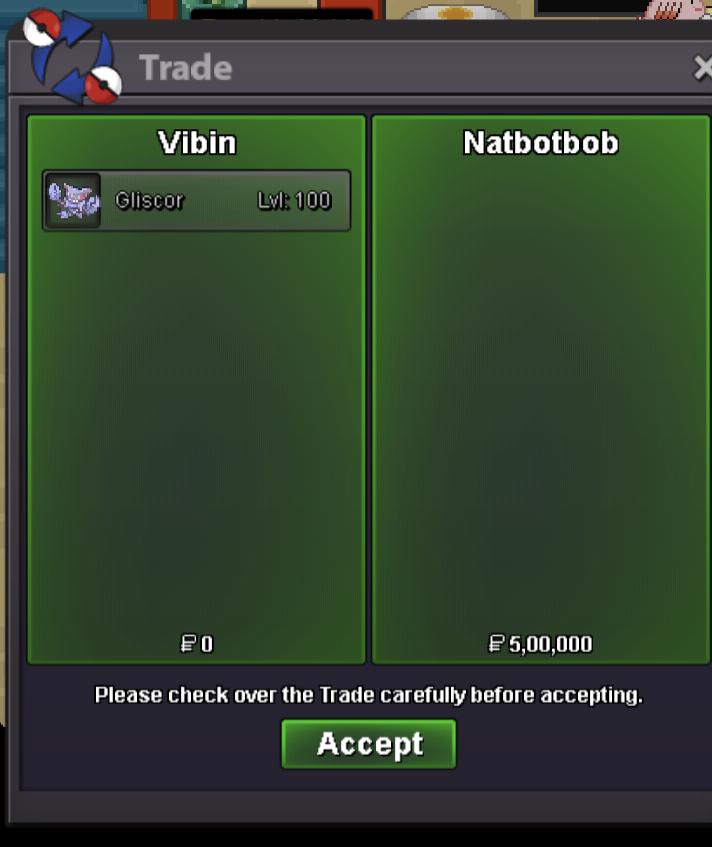
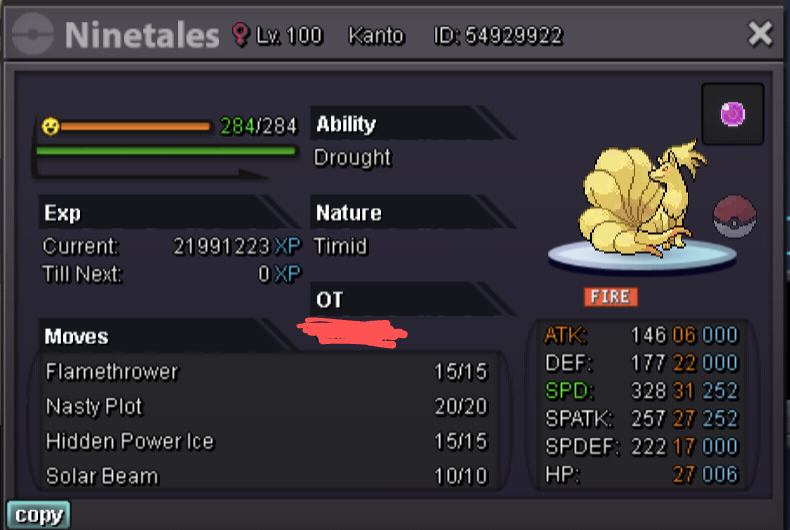 Please help accidentally posted it in buy Pokemon @Trademod.Removed the nintales trade to sell poke subforumLooking for epic h.a Alopix 23+ IVs 28+ speed , hp Looking for epic Mimikyu 28+ atk speed Budget 5m TyAuction ended winner Natbotbob🌻 Welcome to the Auction 🌻 S.O - 400k 💰 Min bid - 50k No insta ⏳ 24 hour from the first bid ⏳ Accept all Alternative route of payment CC = 400k Nature Reroll = 320k IV reroll = 400k
 Instad ty
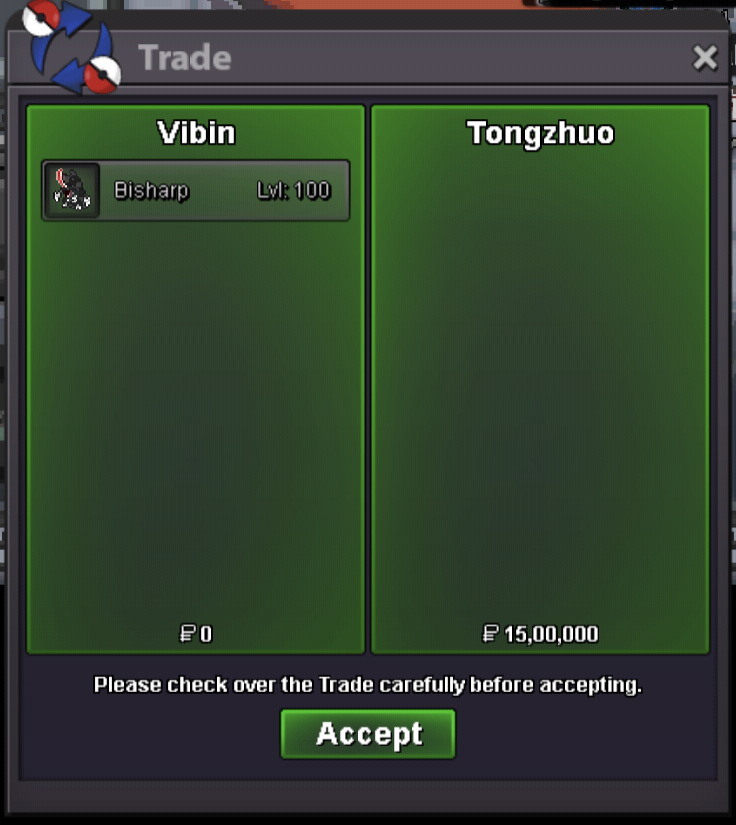 TyWelcome to the Auction.. 😊 Starwars Skinned Bisharp with epic IV and right ability ▪️Start offer : 400k 💰 ▪️Minimum bid : 100k 💰 ▪️Insta :1.5m 💎 Accept CC and Rerolls ▪️ Coin capsule : 400k ▪️IV reroll : 700k ▪️ Nature Reroll : 350k The auction is for 24 hour after the first bid Instad tongzhuo ty All the best to the participants Peace 🤞
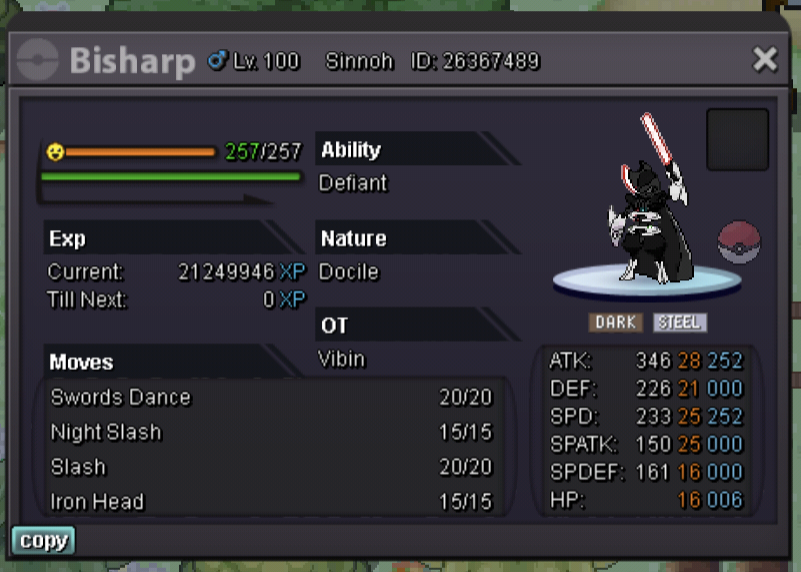 1 hour remaining bump

Account
Navigation
Search
Configure browser push notifications
Chrome (Android)
- Tap the lock icon next to the address bar.
- Tap Permissions → Notifications.
- Adjust your preference.
Chrome (Desktop)
- Click the padlock icon in the address bar.
- Select Site settings.
- Find Notifications and adjust your preference.
Safari (iOS 16.4+)
- Ensure the site is installed via Add to Home Screen.
- Open Settings App → Notifications.
- Find your app name and adjust your preference.
Safari (macOS)
- Go to Safari → Preferences.
- Click the Websites tab.
- Select Notifications in the sidebar.
- Find this website and adjust your preference.
Edge (Android)
- Tap the lock icon next to the address bar.
- Tap Permissions.
- Find Notifications and adjust your preference.
Edge (Desktop)
- Click the padlock icon in the address bar.
- Click Permissions for this site.
- Find Notifications and adjust your preference.
Firefox (Android)
- Go to Settings → Site permissions.
- Tap Notifications.
- Find this site in the list and adjust your preference.
Firefox (Desktop)
- Open Firefox Settings.
- Search for Notifications.
- Find this site in the list and adjust your preference.