




New Trade Zone
Trade Zone is now live
Use the new Trade Zone for auctions and instant-price trades so Pokemon and item offers are easy to find.

Sowilo
Registered User
-
Joined
-
Last visited
Everything posted by Sowilo
-
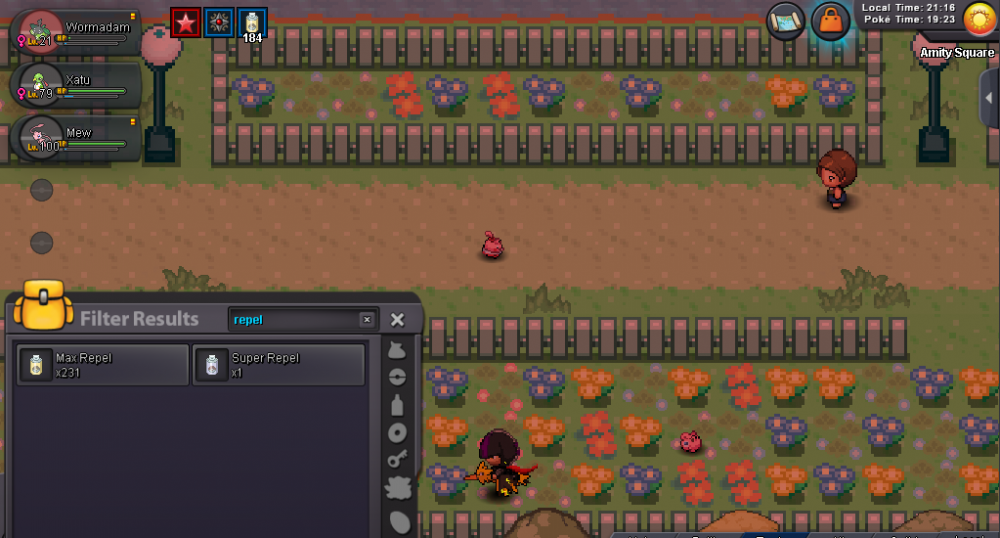
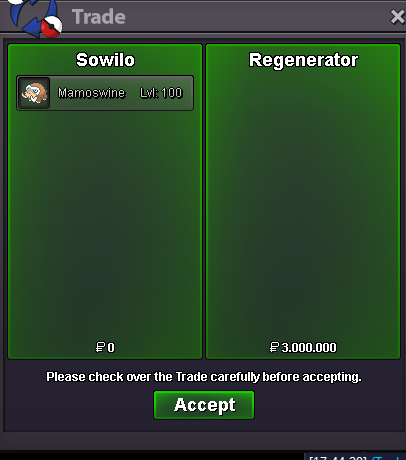
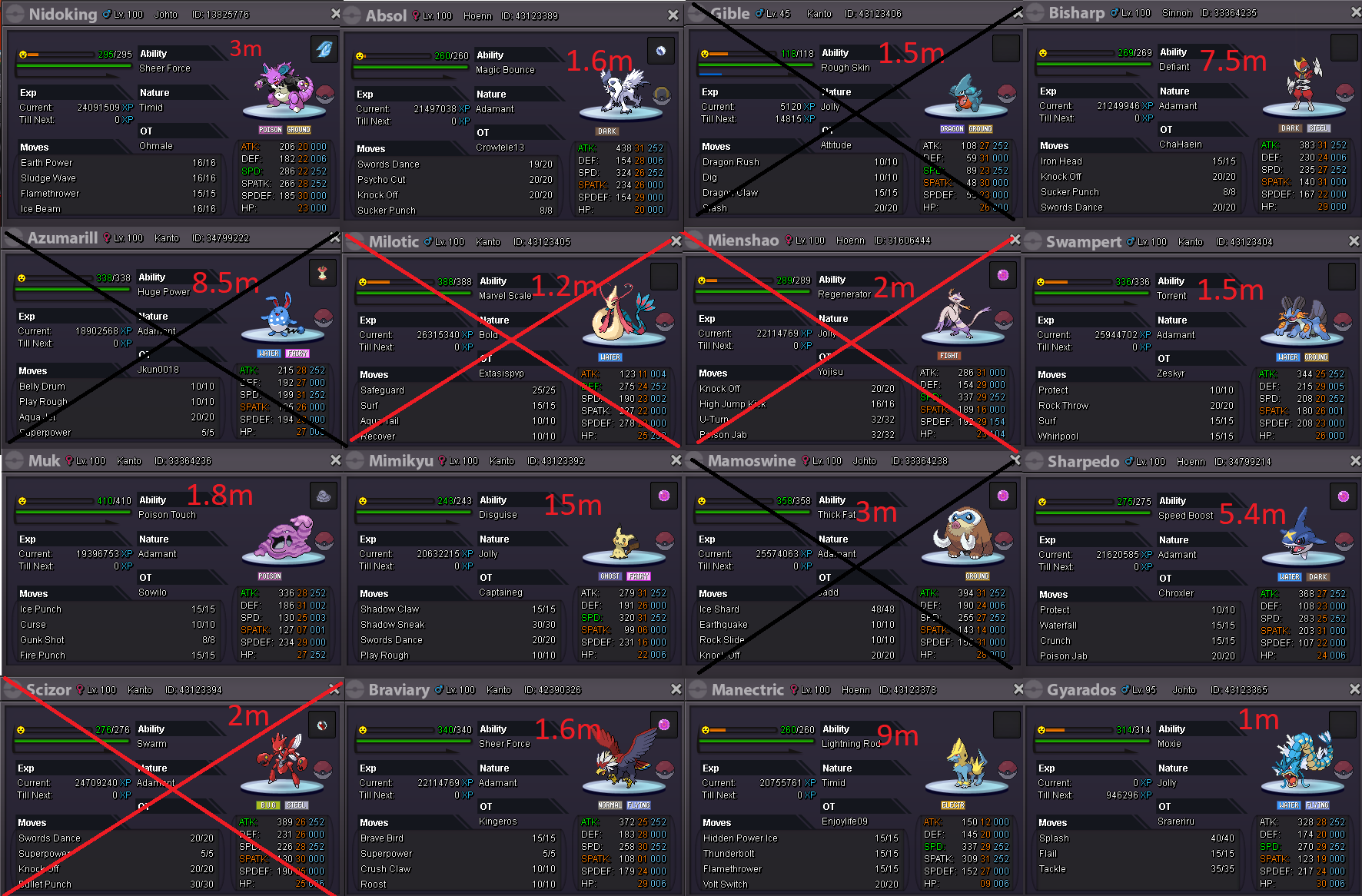
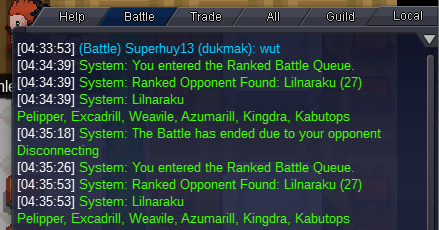
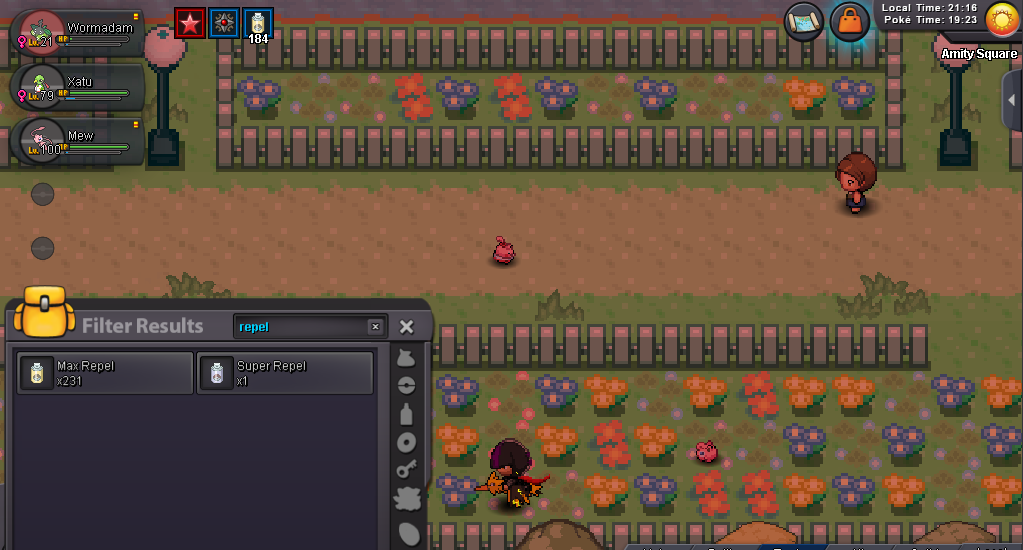
can we get gm here. trade is so suspicious, no photo no explaining. thanks13mso i can start nowi want to start krookodile.i offer 1.2minsta cloyster.Oh thank you so much.Hello, i have been hunting for an hour and didn't get any buneary or shroomish. i tried my friend's account as well same result. It's t5 poke and i am hunting with repel. But my guild mates told me that they had no problem at all. Thanks.
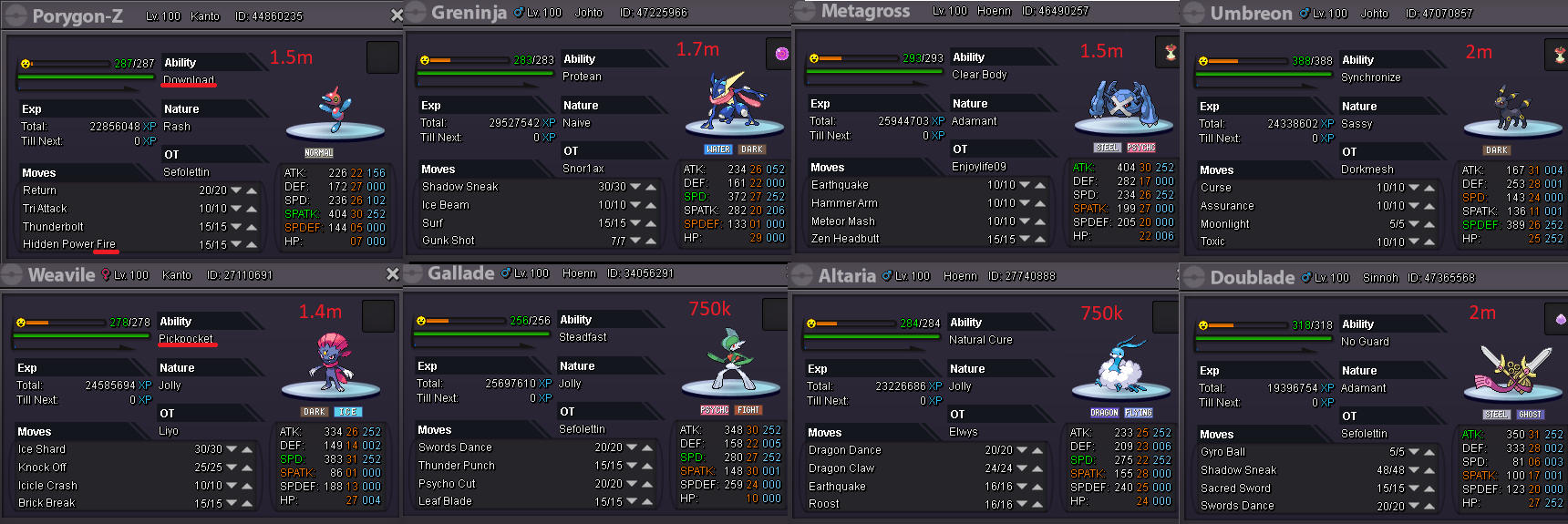
 Auction starts 800k Min raise 100k Insta 1.7m Auction ends 24 hours after first bid Thank you.
 it is already discounted. Don't ask for discount. Thanks.
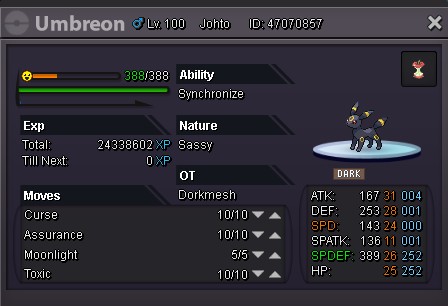
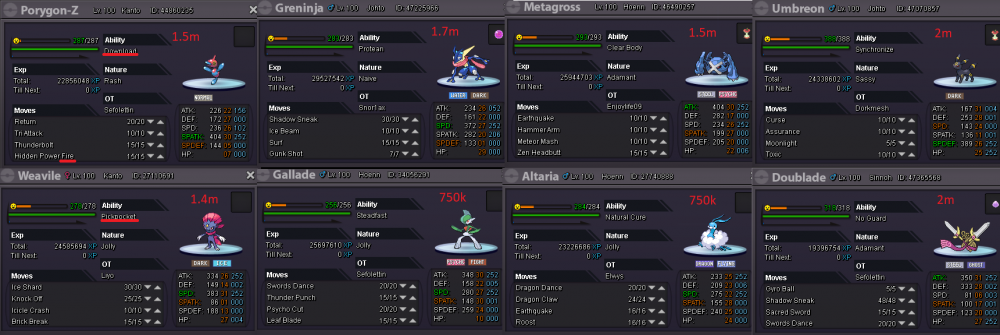 My bid is 17m if its ok, else I have to back off and leave the auction. Thank you.Sorry mate, I accidentally typed 27m instead of 17m. Didn't even realize until people pm'ed me and told about it.last bumb:)Auction starts 2m Min bid 200k insta 4m Auction ends in 24 hours after first bid. thanks (i consider is an epic due to spd is not important and for tr team )
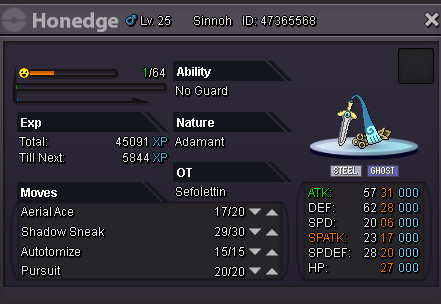 gold transfer is possible now.bumbAuction starts 2m Min bid 200k insta 4m Auction ends in 24 hours after first bid. thanks (i consider is an epic due to spd is not important and for tr team )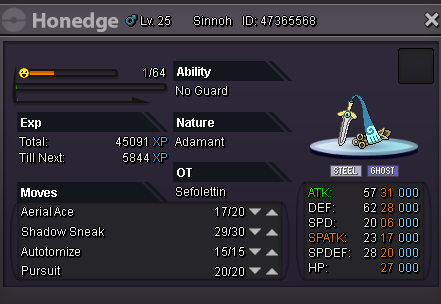


Account
Navigation
Search
Configure browser push notifications
Chrome (Android)
- Tap the lock icon next to the address bar.
- Tap Permissions → Notifications.
- Adjust your preference.
Chrome (Desktop)
- Click the padlock icon in the address bar.
- Select Site settings.
- Find Notifications and adjust your preference.
Safari (iOS 16.4+)
- Ensure the site is installed via Add to Home Screen.
- Open Settings App → Notifications.
- Find your app name and adjust your preference.
Safari (macOS)
- Go to Safari → Preferences.
- Click the Websites tab.
- Select Notifications in the sidebar.
- Find this website and adjust your preference.
Edge (Android)
- Tap the lock icon next to the address bar.
- Tap Permissions.
- Find Notifications and adjust your preference.
Edge (Desktop)
- Click the padlock icon in the address bar.
- Click Permissions for this site.
- Find Notifications and adjust your preference.
Firefox (Android)
- Go to Settings → Site permissions.
- Tap Notifications.
- Find this site in the list and adjust your preference.
Firefox (Desktop)
- Open Firefox Settings.
- Search for Notifications.
- Find this site in the list and adjust your preference.