New Trade Zone
Trade Zone is now live
Use the new Trade Zone for auctions and instant-price trades so Pokemon and item offers are easy to find.

Misenn
Registered User
-
Joined
-
Last visited
-
oh, yes. Thank you. I started heatran quest
-
after maintenance, i lost many item as: master ball, rare candy, etc.... help me pls. acc: misenn, sv: gold
-
That post was created for more than a week and nothing happened! I am really disappointed about staff team and i need my items.
-
Username: misenn Server: Gold
-
-
-
-
i lost a lot of item after completed Darkrai quest. I tried to approach Alucard Castle again, but my item didn't return. Help me, pls.
-
same problem. help me, pls.
-
that's my problem. Help me, pls
-
-
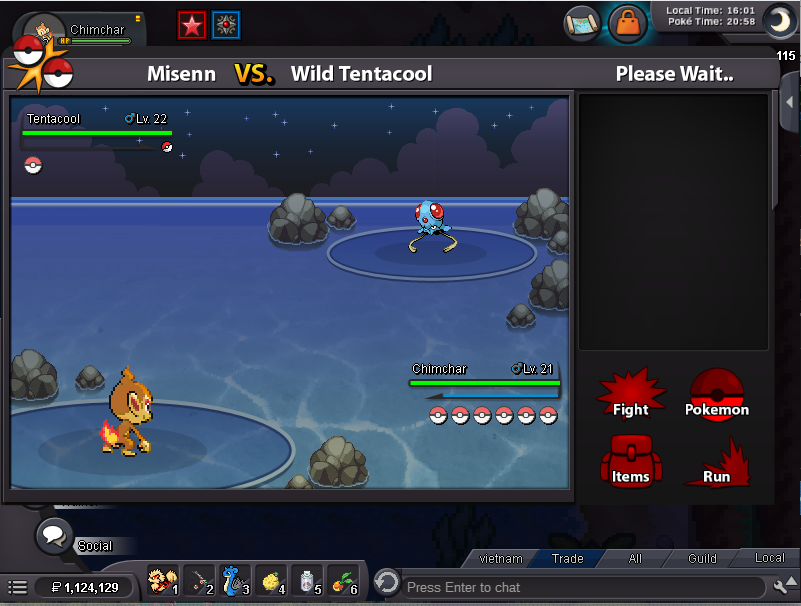
like this. It cannot automaticly connect although my internet connection is on.
-
Recently, the client easily disconnect and game doesn't continue. It make me very angry. Fix it pls
-
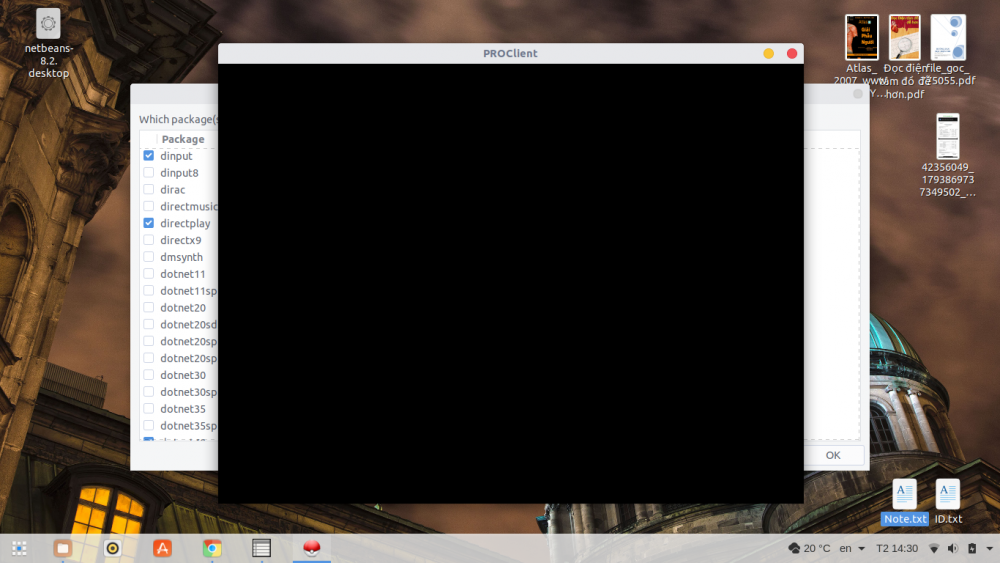
I downloaded the latest version and run it on wine ( i use Ubuntu OS). When i loged in, the loading screen became black and didn't open the game.
-