New Trade Zone
Trade Zone is now live
Use the new Trade Zone for auctions and instant-price trades so Pokemon and item offers are easy to find.

Tejmeglekvar
Registered User
-
Joined
-
Last visited
Everything posted by Tejmeglekvar
-
Vote: BAN Account name: Tejmeglekvar Server: Silver
-
Hello again. Professor Oak accepted a newly caught Charmander. The quest seems to be progressing normally once again. Thank you!
-
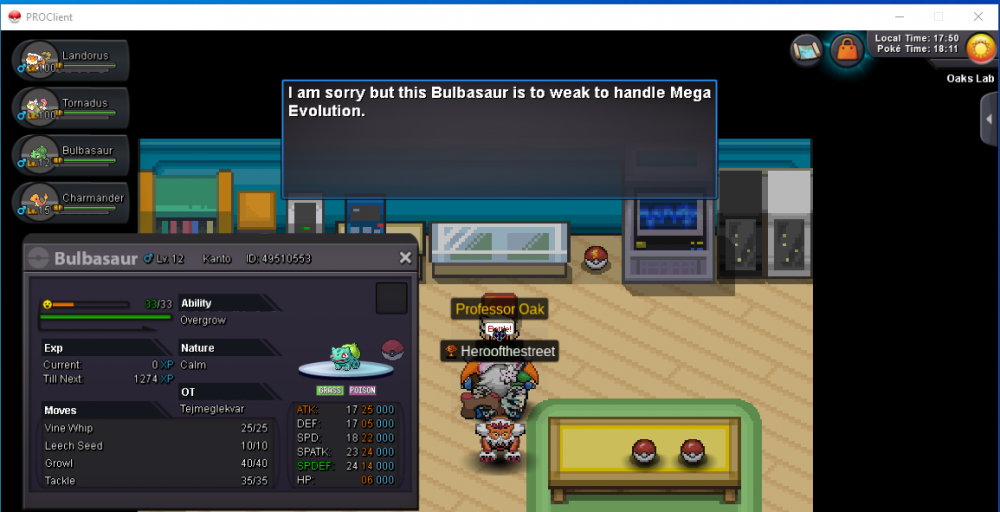
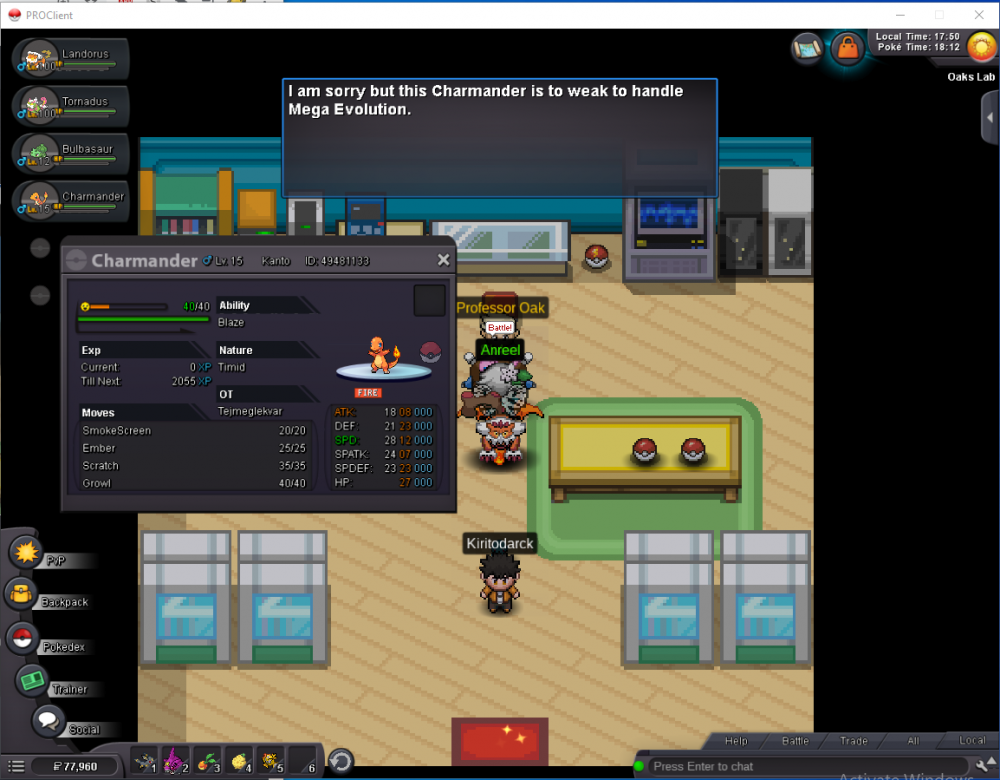
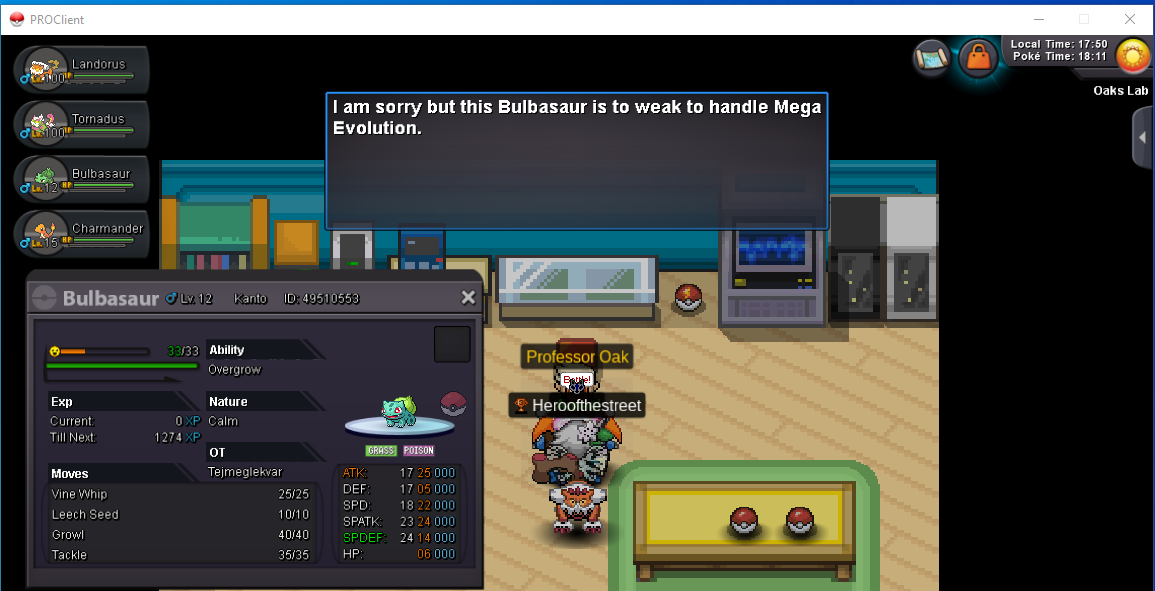
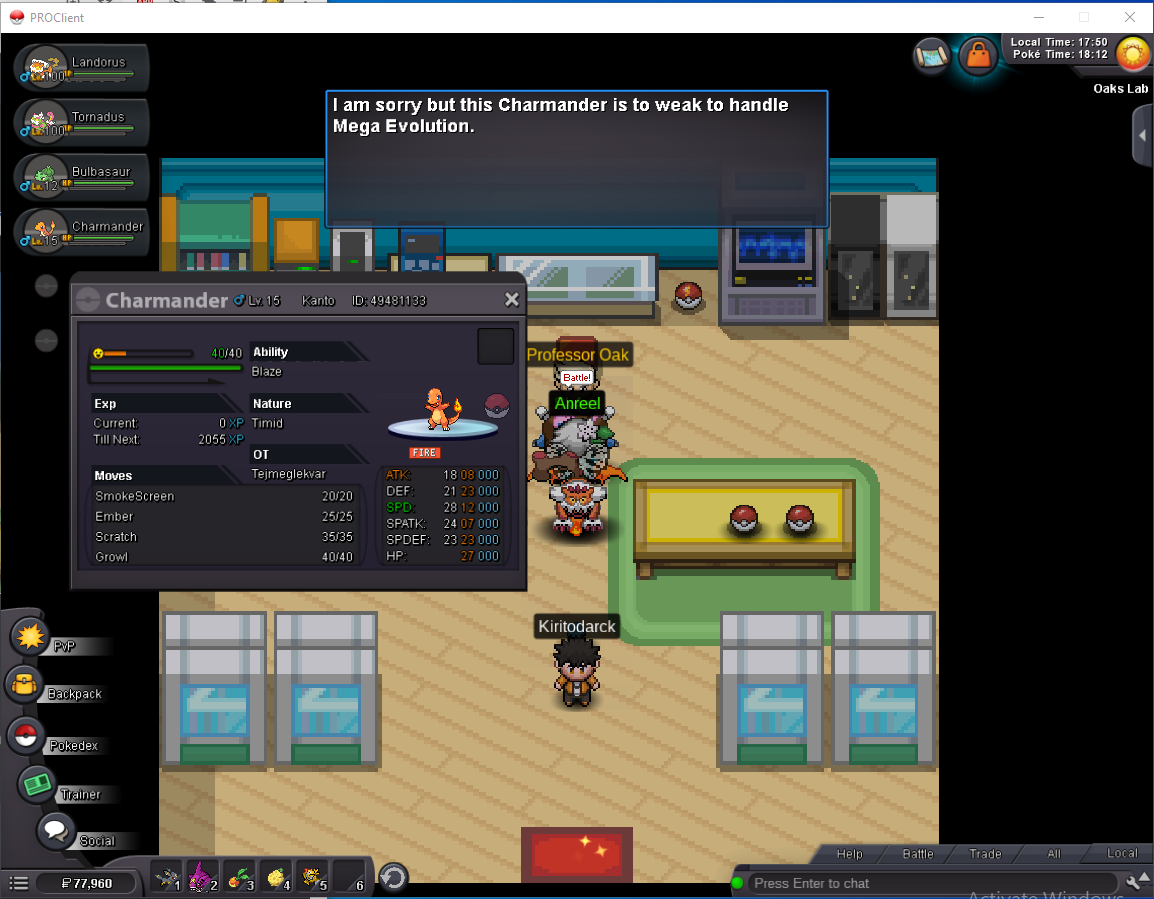
Hello! I started the quest to get the mega stones for the Kanto starters. Originally, I showed Professor Oak a Charmander that was good enough and was asked to train it. I then showed him an older Charmander to see if he would also accept it, but he said that it would need to be freshly caught. Ever since, Professor Oak has been rejecting all my submissions, including the Charmander that he had previously validated. I caught a Bulbasaur to try to fix the issue, but he still rejected it. I made sure that both starters had enough points to be accepted. Please help me so I can get the mega stones soon. Here are some screenshots: