




New Trade Zone
Trade Zone is now live
Use the new Trade Zone for auctions and instant-price trades so Pokemon and item offers are easy to find.

Saxser
Registered User
-
Joined
-
Last visited
Everything posted by Saxser
-
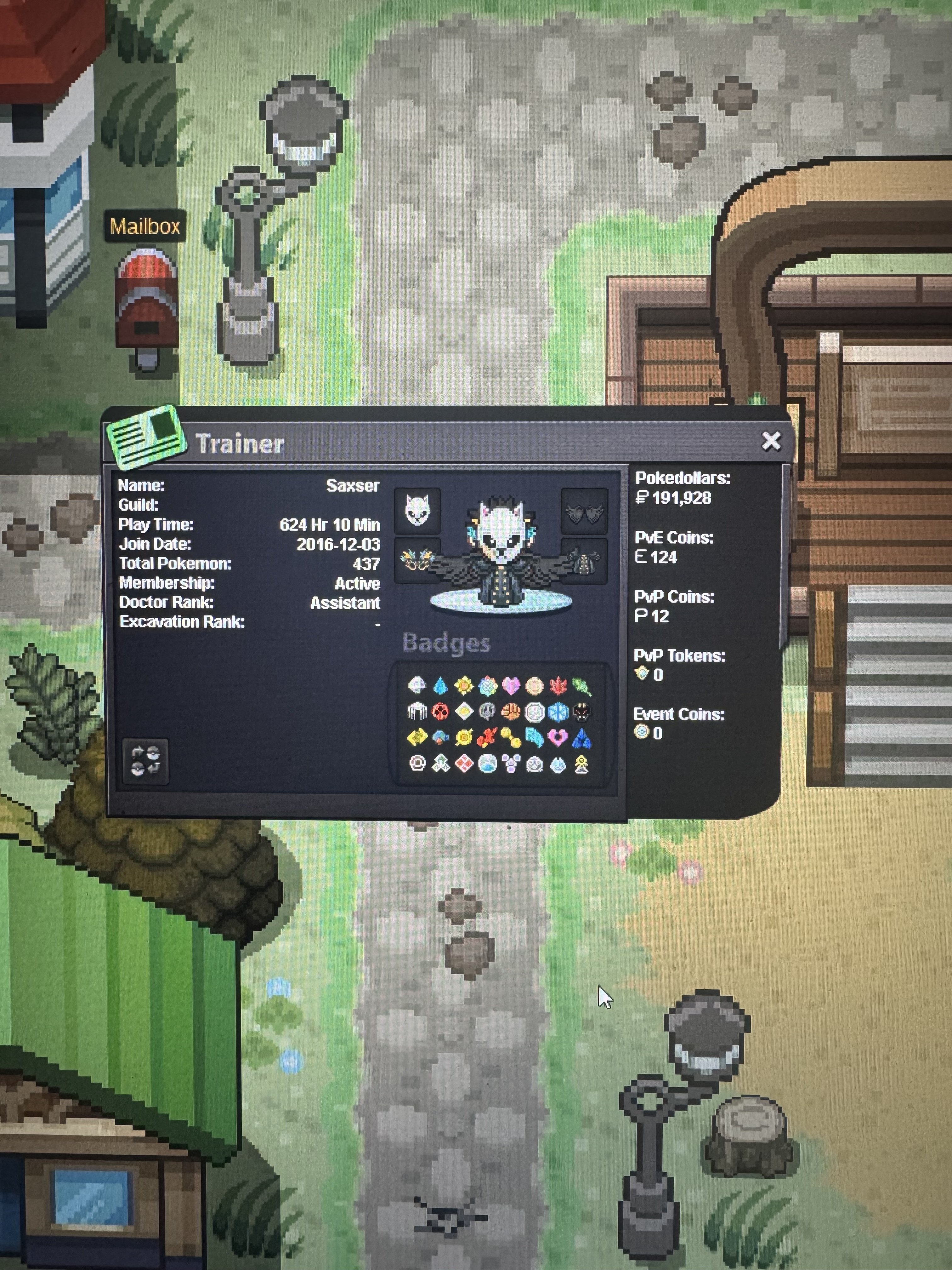
● What's your in-game name? Saxser ● How old are you? 22 ● Are you active in Discord? Yes ● Where are you from? Los Angeles California ● What's your total playtime? 624 HRS ● What's your goal in PRO? To be a well rounded PVE player as I step into the PVP scene more ● What do you enjoy while playing the game? The post game legendary quests, seasonal events and boss battles ● Why do you want to be part of the guild? Because it holds a strong foundation to the PRO gameplay as you connect with other players that aspire to achieve their in game goals ● What's your favorite Pokemon and why Victini because it is the victory Pokémon and I was very fond of the Unova era back in the day
-
I tried playing on android and every time I would want to log in the screen will stay there and it will not load the actual game for me1.Yes I can use discord (Saxser#3923) 2.Well I just want to be freindly with other companions and grow as a guild together 3.Yes I can be active in both Pro and Discord 4.Victini because it is the victory pokemon 5.22 badges and I have 152 hours playedSo if I can join just send a msg and that would be great thanks.
