New Trade Zone
Trade Zone is now live
Use the new Trade Zone for auctions and instant-price trades so Pokemon and item offers are easy to find.

Cocaokoro
Registered User
-
Joined
-
Last visited
Everything posted by Cocaokoro
-
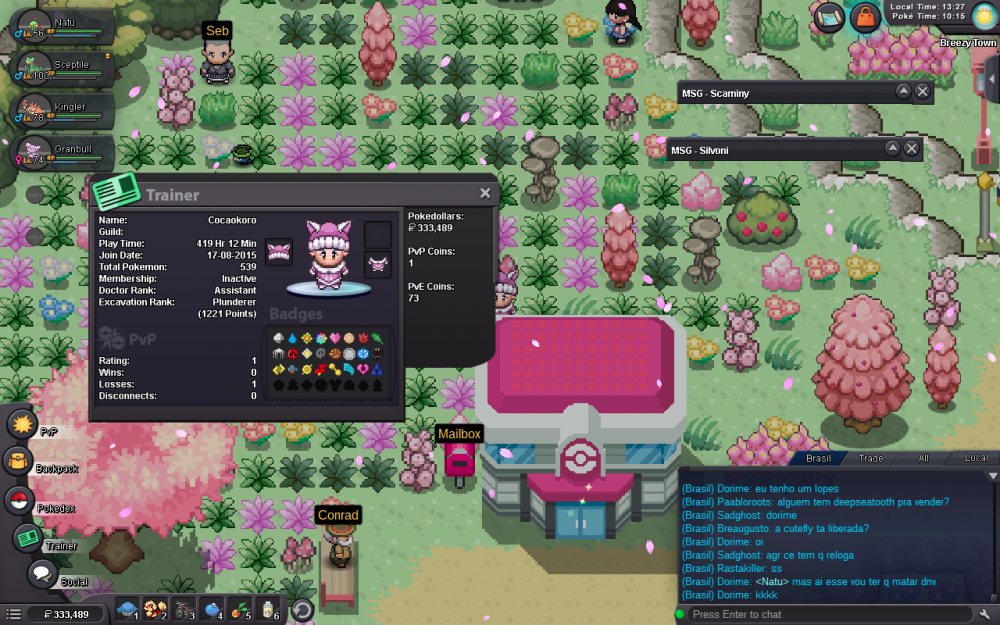
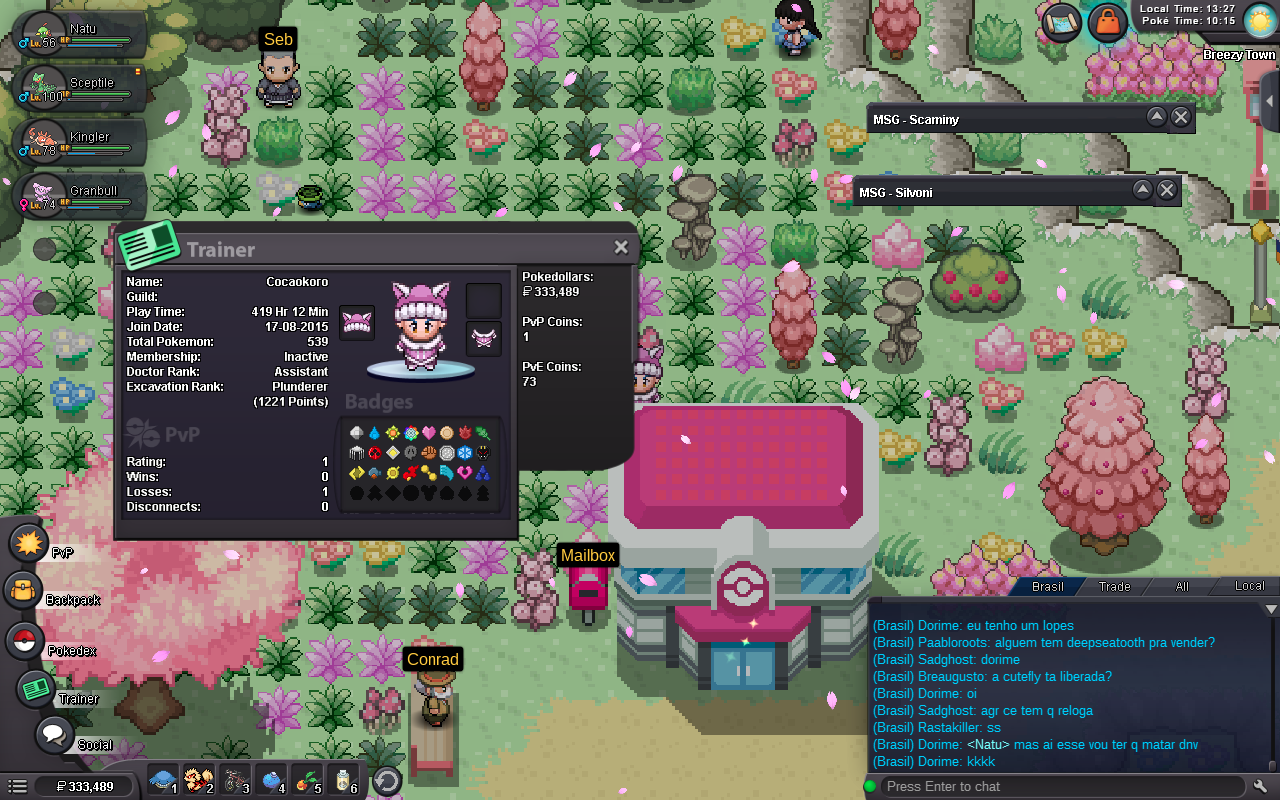
Why do you want to join Eternity? For make new friends and it's always more fun play together other friends help each other. Real name / ingame name: Fernando / Cocaokoro How old are you? 28 Ur country/ which language(s) do you speak? Brazil, Portuguese and English Discord name+tag / how often u r online there? Cocaokoro. Just when I'm playing pro What is your goal on pro/are you interested in pvp/already pvping? Got epic pokes and I'm learning and playing pvp Screenshot of your trainercard After u get ur application role in our discord it is important to docialize with us that we can see if you fit in our guild!