




New Trade Zone
Trade Zone is now live
Use the new Trade Zone for auctions and instant-price trades so Pokemon and item offers are easy to find.


Arieslinger
Suspended
-
Joined
-
Last visited
Everything posted by Arieslinger
-
Acpt CC bro?
-
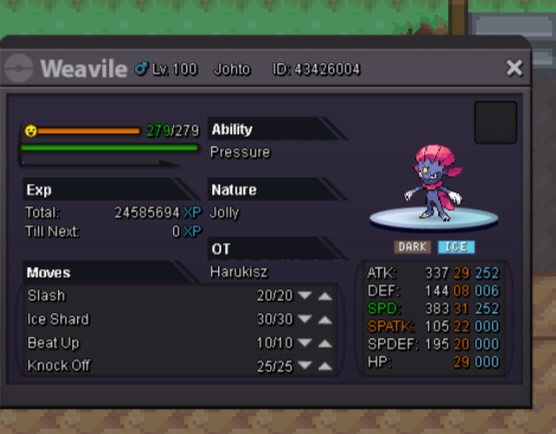
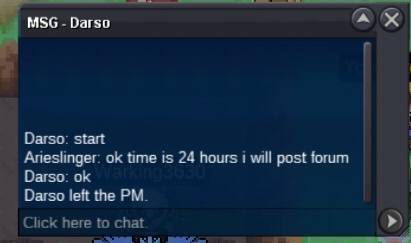
B.o 1m by Darso Insta 2,5m Time 24 hours end 22.15 gtm+7 Acpt CC 400k Reroll ticket 600k Enjoy bid :RowletHeart:
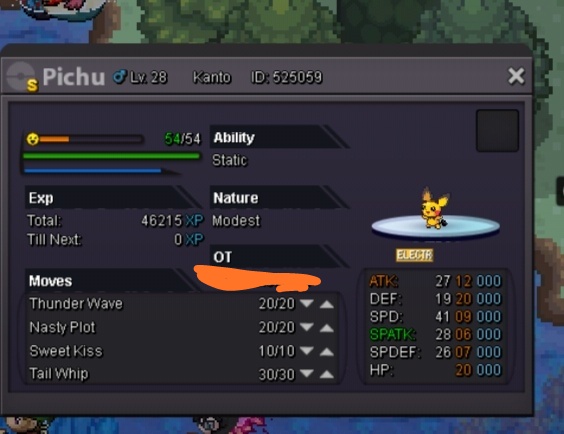
 Cant bro sryS.o 1,5m Insta 3m Acpt trade CC 400k reroll ticket 600k Time 24 hours :RowletHeart: :RowletHeart: Enjoy bid
 1hour 9mint left2 hours left9 hours leftThe user arldy suspendedNice i arldy see it i Will make time 24 from geomine bidS.o 1,5m Insta 3,5m Time 2 day (48 hours) id someone arldy start it Acpt trade with CC =350k Reroll ticket =600k :RowletHeart: :RowletHeart: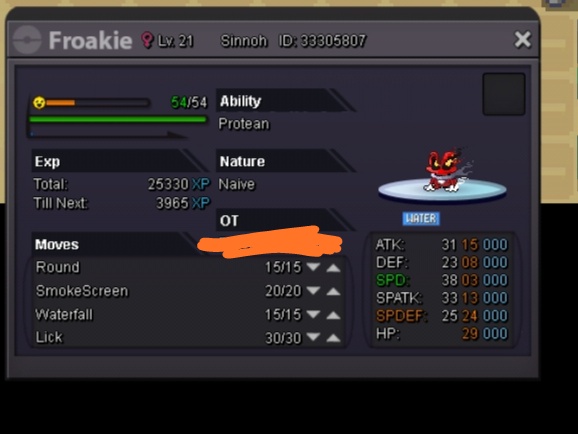
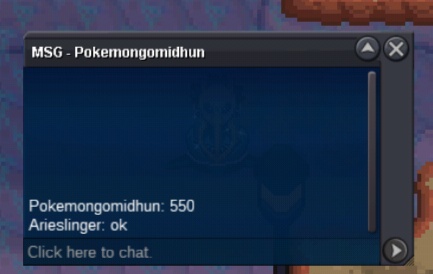
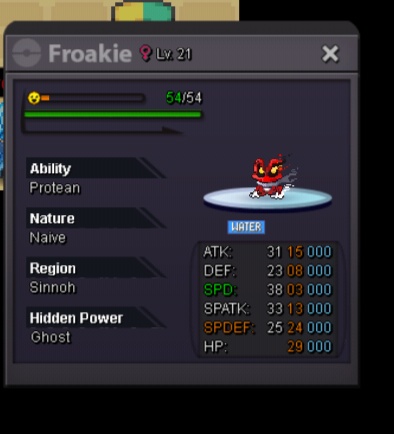 I startSold insta in game thx
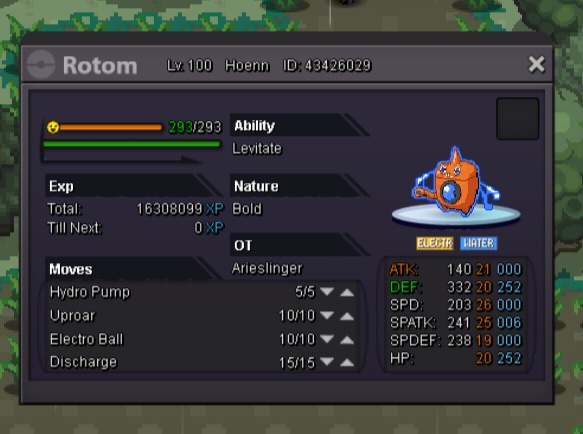
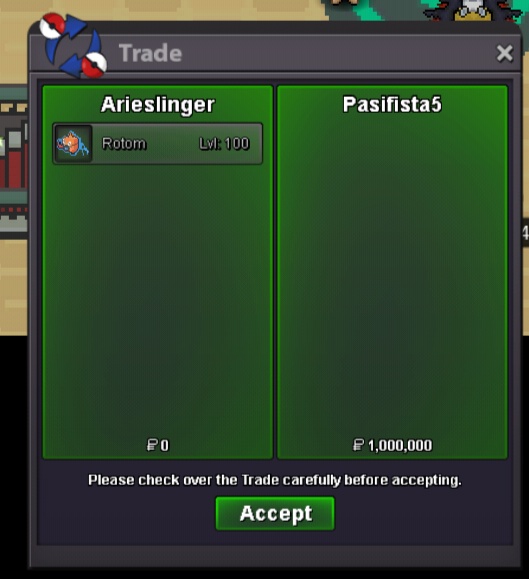 B.o 300k Insta 1m Accept cash/CC Time 24hours Min bid 50k :RowletHeart:
 7003,2Hallo i want apply for join guild Trinity How old are you and where are you from? Im 23 year and im from Indonesia What is the highest rating you've ever got? i got around 400-500 but it from 2015-2016 Do you play PRO daily? How many hours? Yes im play daily and around 2-3 hours if weekday if weekend i can play more What else other than rating can you contribute to Trinity? I can make guide for pve/boss poke build and can lend my pvp poke for guild mate and for story' What is your Discord ID? ArieSlinger#96064,541hours left
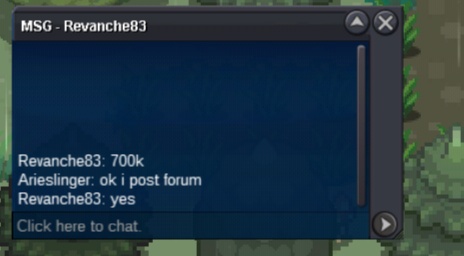
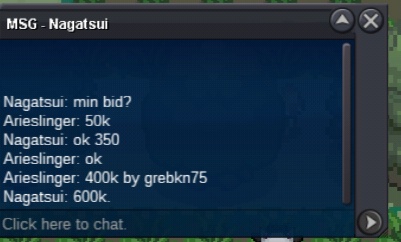
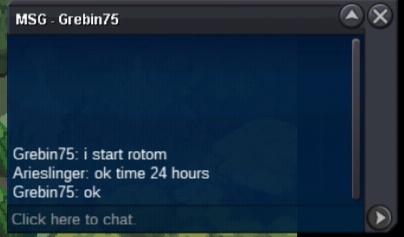

Account
Navigation
Search
Configure browser push notifications
Chrome (Android)
- Tap the lock icon next to the address bar.
- Tap Permissions → Notifications.
- Adjust your preference.
Chrome (Desktop)
- Click the padlock icon in the address bar.
- Select Site settings.
- Find Notifications and adjust your preference.
Safari (iOS 16.4+)
- Ensure the site is installed via Add to Home Screen.
- Open Settings App → Notifications.
- Find your app name and adjust your preference.
Safari (macOS)
- Go to Safari → Preferences.
- Click the Websites tab.
- Select Notifications in the sidebar.
- Find this website and adjust your preference.
Edge (Android)
- Tap the lock icon next to the address bar.
- Tap Permissions.
- Find Notifications and adjust your preference.
Edge (Desktop)
- Click the padlock icon in the address bar.
- Click Permissions for this site.
- Find Notifications and adjust your preference.
Firefox (Android)
- Go to Settings → Site permissions.
- Tap Notifications.
- Find this site in the list and adjust your preference.
Firefox (Desktop)
- Open Firefox Settings.
- Search for Notifications.
- Find this site in the list and adjust your preference.