New Trade Zone
Trade Zone is now live
Use the new Trade Zone for auctions and instant-price trades so Pokemon and item offers are easy to find.

Lk1826
Registered User
-
Joined
-
Last visited
Everything posted by Lk1826
-
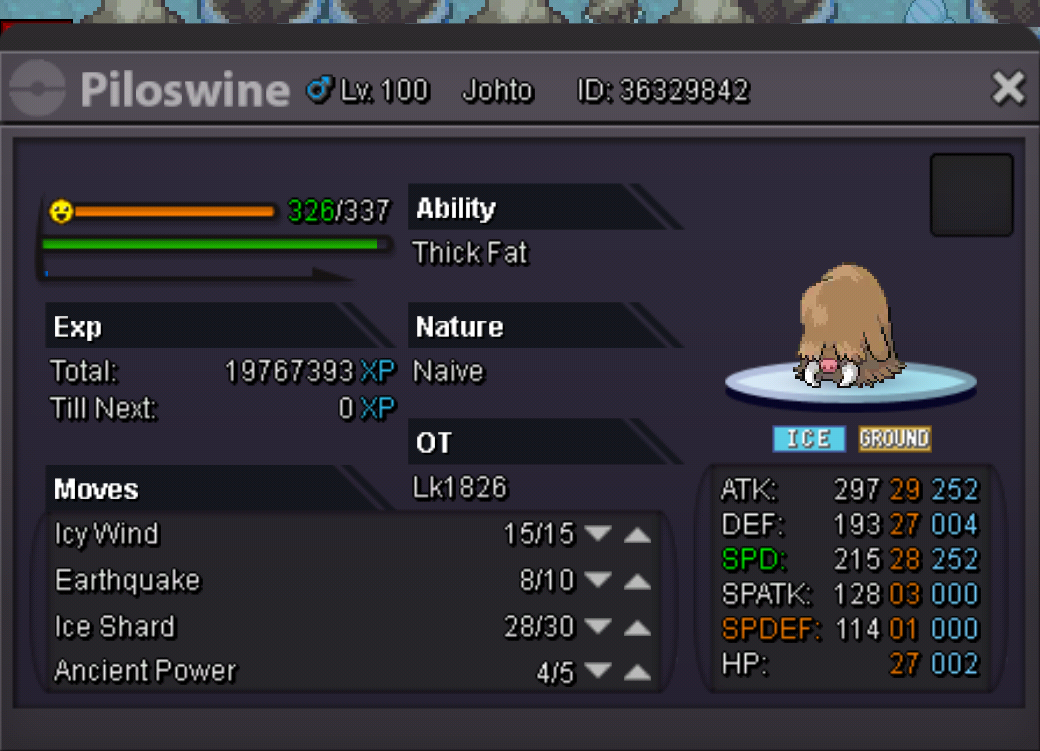
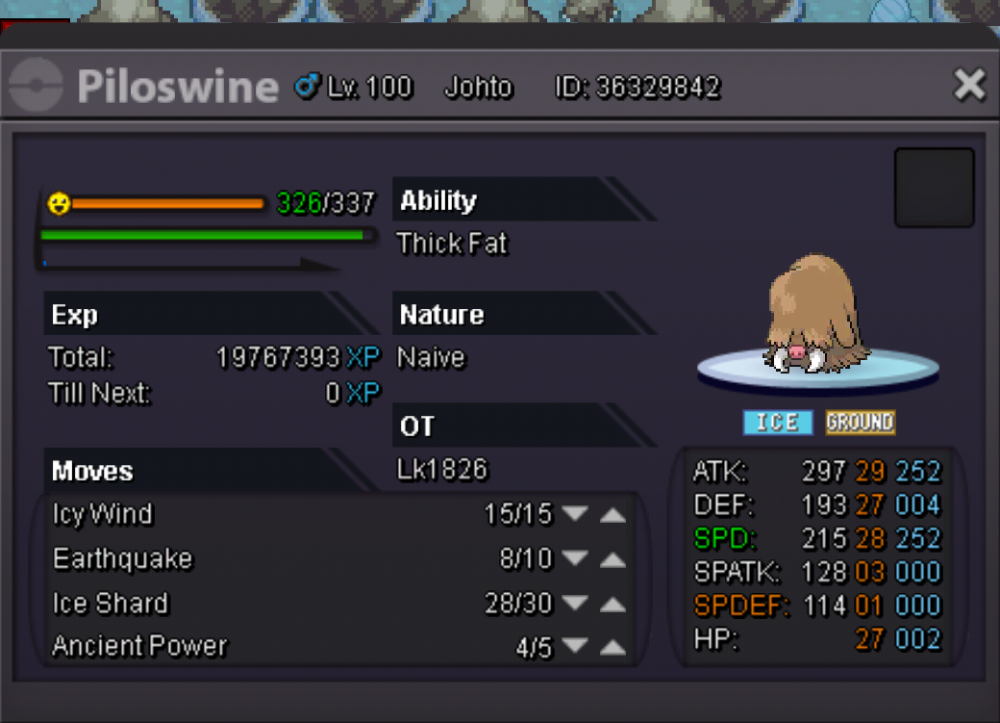
hellp can you help me with de lving the piloswine? I lost the chance to evolve it while the game lags. Thank you very much. I am from silver server and my in game name is lk1826.
-
I discovered that I need to uninstall the old client inside the android settings. Problem solved. Sorry for your annoyance
-
Sorry to bother, I have deleted the old "Lugia" client on android for the new "roots" client. After the download completed, I could not reinstall the new client. Is there any way I can do now? I am not running any antivirus now.
-
After I got into the dashboard and clicked the "merge is required" button, the window keep asking for my user name& password. Even though I entered the same combination for the dashboard, it just keep prompting out