New Trade Zone
Trade Zone is now live
Use the new Trade Zone for auctions and instant-price trades so Pokemon and item offers are easy to find.
.gif.f0c6a580e3e34c8a1edfb7d9c834128b.gif)

Killswitch112
Registered User
-
Joined
-
Last visited
Everything posted by Killswitch112
-
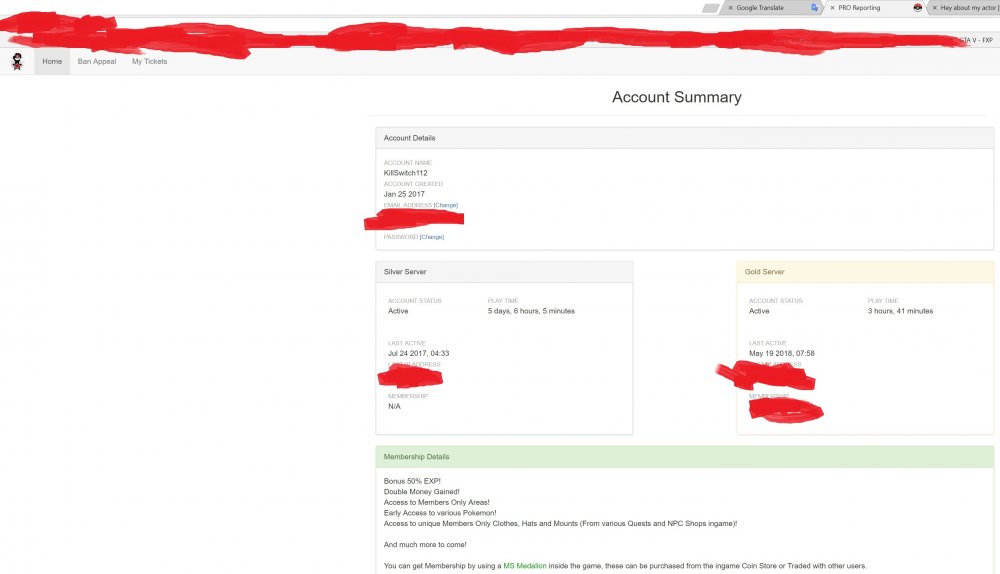
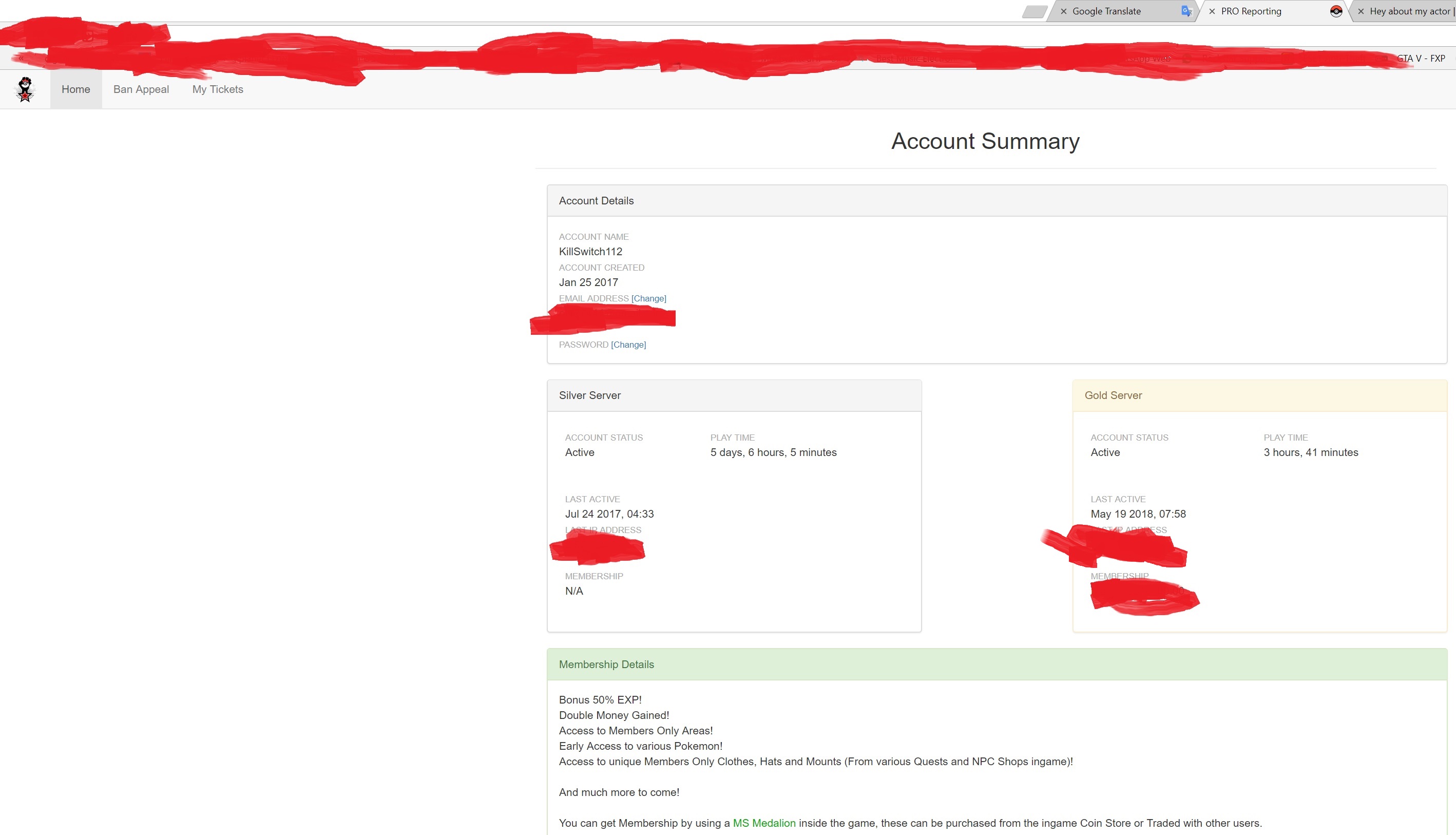
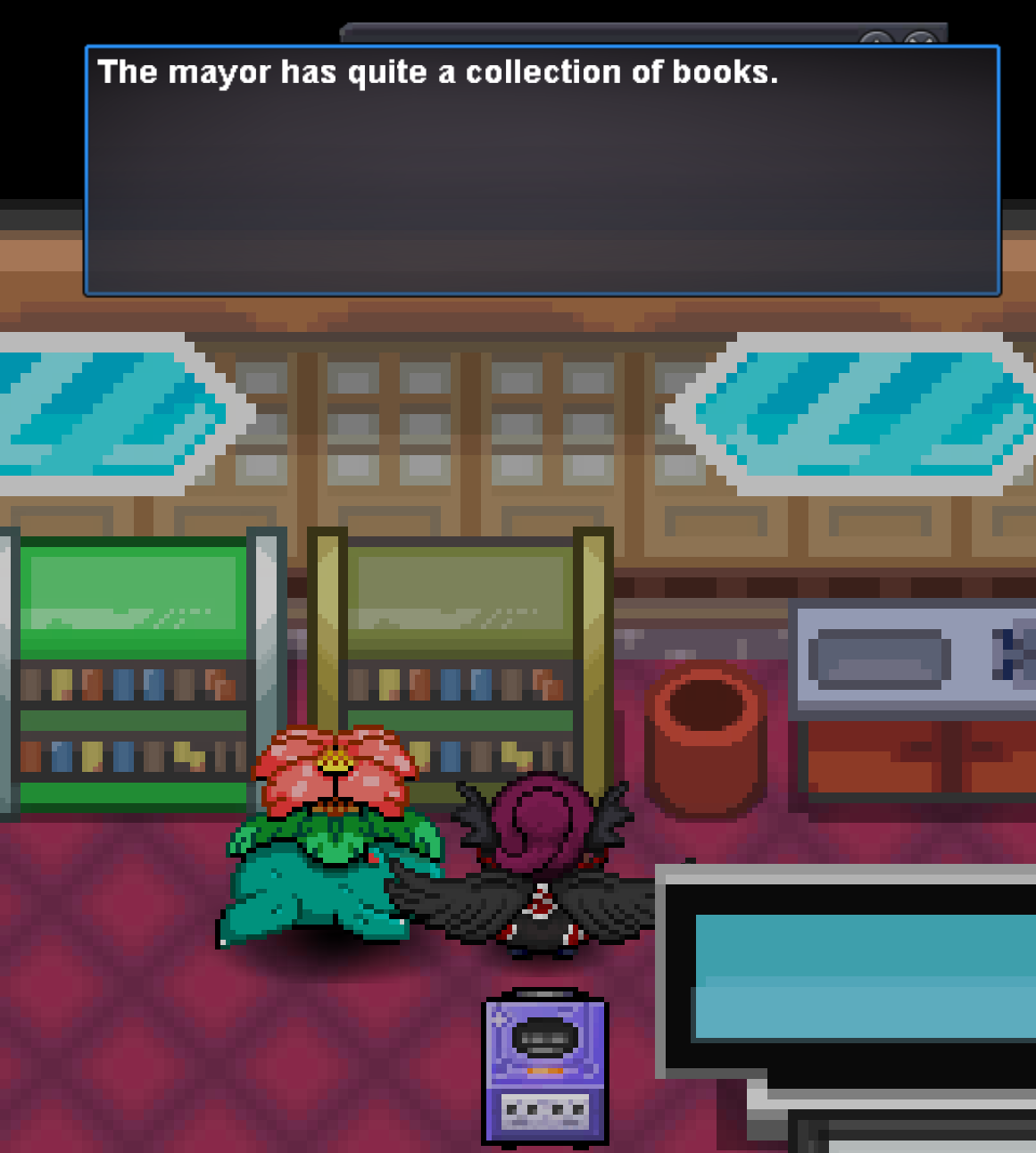
here i shared the screenshots
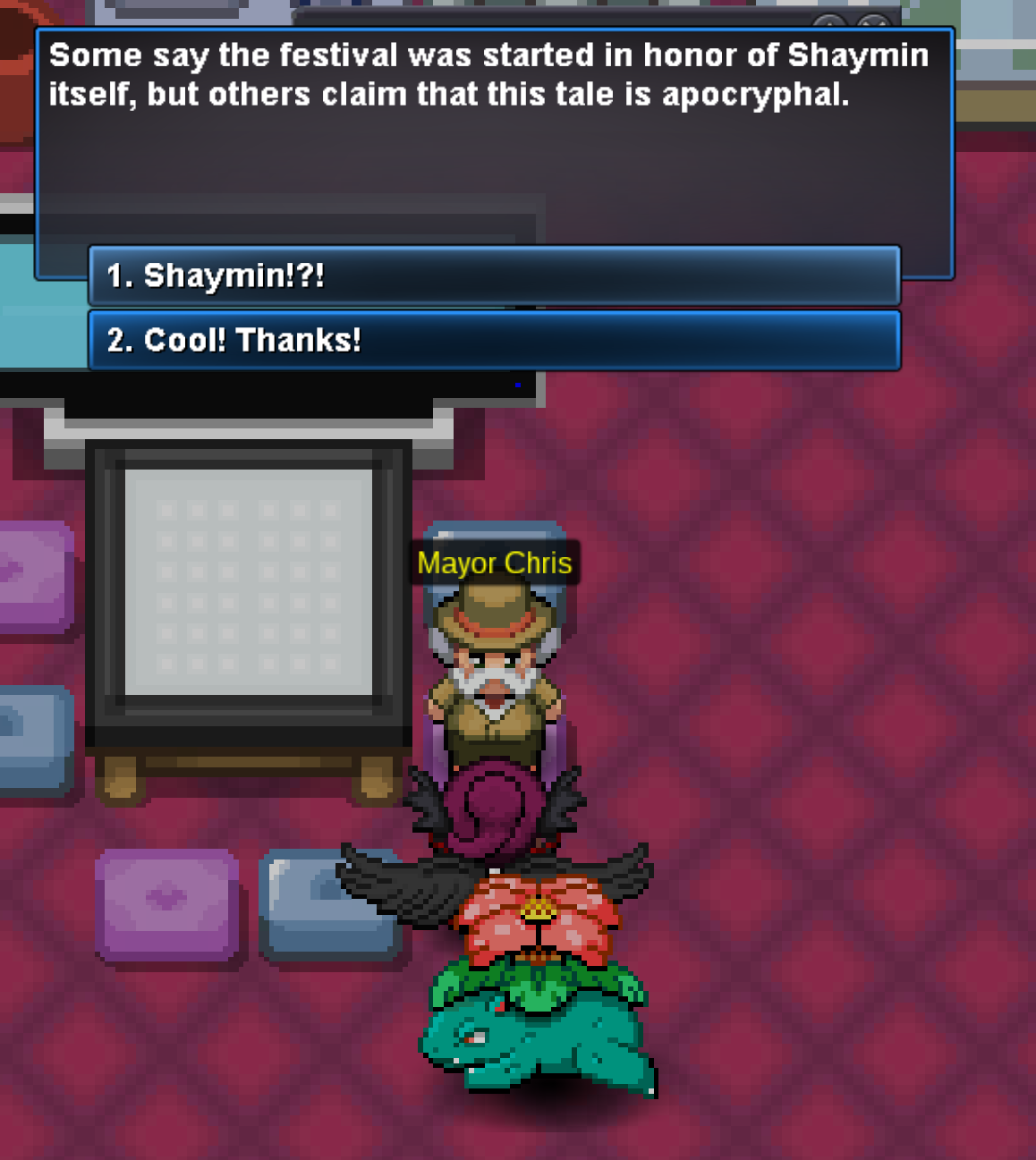
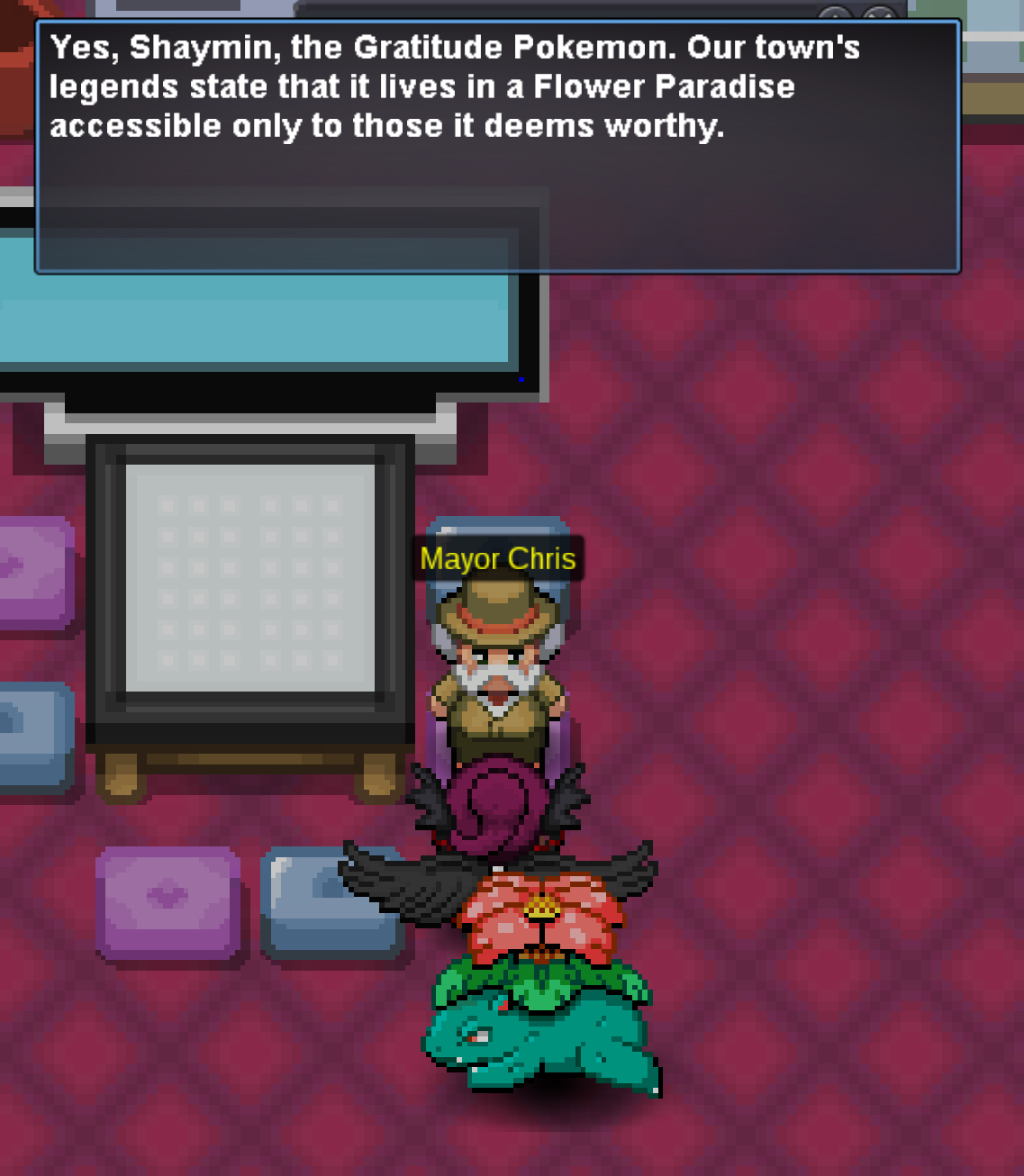
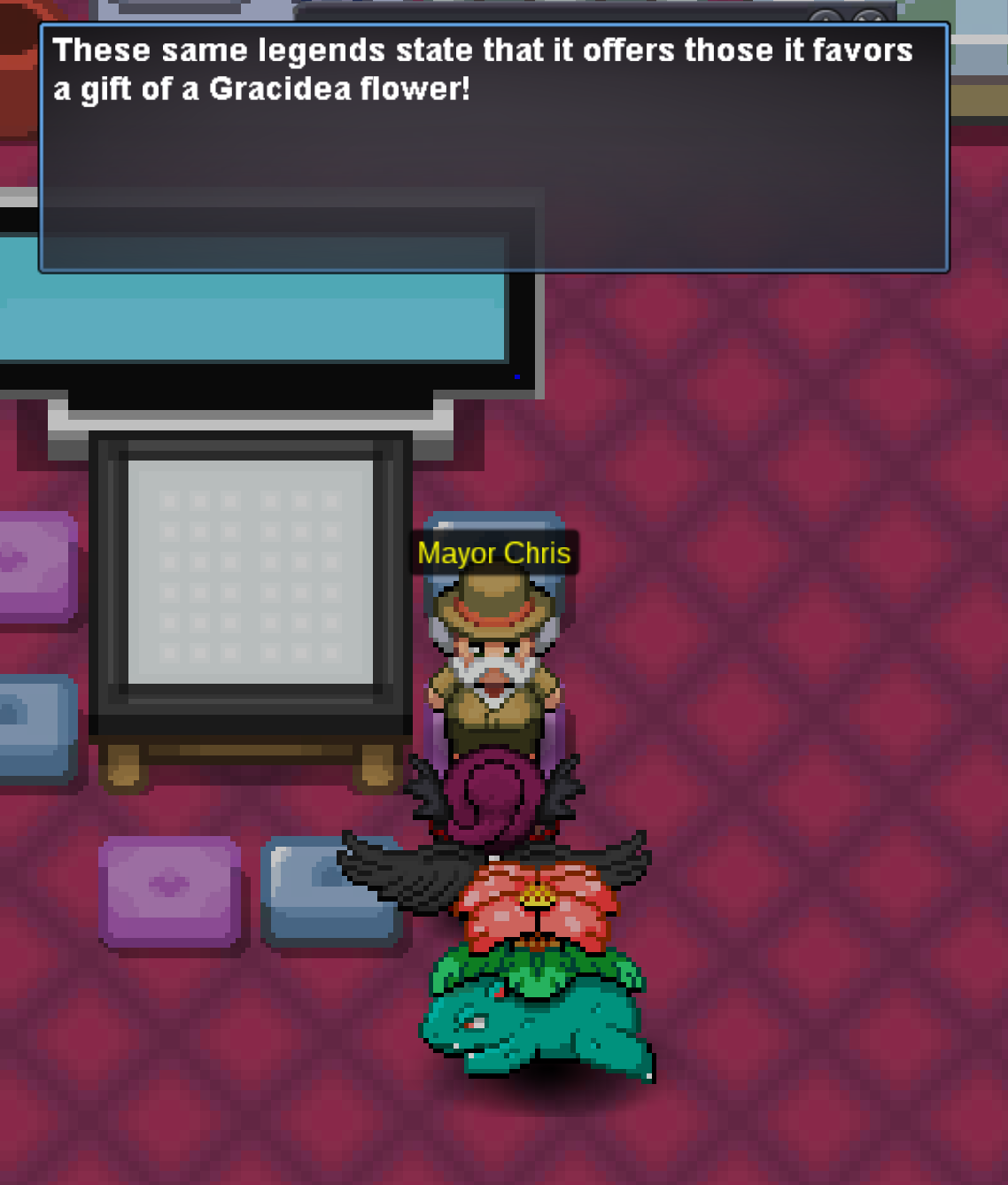
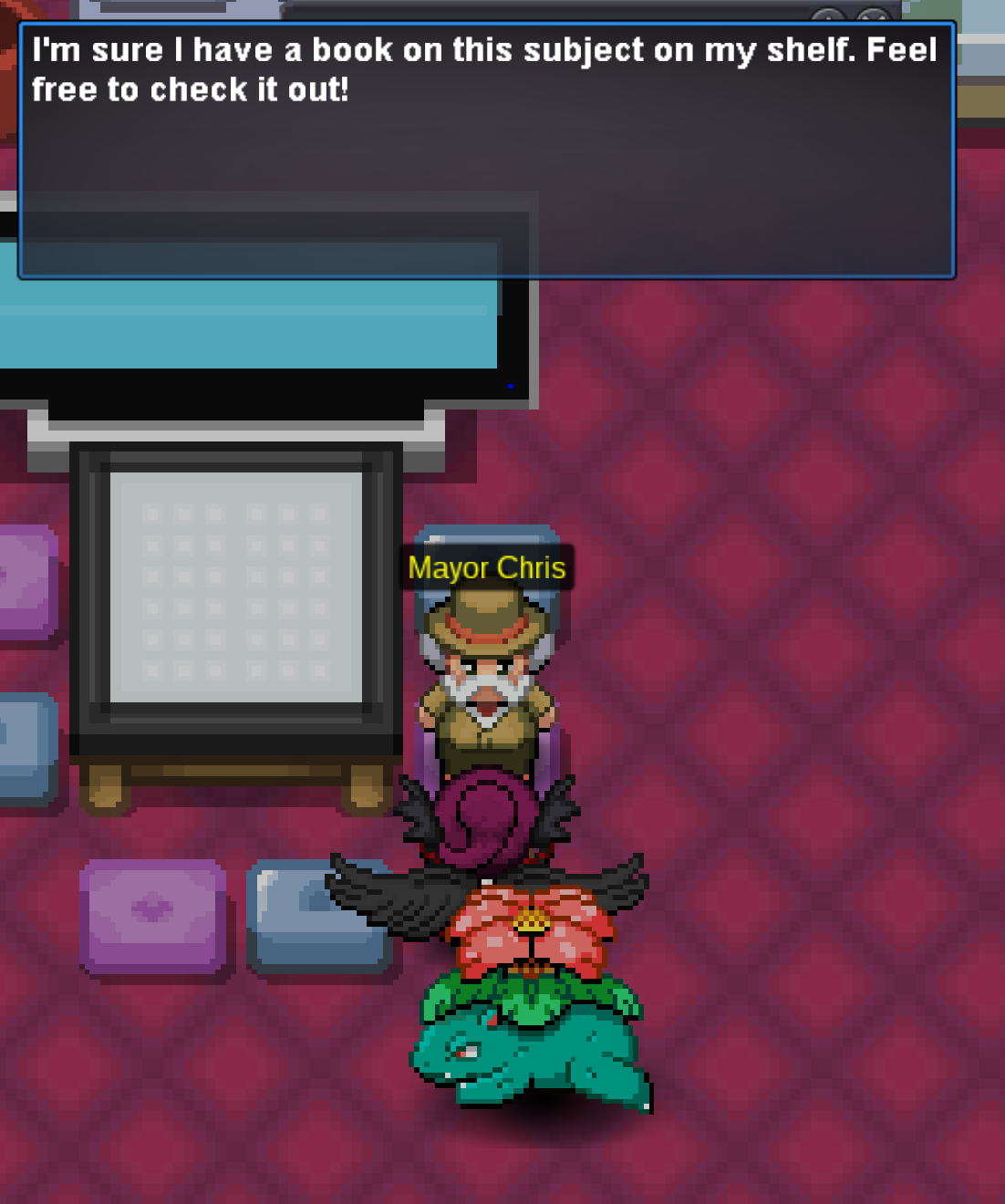
-
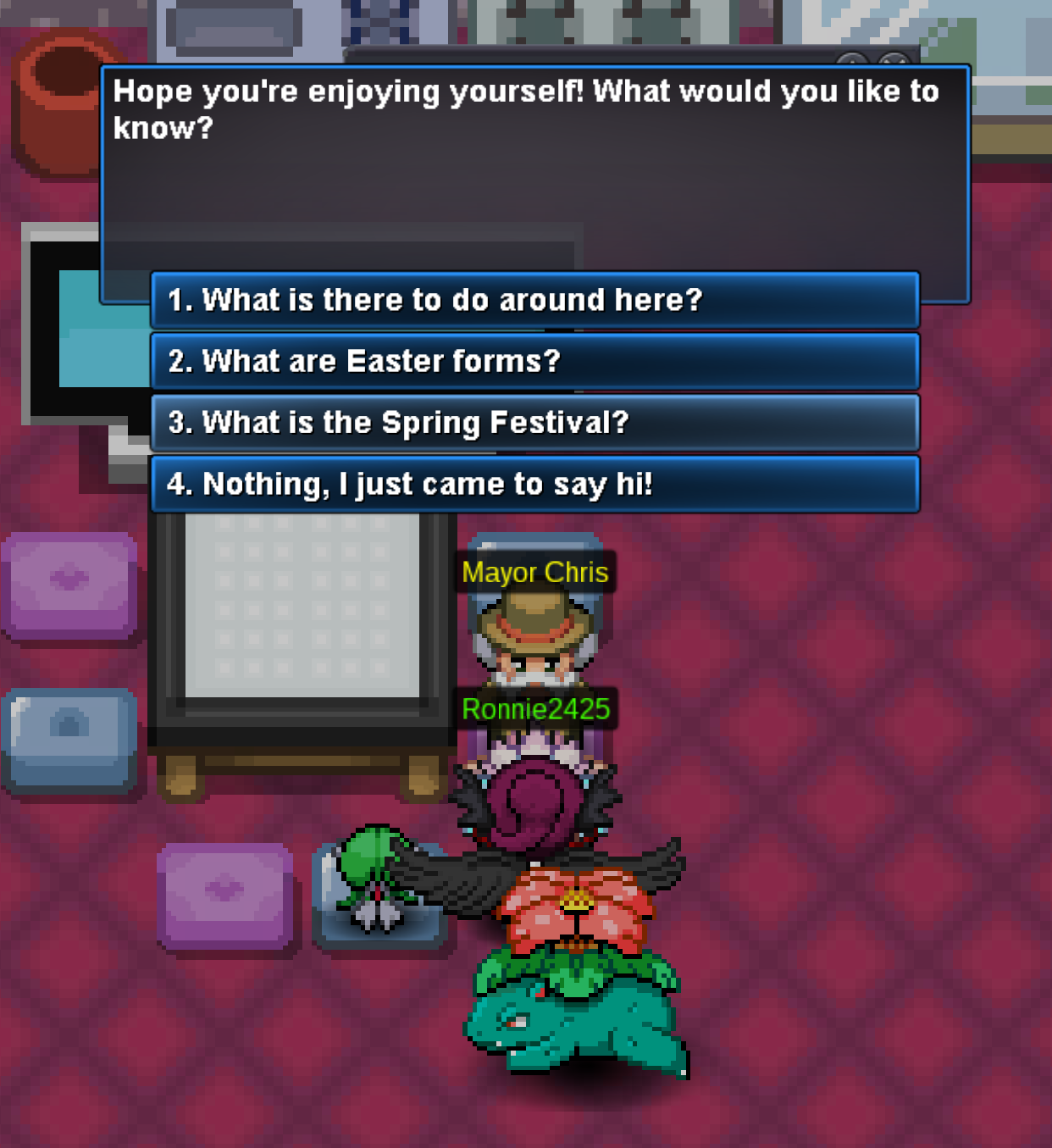
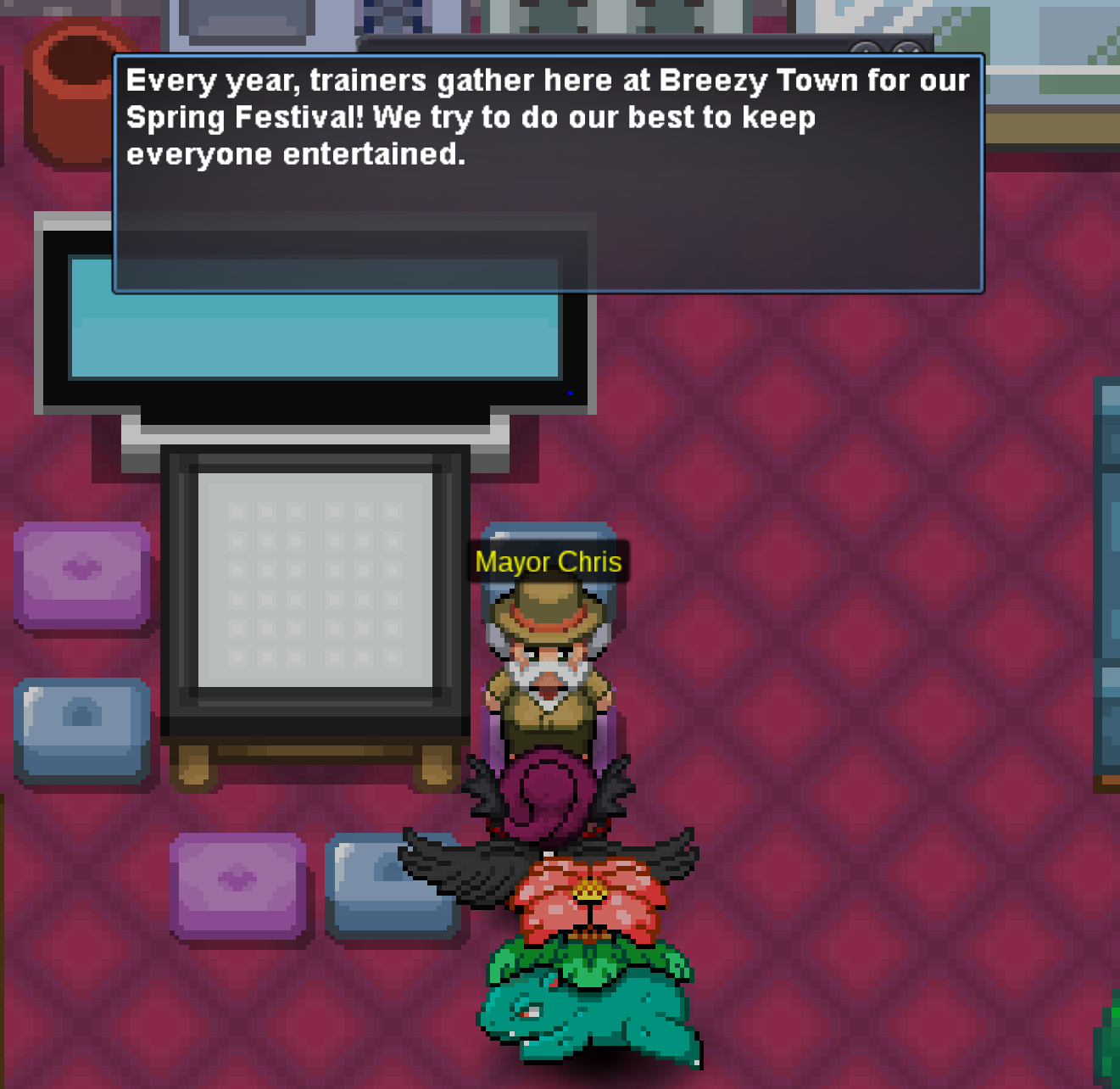
Hey, thankes for the guide but my problem is i am trying to speak with the bookshelf on the red book my friend did it with me it worked for him but for me nothing happend so i posted an image on this topic am i doing something wrong cause i tried to speak on every bookshelf inside the mayor house. is the a possibiltiy that is bug?
-
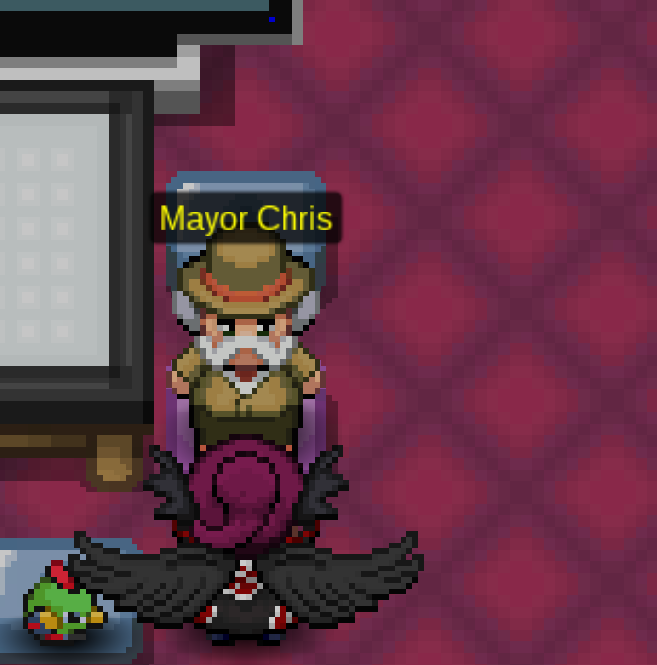
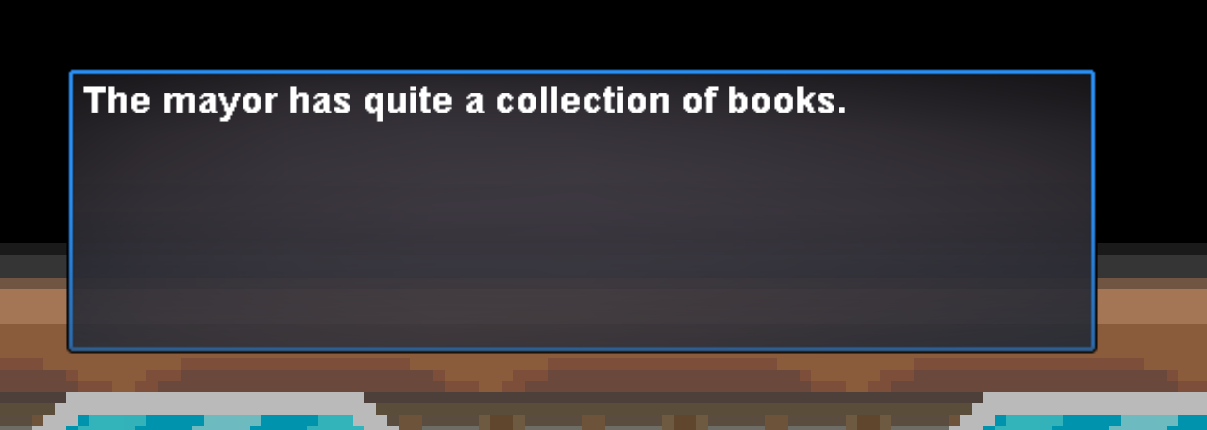
my goal is to enter the Suzuka Cave i didnt done yet the Shaymin quest i need to start to talk with the npc mayor of breezy town. he is saying he has a book on bookshelf. i went there but it saying a nice collection but he need to show me the red book how can i proceed from here?
-
-
I click the names that won't let me even menu
-
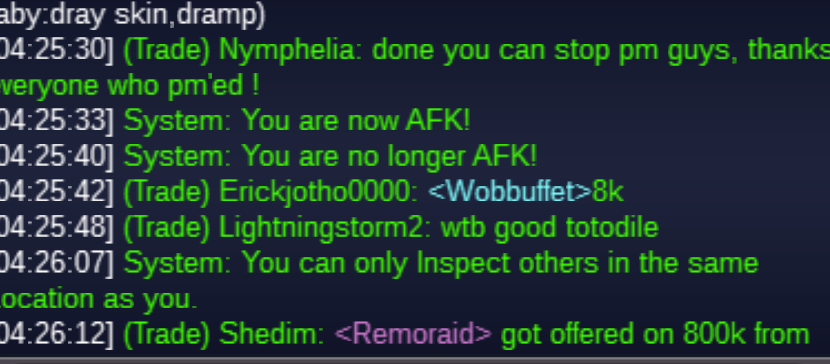
Hello I'm trying to push people in the chat does not work to write them a message only I they write me I likened to something right mouse key doesn't work for me I checked some of those facing /pm
-
I can not get into it help
-
Question 1: Why did they reset the players? 2: I plowed on the full player What does it mean to be really suddenly reset?