New Trade Zone
Trade Zone is now live
Use the new Trade Zone for auctions and instant-price trades so Pokemon and item offers are easy to find.

Vanillaboy
Registered User
-
Joined
-
Last visited
-
Is this sold? Edit: Never mind
-
In-Game Name: Vanillaboy Discord Tag: VanillaBoy#4898 Server: Silver How often do you use Discord: All day every day! What is one suggestion you have for PRO Discord: It is good, but a good thing would be a auction chat!
-
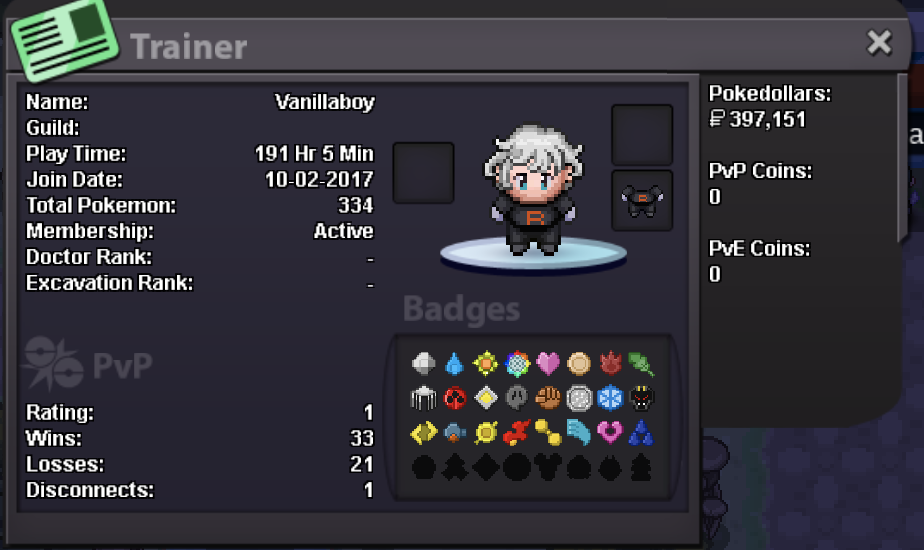
Hey hey hey Phoenix! I want to be your n e w e s t member! Add me on discord: VanillaBoy #4898 IGN: Vanillaboy Hours in PRO: 191 H Favorite Pokemon: Rotom, since he is the color of the Phenix guild (!) Origin: Sweden Age: 25 Birthday: 17th of june (feel free to give presents!)
-
Welcome friend!
-
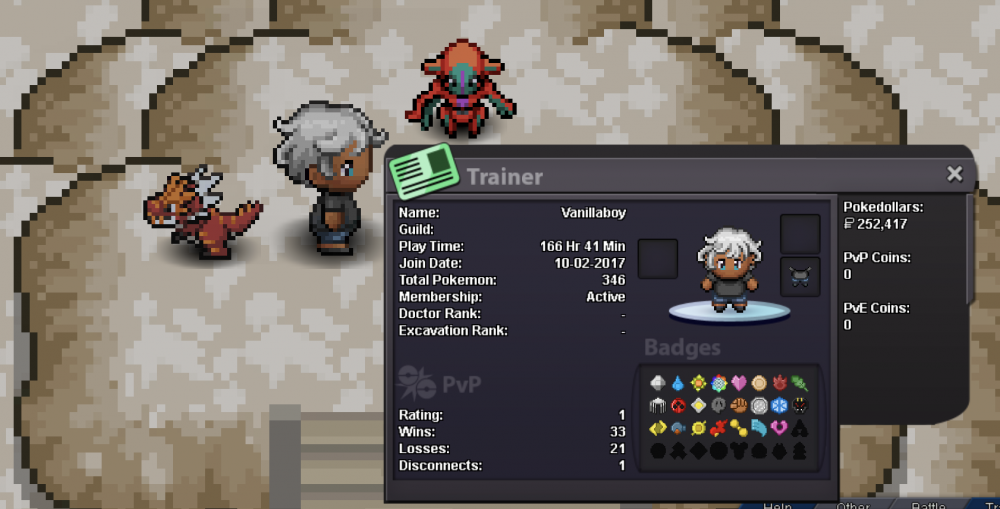
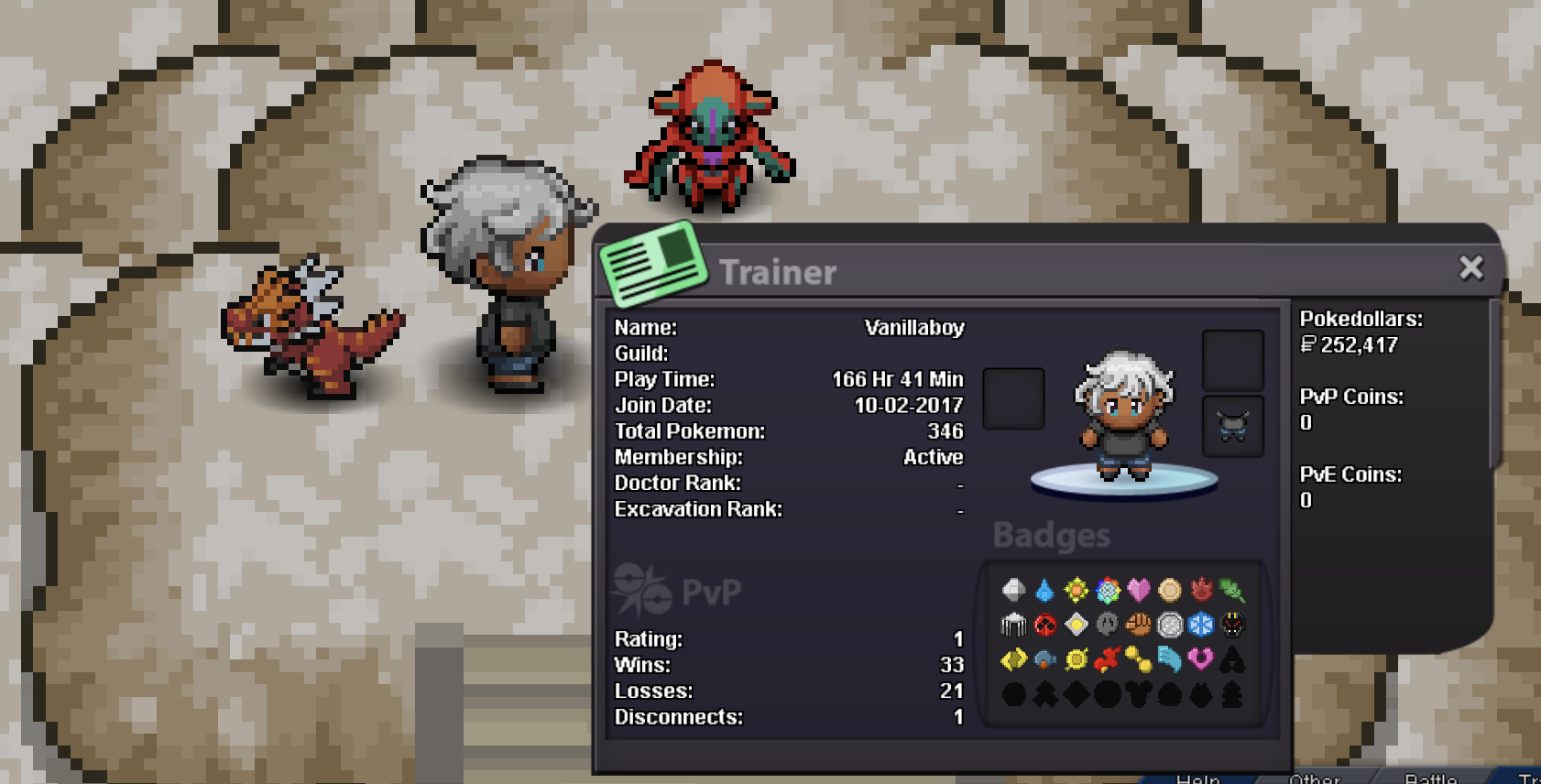
Hey Eternity! I was looking for a cool guild to join on Silver Server, and I got in contact with Xjekkex that recruited me. I would like to be part of Eternity since you seem like a nice and friendly guild. Im currently doing casual Hoenn story now with a friend (Yah, you can see me hanging out with Deoxys in the pic). Looking forward to some PvP in the future. My stats Real name / ingame name: Njord is my irl name, on Silver server im VanillaBoy Age: Im currently 25 country and languages: Im from Sweden! Speak English, Swedish a bit of Spanish and a little Korean. Discord: VanillaBoy#4898, usually online during the evenings Goal and if you want to do PvP: Oh boy do I want to do PvP! Looking forward to PvP, I watch a lot of competitive matches in the original pokémon game-series. Just gonna finish story first in PRO. See you on Silver server!