




New Trade Zone
Trade Zone is now live
Use the new Trade Zone for auctions and instant-price trades so Pokemon and item offers are easy to find.

A7med
Registered User
-
Joined
-
Last visited
-
But will Brock always tell me now that i have little experience, or is there a upcoming quest to change his mind ?
-
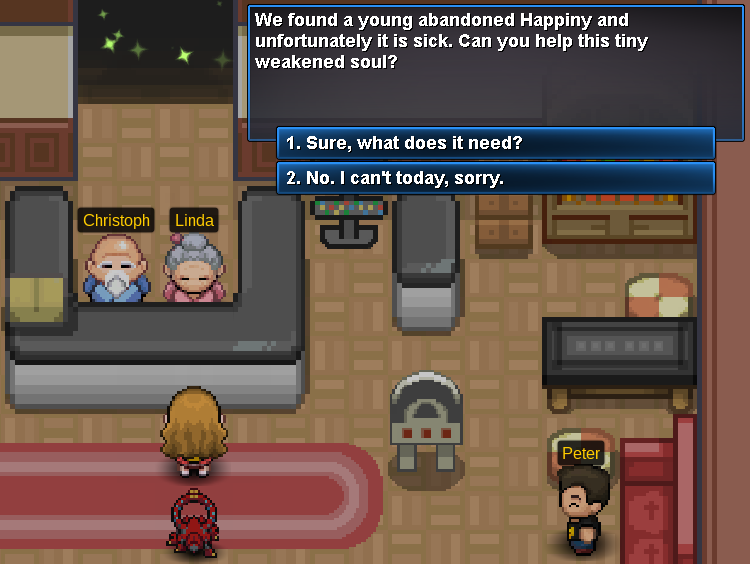
Sure, here => Then =>

-
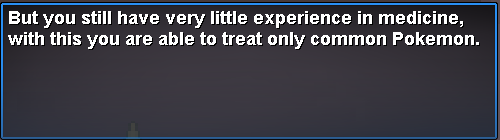
Sure, here you go => Then:

-
Dear, I am following the Pokémon Doctor (task system) in the wiki => https://wiki.pokemonrevolution.net/index.php?title=Pokémon_Doctor_(task_system) - I managed to defeat Naero (Boss) in Cerulean Cave B1F and unlocked the daycare centers. Also, I did few of it in Kanto and Johto. - I am also a Heonn champion. These should be the pre-requisites to be the Pokémon doctor as stated in the wiki link. I am meeting Brock at Pewter City, and he still says that i have little experience. He still doesn't want to offer me the Medical Certificate quest to start it. Any suggestion, Help ?
-
aha, make sense now. This is because i had a surf pokemon that was not lv. 100 Fixed now and can be closed. Thanks for your help
-
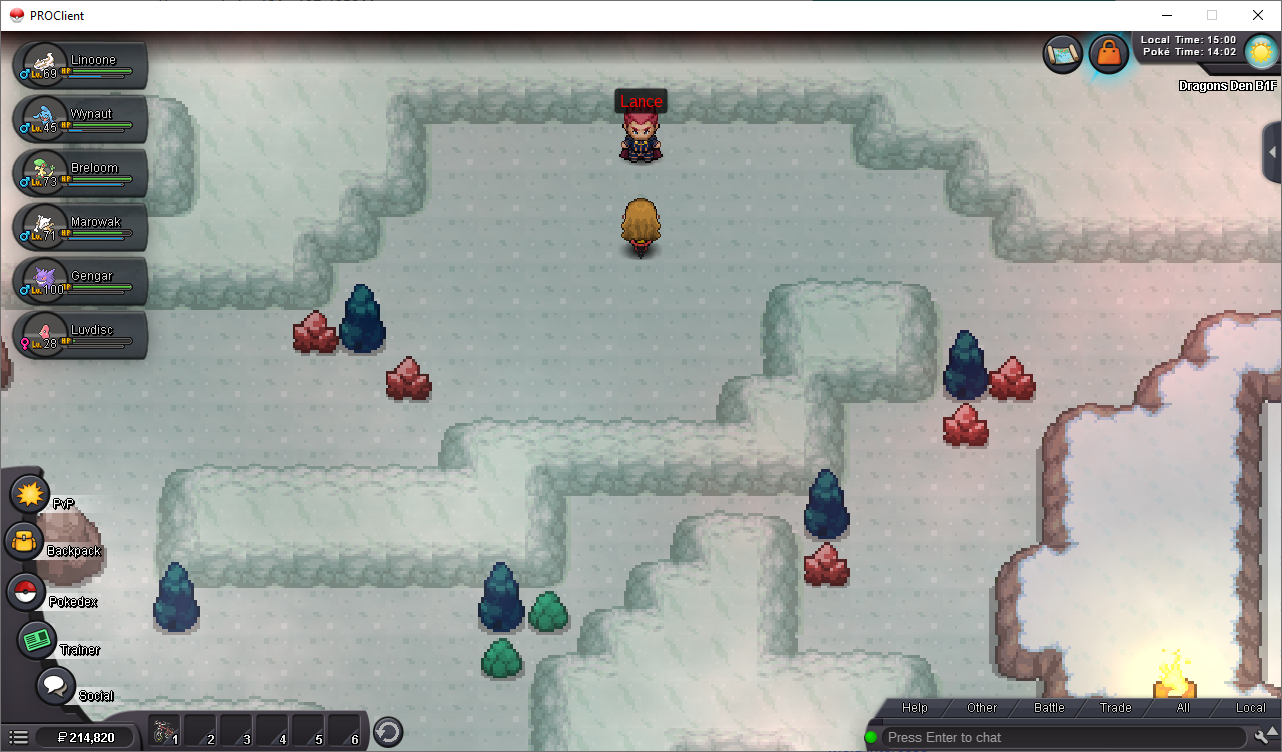
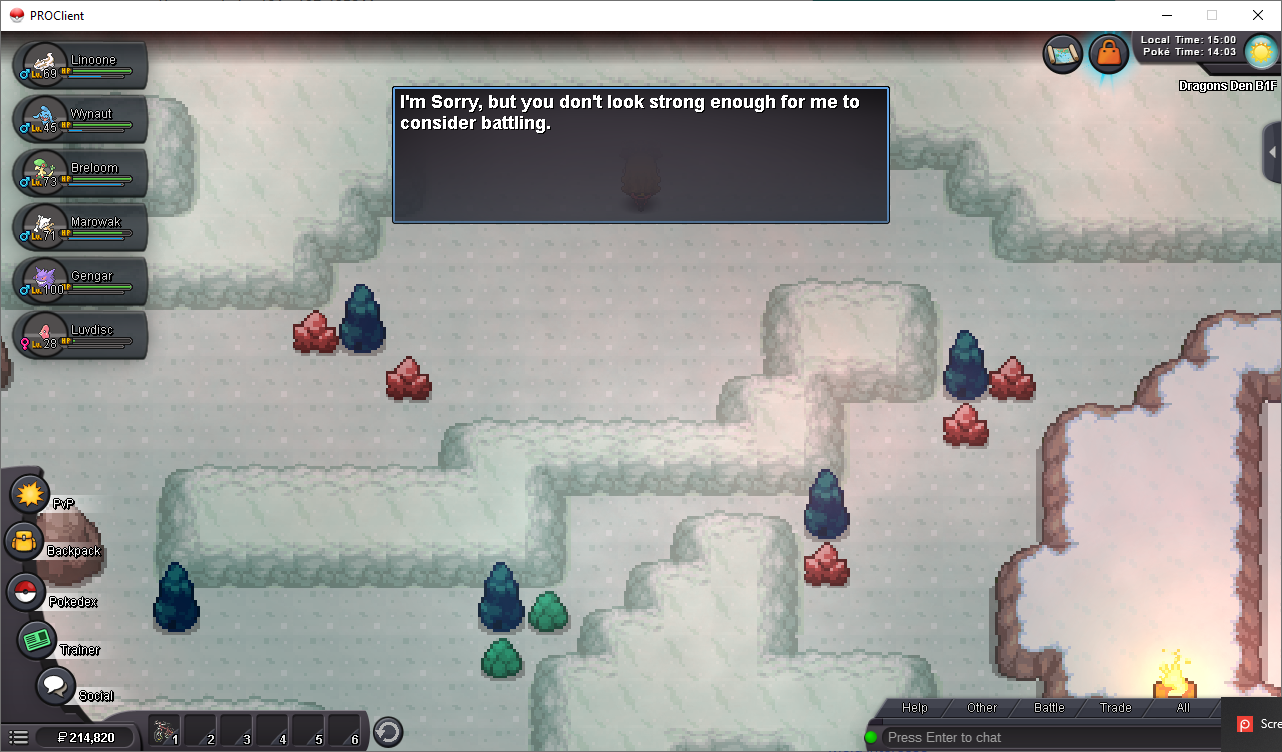
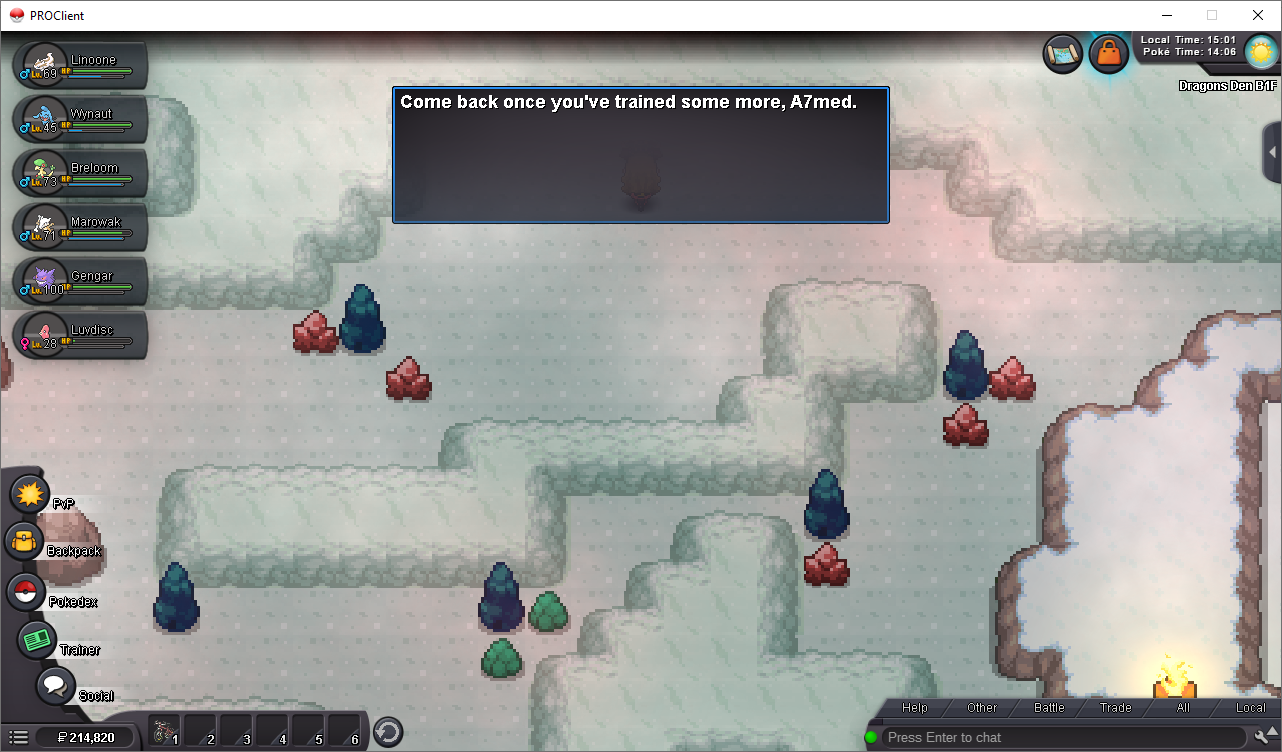
Here are screenshots: - No Dragonite on enternce to dragon den cave Lance location in Dragon den: What he says to me:

-
I stopped playing the game for a while, and now I am back. Before I stopped, I joined the dragon club and finished the quest to enter Cerulean Cave, and entered it. However, now I can no longer enter the cave and the police man tells me to talk to dragon master in Johto. I talk to Lance in the cave, and he says I am not good enough. What should I do now ?
-
i get the same crash error too .. wonder why ... happend after last update