New Trade Zone
Trade Zone is now live
Use the new Trade Zone for auctions and instant-price trades so Pokemon and item offers are easy to find.

Derajheroes
Registered User
-
Joined
-
Last visited
-
-
-
-
ITS OK FOR ME ! ! !
-
I am on windows 8, I downloaded the good version 64 bits and I tried to disable my firewall and anti-virus with a reboot of my pc but still nothing: /
-
I am on windows 8, I downloaded the good 64 bit file for my pc and I have the good update and I even tried to disable my firewall and anti-virus and restart my pc still nothing apart from this damn client . :/
-
http://prntscr.com/j6ozva if anyone can help me plz
-
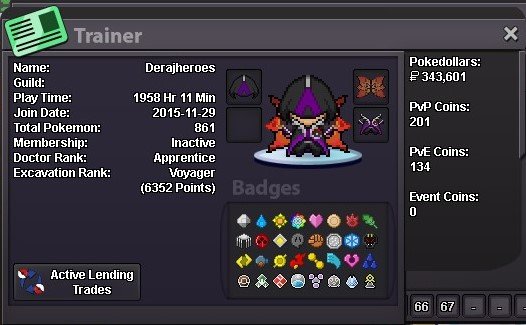
Re: Official Legendary Tournament Round Two: Registration. <r>i want participate, red serveur.<br/> <ATTACHMENT filename="PRO.png" index="0"><s>[attachment=0]</s>PRO.png<e>[/attachment]</e></ATTACHMENT> GMT- Tahiti (french polynesia)</r>
-
Re: Official Legendary Tournament Round Two: Registration. <r>i want participate, red serveur.<br/> <ATTACHMENT filename="PRO.png" index="0"><s>[attachment=0]</s>PRO.png<e>[/attachment]</e></ATTACHMENT></r>