New Trade Zone
Trade Zone is now live
Use the new Trade Zone for auctions and instant-price trades so Pokemon and item offers are easy to find.

Adalinda
Registered User
-
Joined
-
Last visited
Everything posted by Adalinda
-
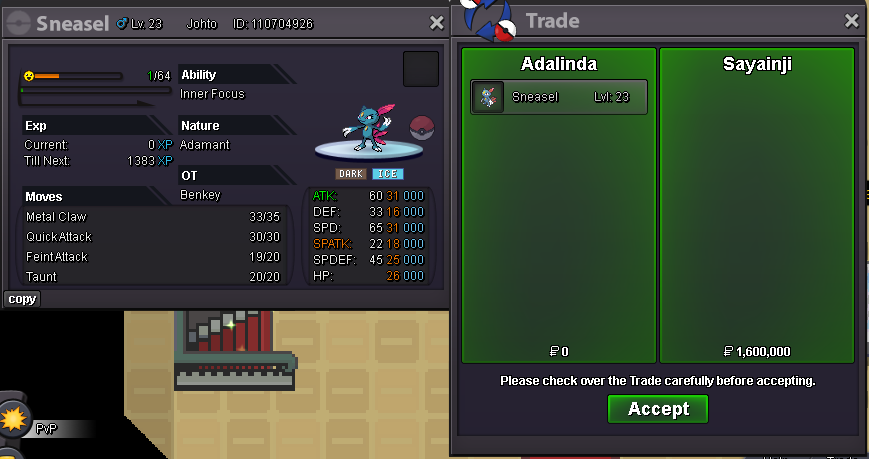
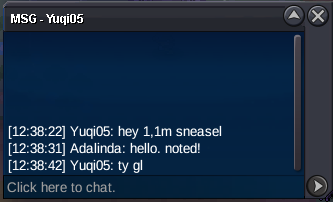
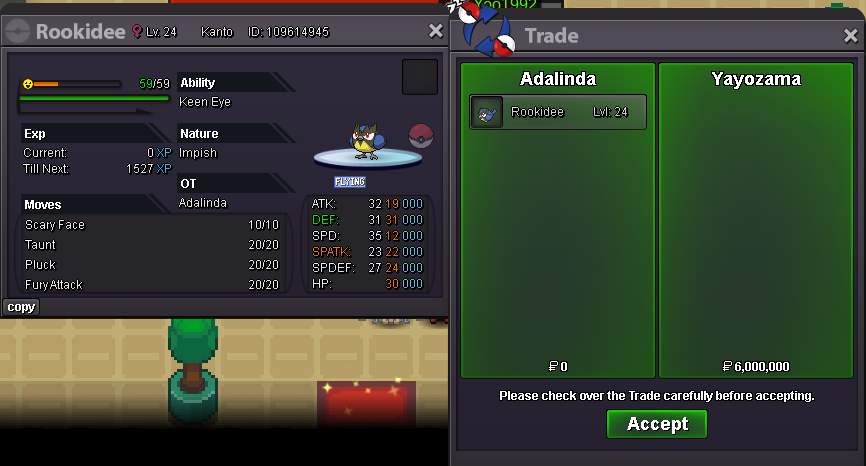
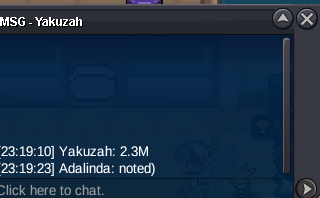
u won a auction. text me in game for trading please^^30 min of auction leftu got b.o. for now!)[upd] 1\23\2026 - add new pawniards^Currencies Accepted Coin Capsule - 500k Pokedollars S.O. - 1m C.O. - 1.6m. Min. Bid. 100k Insta - 9m. Ends in 24h after first bid. Auction start : Auction end at 1.25.2026, 11:35 PM , 15min auction rules is active Im from Russia, so my time zone + 3 GMT. I will post here time when auction end after 1st bid. Good luck to everyone!
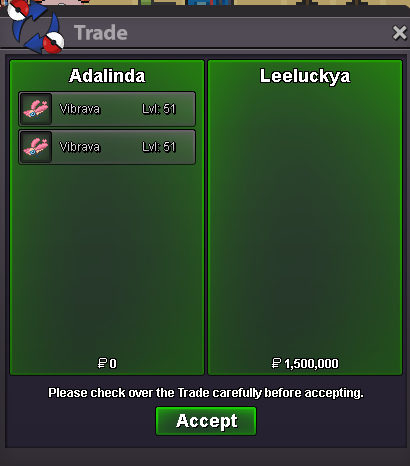
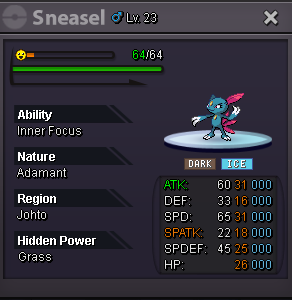
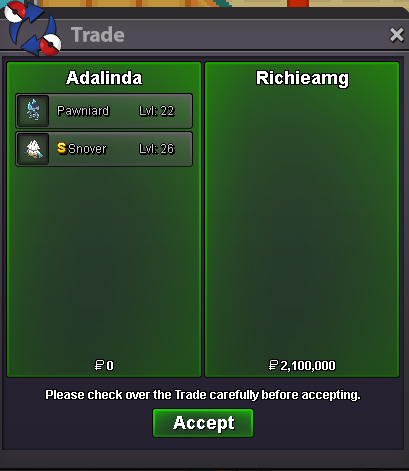
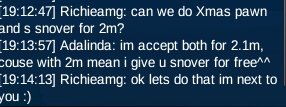
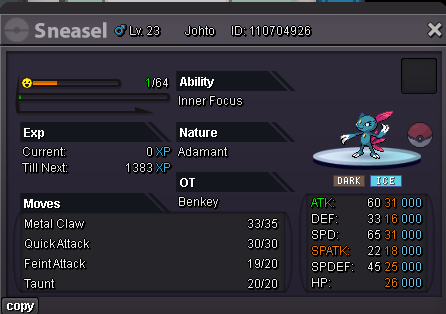 7.37.1m[upd]22.01.2026 . Drop hippo`s price and valentine vibravas, add xmas pawni and another, regular pawni,bulb,char,sneas.@Yayozama u won auction. text me please in game for making a trade)u got bid. 15 min rule is active now
Account
Navigation
Search
Configure browser push notifications
Chrome (Android)
- Tap the lock icon next to the address bar.
- Tap Permissions → Notifications.
- Adjust your preference.
Chrome (Desktop)
- Click the padlock icon in the address bar.
- Select Site settings.
- Find Notifications and adjust your preference.
Safari (iOS 16.4+)
- Ensure the site is installed via Add to Home Screen.
- Open Settings App → Notifications.
- Find your app name and adjust your preference.
Safari (macOS)
- Go to Safari → Preferences.
- Click the Websites tab.
- Select Notifications in the sidebar.
- Find this website and adjust your preference.
Edge (Android)
- Tap the lock icon next to the address bar.
- Tap Permissions.
- Find Notifications and adjust your preference.
Edge (Desktop)
- Click the padlock icon in the address bar.
- Click Permissions for this site.
- Find Notifications and adjust your preference.
Firefox (Android)
- Go to Settings → Site permissions.
- Tap Notifications.
- Find this site in the list and adjust your preference.
Firefox (Desktop)
- Open Firefox Settings.
- Search for Notifications.
- Find this site in the list and adjust your preference.