New Trade Zone
Trade Zone is now live
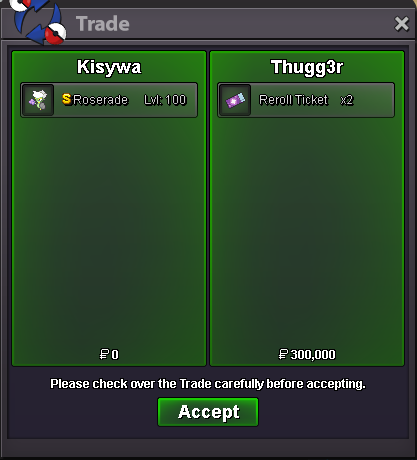
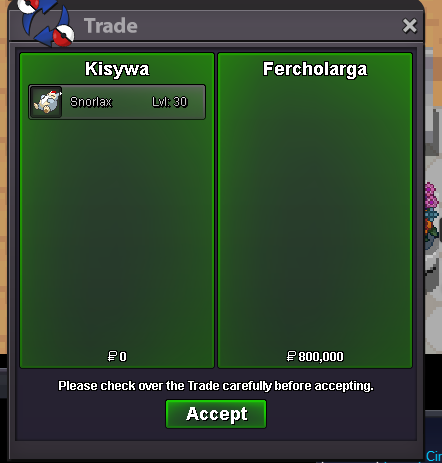
Use the new Trade Zone for auctions and instant-price trades so Pokemon and item offers are easy to find.

Adalinda
Registered User
-
Joined
-
Last visited
Everything posted by Adalinda
-
Hello! im play this game 10 years already and last 2 years i start think to change ign to my real name. My main account named Kisywa. I also got alt account with my real name long ago,but not even finish first gym. Cosue want save my years progression. So..is it possible now? what i need for it?^^ So i want change my main ign Kisywa, to alt acc name - Adalinda.
-
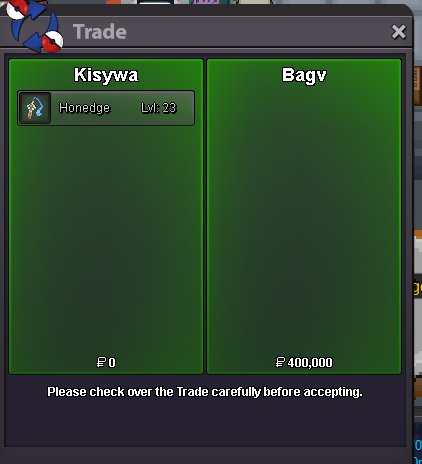
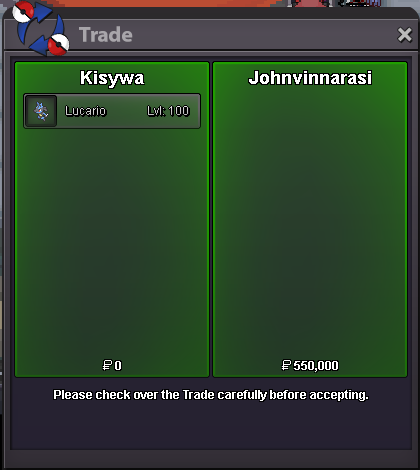
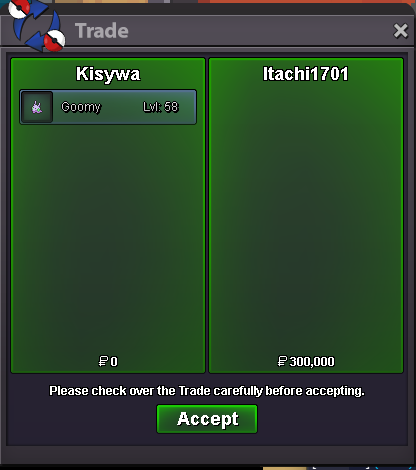
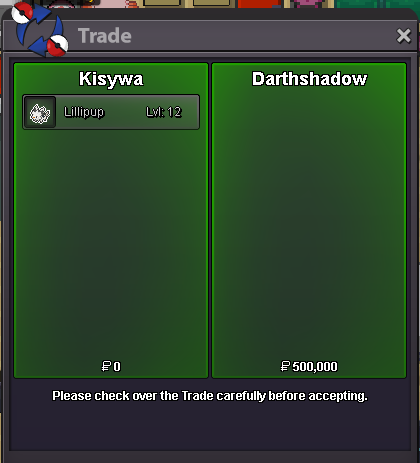
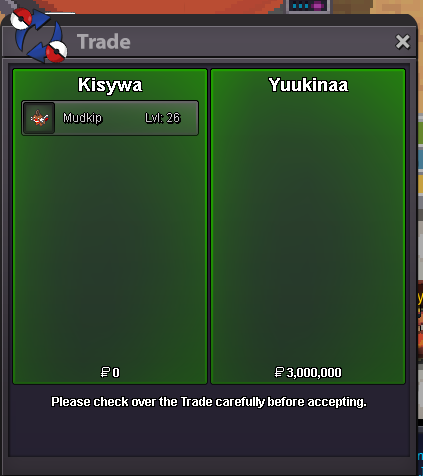
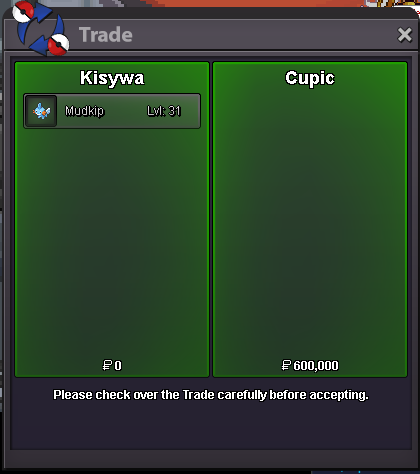
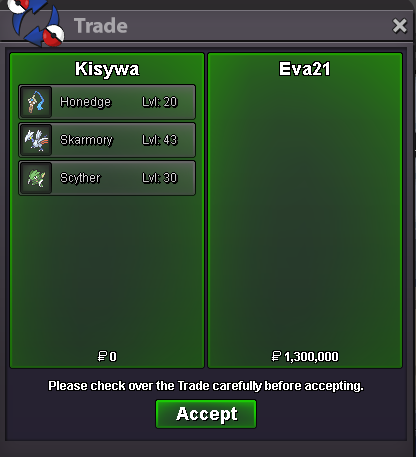
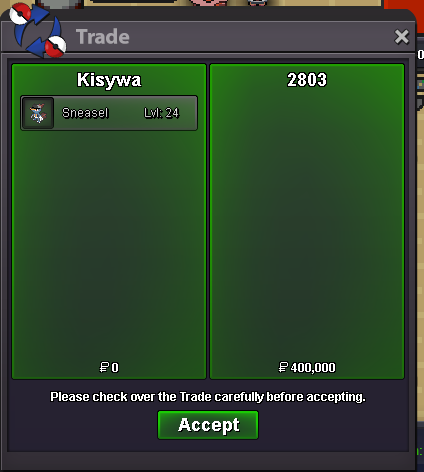
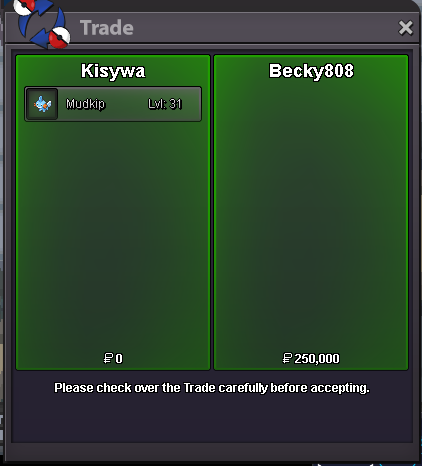
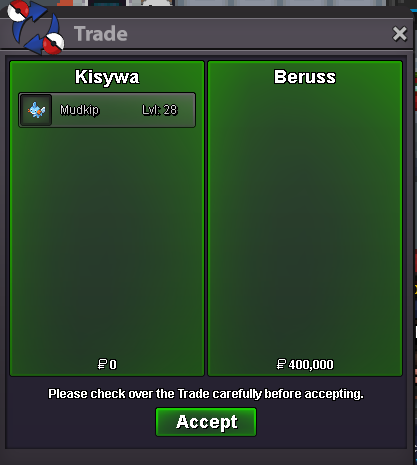
im sorry,but i reject this offer^^19.03.2025 -big update! new pokes, ton of hippos and two Valen. Vibravasflyingupdate at 31.01.2025 - add xmas mudkipu not online,text me in discord when u be there please^^
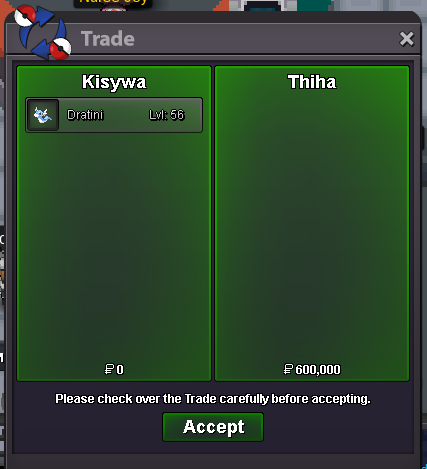
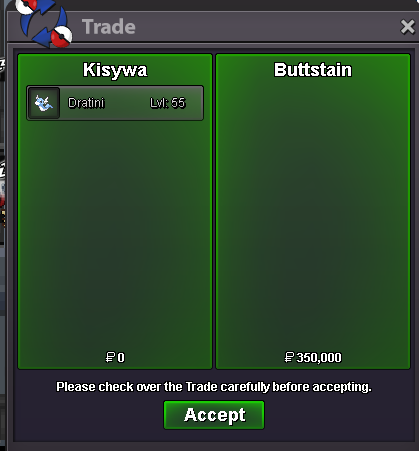
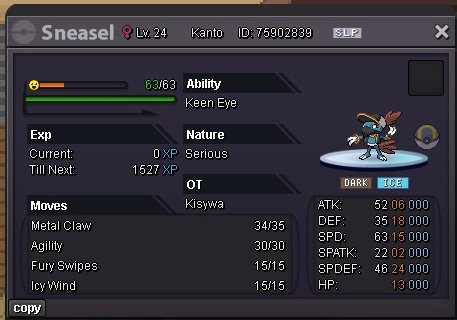 Update 20.21.2024 -add few dratinis in diaposone 400-600k -add some mudkipsthank u for this kind words^^ i will let u know^^up
Account
Navigation
Search
Configure browser push notifications
Chrome (Android)
- Tap the lock icon next to the address bar.
- Tap Permissions → Notifications.
- Adjust your preference.
Chrome (Desktop)
- Click the padlock icon in the address bar.
- Select Site settings.
- Find Notifications and adjust your preference.
Safari (iOS 16.4+)
- Ensure the site is installed via Add to Home Screen.
- Open Settings App → Notifications.
- Find your app name and adjust your preference.
Safari (macOS)
- Go to Safari → Preferences.
- Click the Websites tab.
- Select Notifications in the sidebar.
- Find this website and adjust your preference.
Edge (Android)
- Tap the lock icon next to the address bar.
- Tap Permissions.
- Find Notifications and adjust your preference.
Edge (Desktop)
- Click the padlock icon in the address bar.
- Click Permissions for this site.
- Find Notifications and adjust your preference.
Firefox (Android)
- Go to Settings → Site permissions.
- Tap Notifications.
- Find this site in the list and adjust your preference.
Firefox (Desktop)
- Open Firefox Settings.
- Search for Notifications.
- Find this site in the list and adjust your preference.