




New Trade Zone
Trade Zone is now live
Use the new Trade Zone for auctions and instant-price trades so Pokemon and item offers are easy to find.

Hermusdxd
Suspended
-
Joined
-
Last visited
Everything posted by Hermusdxd
-
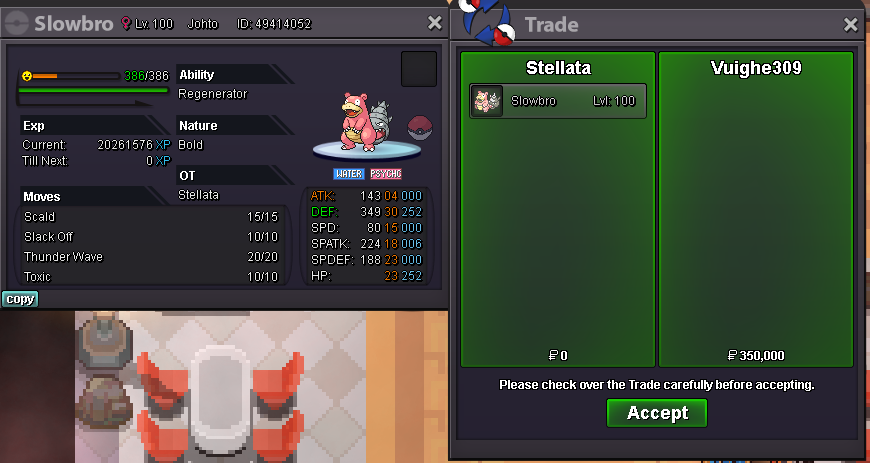
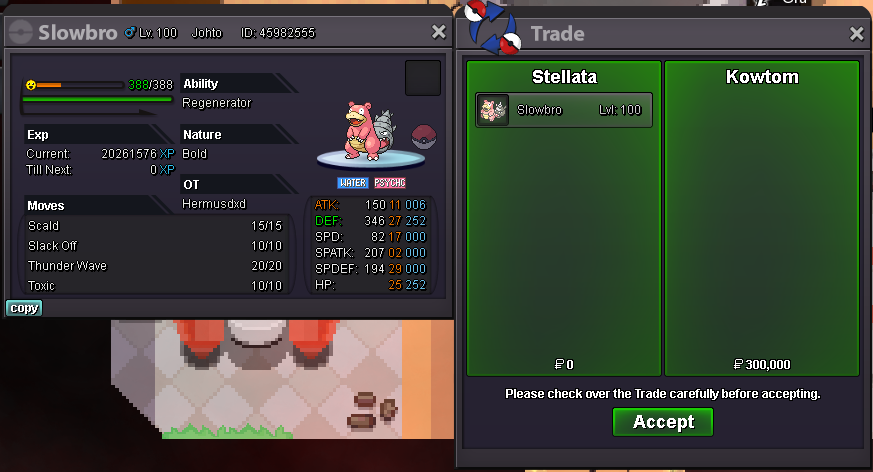
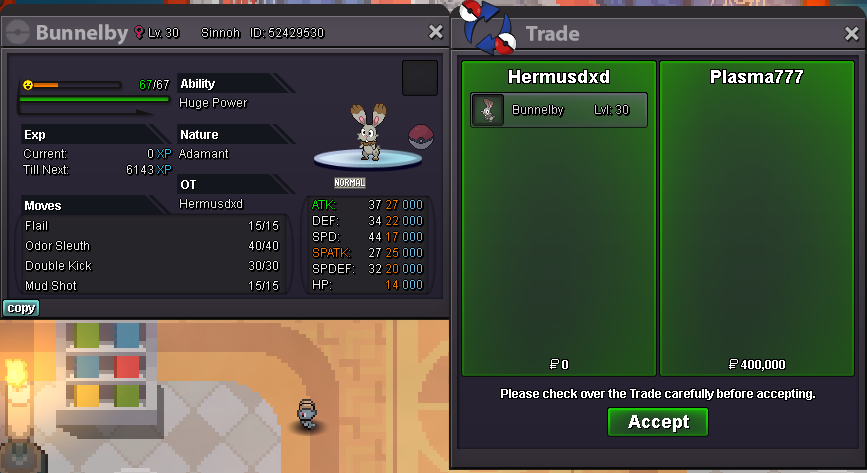
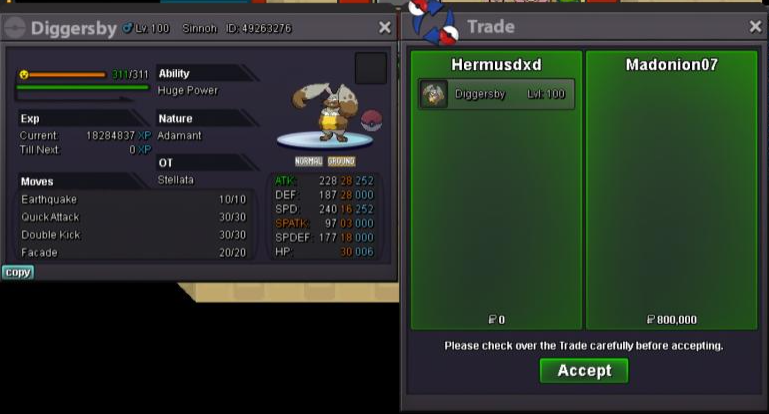
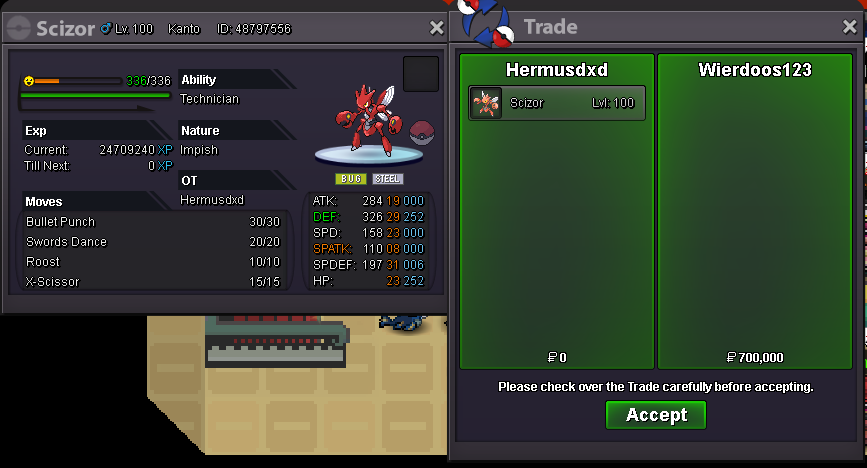
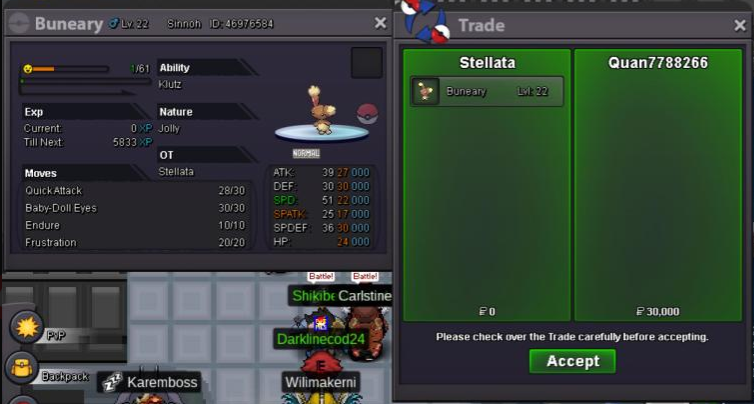
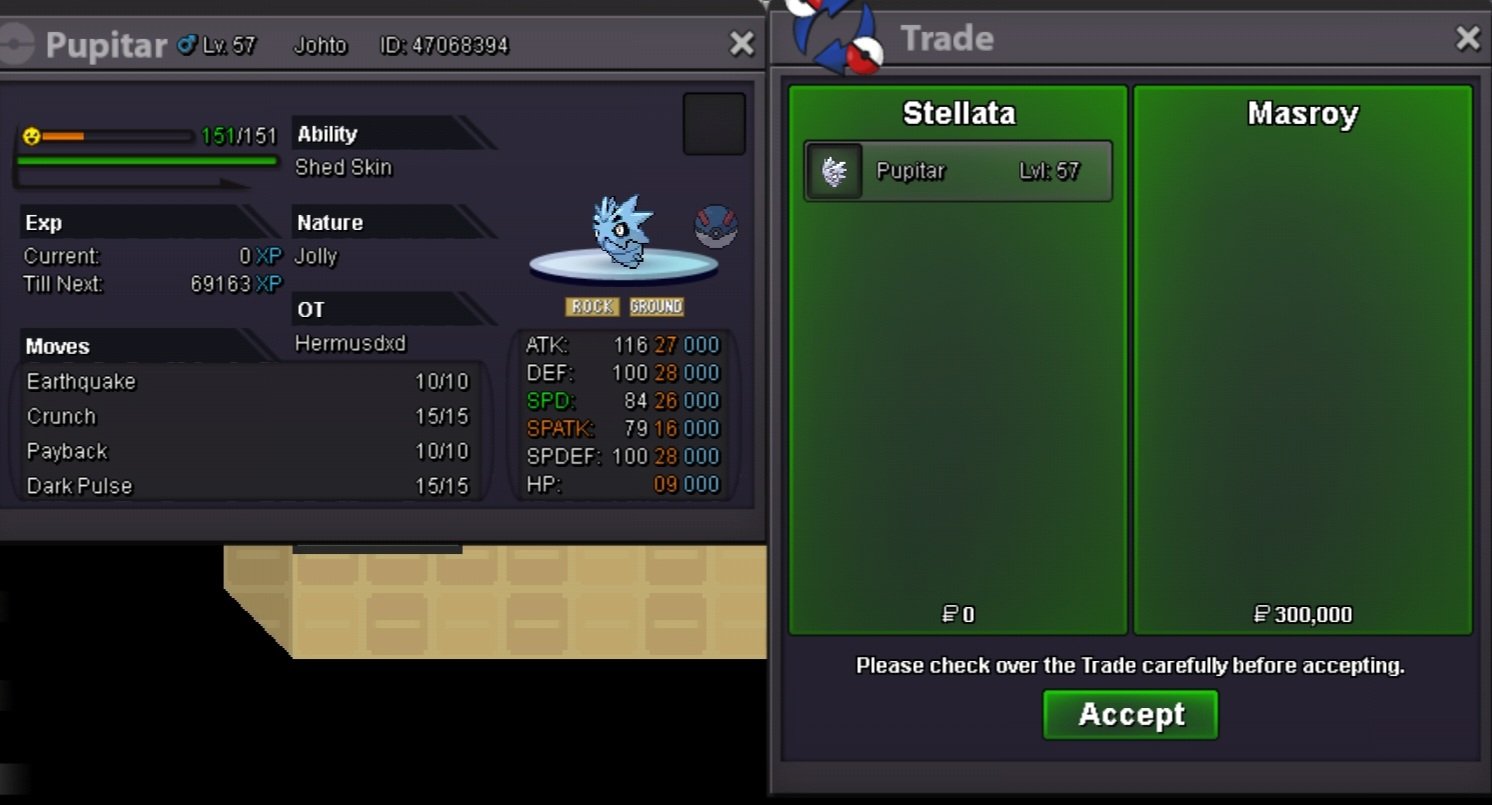
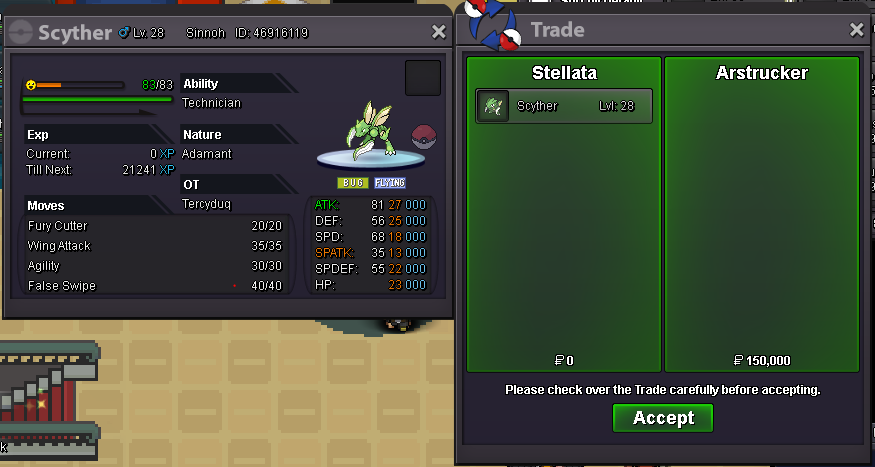
Available, ill pm you via discord For now shop gonna be closed, sorry all for slow respond here or via discord. Ill update my shop when i have time. Thank you for your interest🥰Available, pm me on discprd Klefki available, 450k lowest i van give, muk not mine.sorry for late reply, yes both available, pm me on discord to arrange meeting thank you ill held auction later maybe. you can make offer on discord, thanks
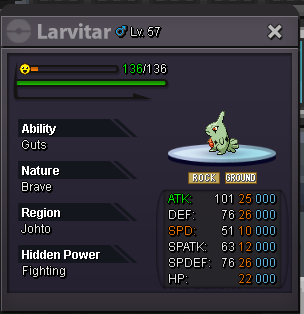
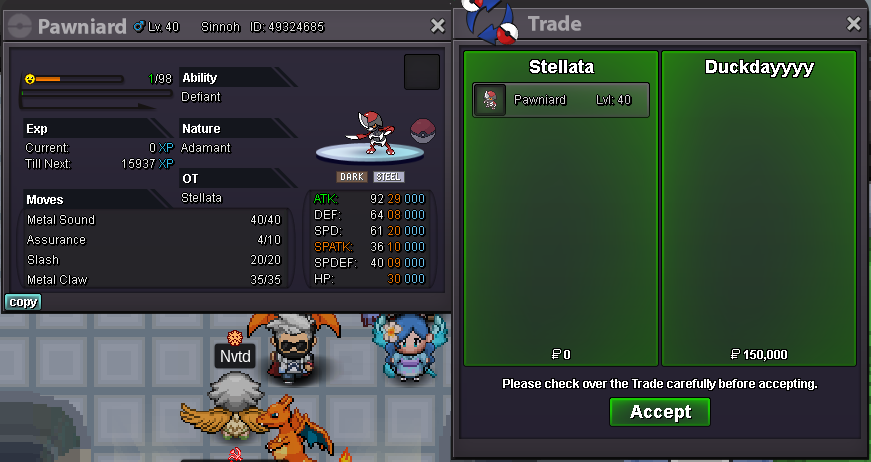
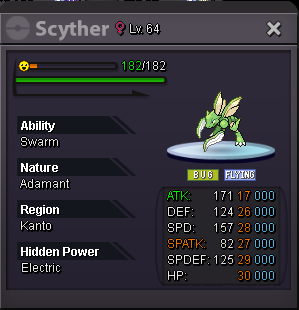 sorry that happiny sold both available, pm me on discord to arrange meetingsure pm me on discord08/15 ADDED MANY TRAINED POKEMON AND REDUCED PRICE ON SOME, HAPPY SHOPPING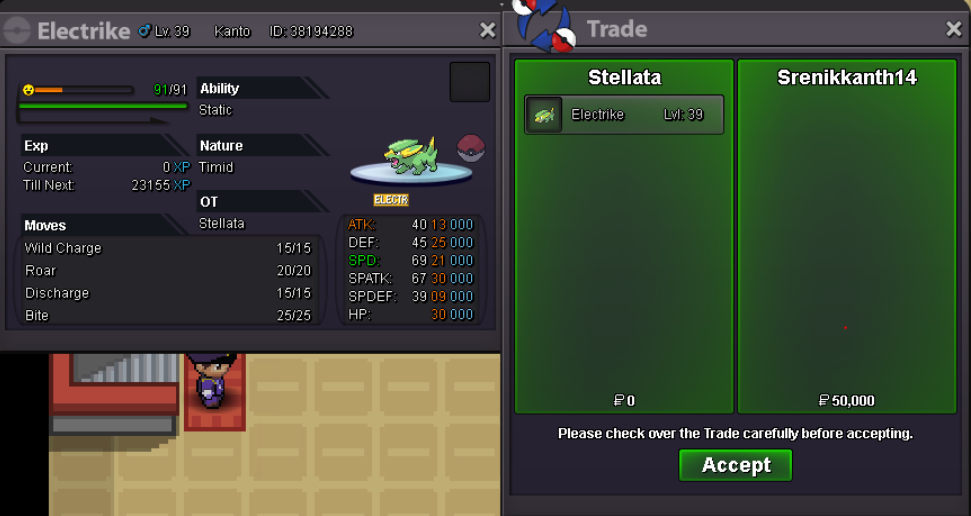
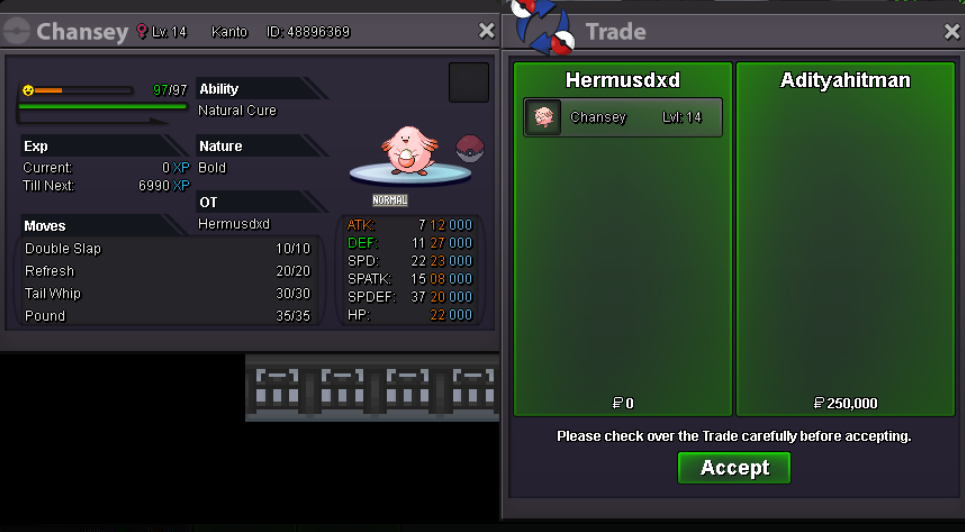
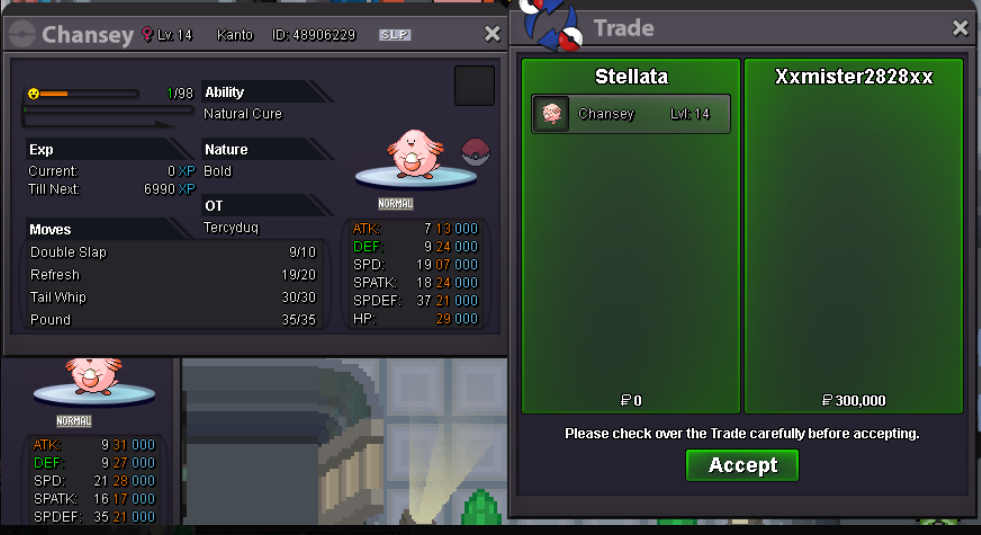
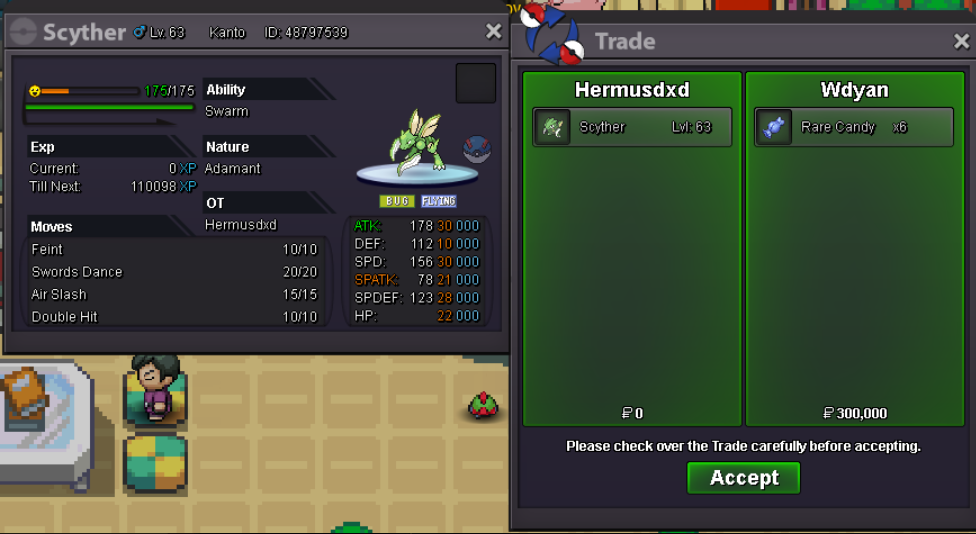
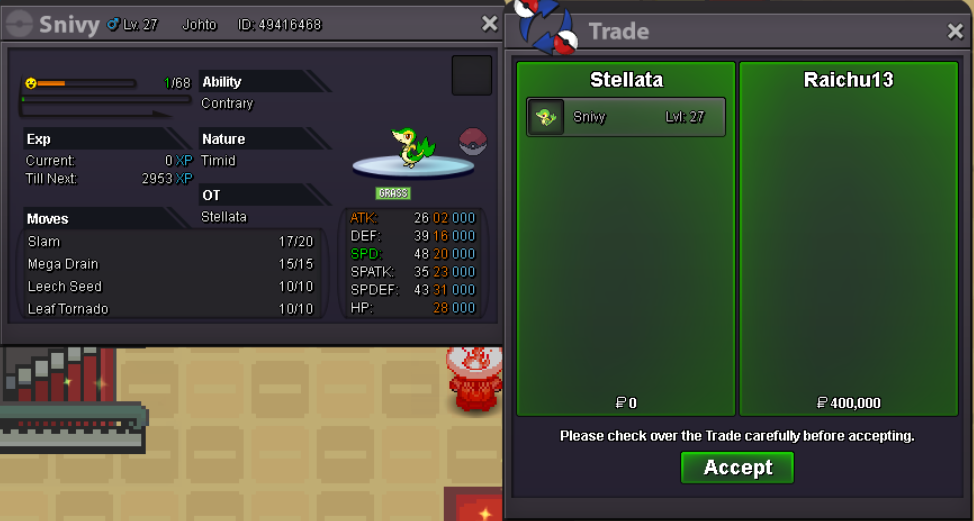 letsgo, ill startstartpm my disvord easier for us to tulk hahah tybump
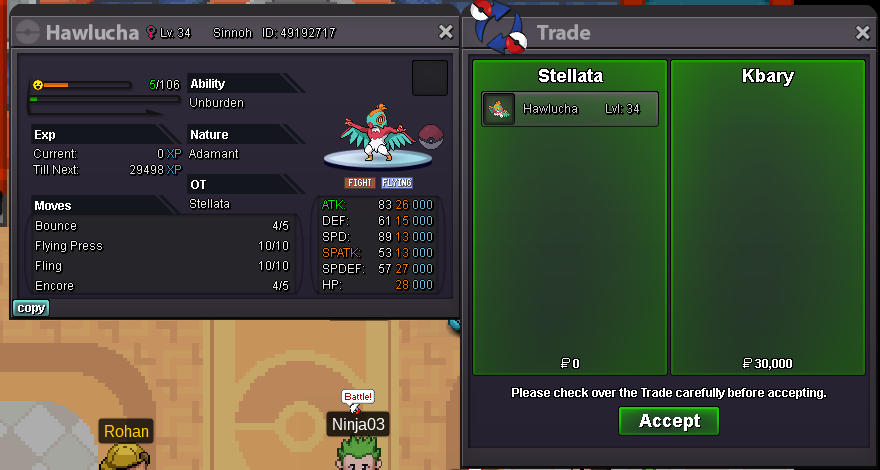
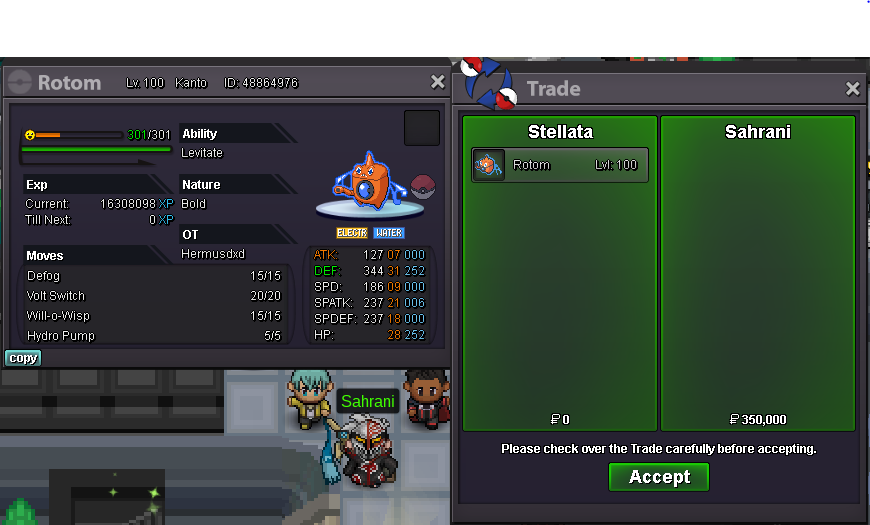
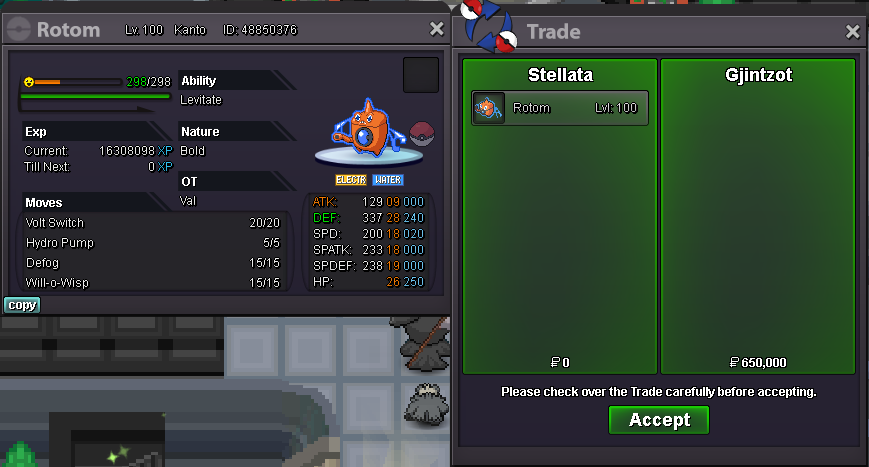
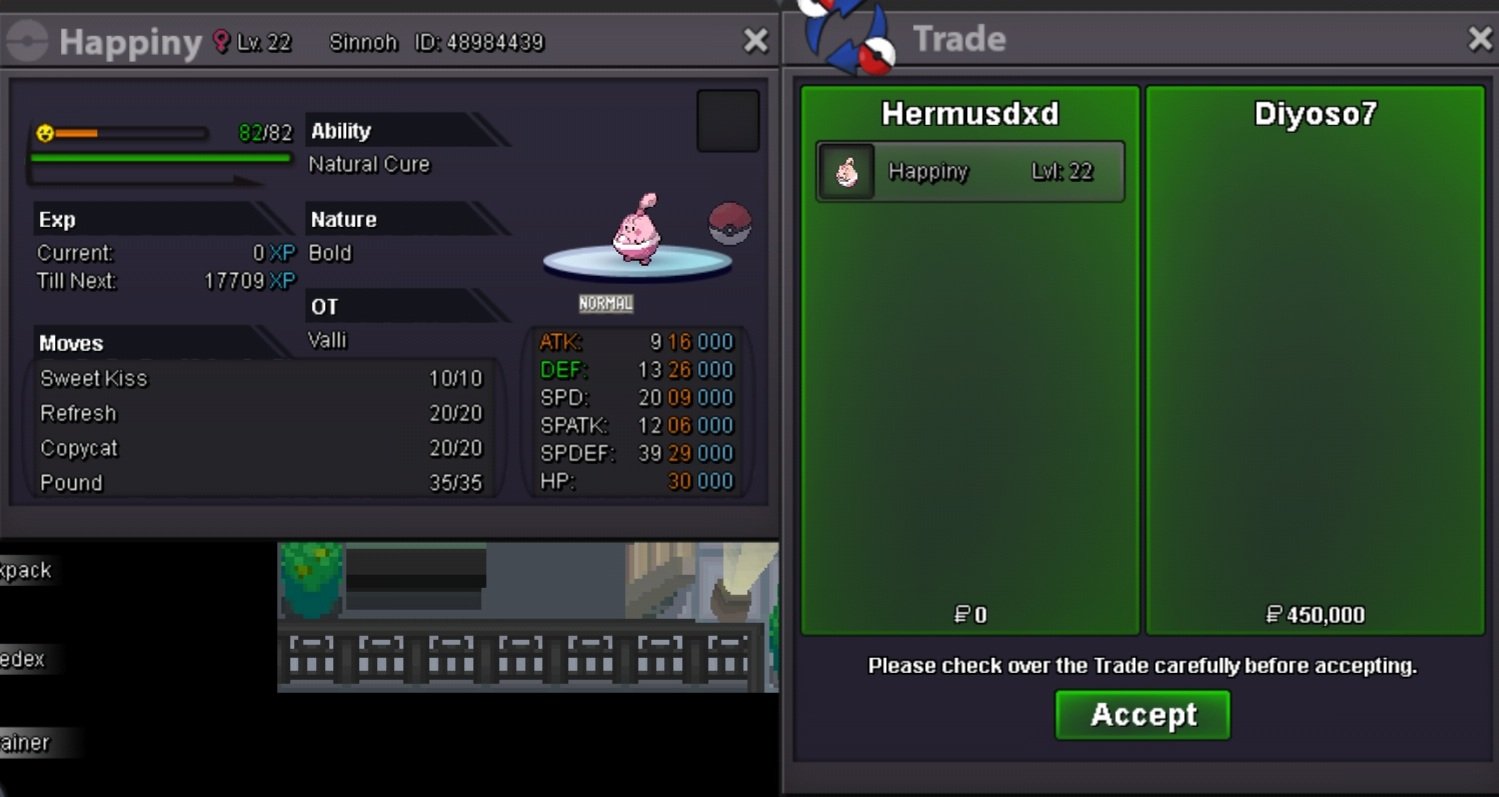 bump added many trained rotom and venusaur untrained rotom-bulbasaur untrained 20+ def spdef hp chansey thank youbump
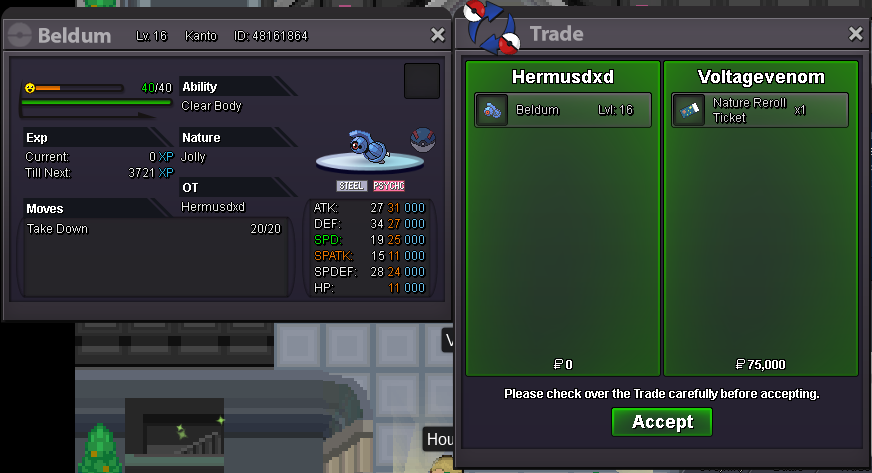 bumpADDED MANY POKE BOTH TRAINED AND UNTRAINED, FEEL FREE TO BROWSE , THANK YOU Im sorry but sold already, thank youThankbyou so much 🙂
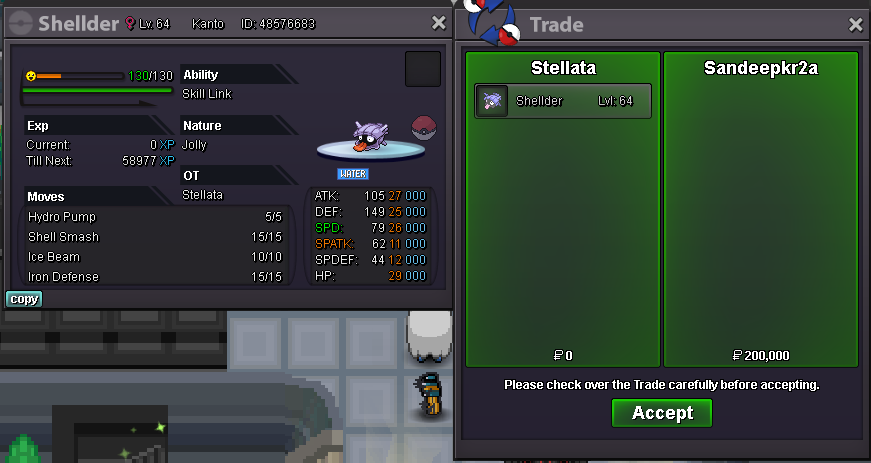
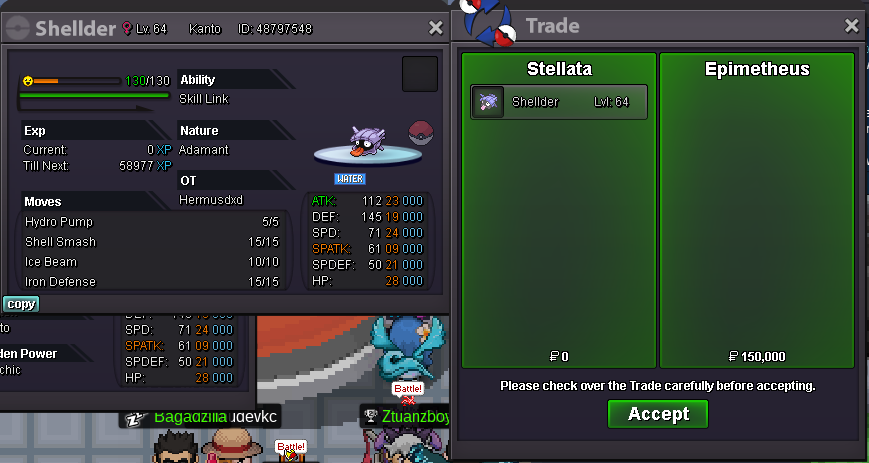
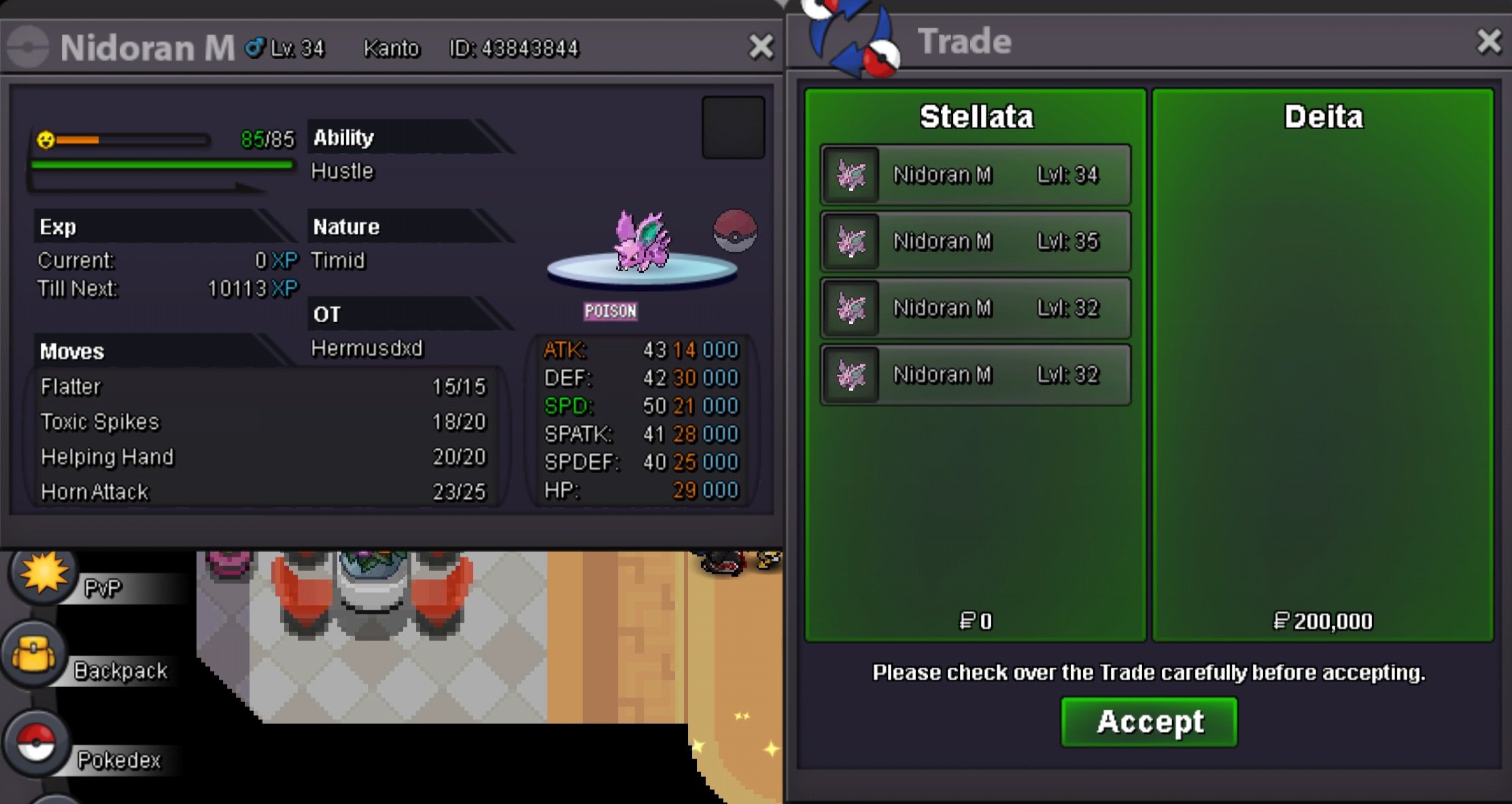 TY so much for shopping will add some shellder tommorow, thanks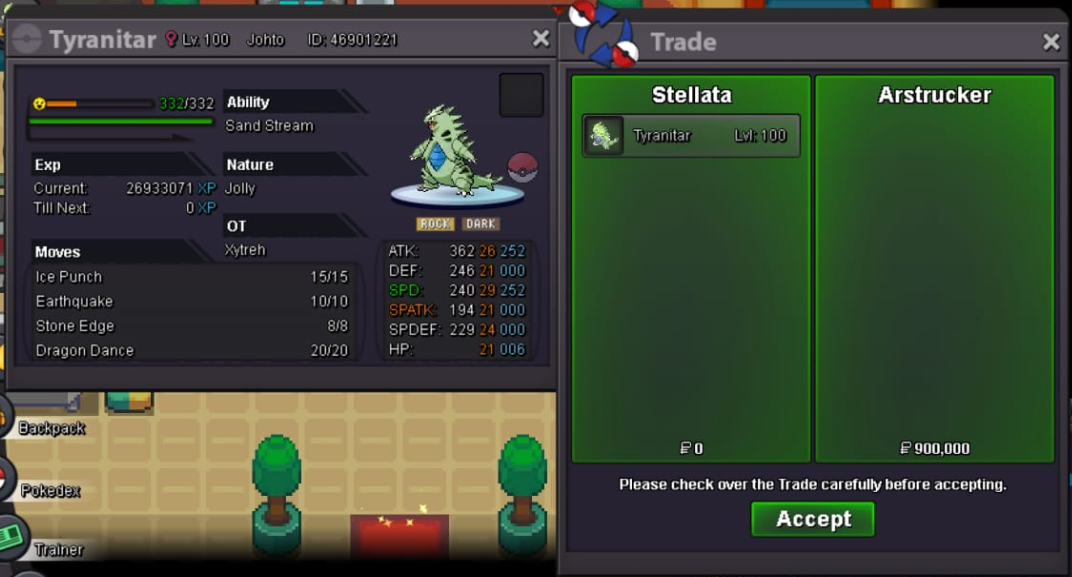
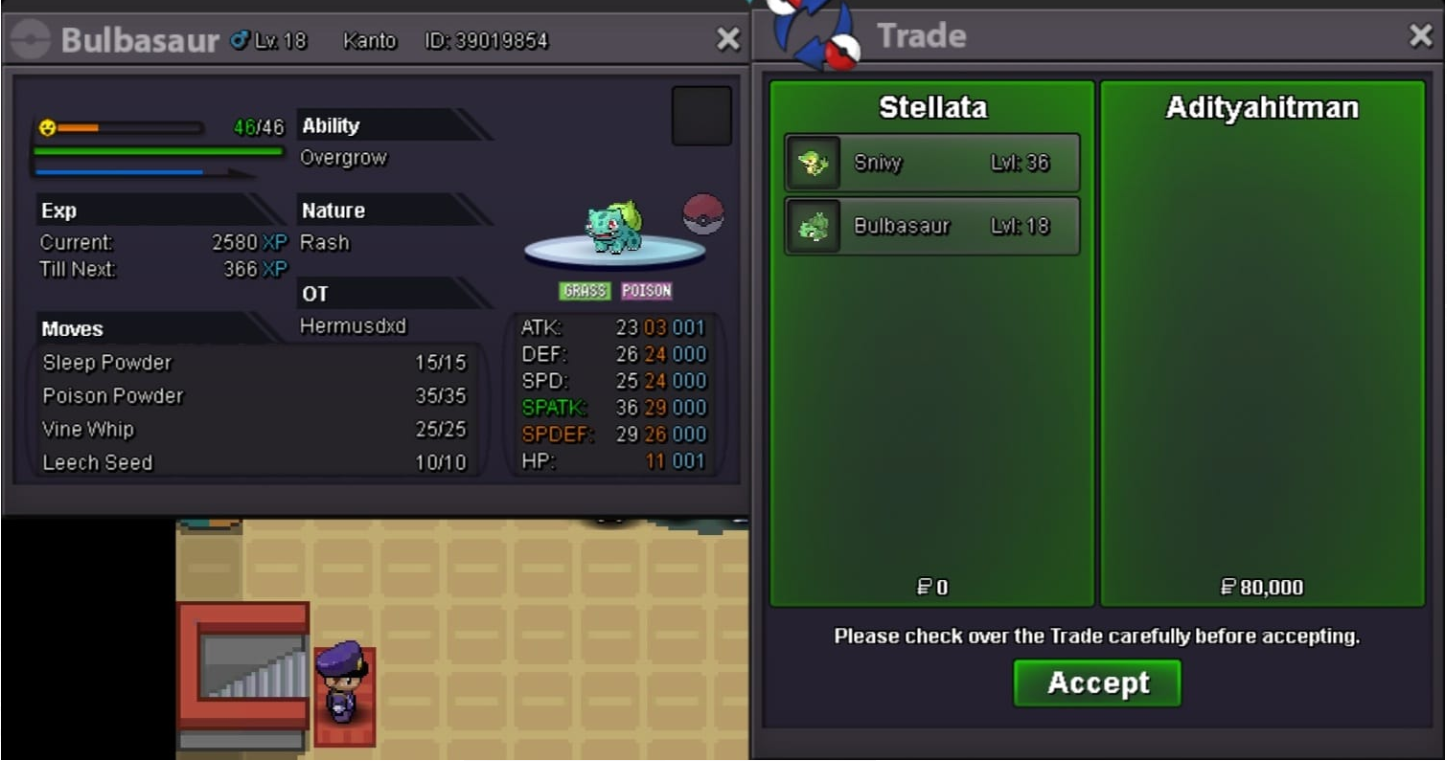
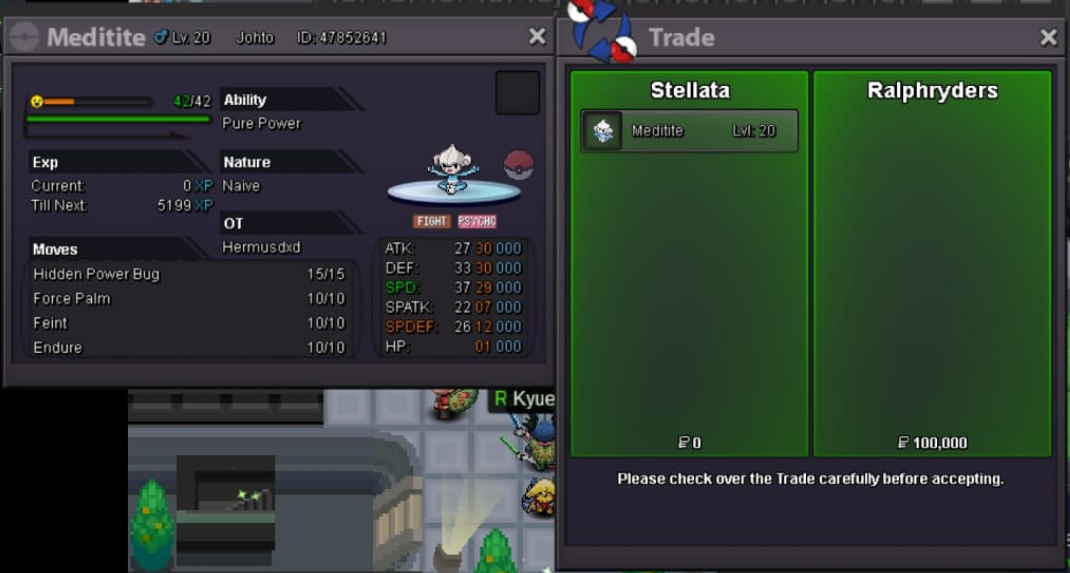
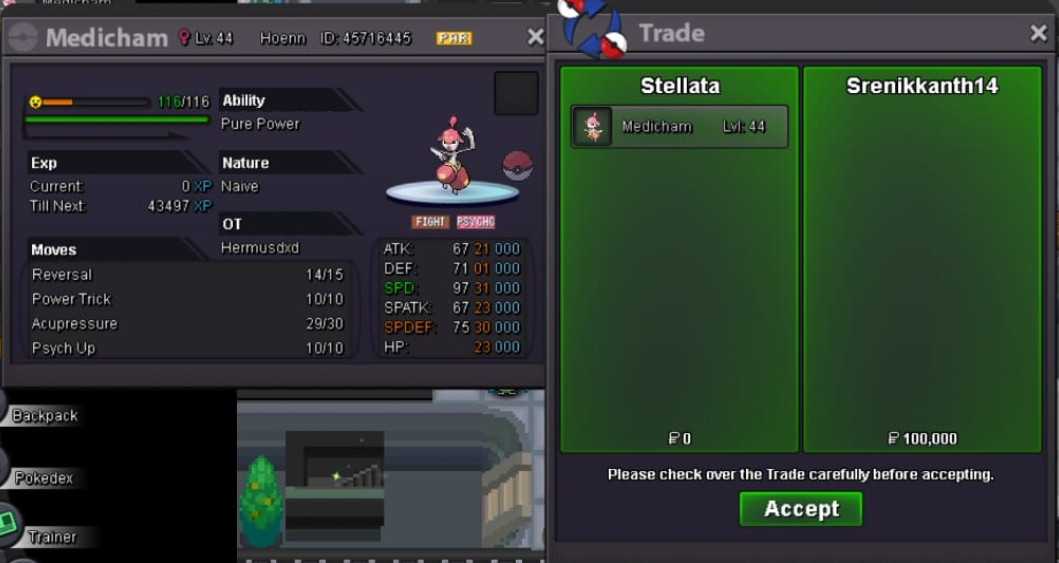
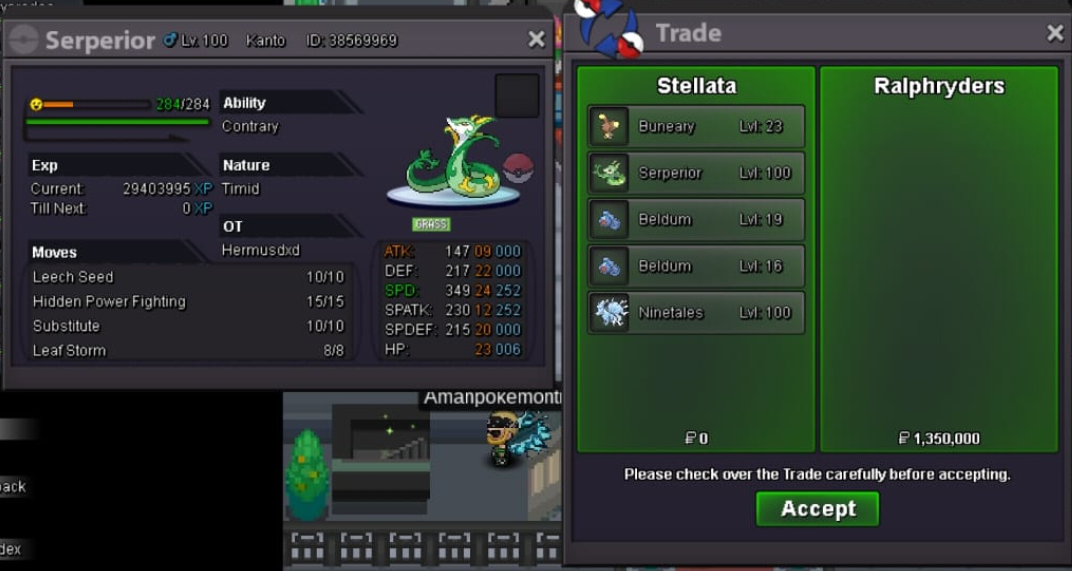 ty, ill online nowDiancie 2231added some poke, mostly beldums, also i tidy up the shop to make it easier to browse, enjoy! feel free to contact me if you have any question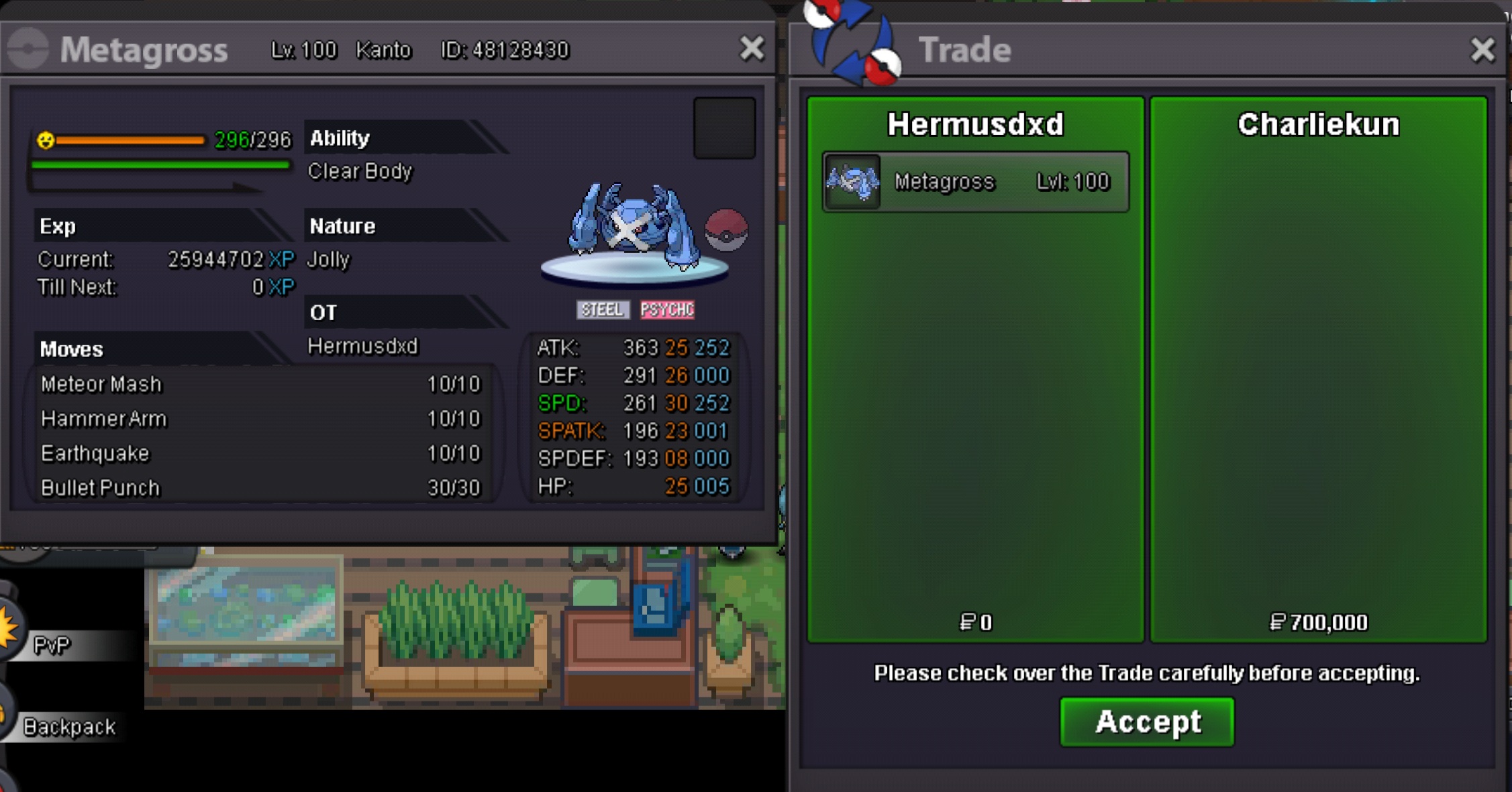
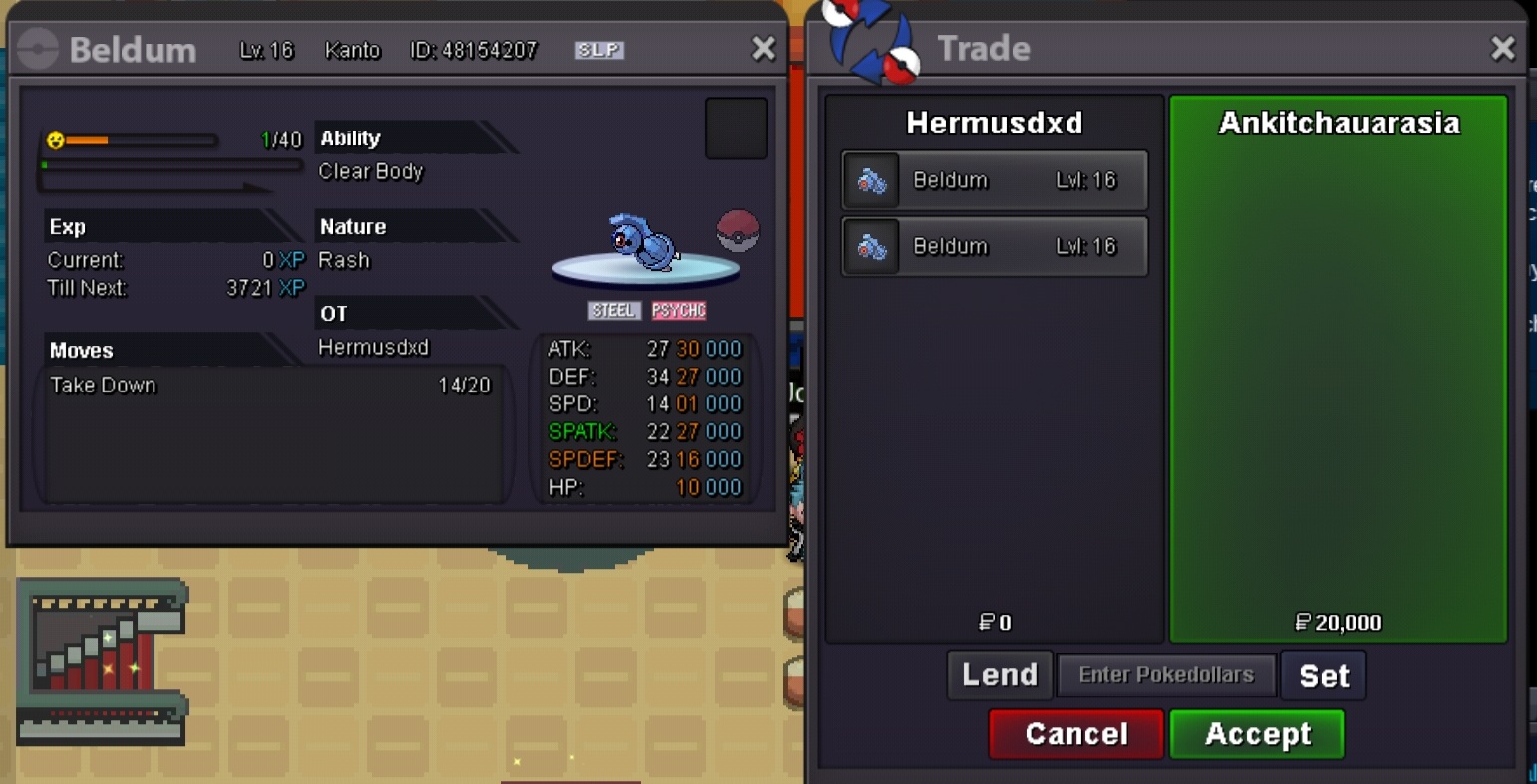
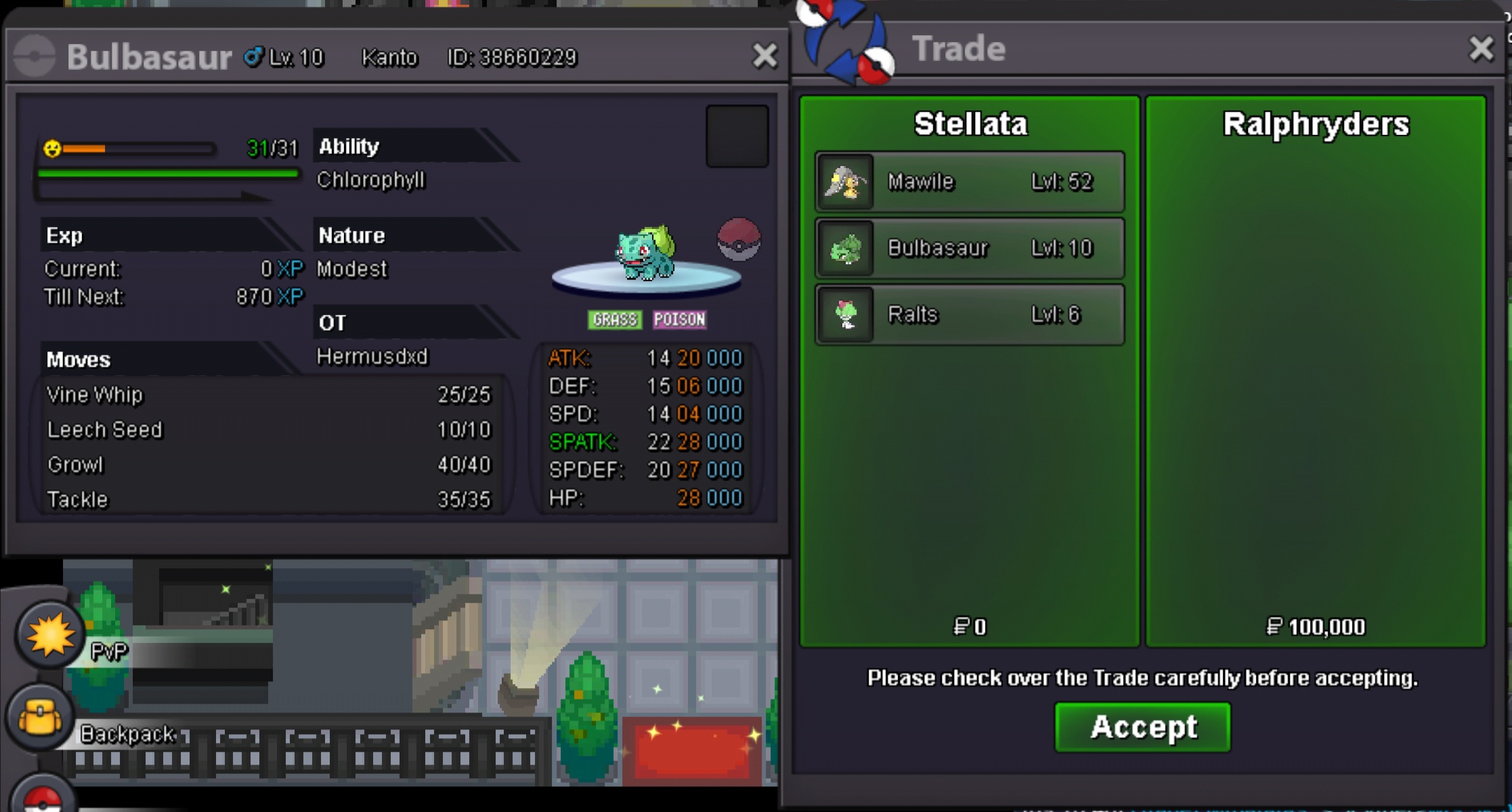

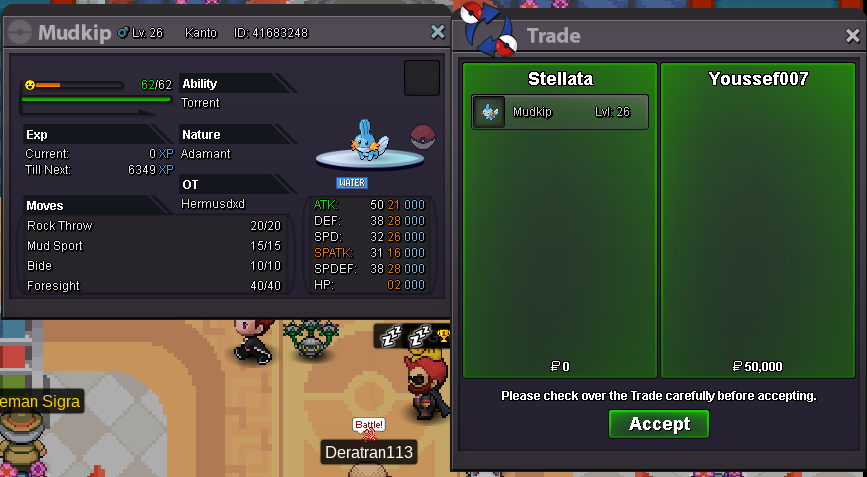
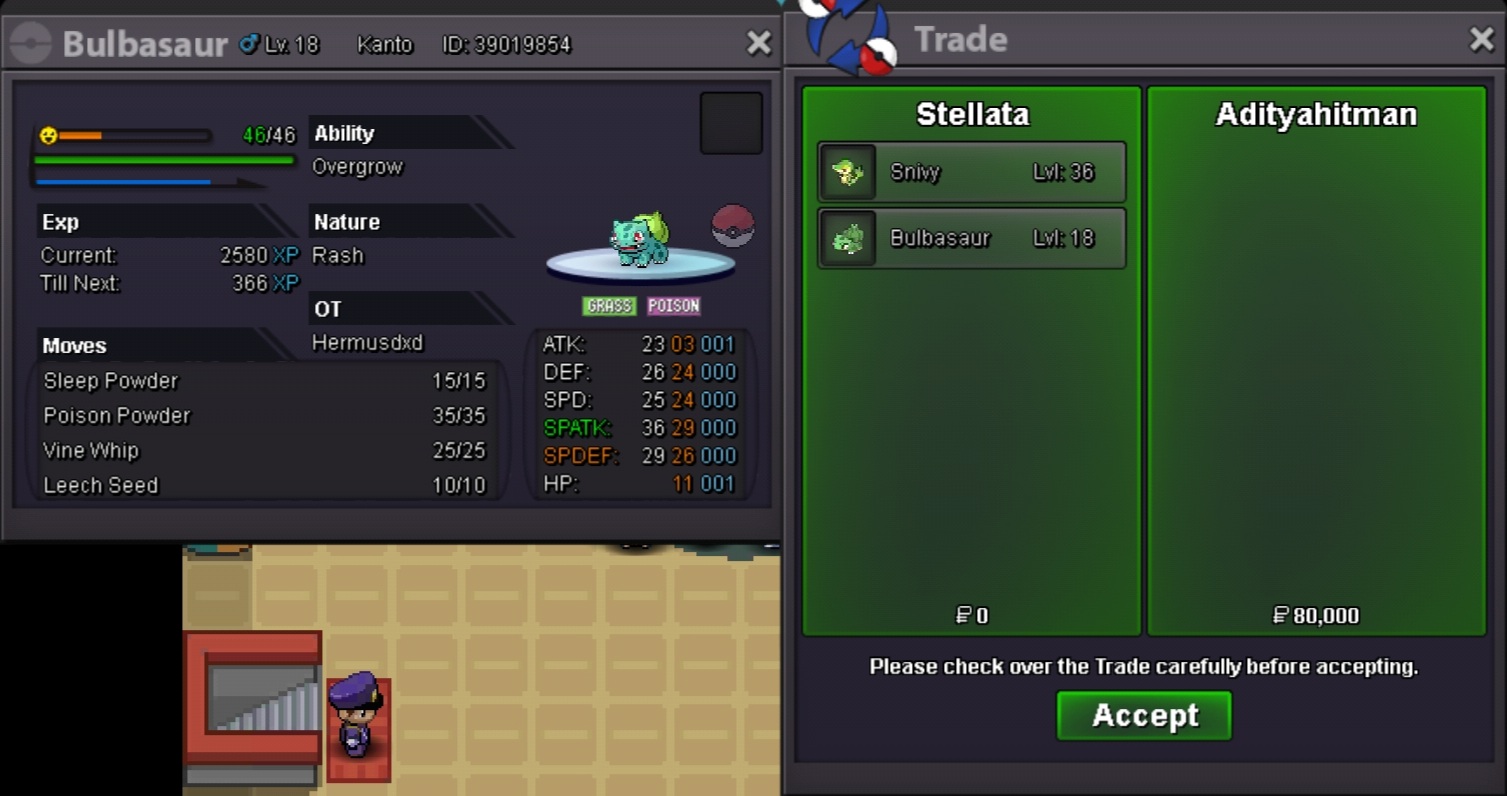 I have some beldums, dm me in discord if u interested. I havent put it kn my shop yet, tyy


Account
Navigation
Search
Configure browser push notifications
Chrome (Android)
- Tap the lock icon next to the address bar.
- Tap Permissions → Notifications.
- Adjust your preference.
Chrome (Desktop)
- Click the padlock icon in the address bar.
- Select Site settings.
- Find Notifications and adjust your preference.
Safari (iOS 16.4+)
- Ensure the site is installed via Add to Home Screen.
- Open Settings App → Notifications.
- Find your app name and adjust your preference.
Safari (macOS)
- Go to Safari → Preferences.
- Click the Websites tab.
- Select Notifications in the sidebar.
- Find this website and adjust your preference.
Edge (Android)
- Tap the lock icon next to the address bar.
- Tap Permissions.
- Find Notifications and adjust your preference.
Edge (Desktop)
- Click the padlock icon in the address bar.
- Click Permissions for this site.
- Find Notifications and adjust your preference.
Firefox (Android)
- Go to Settings → Site permissions.
- Tap Notifications.
- Find this site in the list and adjust your preference.
Firefox (Desktop)
- Open Firefox Settings.
- Search for Notifications.
- Find this site in the list and adjust your preference.