




New Trade Zone
Trade Zone is now live
Use the new Trade Zone for auctions and instant-price trades so Pokemon and item offers are easy to find.

Tristatic
Registered User
-
Joined
-
Last visited
-
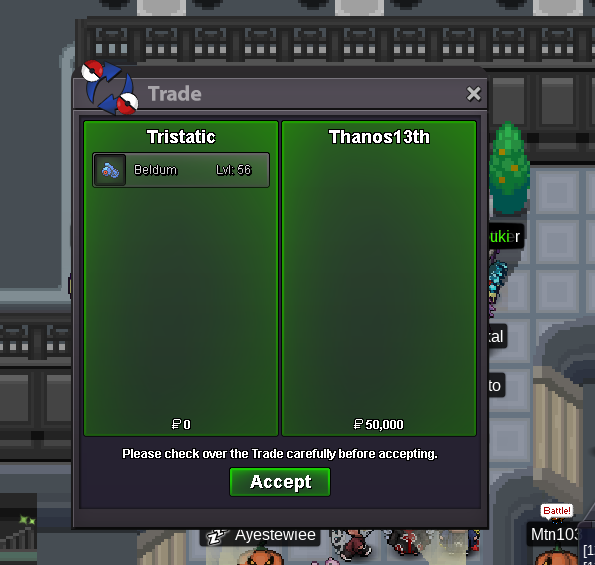
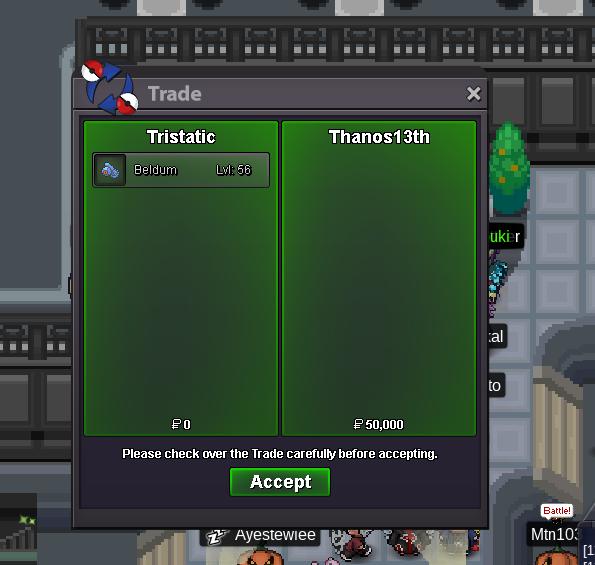
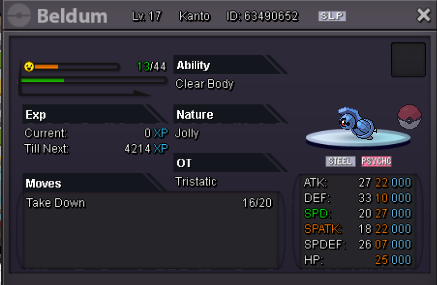
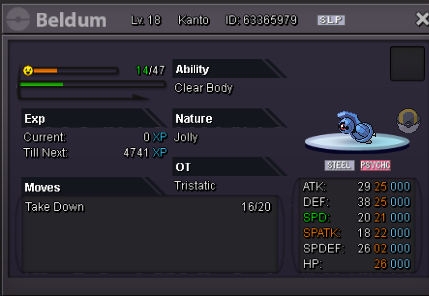
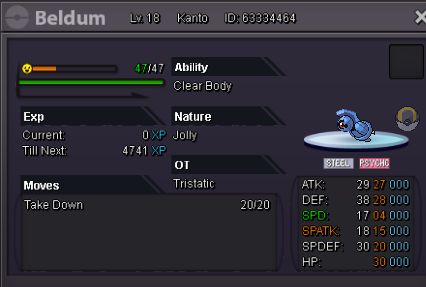
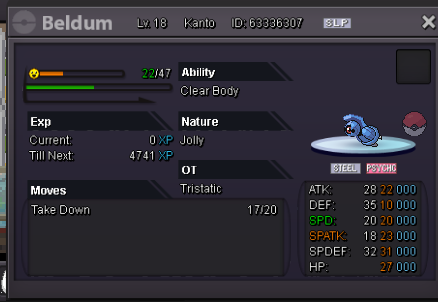
Beldum sold to Demosis7447.

-
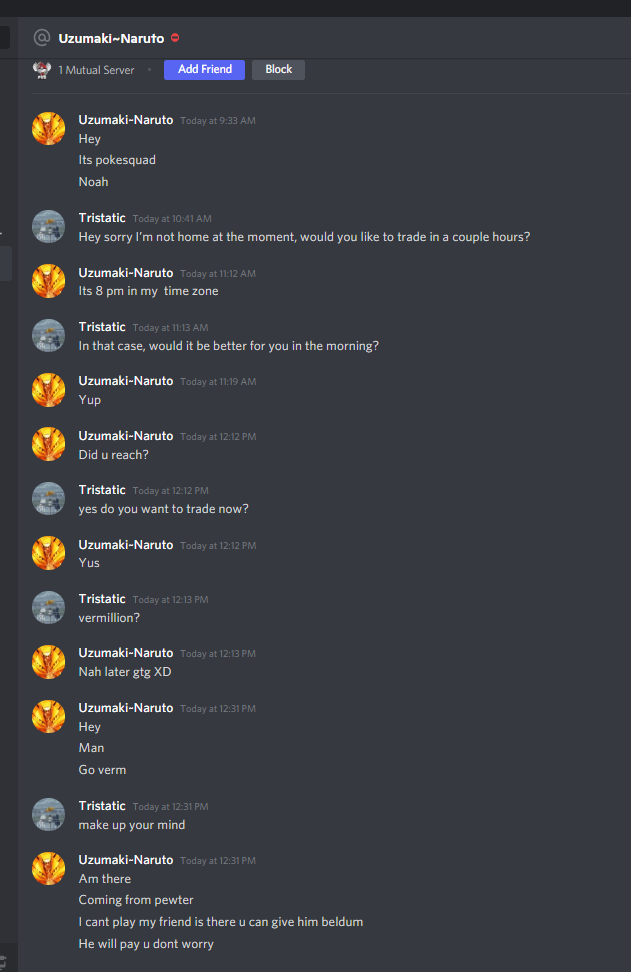
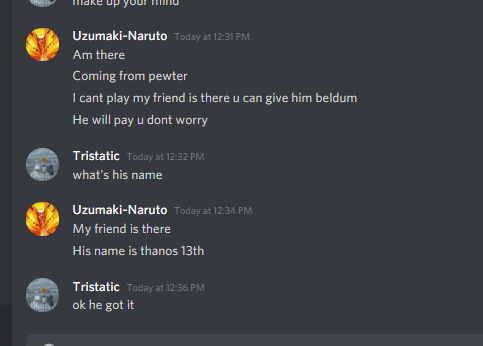
PokesquadNoah asked Thanos13th to receive the Beldum on behalf of him.
-
Noted; Demosis7447 started bid for #2 (Auction ends 12:38 PM EST 8/17/2021).
-
Alright, noted: PokesquadNoah started bid for #6 (Auction ends 9:40 AM EST 8/16/2021) and Thanos13th started bid for #1 (Auction ends 9:45 AM EST 8/16/2021).
-
- 2 day auctions for all once starting offer is received. - Each bid must increase by 25k. - Feel free to contact me on Discord (Tristatic#9471). Thank you. 1) Sold; Waiting for buyer to contact. 2) Start 50k & Insta 450k 3) Start 50k & Insta 500k 4) Start 50k & Insta 500k 5) Start 50k & Insta 250k 6) Sold; Transaction Finished
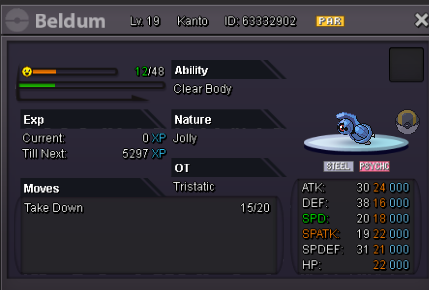
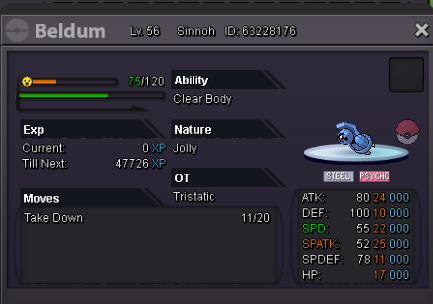
-
Is there an insta?
-
Hi, I'm interested in the adamant tyranitar for 500k if it's not already sold. Discord: Tristatic #9471
-
- Auctions last 2 days after first bid. Thanks. Start: 200k Insta: 600k Start: 300k Insta: 800k Start: 300k Insta: 900k
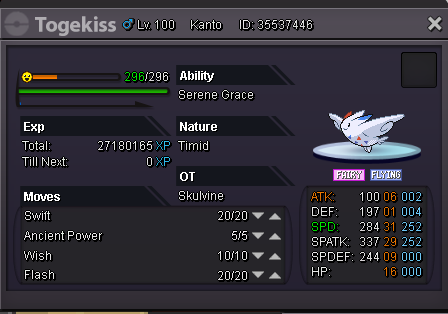

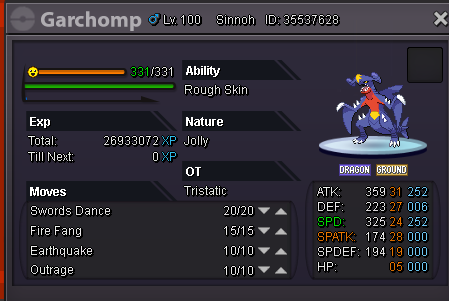
-
SERVER TRANSFER Username: Tristatic Server to charge the money from: Gold Main Server to transfer: Silver
-
what's the price on meta
-
-
-
I'm in no hurry to sell this. Leave your offer and if I agree with your price I will pm you on discord. Keep in mind this does not mean I will sell 100% so convince me with your offer. **This is not an auction or bid.
-
Sold to grimvn
.thumb.png.67405a244b02151742174f9e4c0f5054.png)
-
bump

.png.31e81975be7964ac55c5dcda1f1942da.png)