New Trade Zone
Trade Zone is now live
Use the new Trade Zone for auctions and instant-price trades so Pokemon and item offers are easy to find.

Yakuzah
Registered User
-
Joined
-
Last visited
-
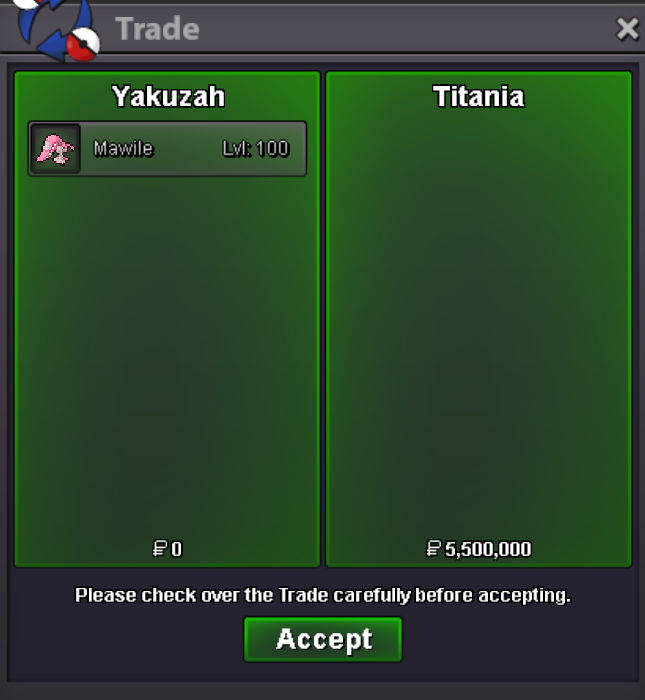
Sold!
-
Hey, congratz you won! Please let me know when u are online or contact me on discord (Yakuzah)
-
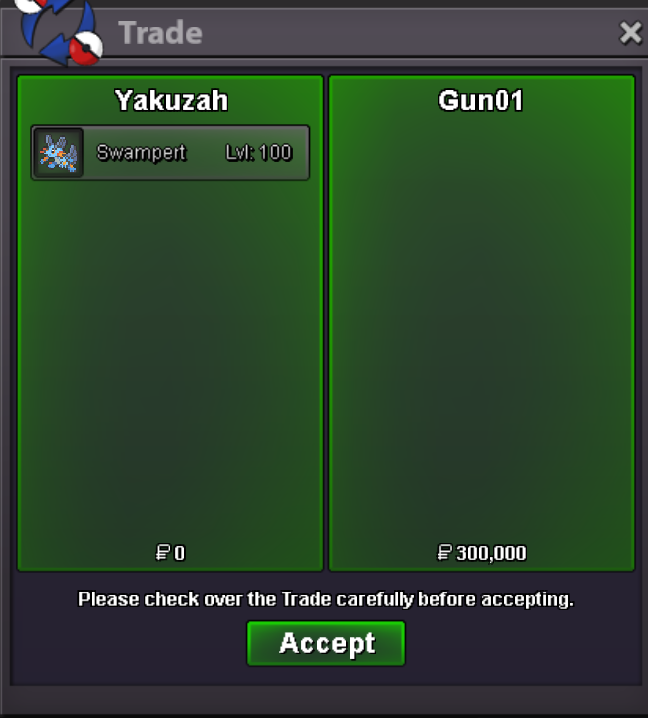
Traded
-
Congratz @Gun01 Please let me know when u online or talk to me in discord Yakuzah
-
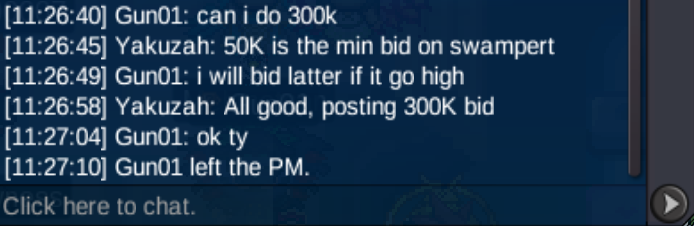
300K bid
-
-
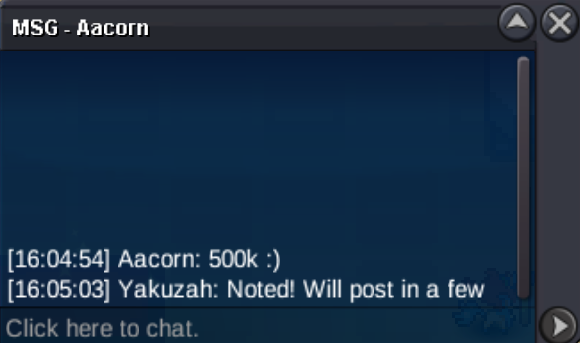
S.O: 5M Min Raise : 250K End Point: 48 hours after the 1st valid bid. Insta: 9M Accepts CCs at 450K and IV rerrolls at 700K

-
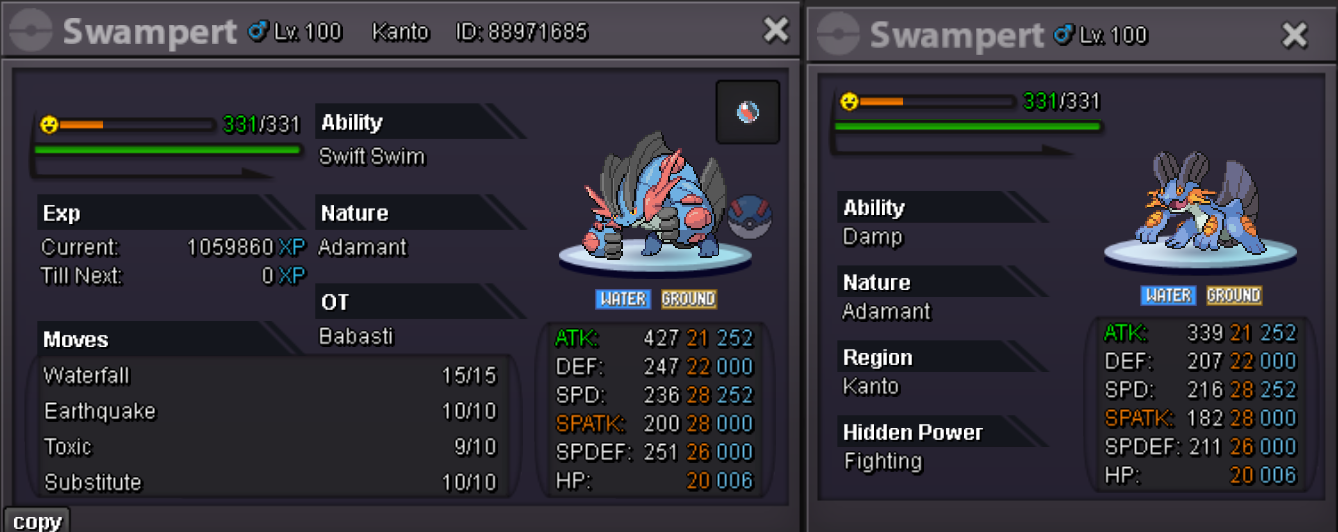
Hello, time to sell my epic Mega Swampert! S.O: 100K Min Raise : 50K End Point: 12 hours after the 1st valid bid. Insta: 1.25M Accepts CCs at 450K and IV rerrolls at 700K
-
-
You won! Please let me know when u online!
-
-
-
-
-
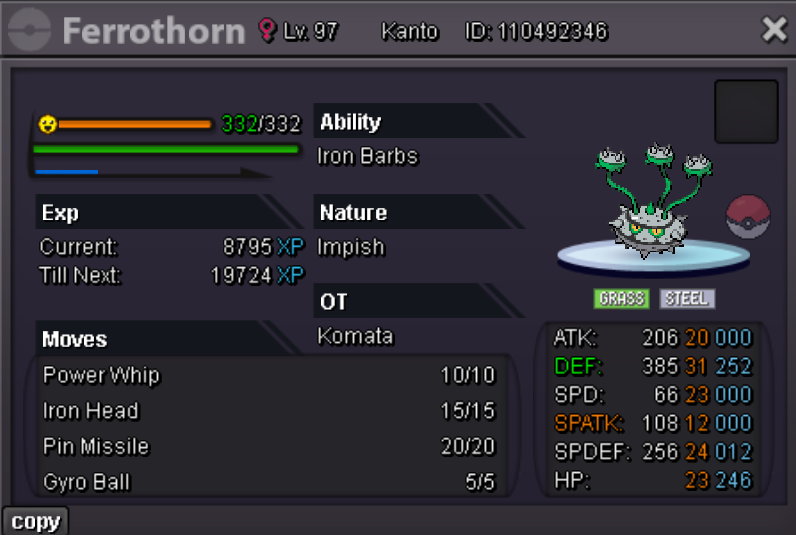
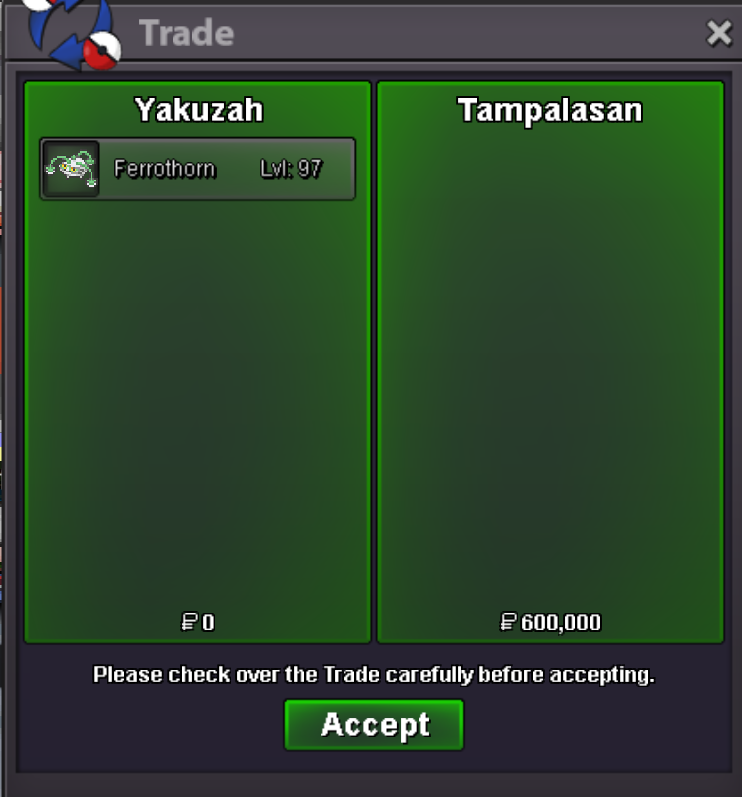
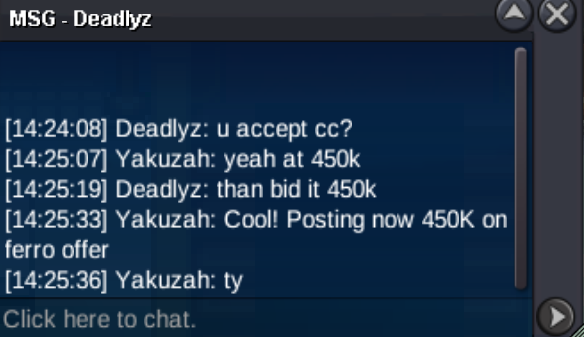
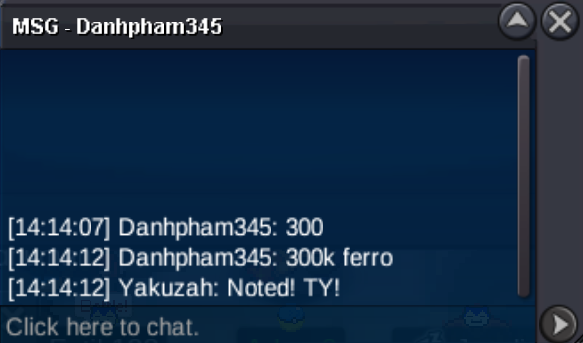
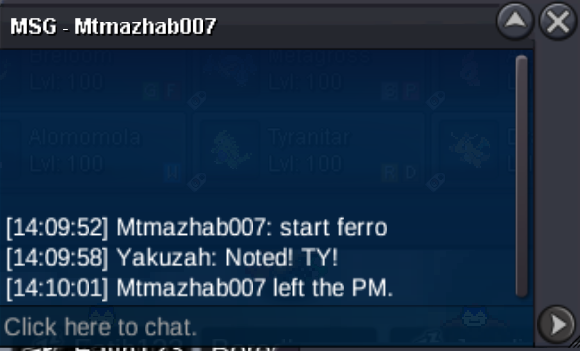
Hello time to sell my epic ferro! S.O: 250K Min Raise : 50K End Point: 5 hours after the 1st valid bid. Insta: 2.5M Accepts CCs at 450K and IV rerrolls at 700K