




New Trade Zone
Trade Zone is now live
Use the new Trade Zone for auctions and instant-price trades so Pokemon and item offers are easy to find.


Shellos
Registered User
-
Joined
-
Last visited
Everything posted by Shellos
-
6.1m
-
6m
-
5.5m
-
3m
-
Trade is completed! can be closed ❤️
-
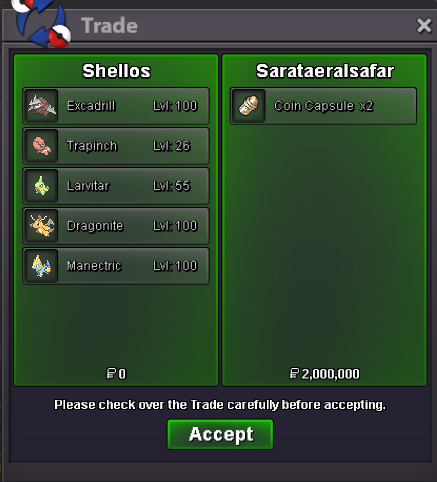
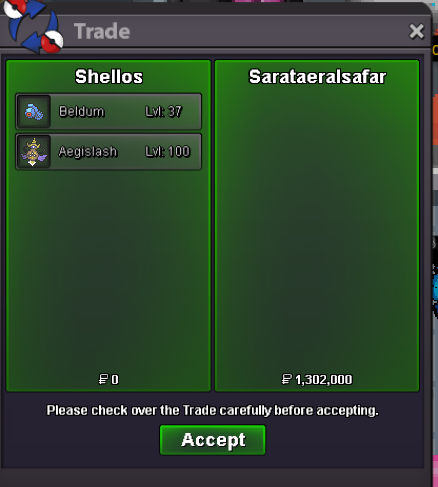
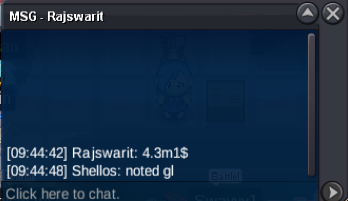
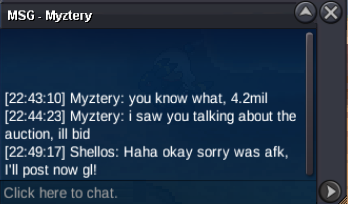
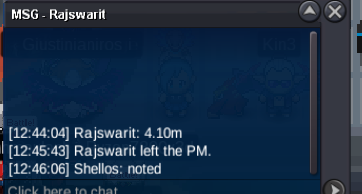
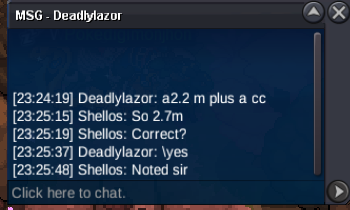
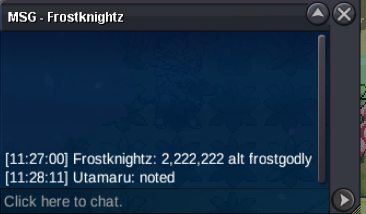
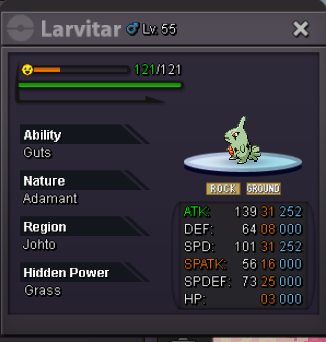
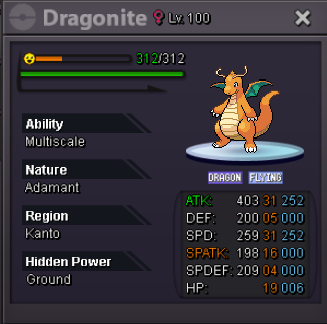
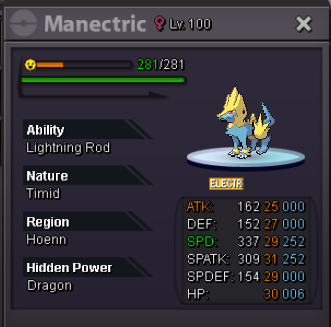
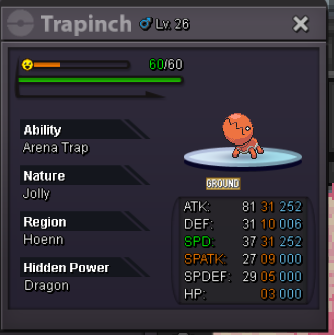
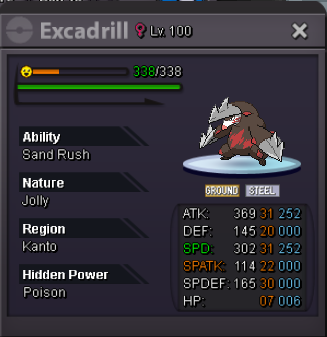
Correct! I'll transfer them over but I have it stated they have to pay for said xfers.I've tried pming you multiple time's whenever I'm online. I'm EST So i'm on currently.@Sarataeralsafar You won the auction! Please read over my orginial post and Pm me on both servers when you're ready to collect!Online until auction is over! 3h left!Last 24H BUMP!Quoting this since clocklink isn't working correct, Auction officially ends at Thursday 11:24am EST!You have starting bid! gl ❤️@Kimew @Glitterwing @Auroraveil @Larfleeze @Drakloak @Hizukii I didn't know which mods to tag for this, But I tagged the trade mods to beable to help with this trade. (If it is force traded, Please use my shellos account on Silver. I was going to pay with 12 Coin Caps which is 6m accepted at 500kea, And 3m cash)Bump @Pasokoss I was online all night waiting and didn't see you on. I work today so it'll be rough to get online Message me here or on discord @dreamaswefall I'll also tag A mod just incase they can force the trade for us.@Pasokoss I will Be on past 8-9PM EST to pay/collect


Account
Navigation
Search
Configure browser push notifications
Chrome (Android)
- Tap the lock icon next to the address bar.
- Tap Permissions → Notifications.
- Adjust your preference.
Chrome (Desktop)
- Click the padlock icon in the address bar.
- Select Site settings.
- Find Notifications and adjust your preference.
Safari (iOS 16.4+)
- Ensure the site is installed via Add to Home Screen.
- Open Settings App → Notifications.
- Find your app name and adjust your preference.
Safari (macOS)
- Go to Safari → Preferences.
- Click the Websites tab.
- Select Notifications in the sidebar.
- Find this website and adjust your preference.
Edge (Android)
- Tap the lock icon next to the address bar.
- Tap Permissions.
- Find Notifications and adjust your preference.
Edge (Desktop)
- Click the padlock icon in the address bar.
- Click Permissions for this site.
- Find Notifications and adjust your preference.
Firefox (Android)
- Go to Settings → Site permissions.
- Tap Notifications.
- Find this site in the list and adjust your preference.
Firefox (Desktop)
- Open Firefox Settings.
- Search for Notifications.
- Find this site in the list and adjust your preference.