New Trade Zone
Trade Zone is now live
Use the new Trade Zone for auctions and instant-price trades so Pokemon and item offers are easy to find.

Isumitora
Registered User
-
Joined
-
Last visited
-
Username: IsumiTora Server: Silver Timezone: GMT -9
-
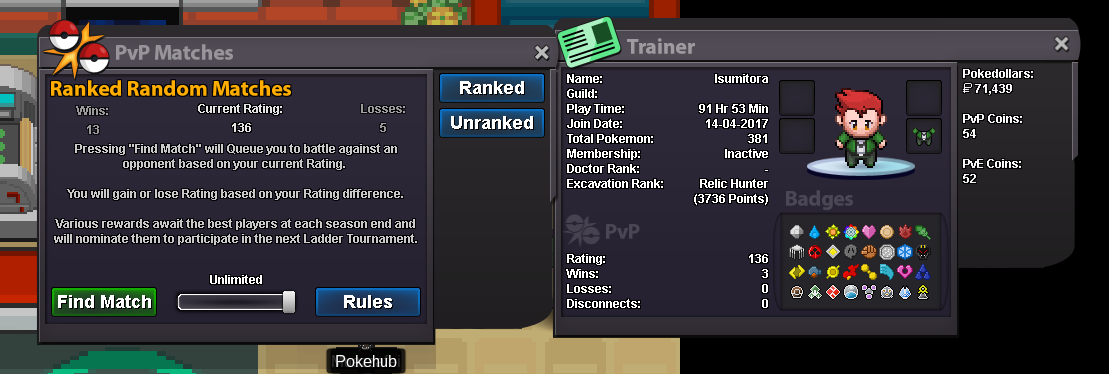
What's your IGN?--IsumiTora How old are you?--23 What is Your Discord ID?--AvatarAsh#8996 What's your goal in PRO?--To ladder What is your favorite aspect of PRO?--Catching lots of mons looking for good ivs What was your highest rating achieved in the last 3 PvP seasons?--136 Why did you choose Predators? I want to start focusing more on pvp, this guild will help me with that I know my rating is a little lower than you are looking for but my record this season was 13W/5L (72% winrate) so once I start playing more often that will be much higher.
-
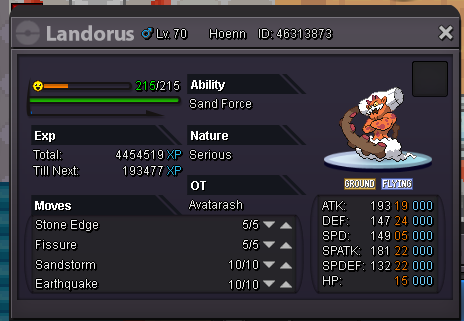
I synced my landorus jolly and it was caught jolly. Later, the nature seems to have been deleted. Ign: AvatarAsh Server: Silver