New Trade Zone
Trade Zone is now live
Use the new Trade Zone for auctions and instant-price trades so Pokemon and item offers are easy to find.

Savings
Registered User
-
Joined
-
Last visited
-
Updated and changed the price.
-
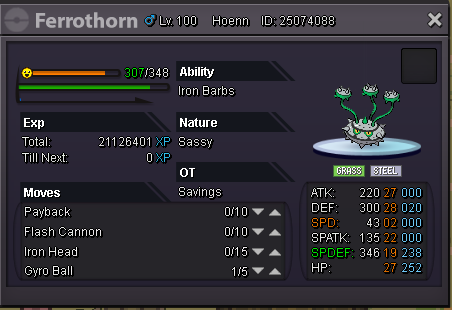
All pokes are now sold, can be locked.
-
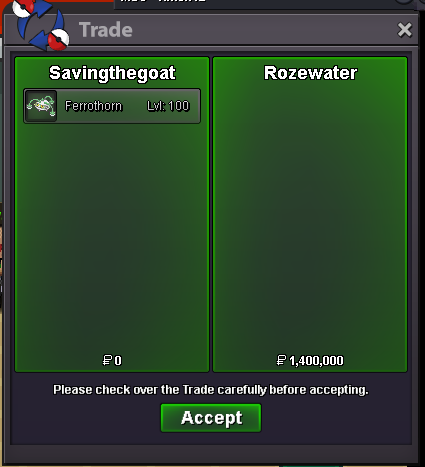
I would like to thank all who participated in this auction. Congratulations to Rozewater for winning. See you all next time. Happy hunting!
-
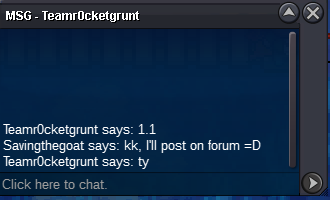
Teamr0cketgrunt is now the current leader.

 Less than 12 hours to go before the auction ends. Happy bidding.just a simple bump.Added a snipe prevention rule. Auction ends in a little more than 2 days and 4 hours. Happy bidding!Allsmell has started the auction. It will end 3 days from his post.SOLD Auction ends 3 days after the first bid. Min bid increase - 100k Accept CC as 230k Fake bids and offers will be reported. Snipe Prevention: if a bid is made within the last 10mins, the auction's time will get bumped up to 10mins from the last bid. Happy bidding.
 3mil offer from me =D1.4mI will start.+1 This is a great idea, nothing worse than trashing 20+ boxes of failed pokes. In my opinion, it's the worst part of the game and this would take that away. Please add.